Hello,
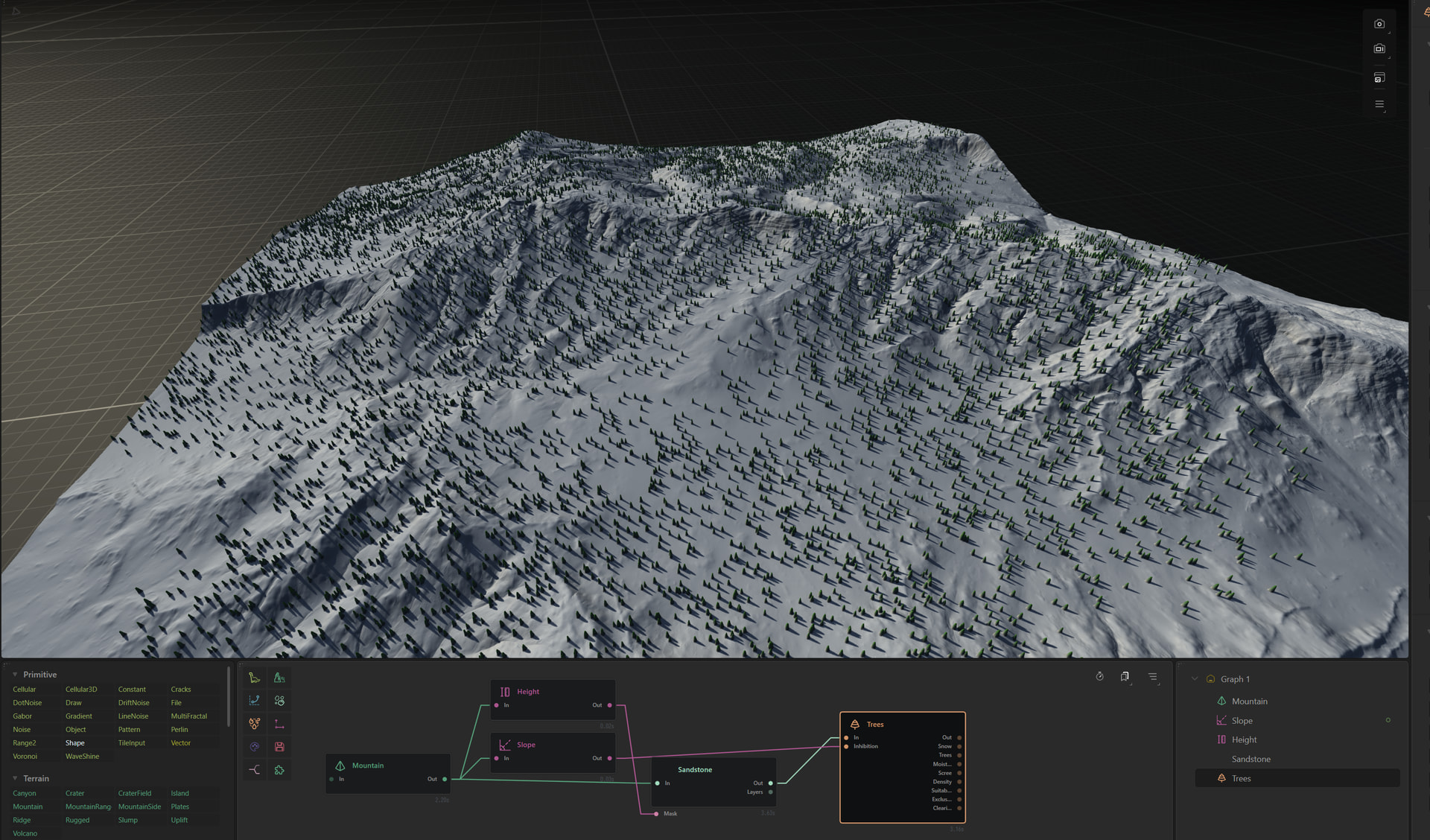
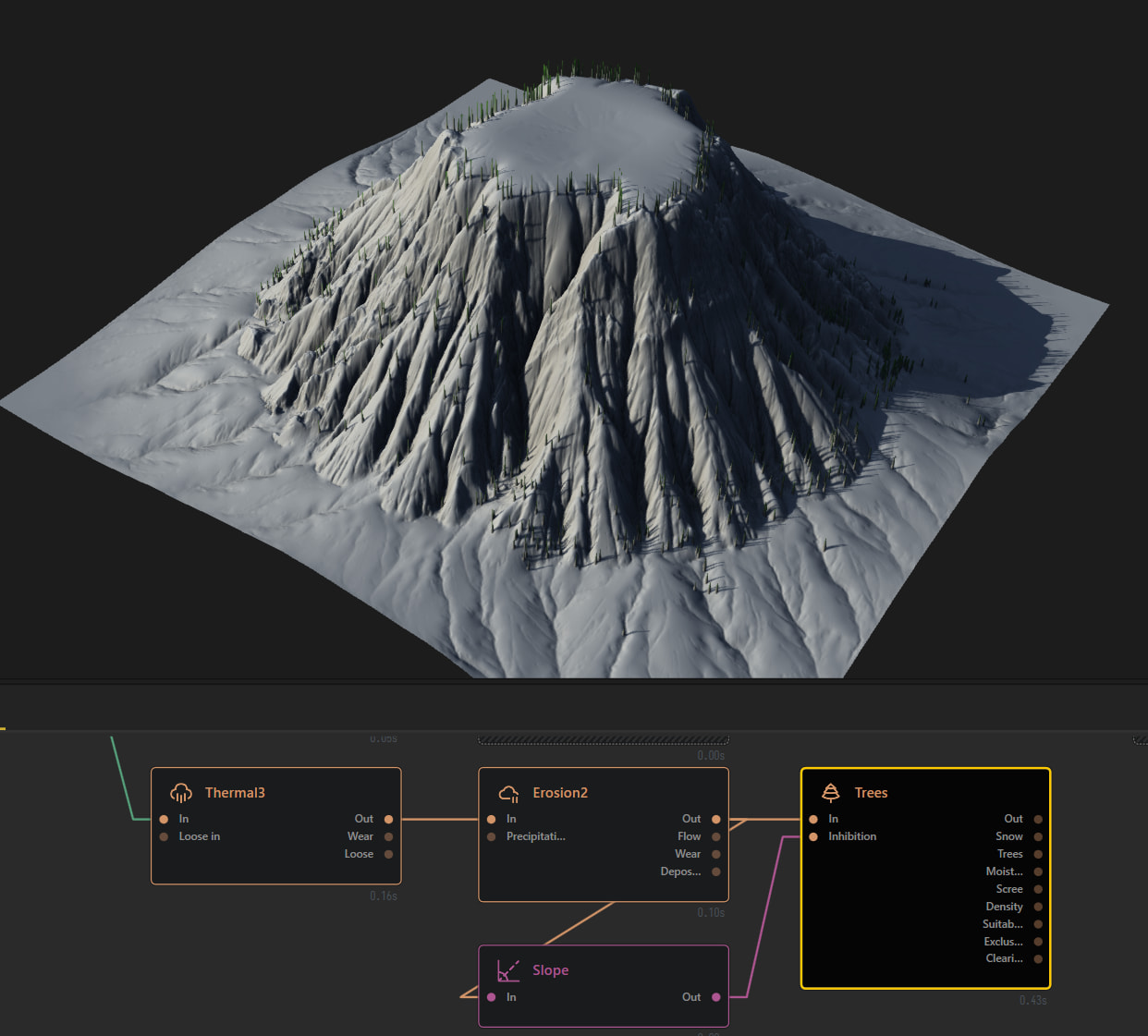
I can’t manage to find out which trees node’s output has to be used in order to get the “usual” trees mask.
I tried plugging an Adjust node set to mask to each of the trees node 's outputs with no success.
@Kosvid Hello master beta tester ;)
Sorry to ping you: Do you have any hint about how to get a proper tress mask using the G3 v 3.0.0.1955 Trees node ?
Thanks in advance .
Hello! :D
proper tress mask
Do you mean the old one displaying individual trees? That one’s gone for now (since the node got drastically reworked), so you can still use the area Tree mask to spawn groups of trees in render engines normally (since that was the better workflow before anyway, I used to blur that tree mask to use as area mask in Blender). But if you want to colour specifically the tree instances inside Gaea itself, you’ll unfortunately have to wait until it’s more complete in some near future. =)
P. S. “Master beta tester” is pretty flattering, made me smile… and brag to a couple friends. :D
It’s no joke that Kosvid is taking testing instead of breakfast lunch and dinner 
Thank you.
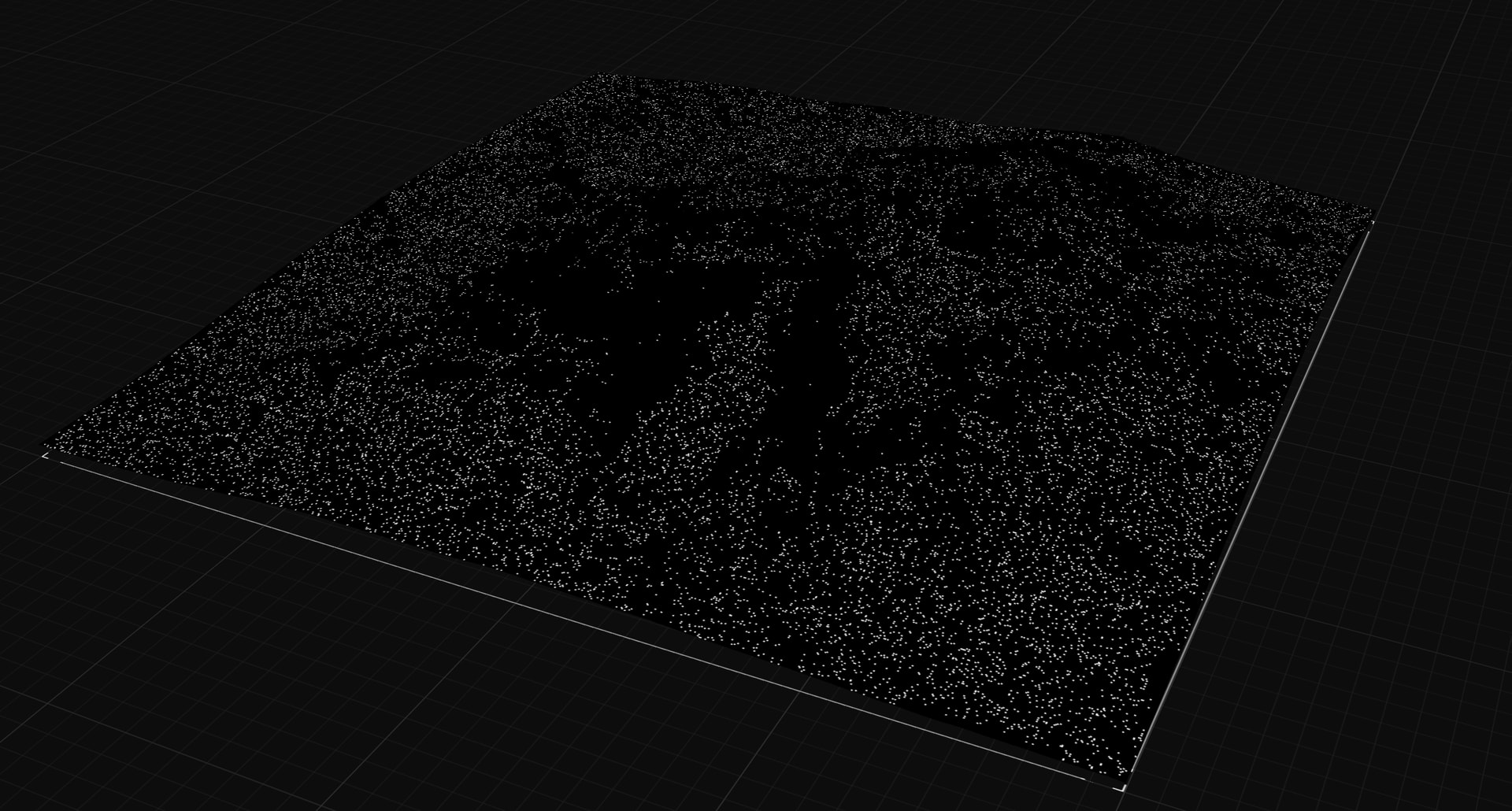
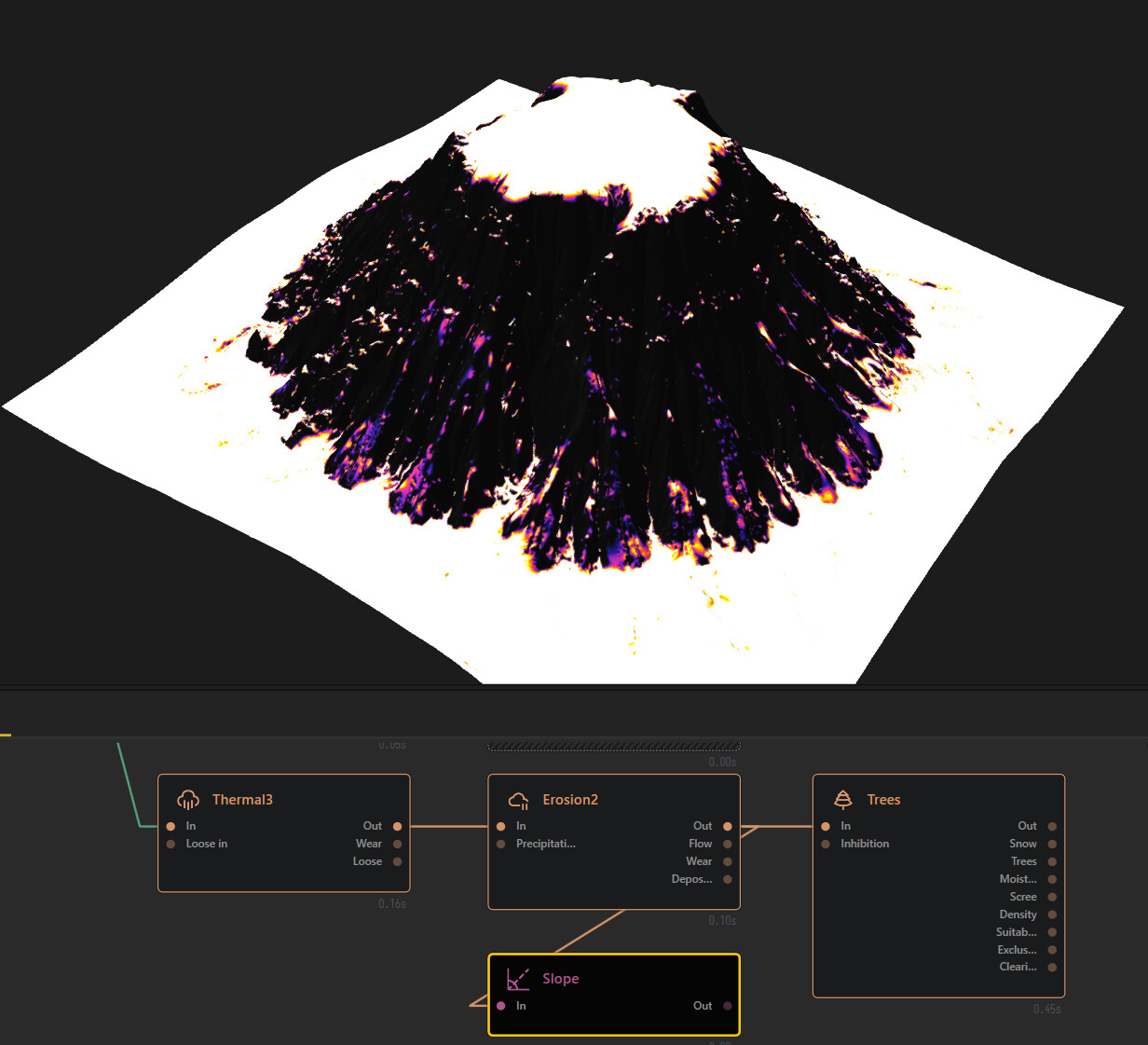
Yes, what I was looking for is the tree instances white on black.
This:
To use for trees placement in Blender in conjunction with the scatter on surface modifier 's “Masking” option or with Geo scatter.
=> I’ll wait untill Trees node is more complete in some near future
It can sound a bit flattering ( and maybe encourages an answer  ) but I believe that it’s more than rather well deserved !
If you’re using Geo Scatter, you should be perfectly fine with the current Trees mask, I believe. Just set the density you need inside the addon itself, but the areas work very well now. The only real use case I see for individual tree dots is to paint instances within Gaea, to be honest. Areas should work well for other software.
I’ve just tried on my own.
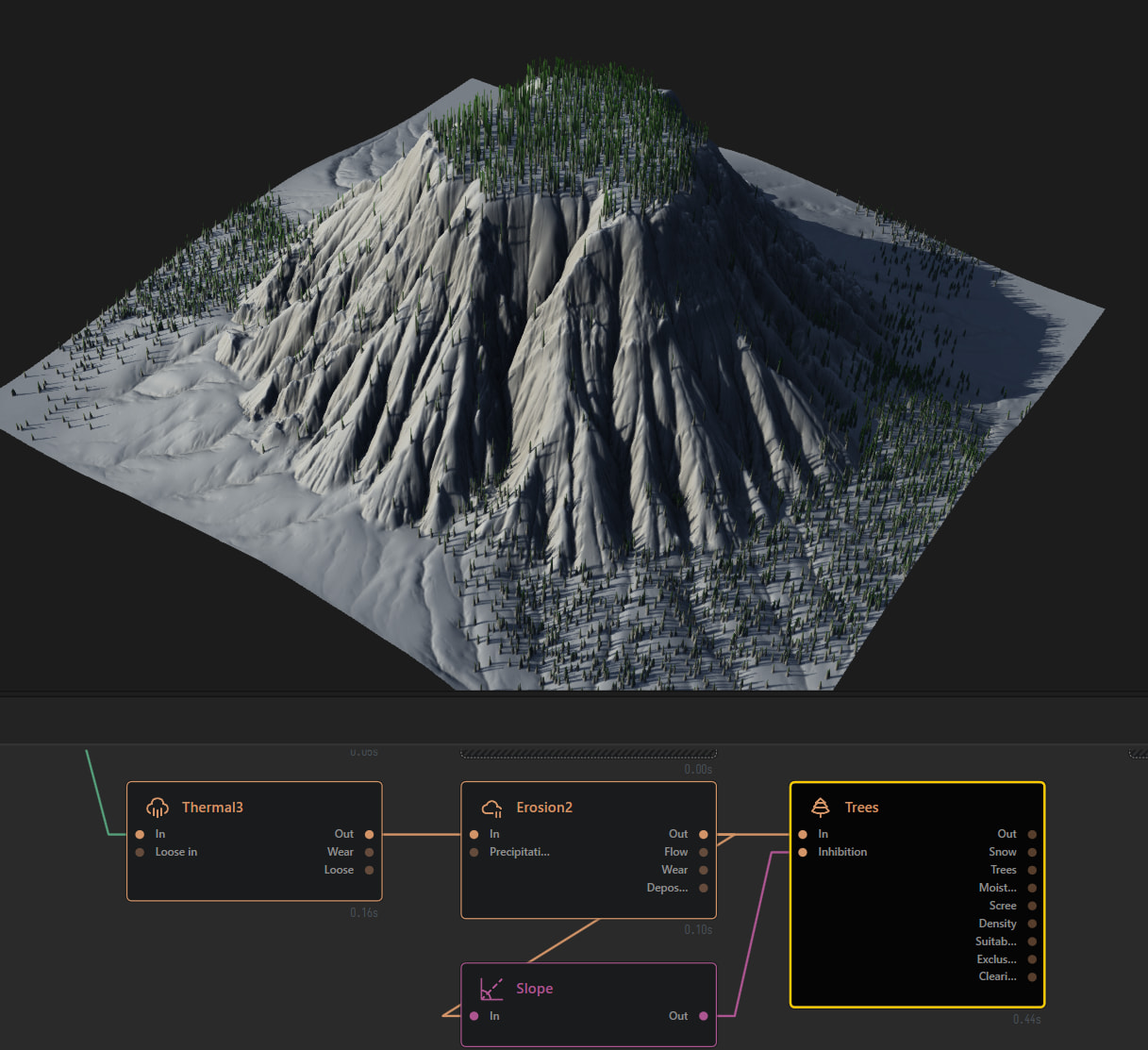
Indeed, with default settings inhibition masks aren’t respected too much.
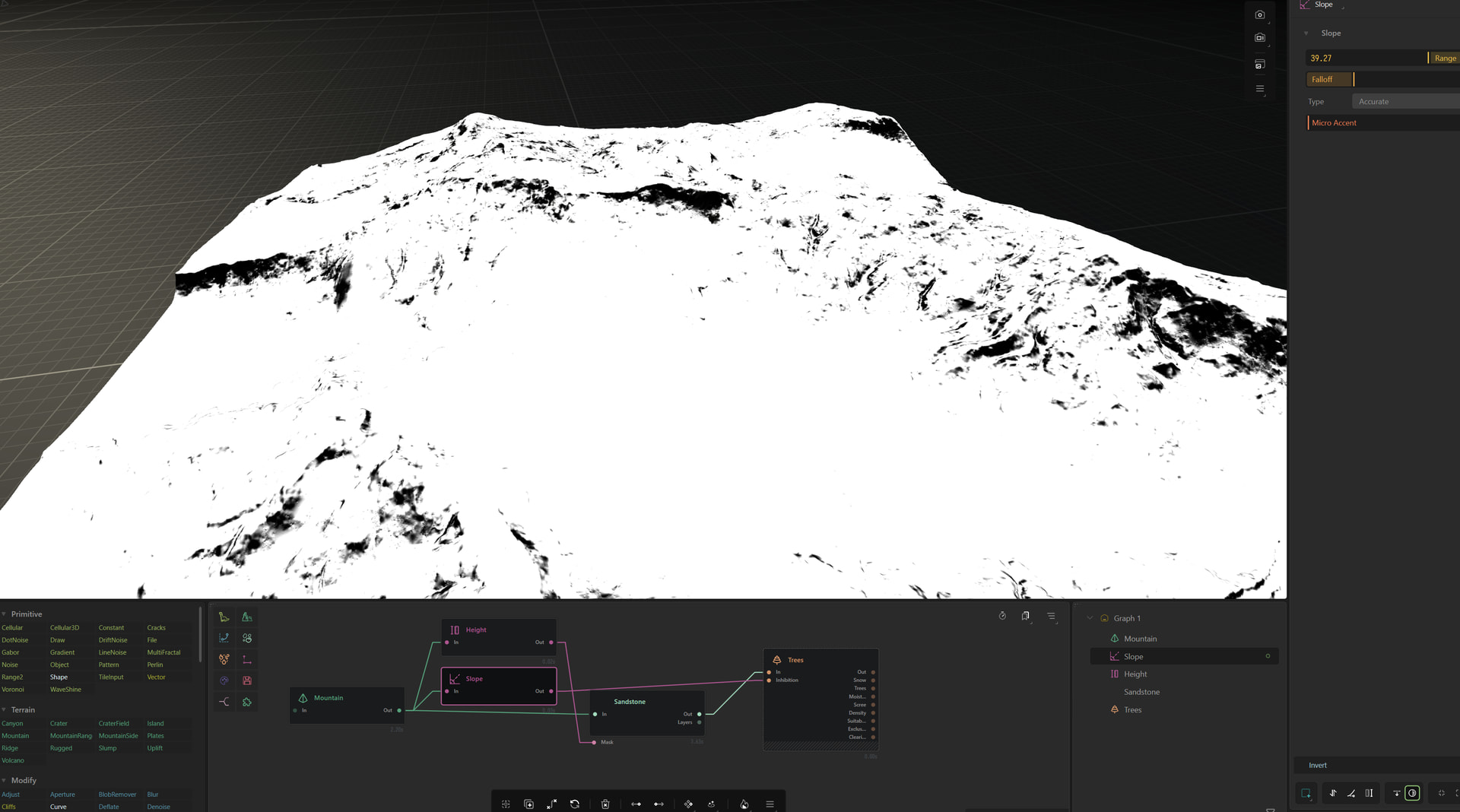
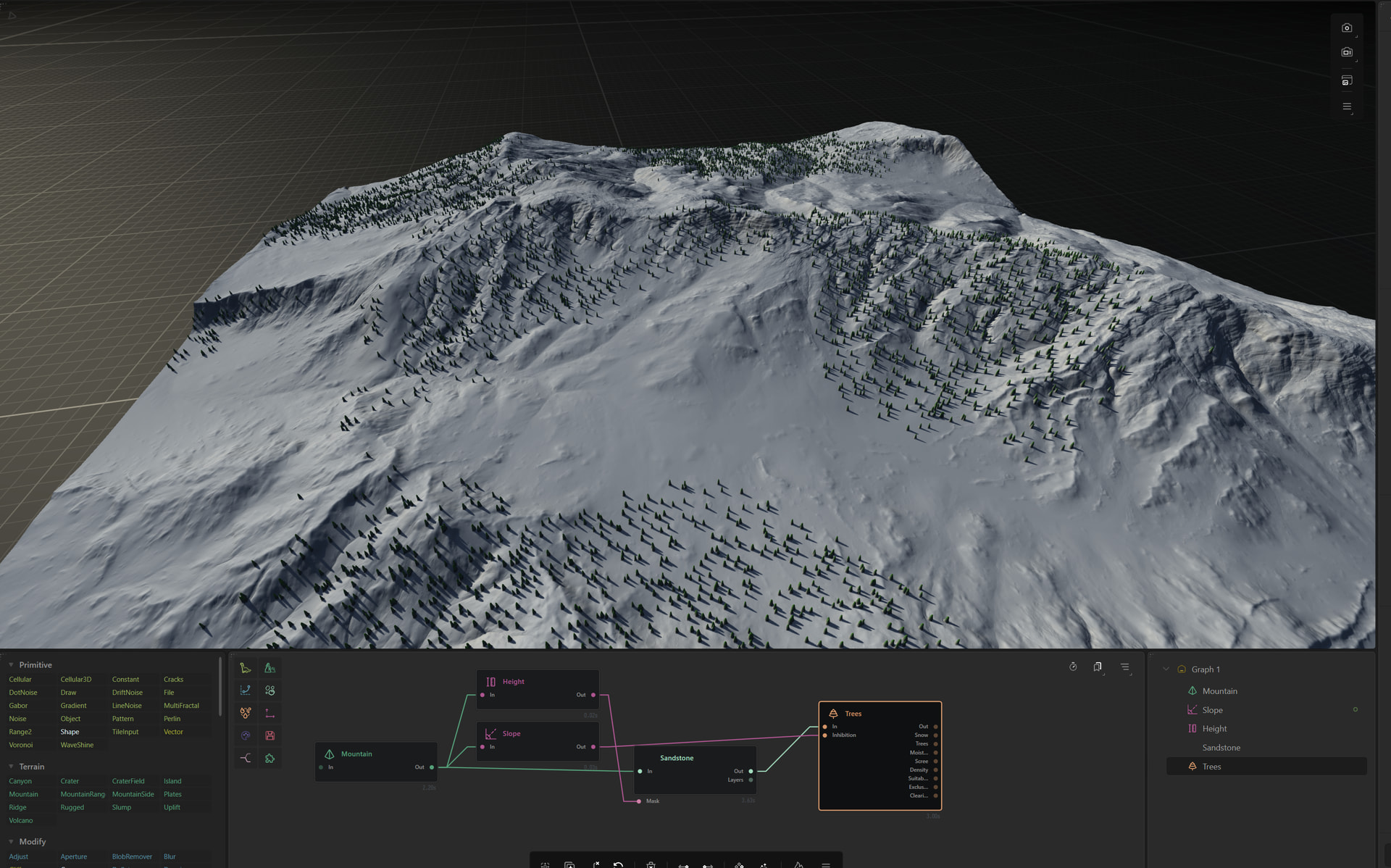
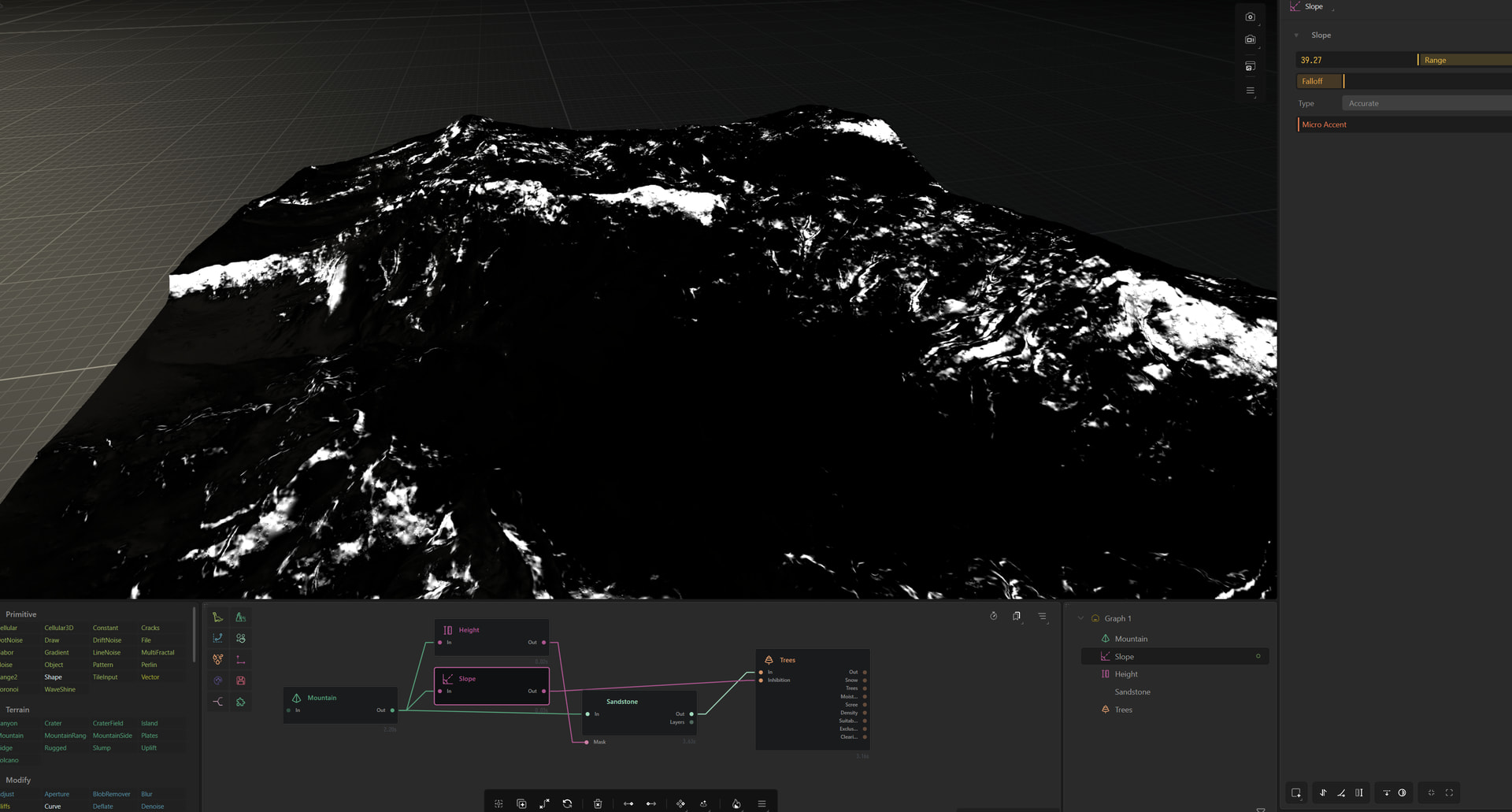
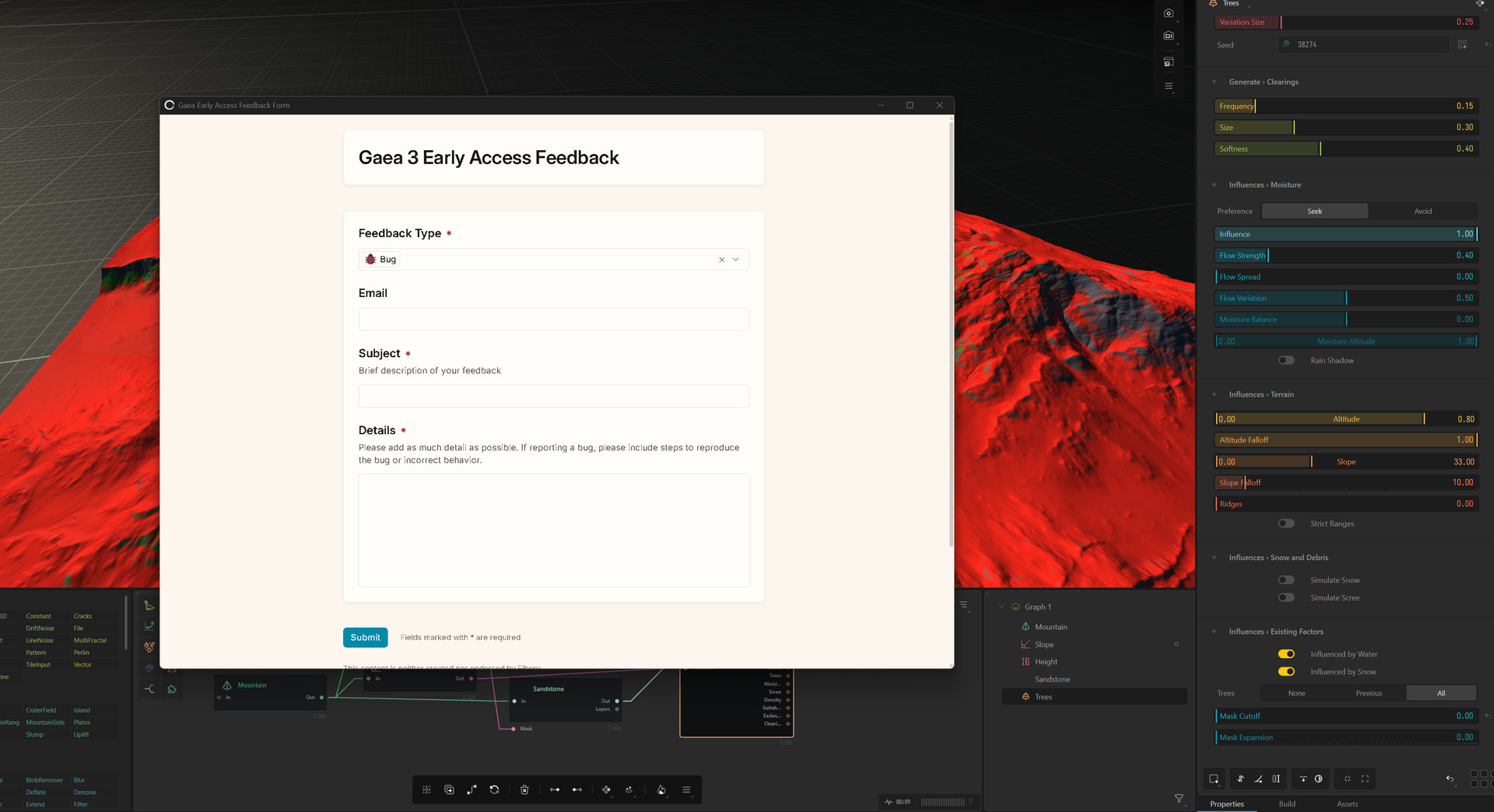
To make them as hard as you see the mask itself, set Mask Cutoff to 0 at the very end of the Trees node settings, it’s the second to last slider.
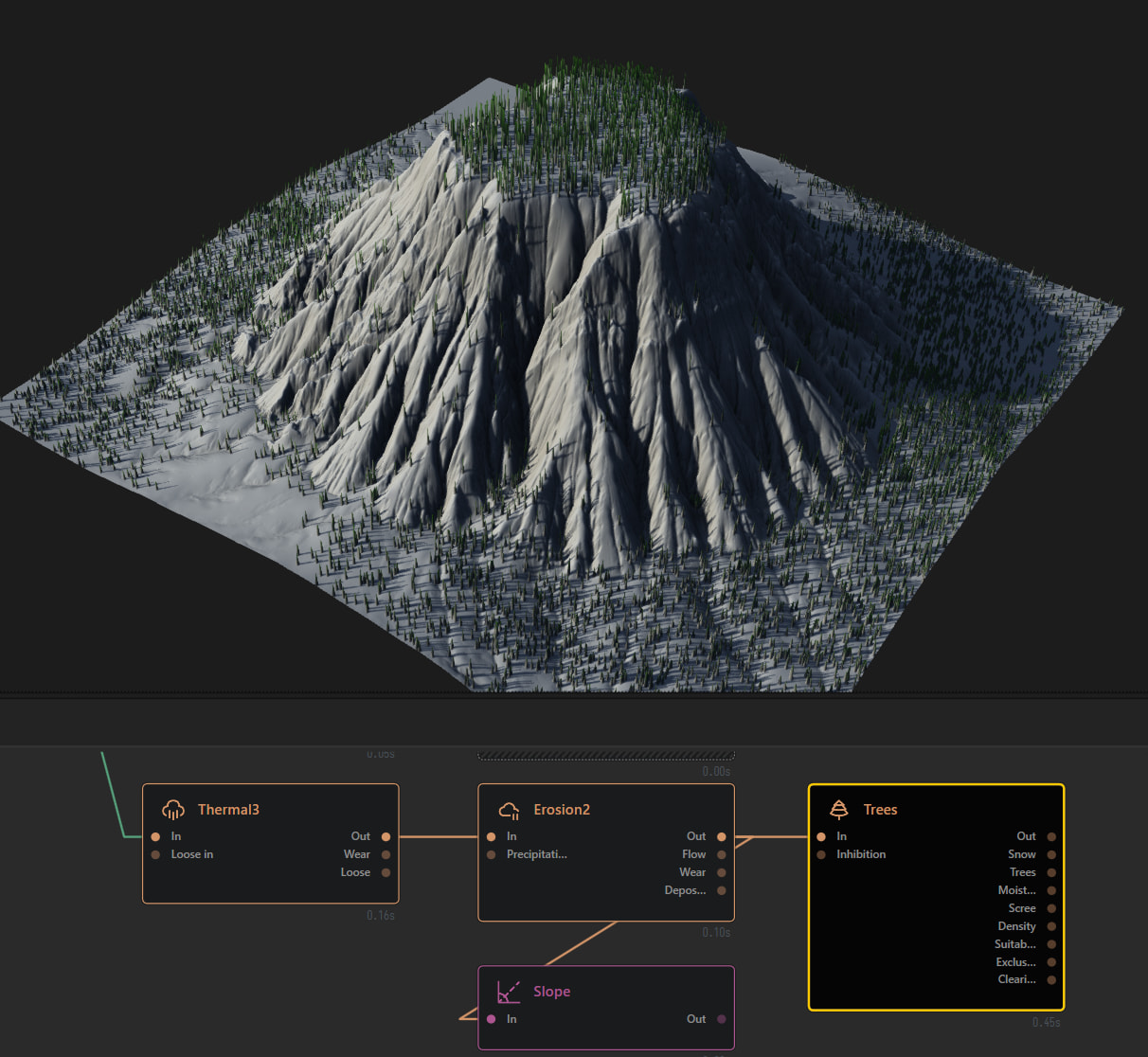
Pics:
Hope that helps.
Ok. No crash this time and Mask cutoff to 0 does the trick !
Thanks a lot Master