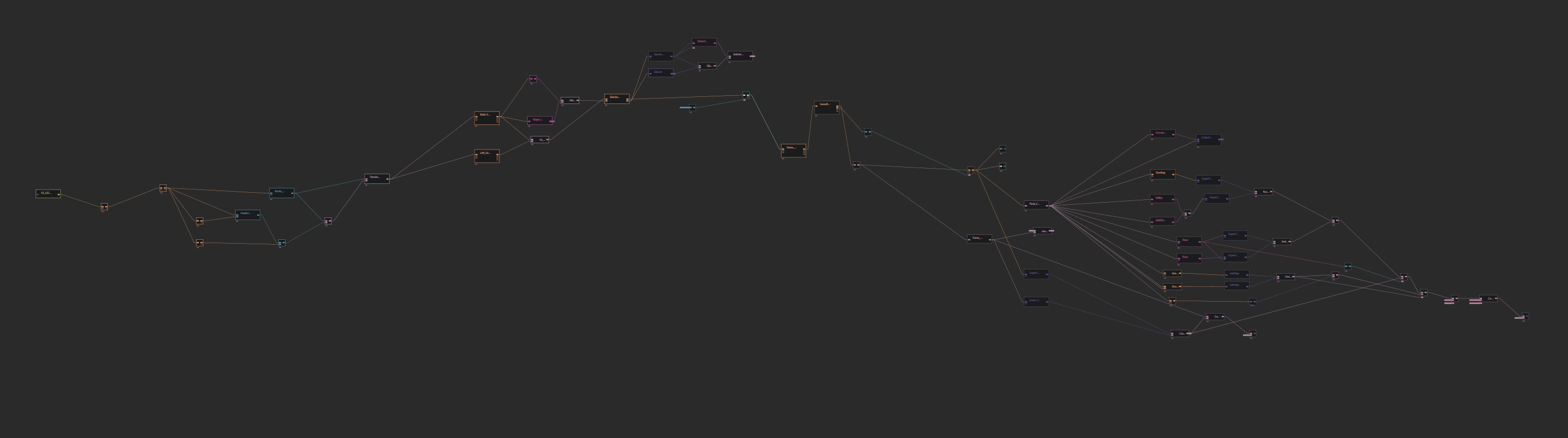
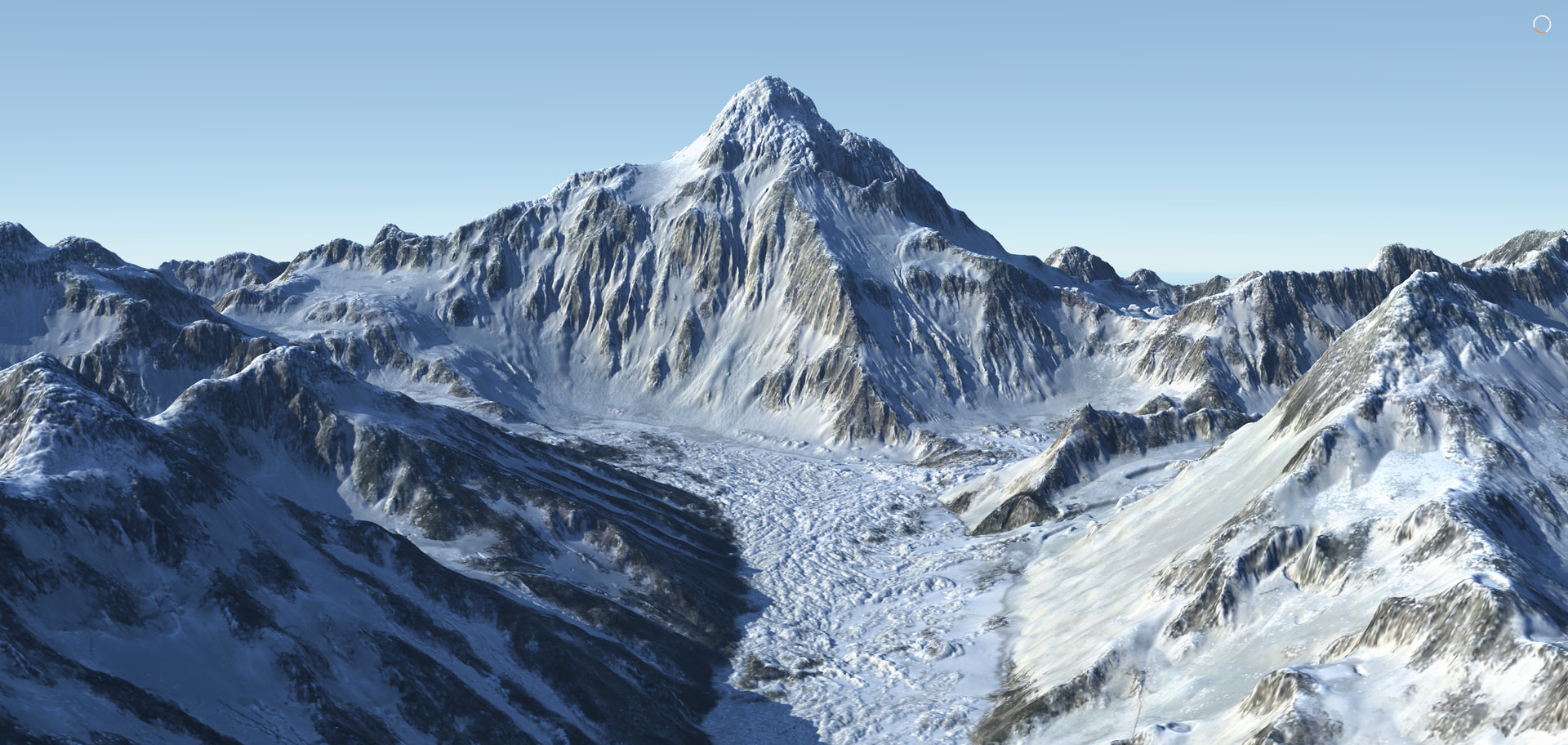
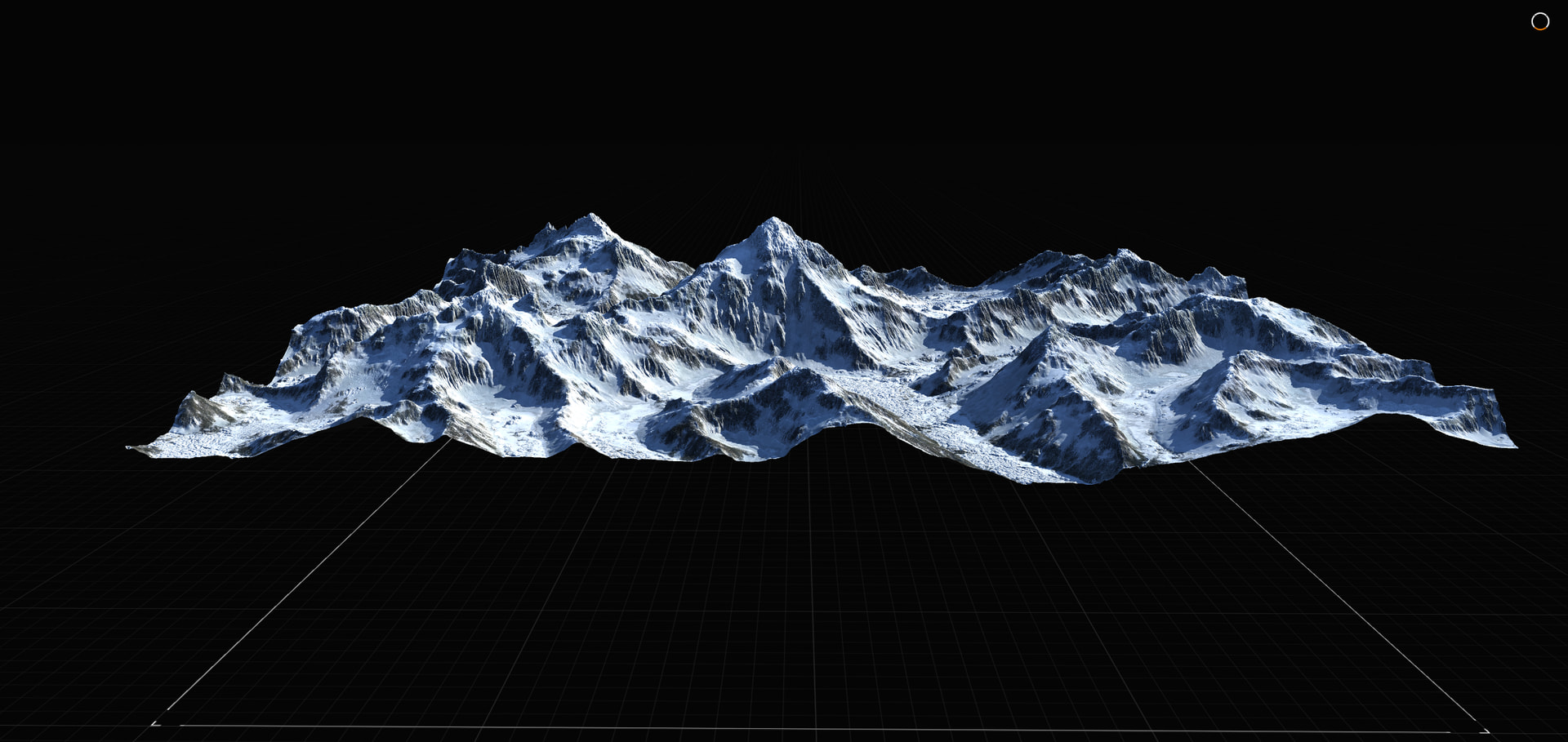
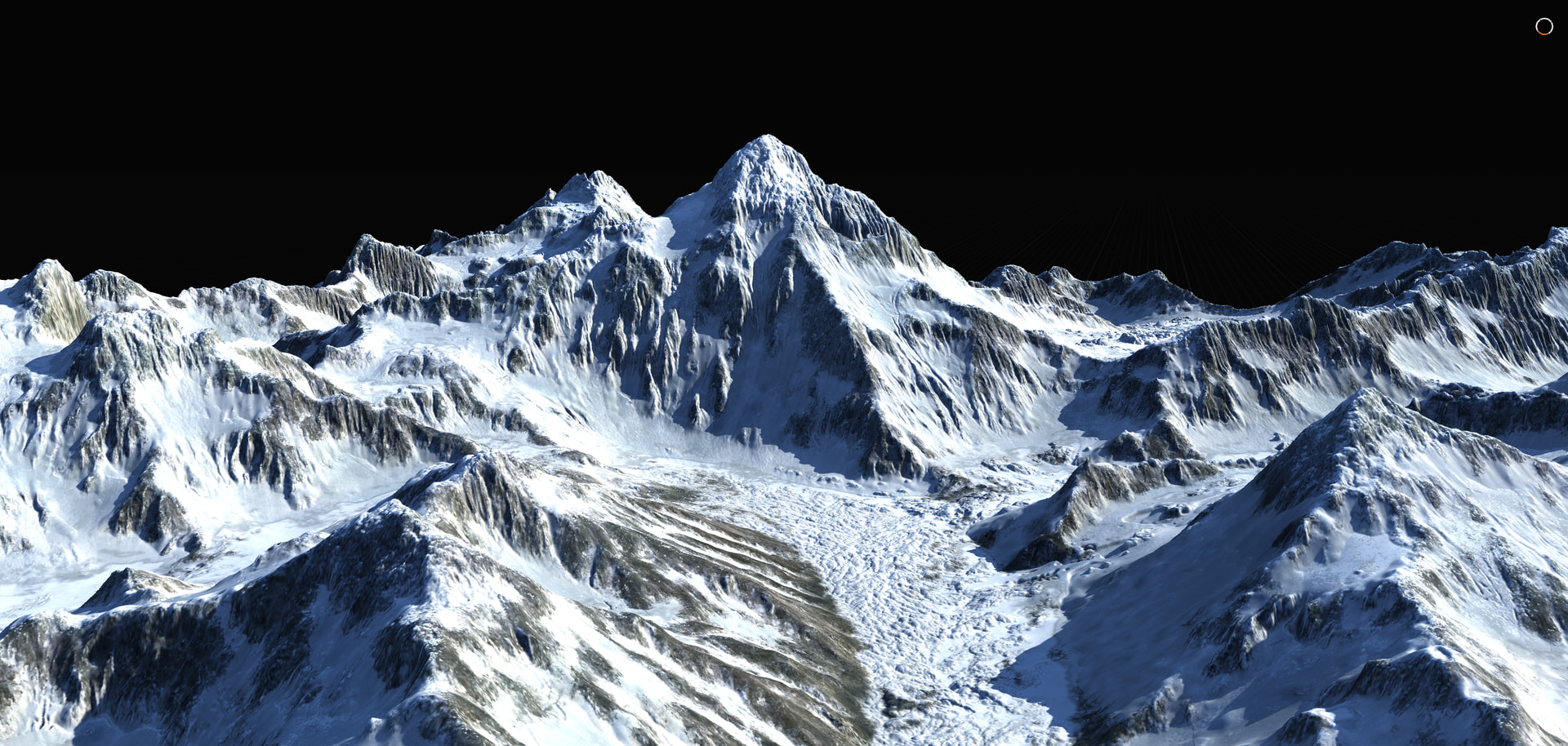
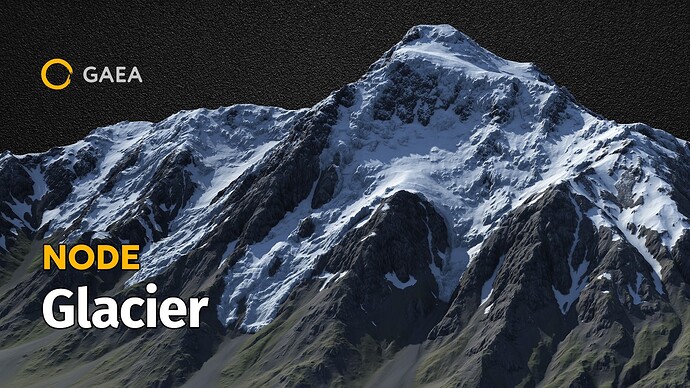
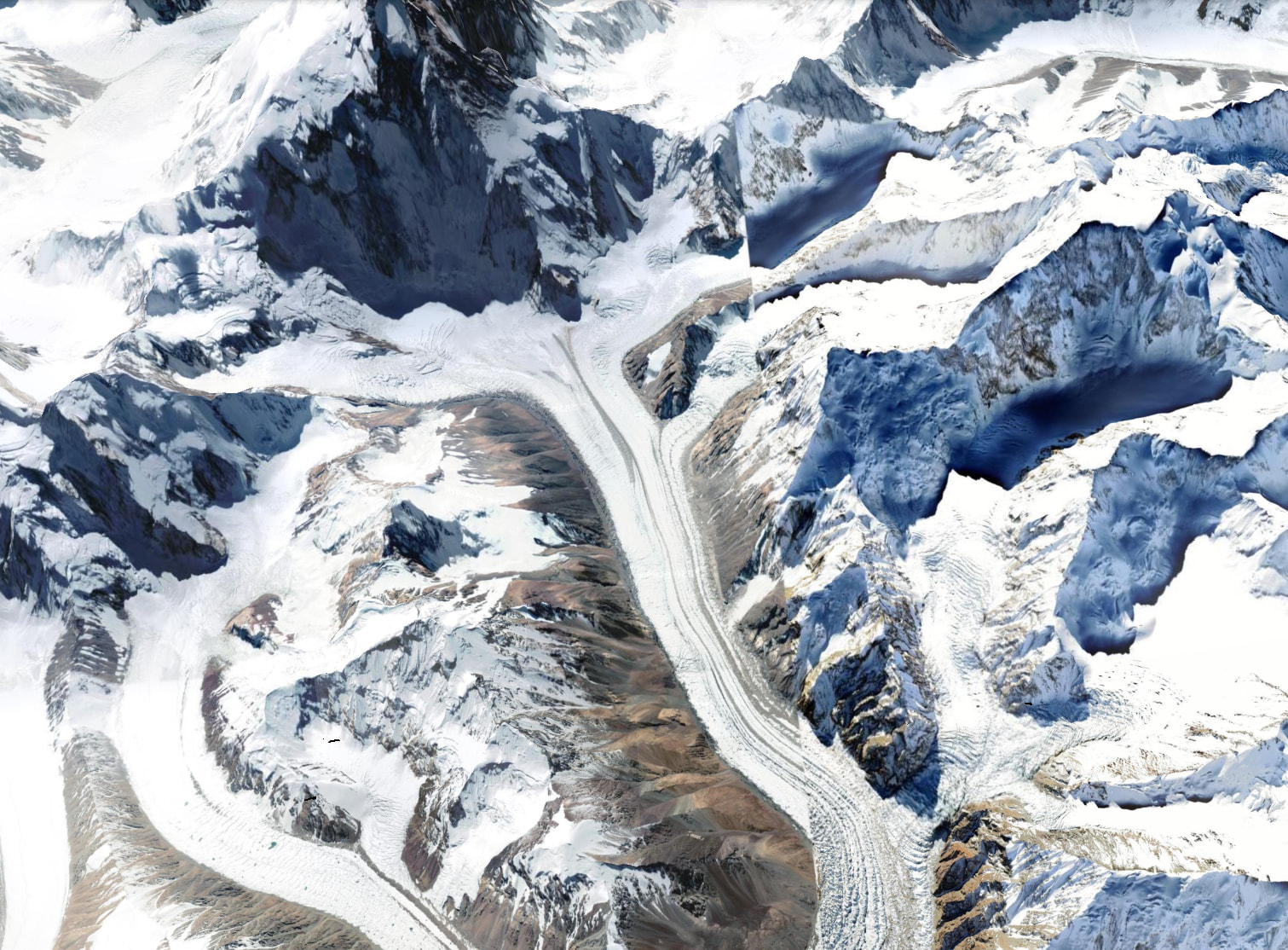
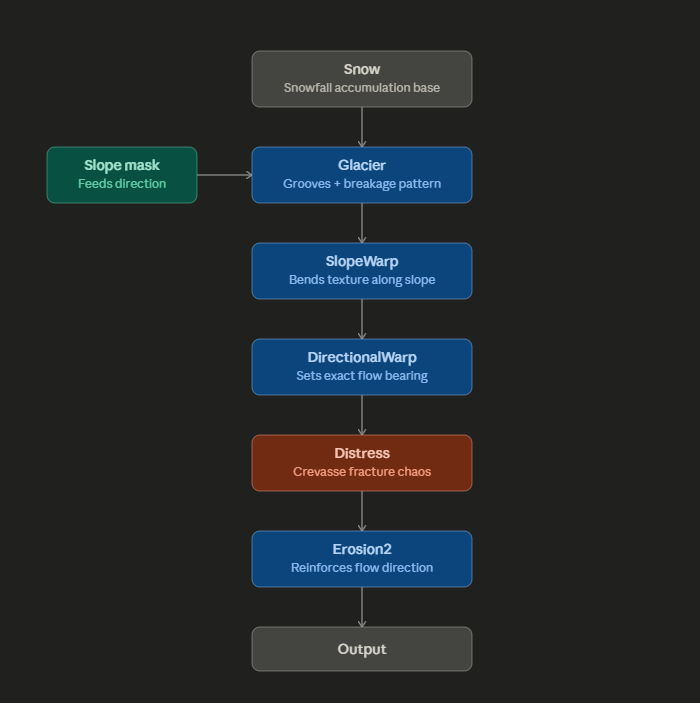
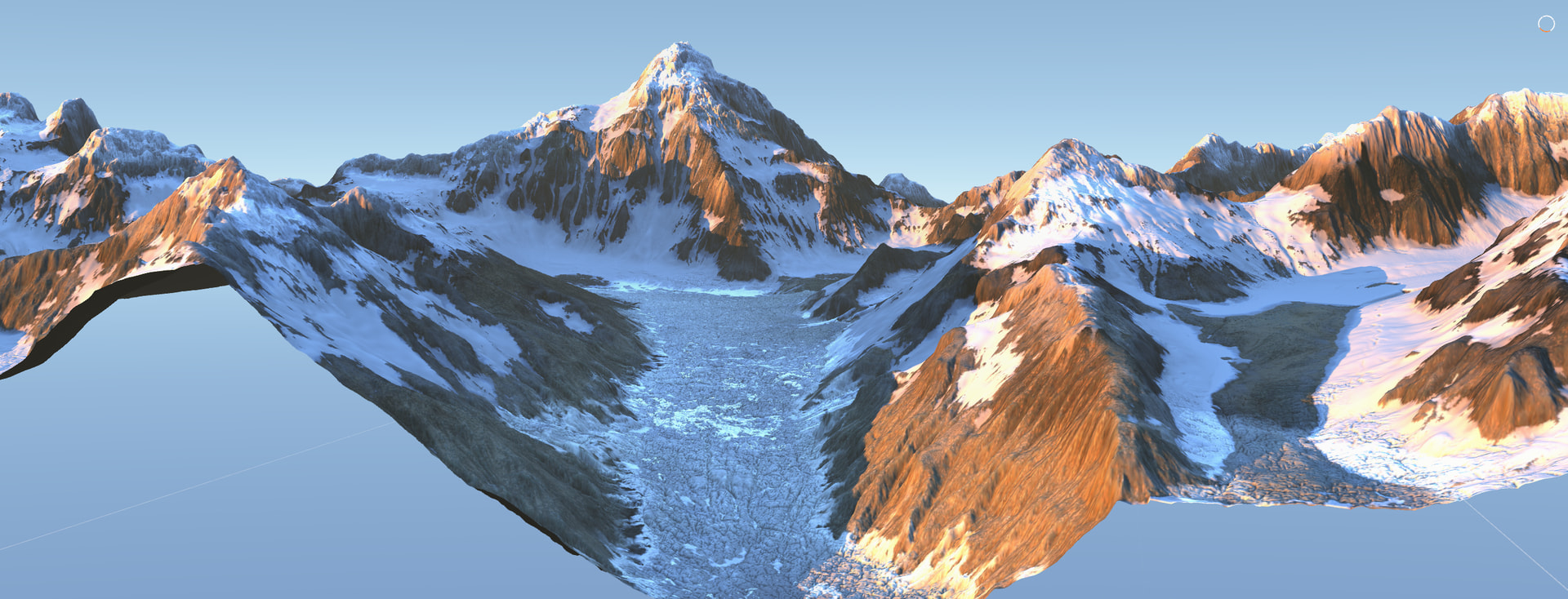
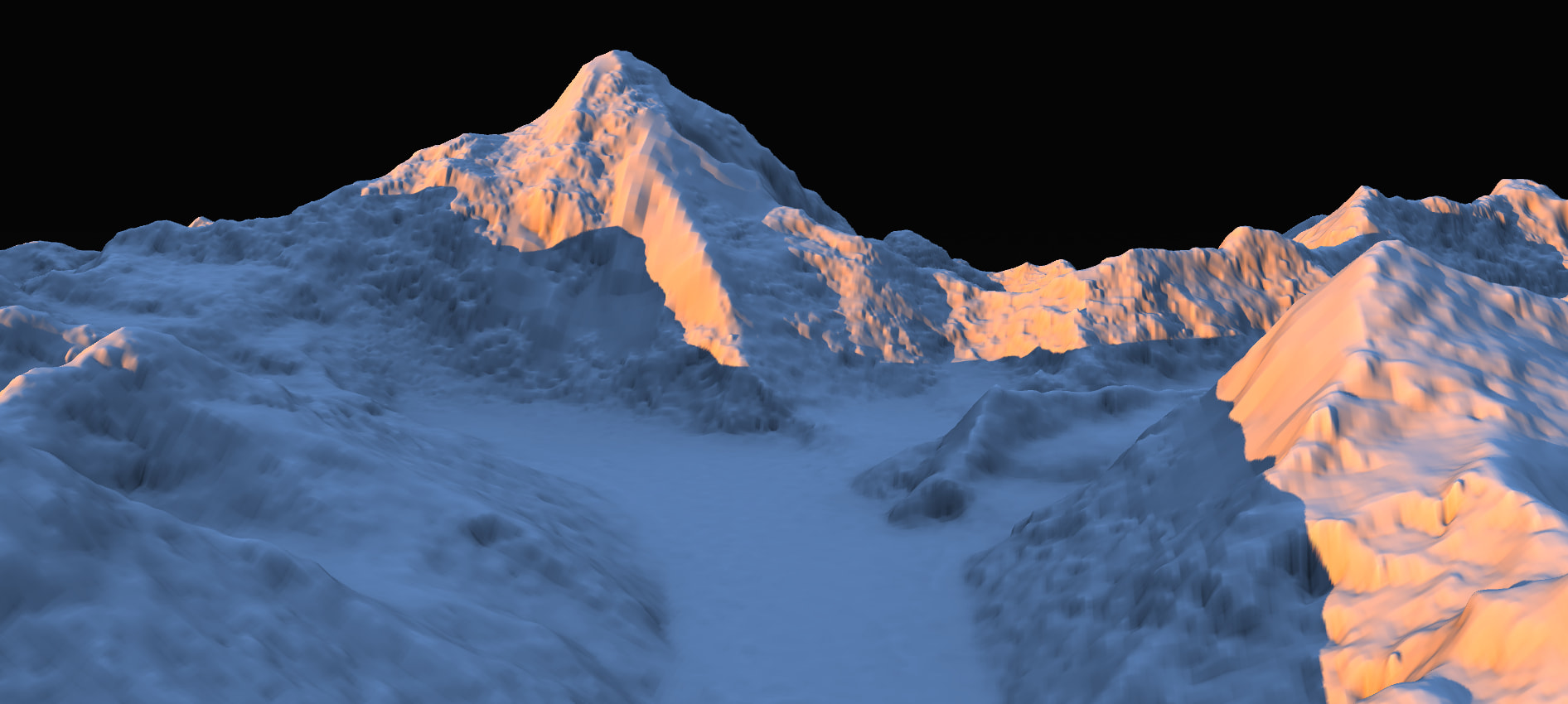
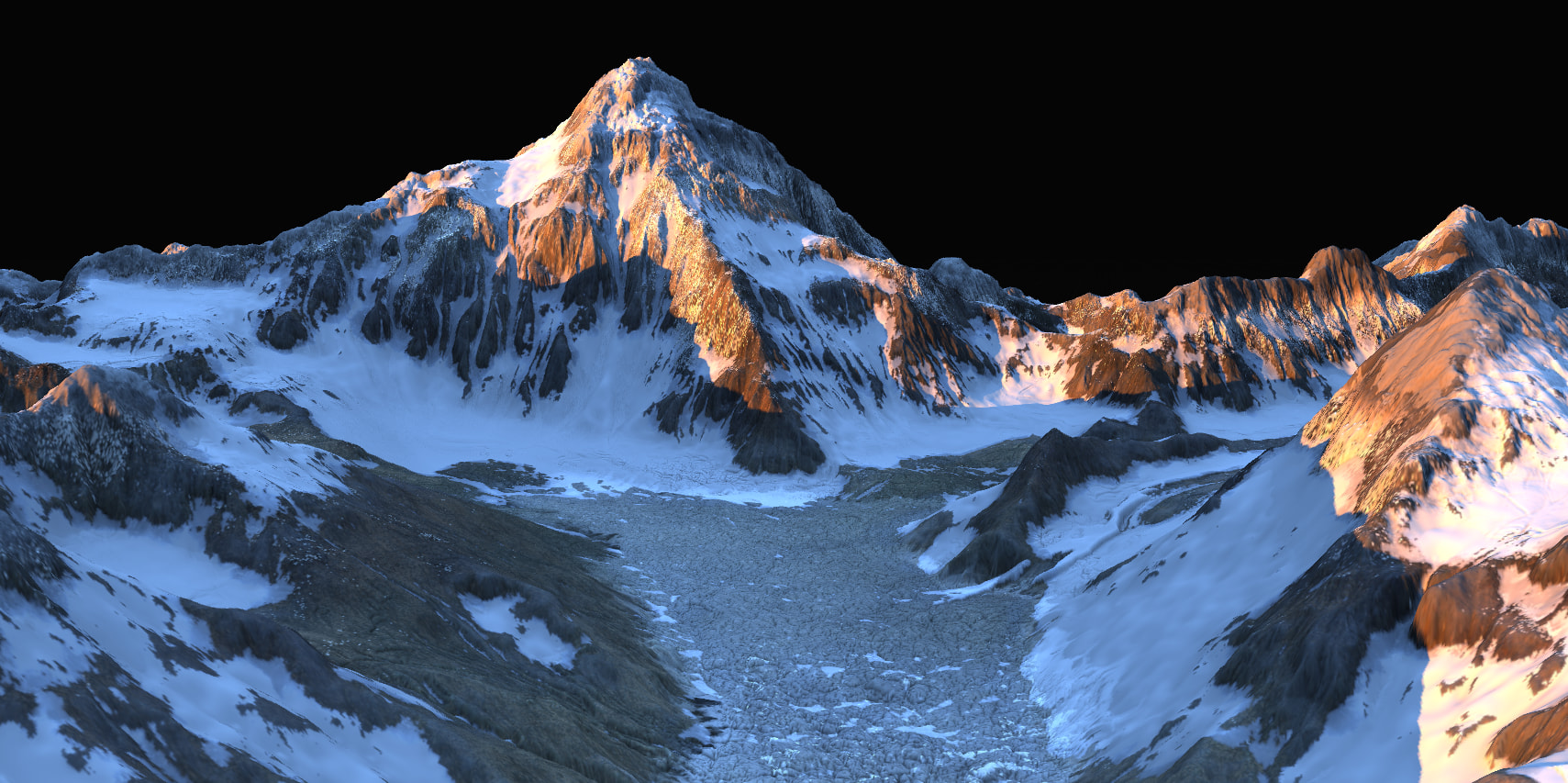
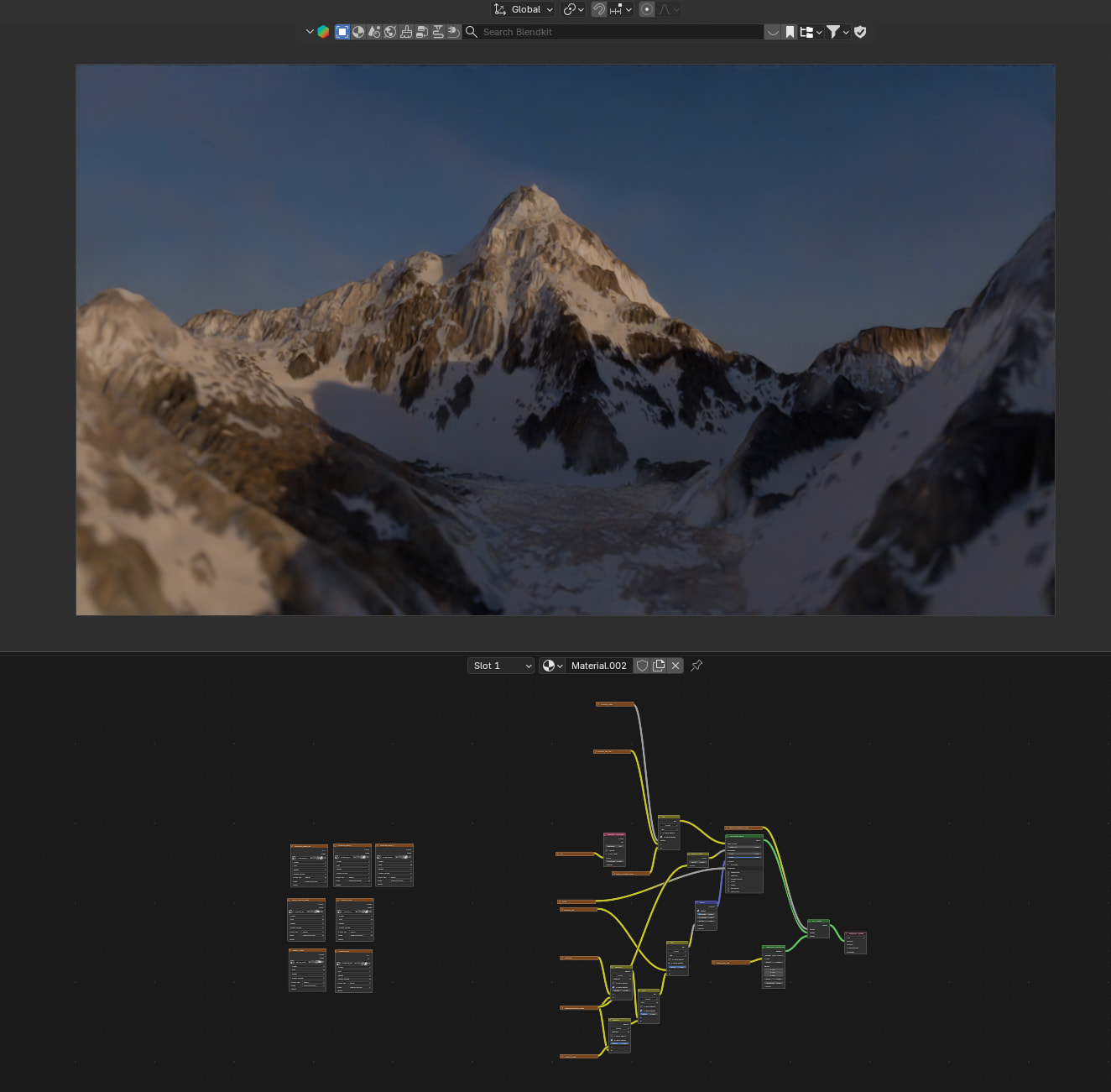
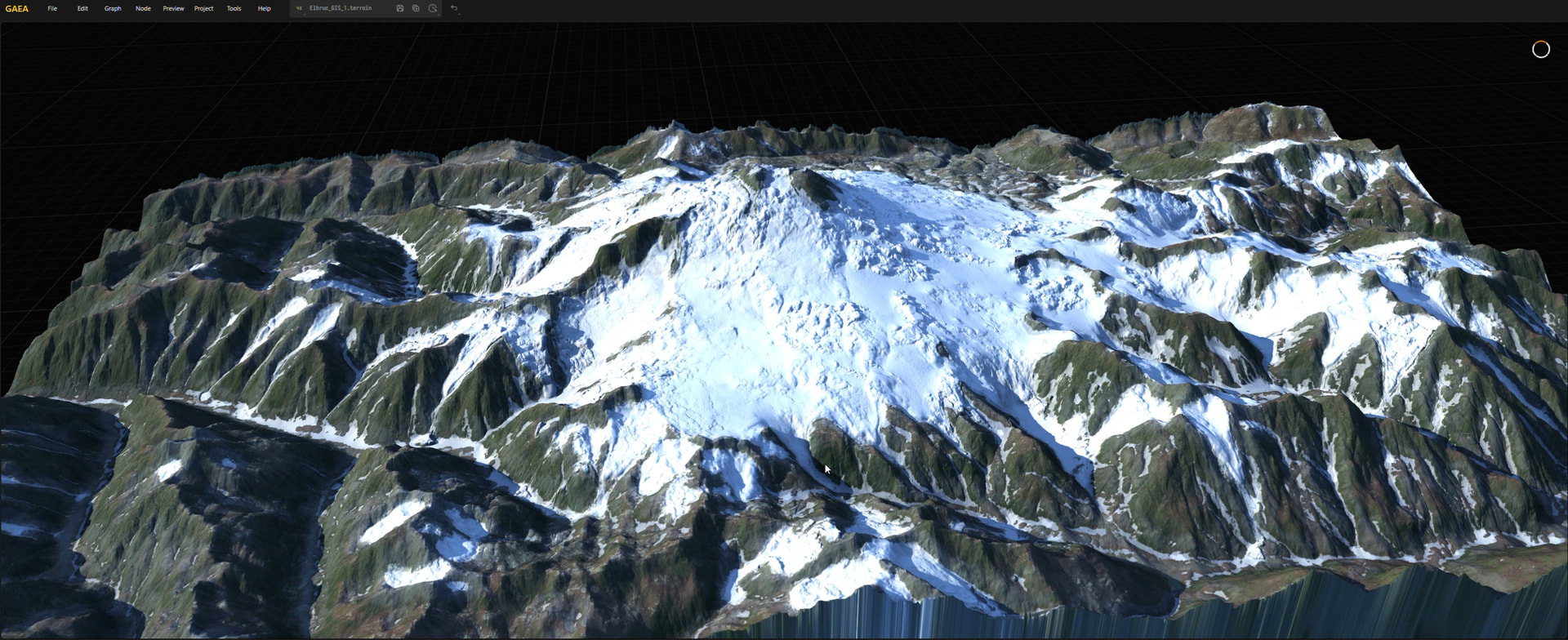
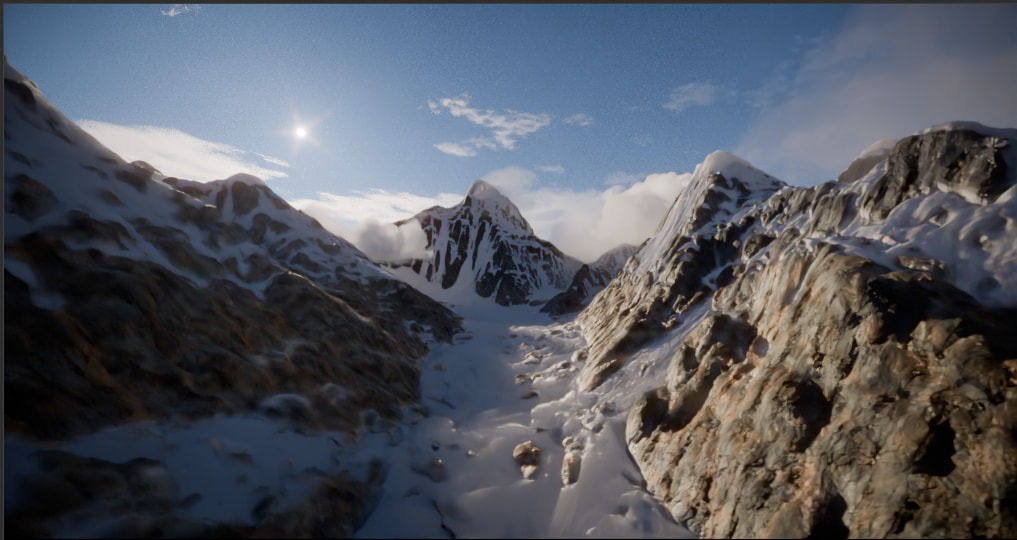
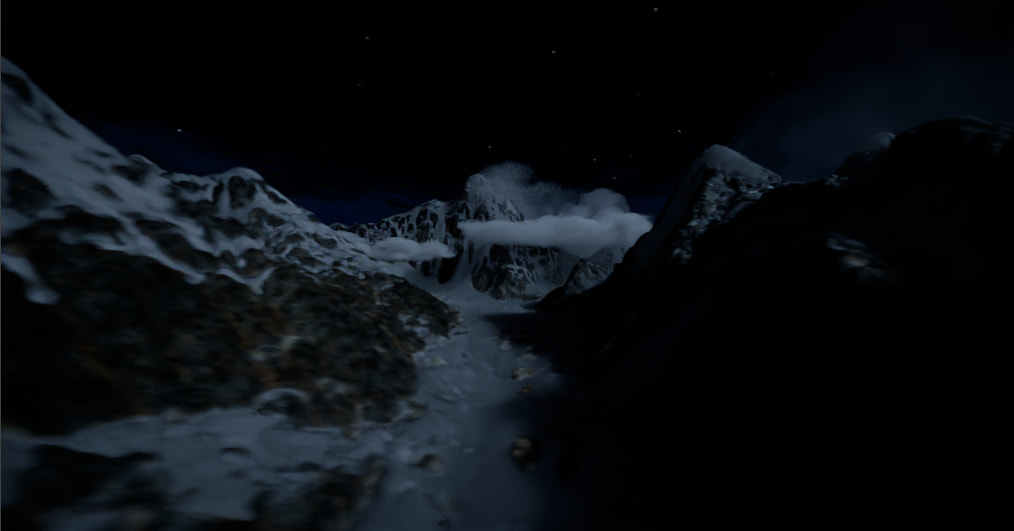
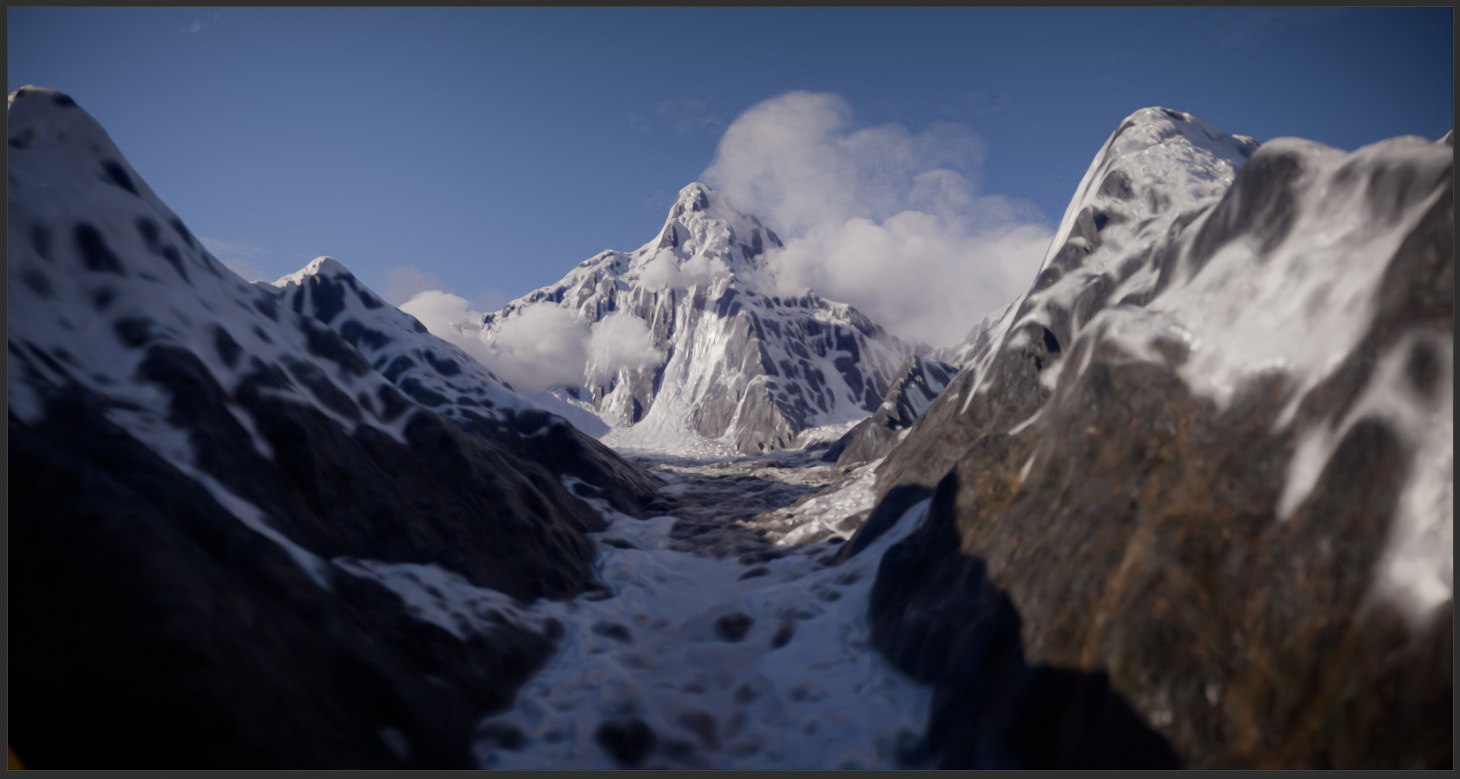
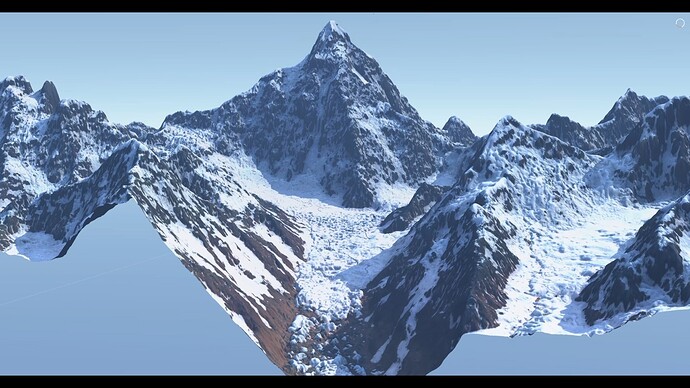
I’m working on finishing this project, creating K2 from GIS and bringing it from Blender to Gaea 2.3.0.1 the way it fixed the terrain after I watched your quadspinner tutorials on snowy mountains and the glacier node made it a thousand times better. I only have access to 4K right now, and cant wait to see it in full resolution.
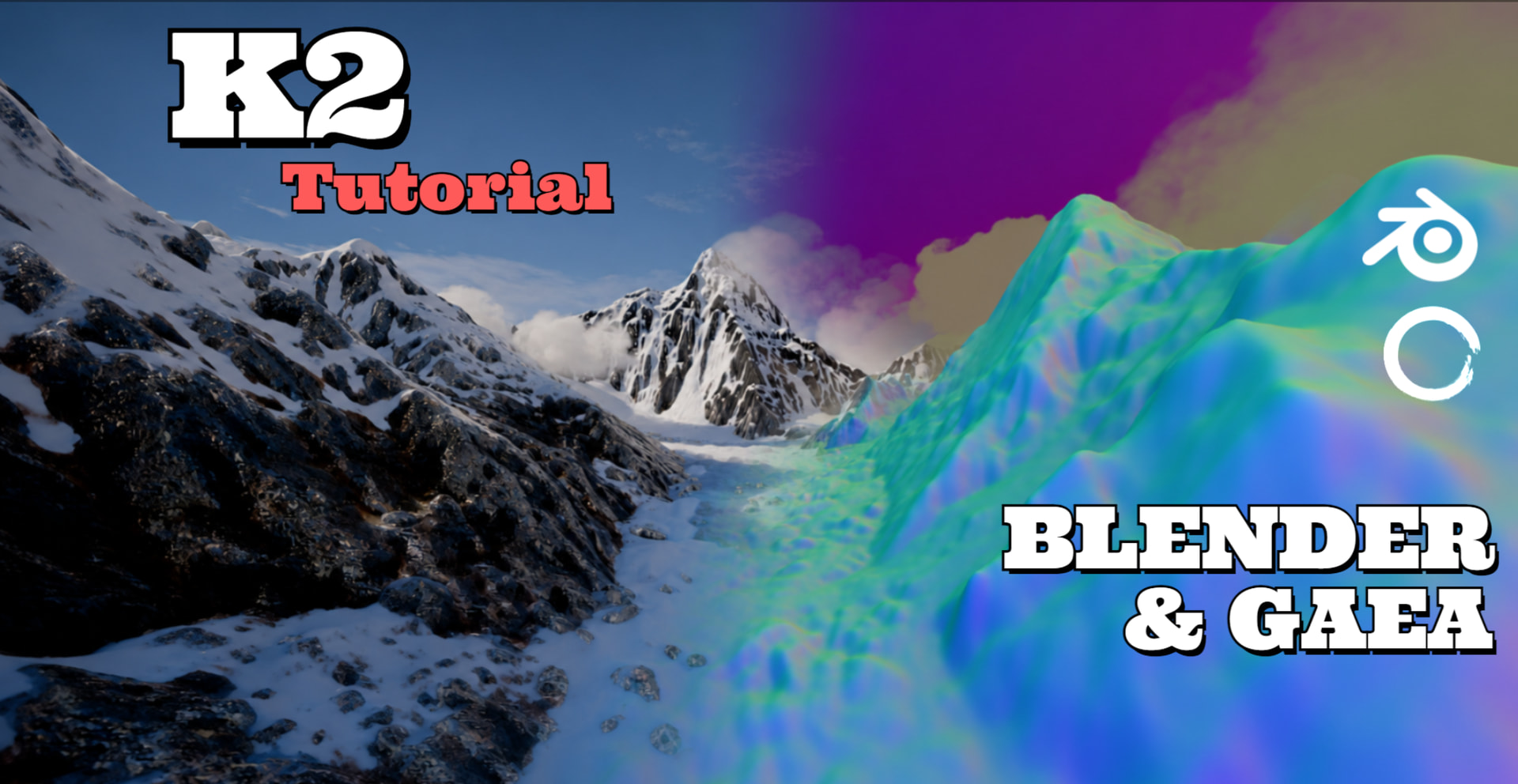
I aim to publish a full tutorial about it soon, let me know if you find that useful.
Thank You Marc, I will now! Not sure if that was the one I watched but I need the result to look better than what I have right now.
EDIT: I checked this tutorial indeed, somehow missed the blur node in between. But Yes I based the start of the node tree on it. He has a much better result though!
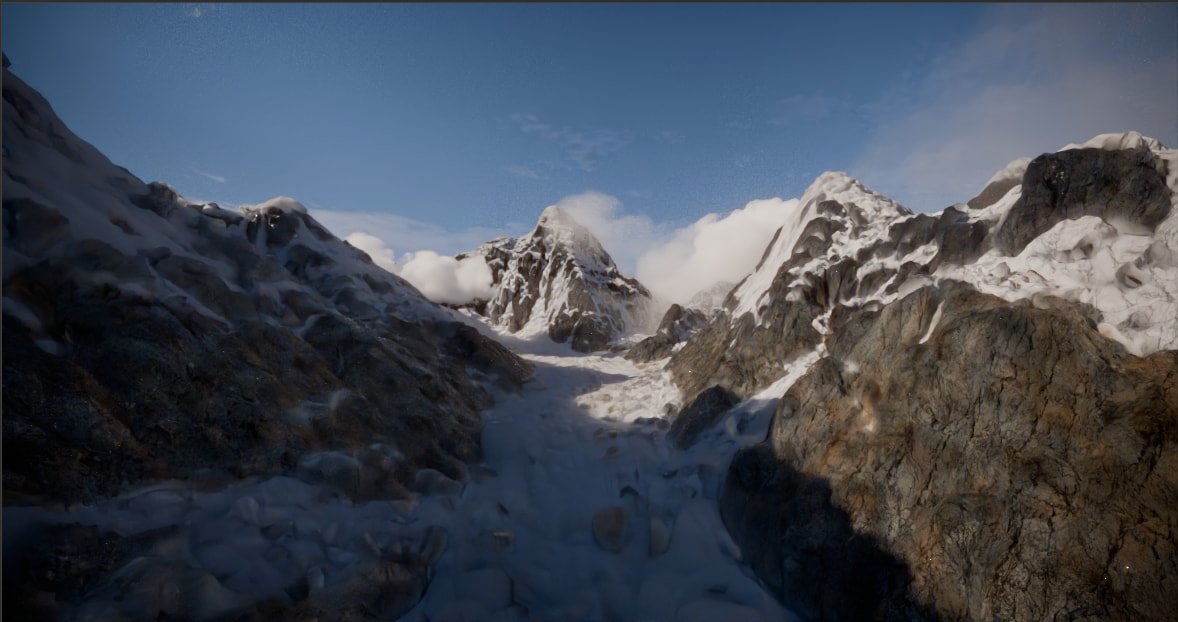
Is there a way to make the icefall valley have a more dynamic movement to it, like in the screen shots?
I asked claude after trying some node combinations on my own but couldn’t get a motion blur like effect for the slow moving icefall overtime in the valley.
Maybe a better update, still have some work to do with the icefall and snow particles on the mountains.
I think the base mesh is not helping with the details as much as the native nodes since its GIS data and blender Subdiv max, but it will do for the shot I have for now.
Added a dusting node to create the small snow particles here nothing special but it gave it the look I was going for from references, I think I have a couple more things to fix but a looong way from how it started, it looked like a lump of pixelated terrain from GIS now its looking pretty good for 4k! 8-16K would look fantastic once it’s all ready with the texturing. I love this software.
First try rendering exported free version scale and res, but when I zoom in it doesn’t look great understandably right now. Awesome Gaea software I love it.
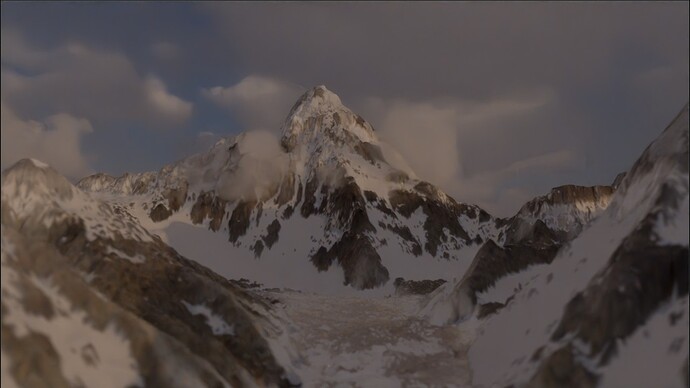
Next step is adding the low poly BG Karakoram range and some clouds penetrating the peak, probably more later.
The Elbruc mountain update I have using the Glacier node and this method looks much better as a result, but let me know if there’s a mistake with my node tree setup probably can make it look better for K2 as well.
Thanks Rin, I’m still updating some areas but this is the latest:
could use some criticism, how can I make it look better. My main issue is the resolution and the blurred snow edges. That should be easily solved with the license though.
Very cool work Malkosh! My advice would be to focus more on thermal erosion and rock detail than regular erosion. Erosion2 mostly simulates hydraulic erosion from water flowing down a mountain. However at these altitudes water doesn’t melt as much and therefore the main erosion is done by freeze and thaw cycles + glaciers chipping away rock. And yes increasing resolution is ofcourse a huge jump in quality. If you can invest in an Indie license it does open up a lot more possiblities!
Thank You Maarten, I made changes and it looks better now I dont know if I want to export as 1K anymore though because it beats the purpose. I will get the license and finish it properly instead. I can upload the file for viewing if you have time sine I’m putting the tutorials online and dont want to put something incorrect.