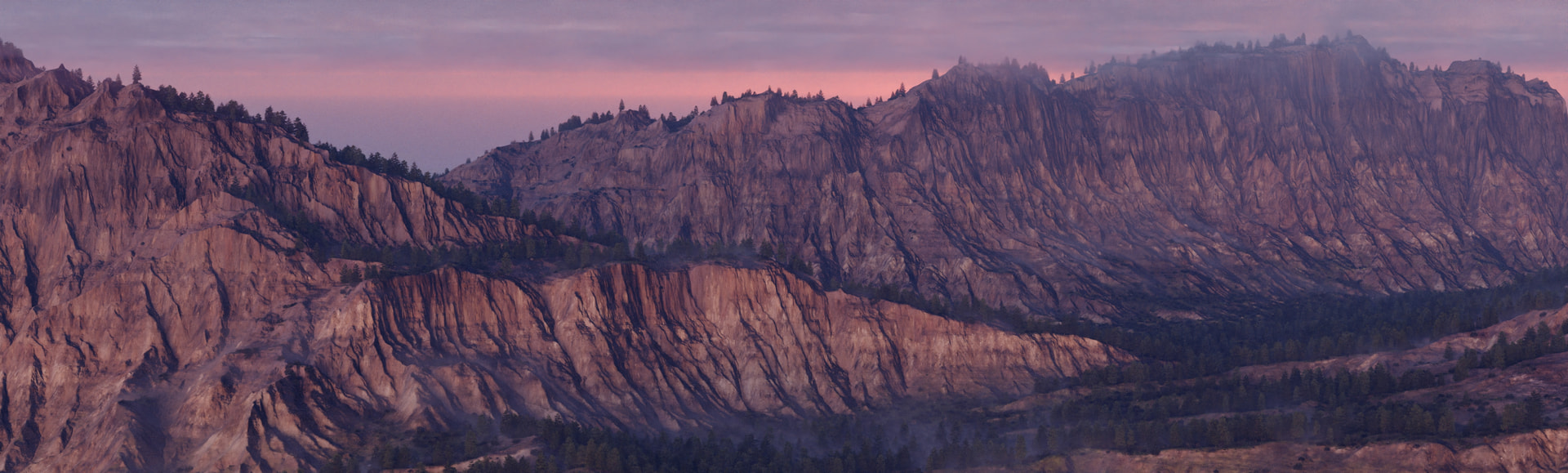
No bushes and the PC is already crying.
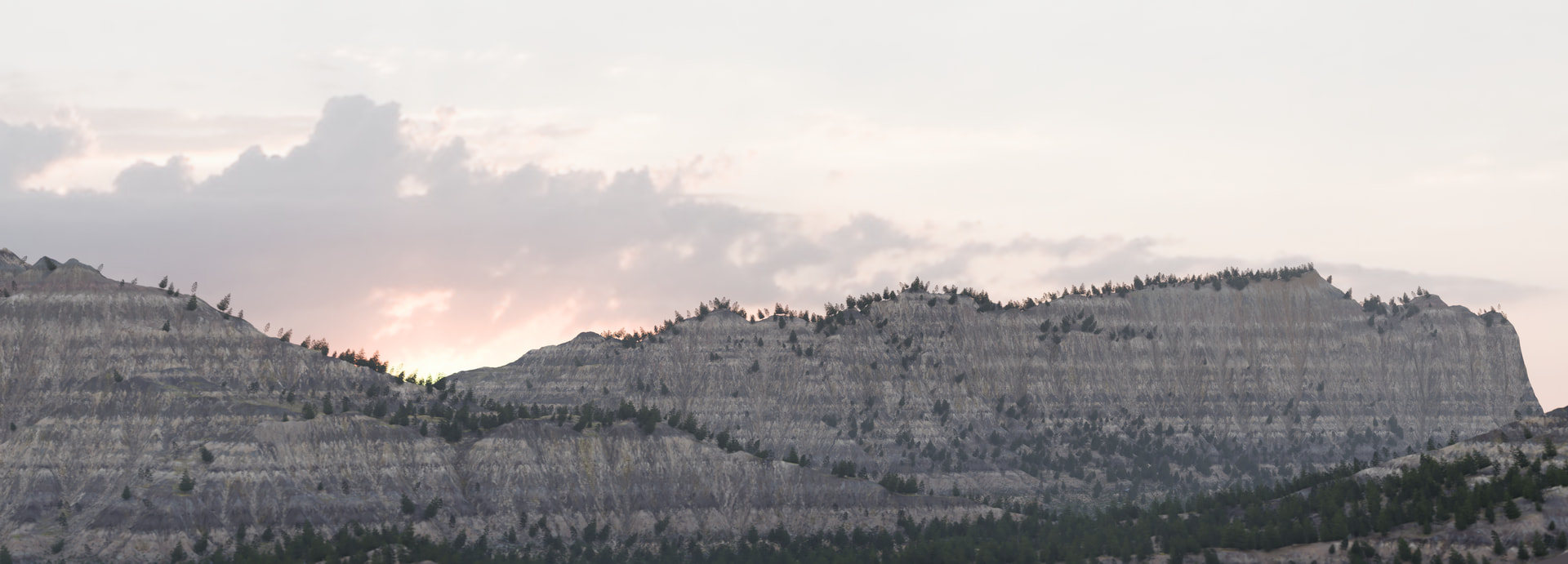
Color map is only Gaea.
There are not much light variations because… Sunset 
4 Likes
Scenic! Looks like a windows desktop background.
The first thing that caught my eye was all the trees following the landscape normal, but as you say you’re still working on vegetation.
With that side of the hill in shadow, I think there’s too much ambient light getting in the smaller cracks and crevasses. You could fake some shadow in Gaea by multiplying the SatMap by AO, but there’s probably a proper way to adjust it in Blender. With some more shadow/contrast, I bet the shapes of the rock face will really pop.
And lastly, maybe I’ve stared a little too long, but the drop in the ridge on the right is very low to the horizon. It’s certainly possible nothing visible would be right there, but I sense the void over there  . You could frame things to the left a bit, but you’d lose that cliff face.
Instead, a distant terrain mesh of a simple hill set down and in that corner is all you need; giving just a tiny peek at a larger world behind.
1 Like
Hi James,
You are 100% right on each point ! :)
1 Like

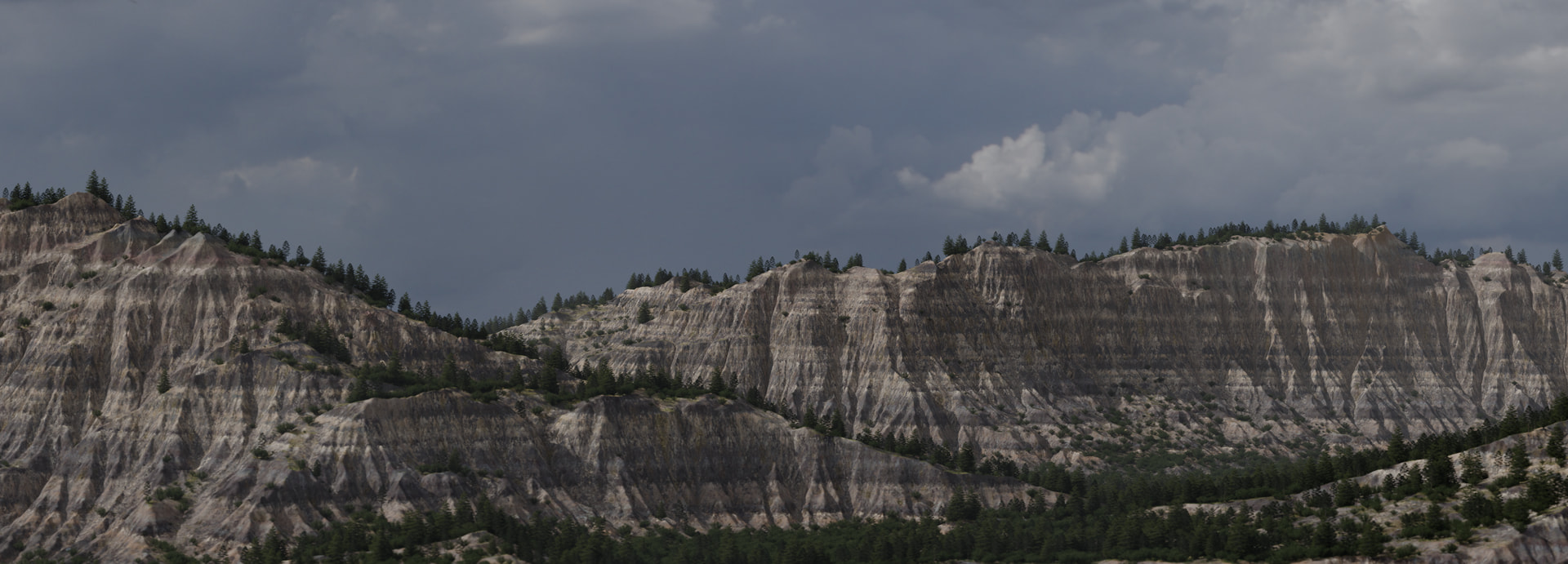
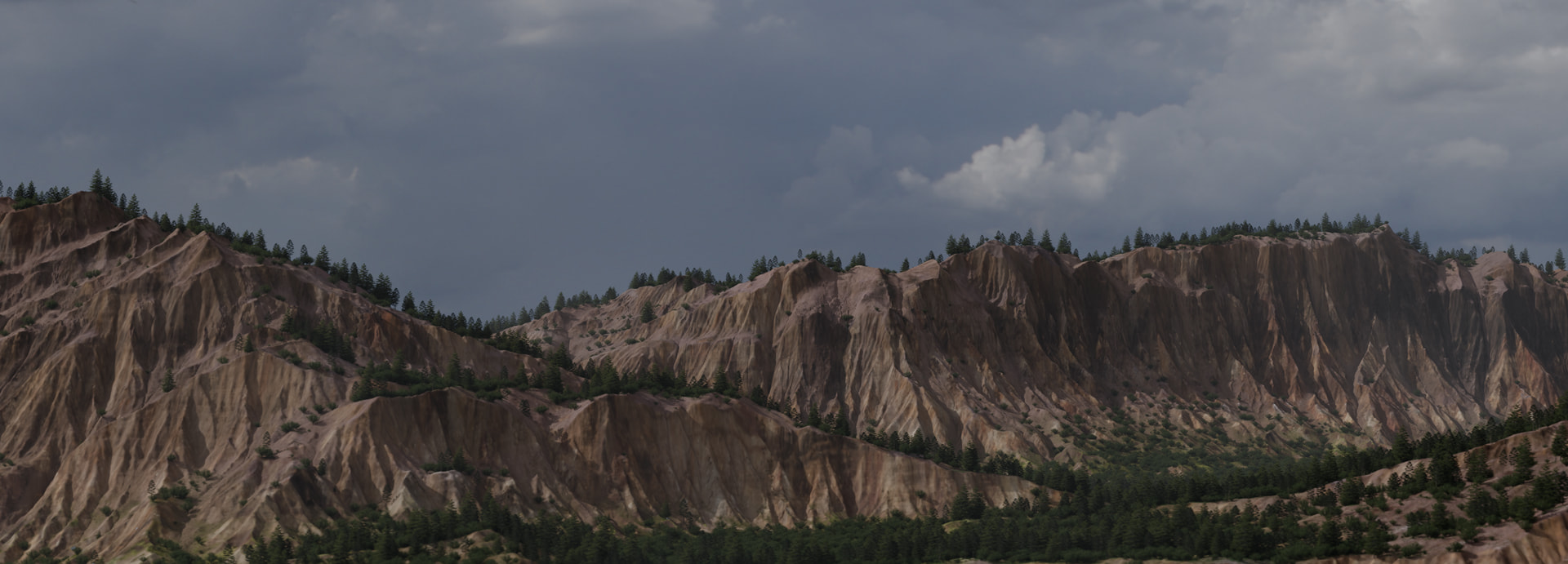
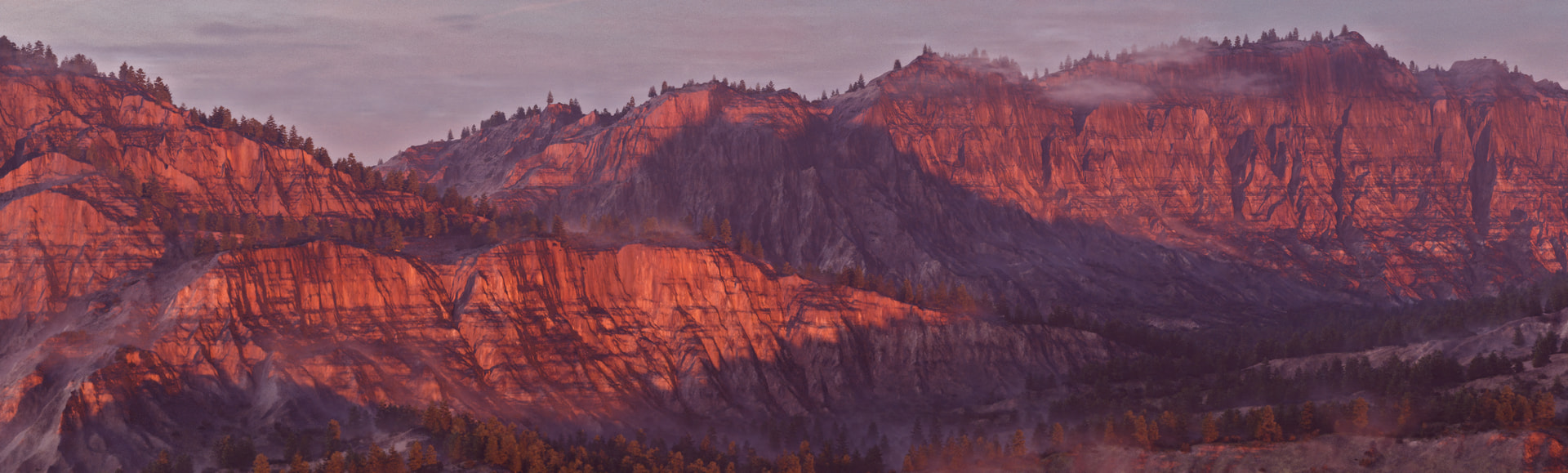
Oh wow, I really like the color on the second one. The shadows definitely help both, but something about the second reads easier.
I do love some stratify and think it’s fitting for the rocks. Maybe a just bit too uniform. I’d try and mask out the layers less than like 32° slope, lower the layer density a bit, and hit it with some medium scale warp.
Another recent texturing technique I’ve been liking is to lightly screen in Curvature just before the SatMap. Helps highlight a lot of small scale details that you’d hardly know were there.
1 Like
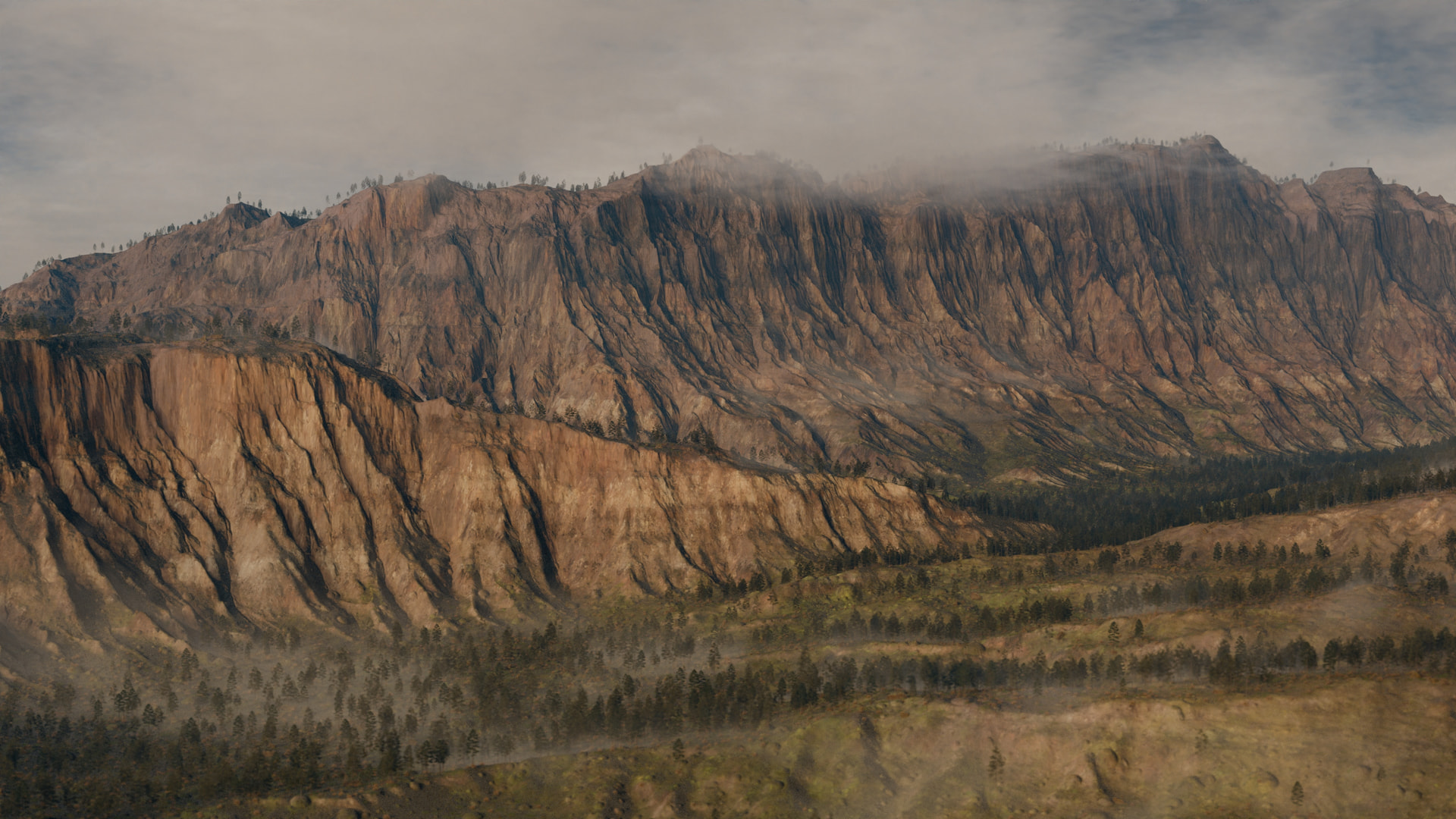
Coming out great! Looking forward to seeing it in high res
1 Like
The original res is 4424x1134 but it becomes 1952x579 uploading it here. So…