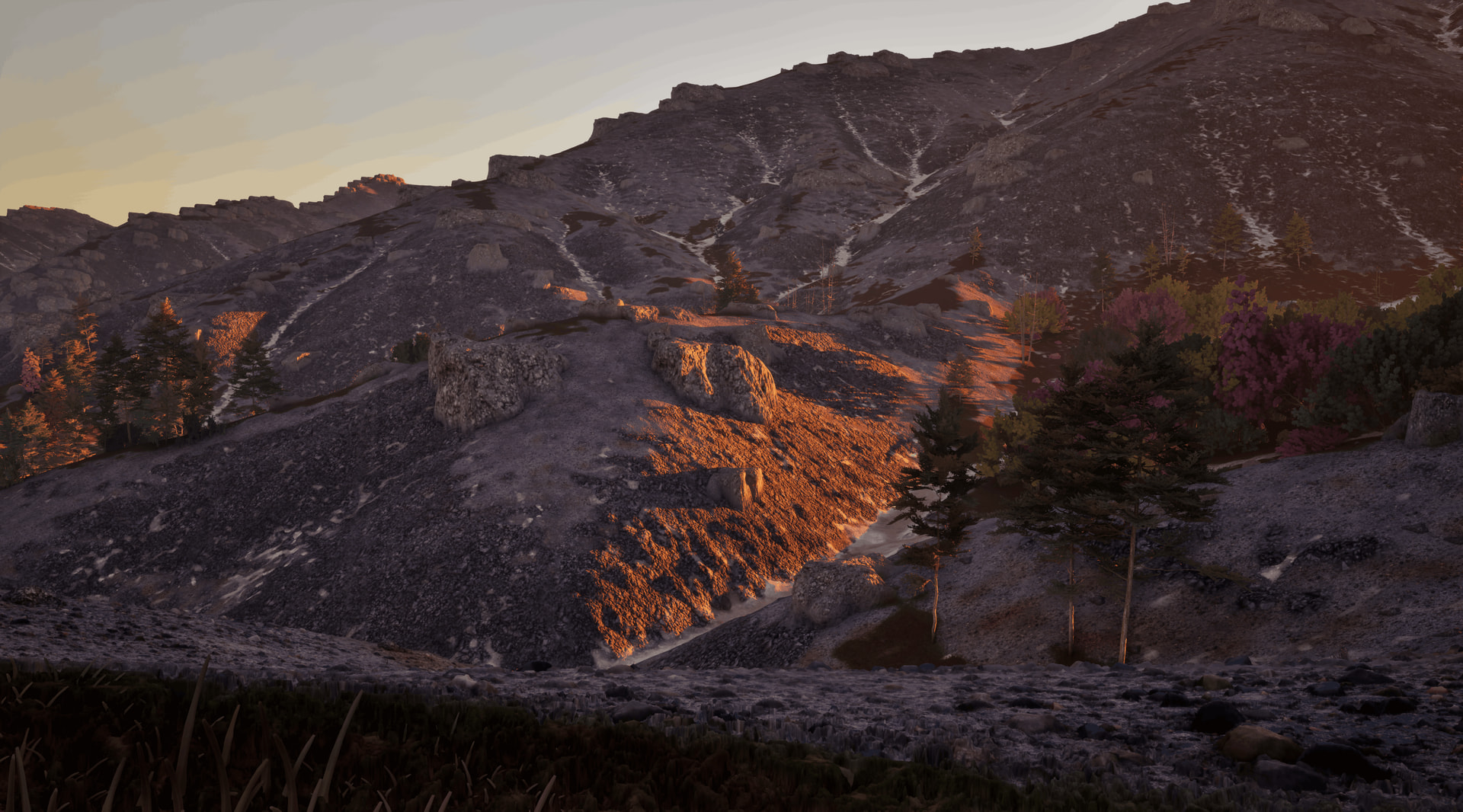
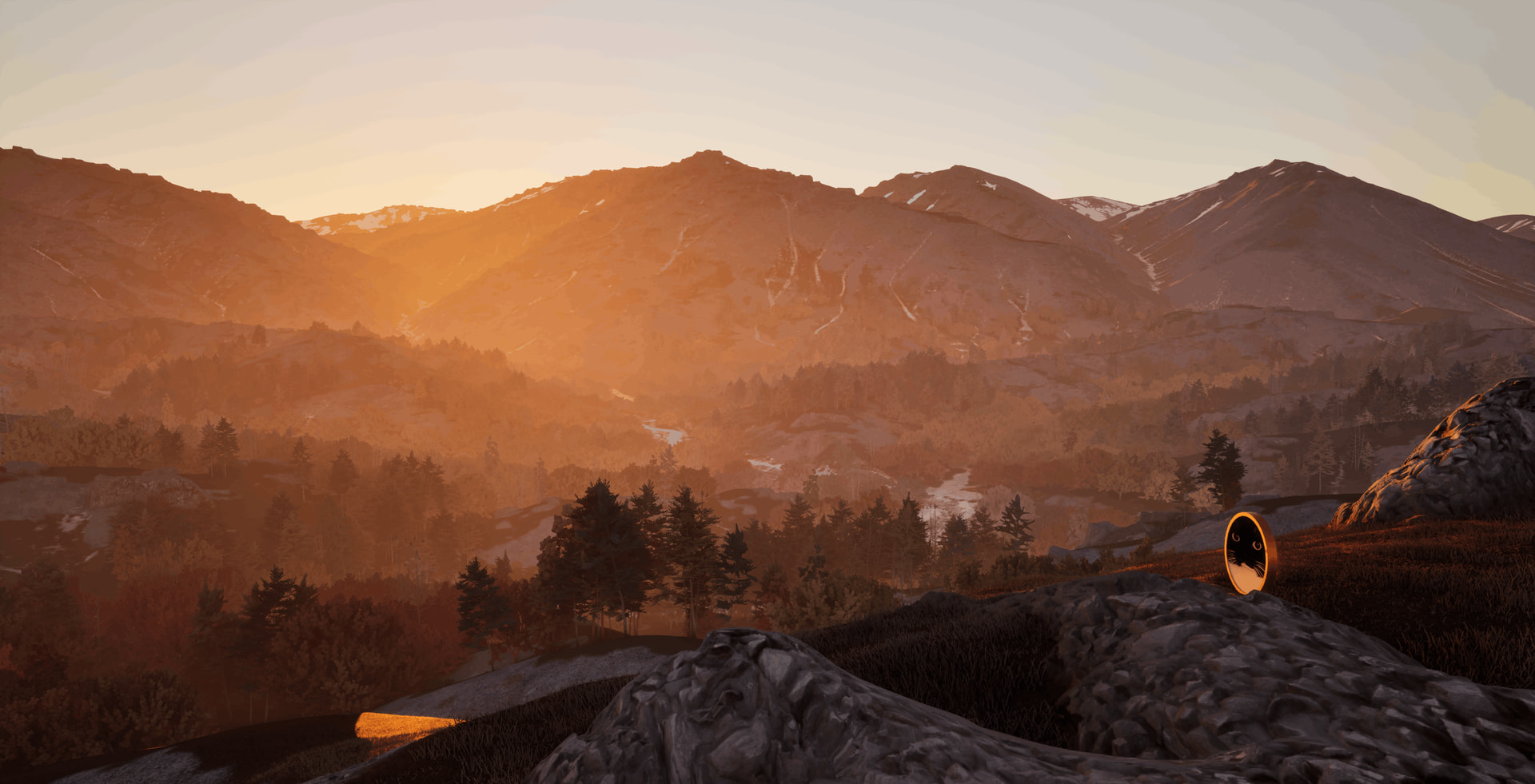
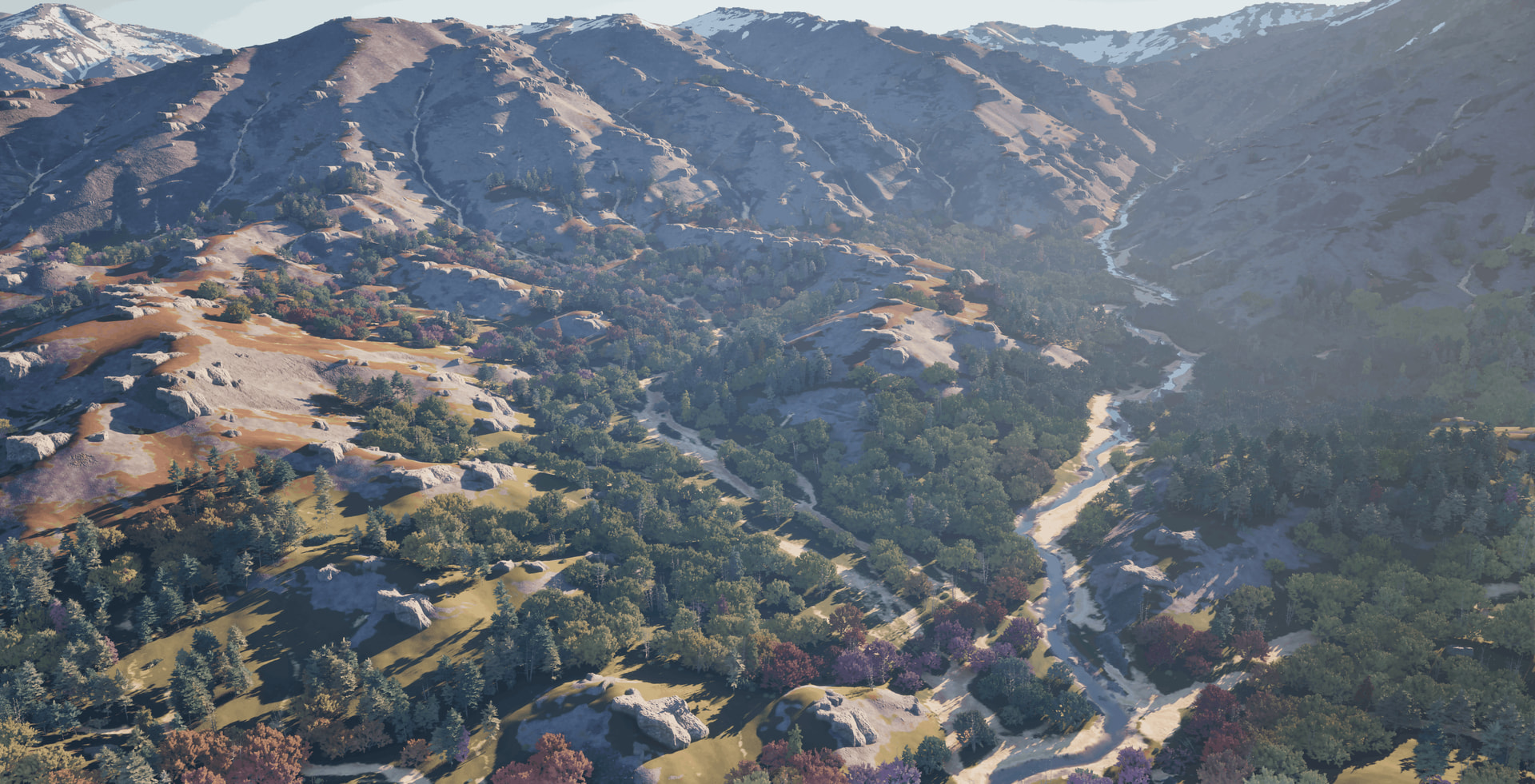
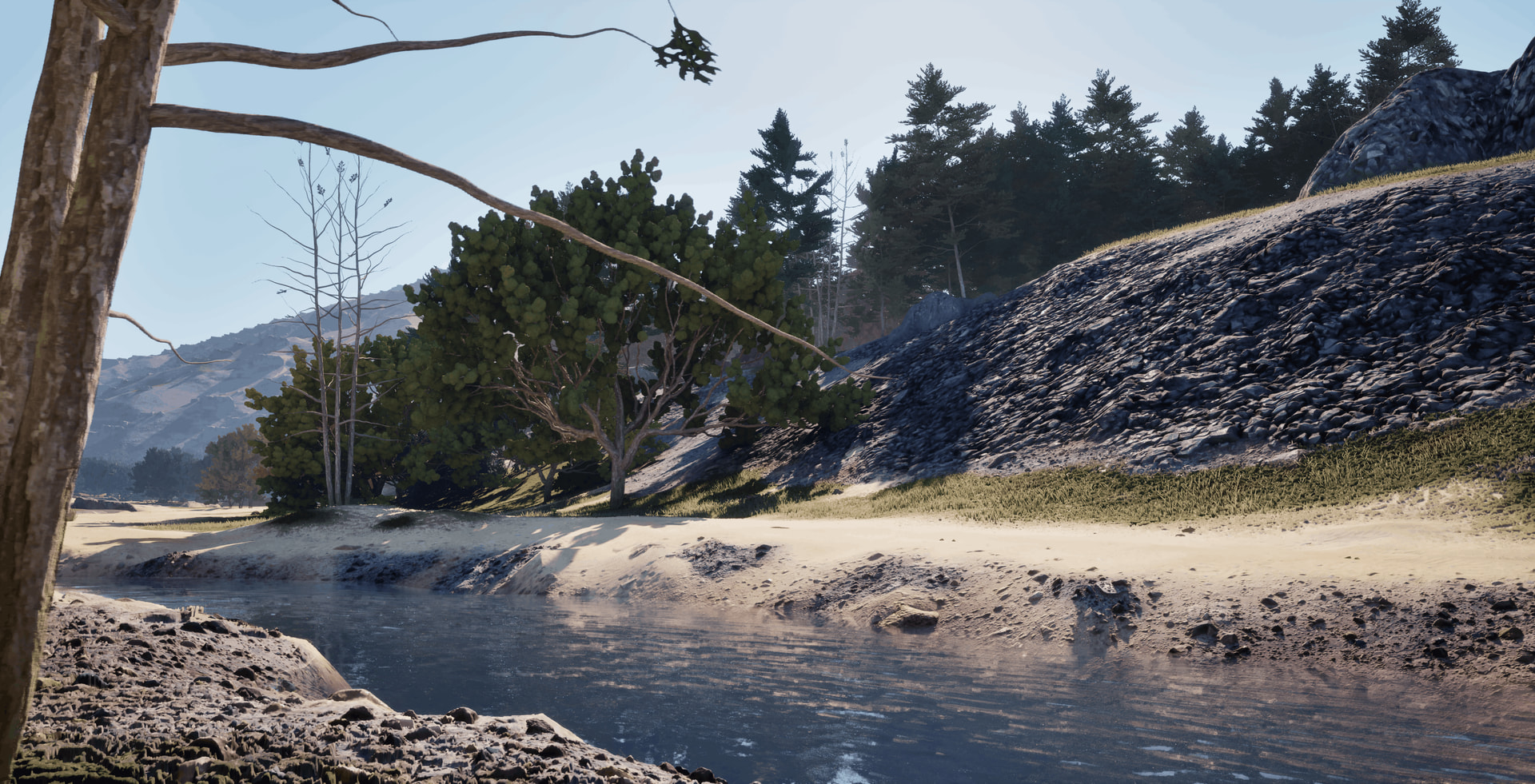
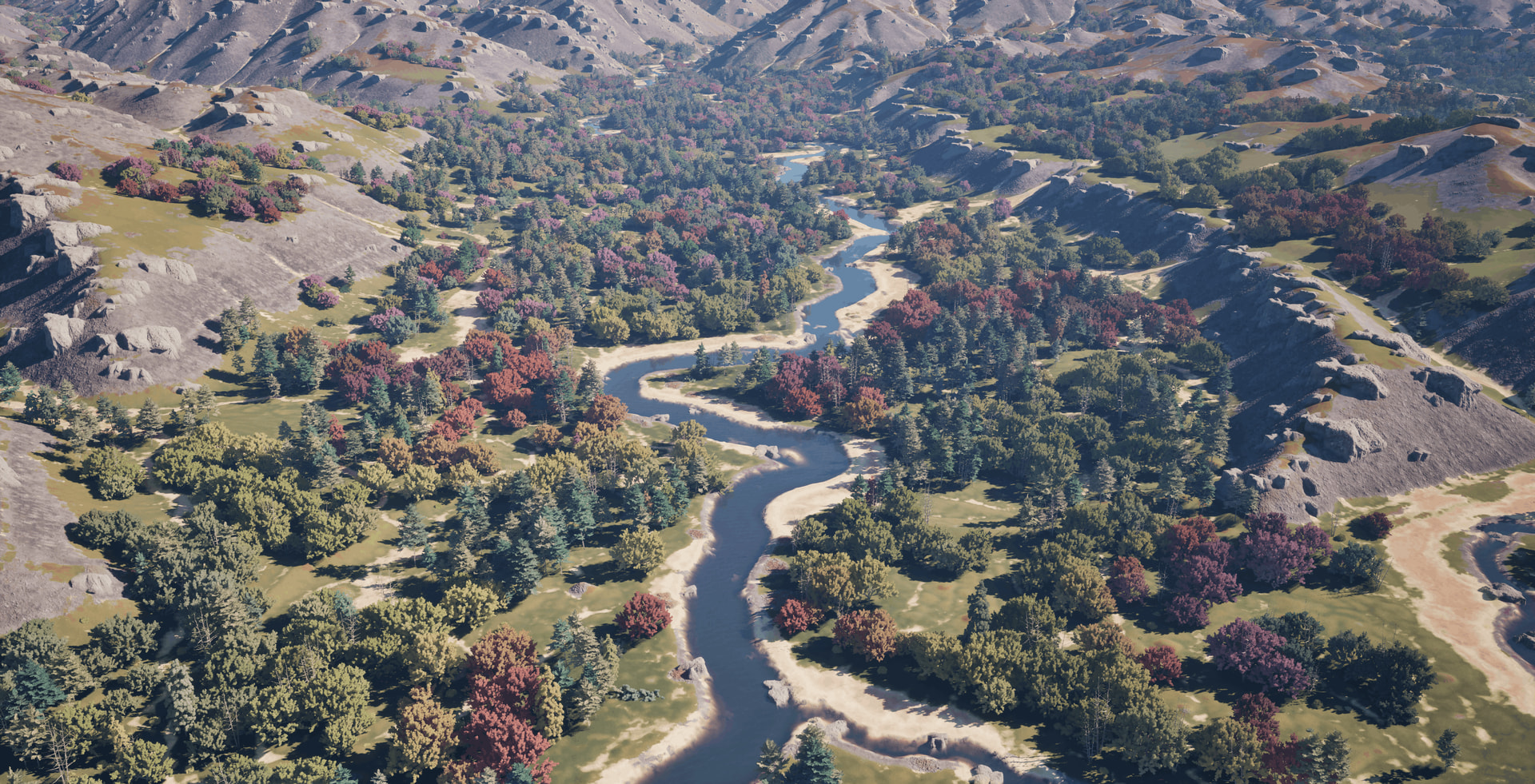
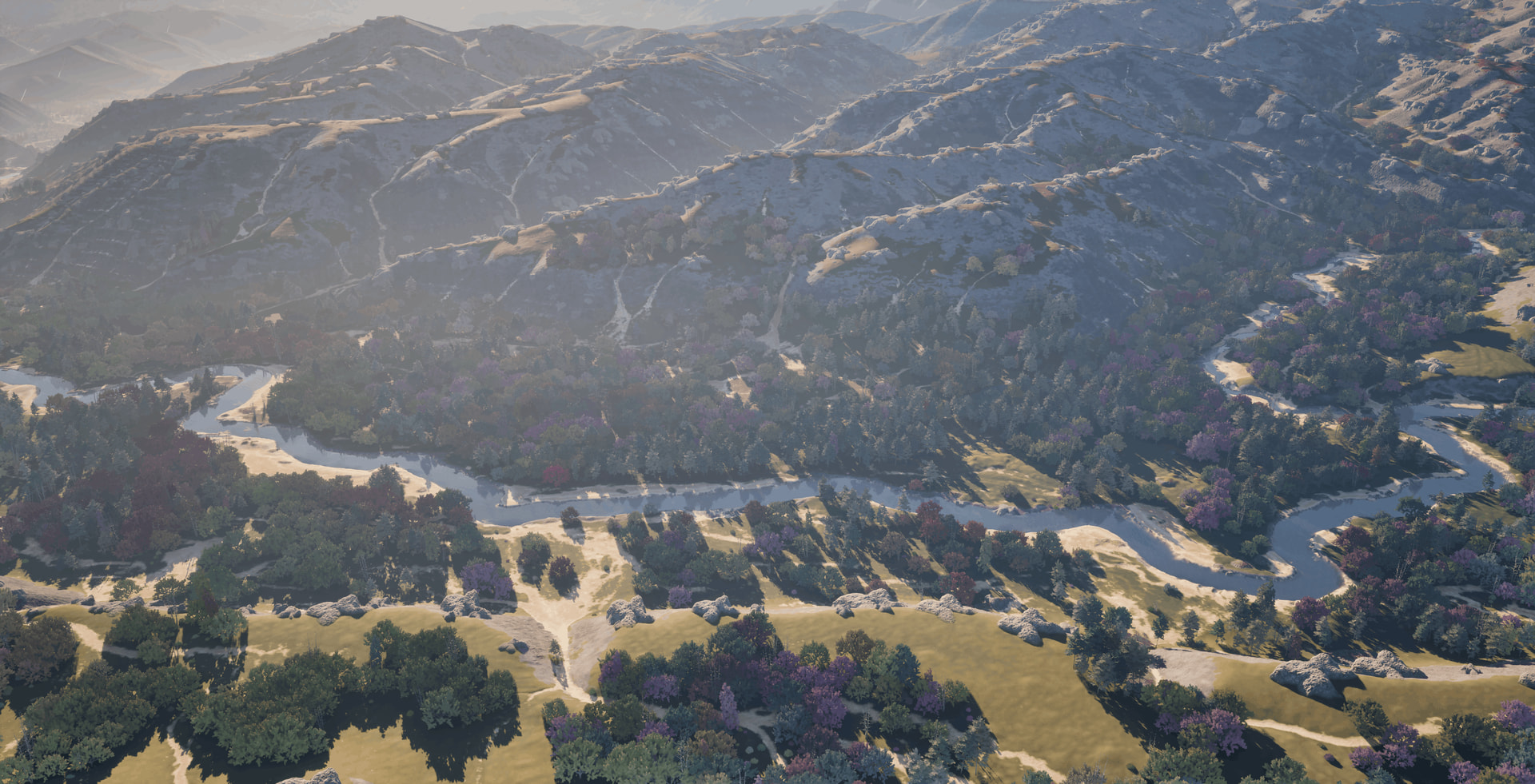
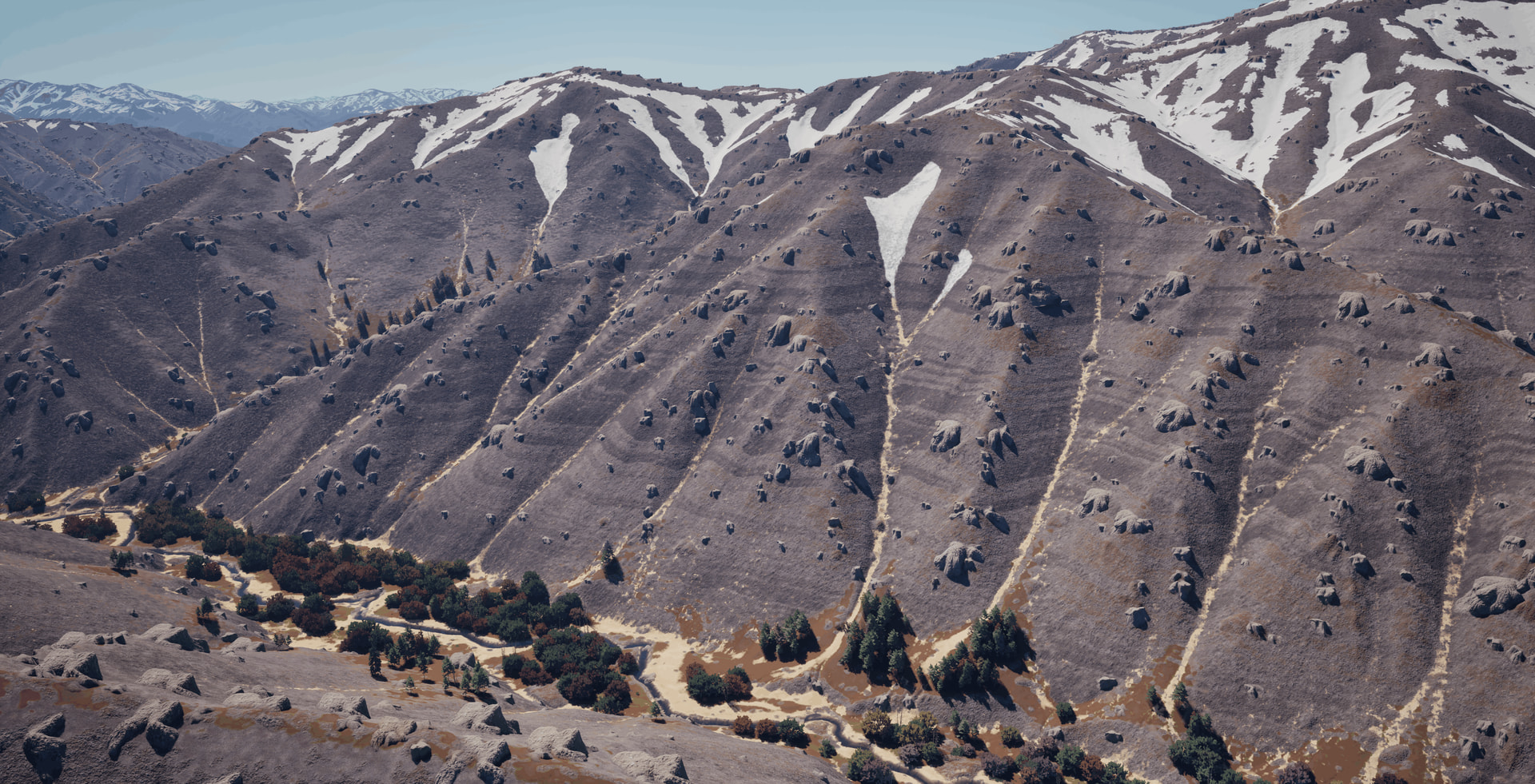
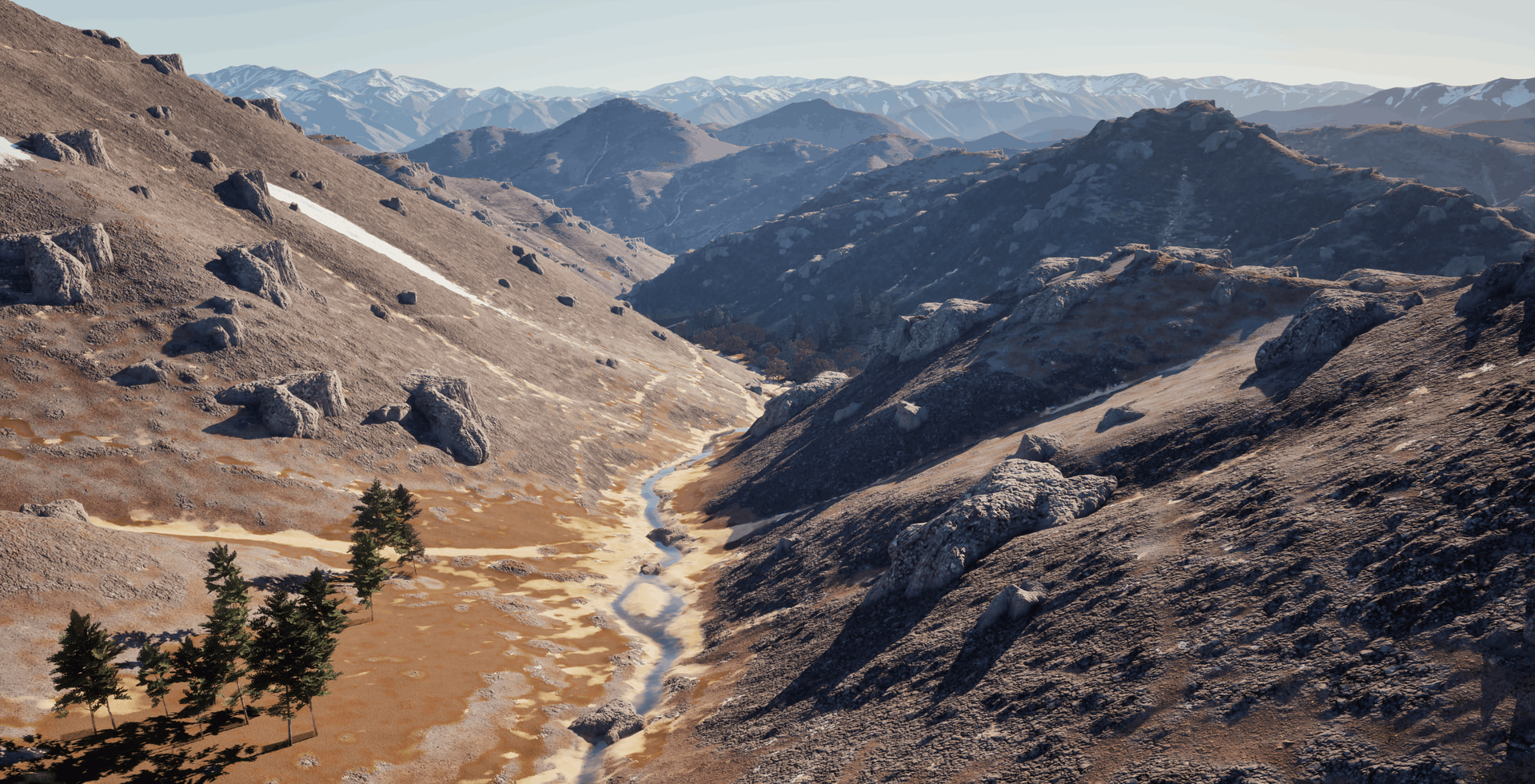
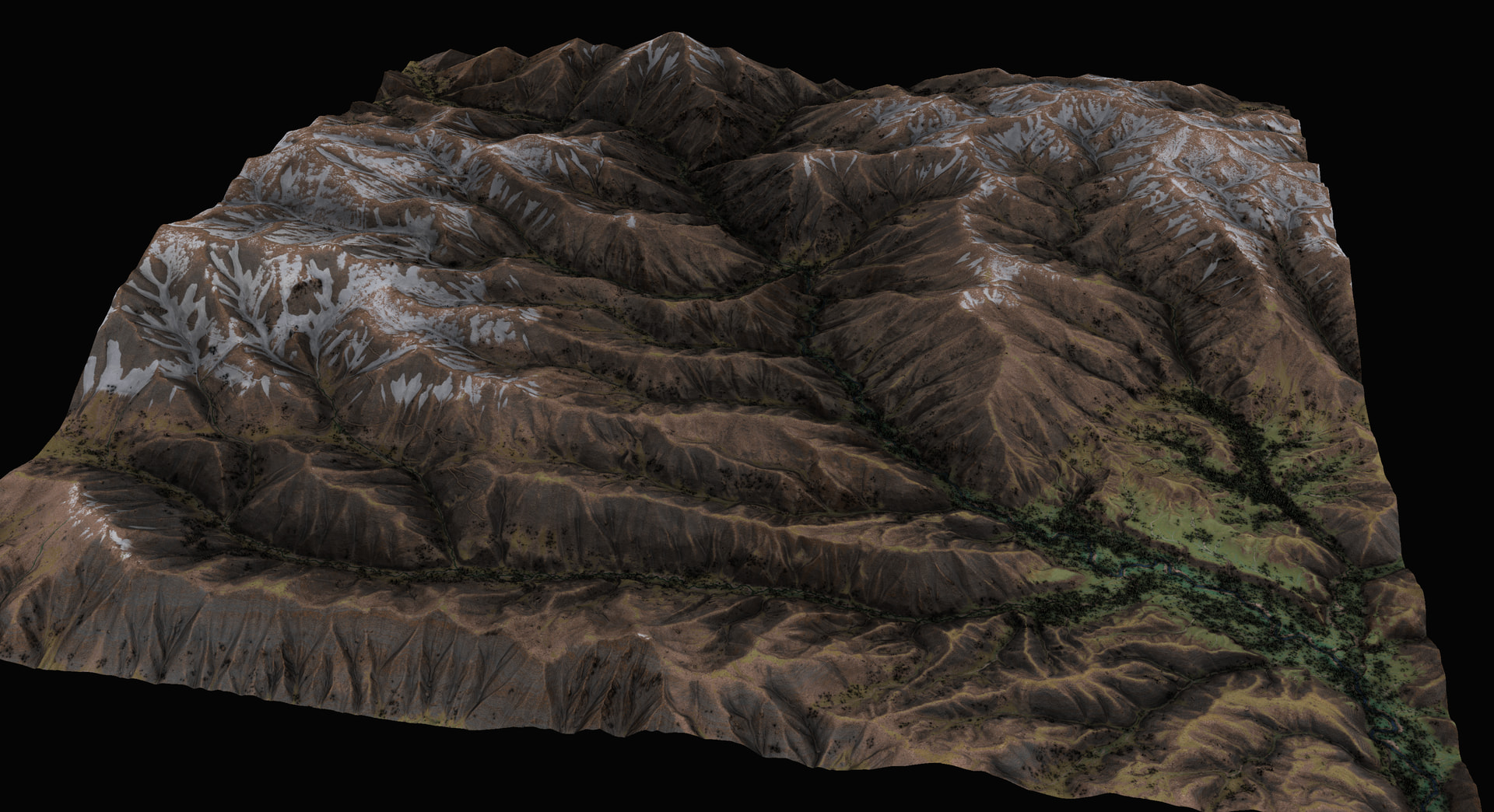
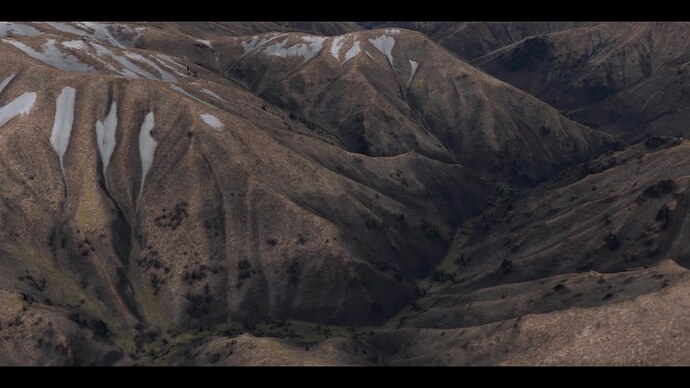
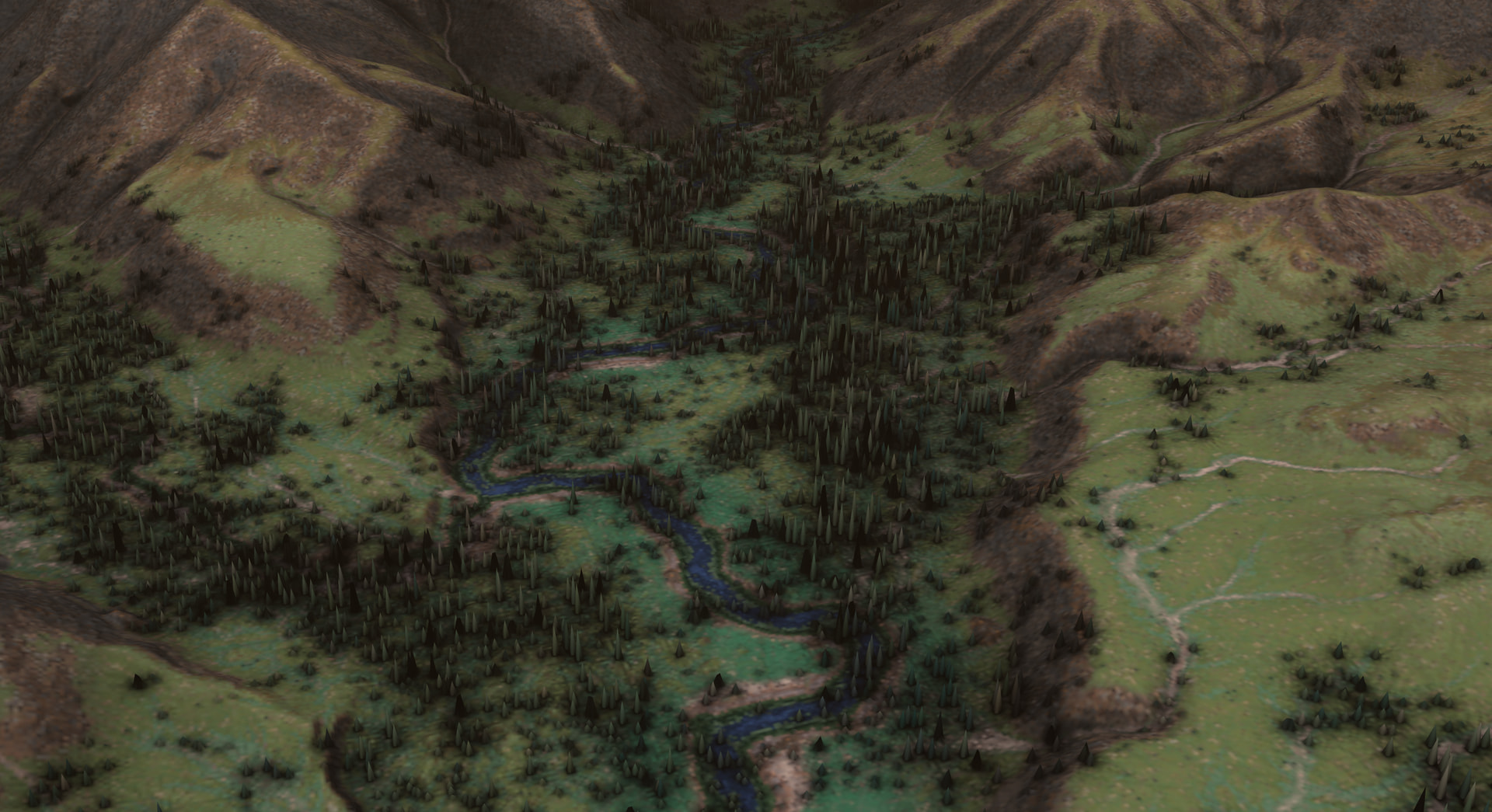
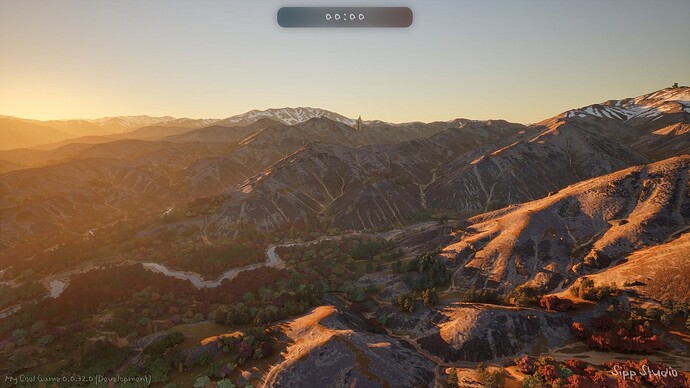
I’ve been back in G2 and Unreal the past couple months. I made countless builds of this landscape and all of my Gaea textures. So many values affected one another. I needed to just sit down and dial those values in. I also spent just as much time in UE, reworking materials, models, and PCG graphs.
I fixed most of the small visual artifacts and technical issues that were bothering me before. I’m much more confident about my workflow pipeline now.
While I have a bunch more improvements already in mind, I’d like to move on to another landscape, so I’m posting the latest of what I’ve got.
How did you spread the resolution across the scale this large? Tiles? Duplicates of terrains with different seeds scattered around the central one? What were your resolutions at all? I’m curious.
Thank you! This is just a single 8k export. I find it’s the best balance of quality and processing time.
With the tile set representing 10x10km, I get about 1.23 meters per pixel in Unreal, which is generally plenty of detail on-foot. Next project will have a lot more on-foot footage haha.
Though you are onto one of my tricks here. My solution to map edges/distant terrain is to use a landscape proxy mesh (from Mesher) and mirror it on all sides of the landscape in a grid. By repeating that grid 21 more times, the distant terrain will go far enough out to the proper horizon falloff, as calculated from the highest altitude. You can begin see the grid and the mirrored edges in some shots once you are looking for it, but only when the plane is very high, but on-foot the effect is pretty convincing.