Hi Ty, et all,
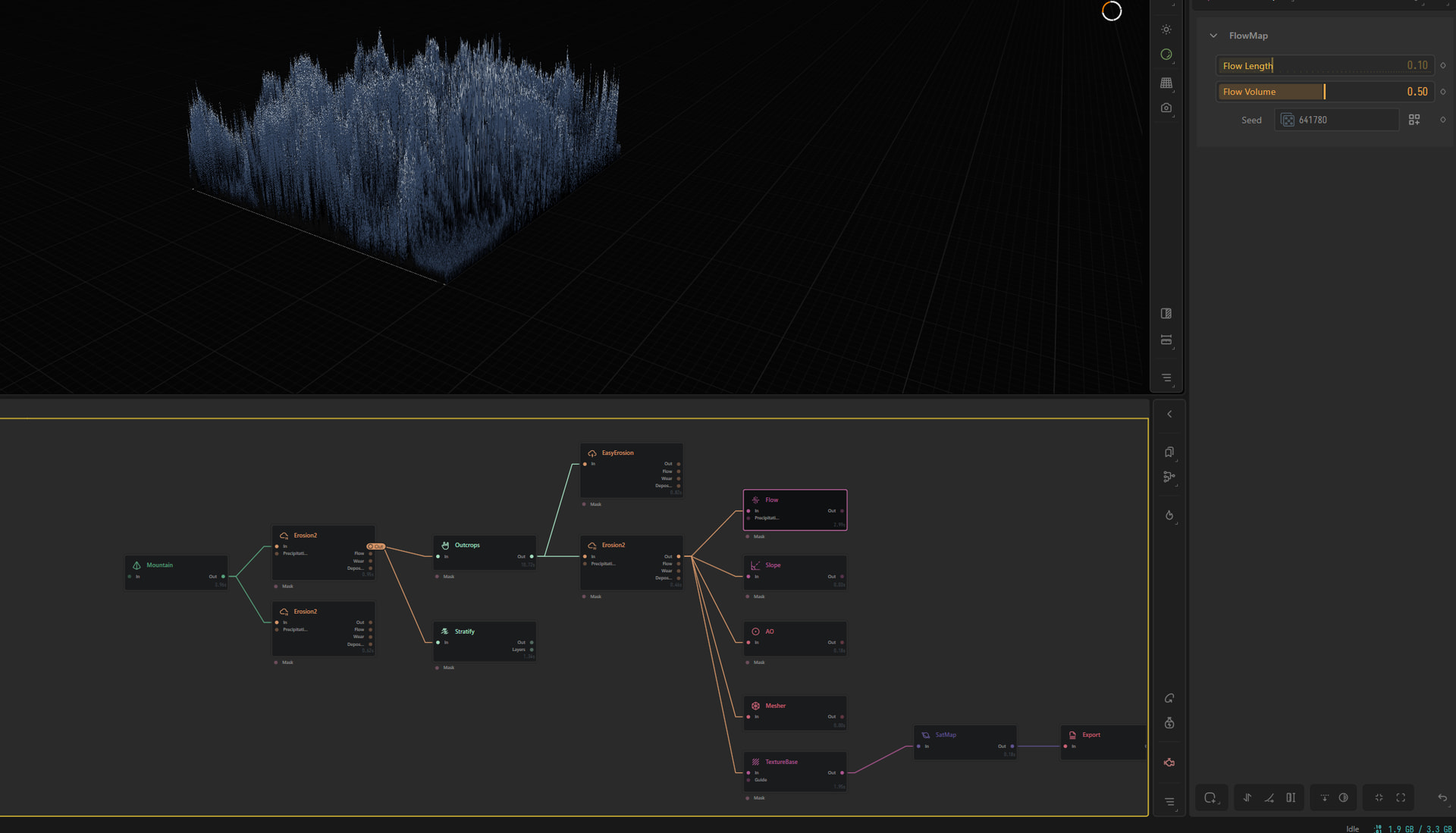
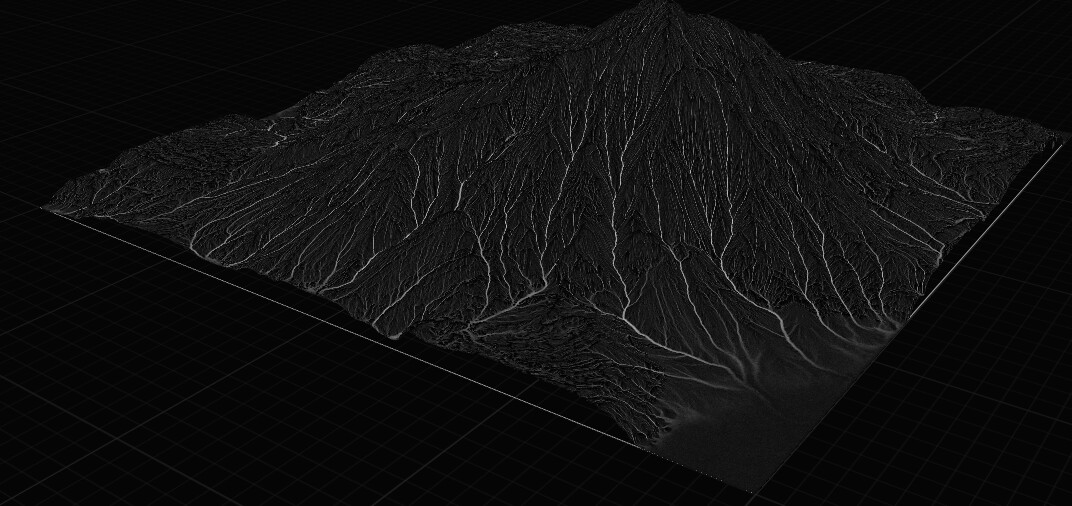
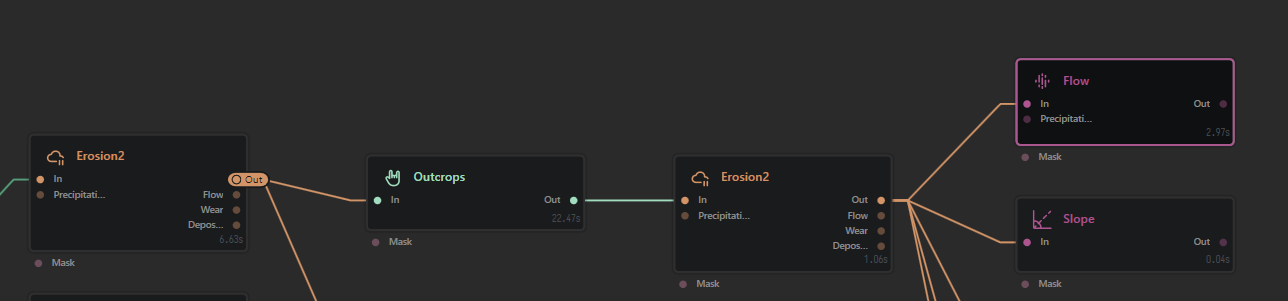
Doing this using gaea video on youtube by quadspinner, and I get to a point in my progress where some nodes connected to a errosion2 start acting really strange.
The tutorial URL is https://www.youtube.com/watch?v=2BMOmQJTXsQ&t=578s @ time 16:16.
Thanks,
Randy
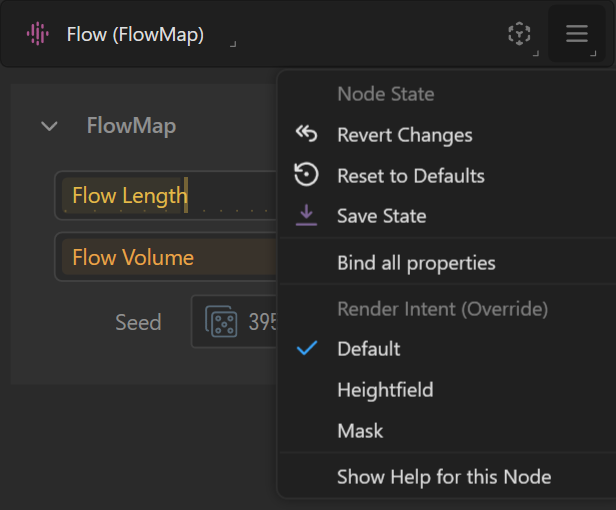
Maybe press “T” with your flow node selected (or select “Default” or “Mask” in the top right dropdown menu)
Hey Marc,
Thanks for that useful tip. I tried it from the right sided menu drop down, no change/ Then I decided to remove the easy erosion and wham fix-o cool-o. I don’t think Gaea is as stable as we would like it to be. I can’t get my version to 2.3.0.1 to recognize my AMD iGpu. Whereas It comes up no problem in Blender.
Thanks for your help. And if you would have any help with this AMD iGPU thingy please feel free to chime in.
Randy
You are welcomed ! And if I understood well, my tip didn’t really help but removing easy erosion did.
As for your AMD iGPU still not recognized in 2.3.0.1, you should (if not already done) submit a ticket :
- from Gaea tool tab (top of the UI), “run diagnostics” => “ Create a diagnostics package” => “Send Watson log” => “Copy code”
- Open a support ticket at (QuadSpinner / Support) providing the copied Watson code, your transaction ID, your issue description, screenshots etc