We are excited to finally release the Bleeding Edge build 1 of Gaea 2.3.
This is a major milestone in Gaea 2’s life cycle. There are some powerful new additions such as Macros, new nodes, 16K baking for 4x maximum fidelity, a large number of convenience features, and fixes.
We have done our best to address all the issues you have reported over the last few months, and we will continue to address any new issues.
Big thanks to our beta testers for helping us get the build this far.
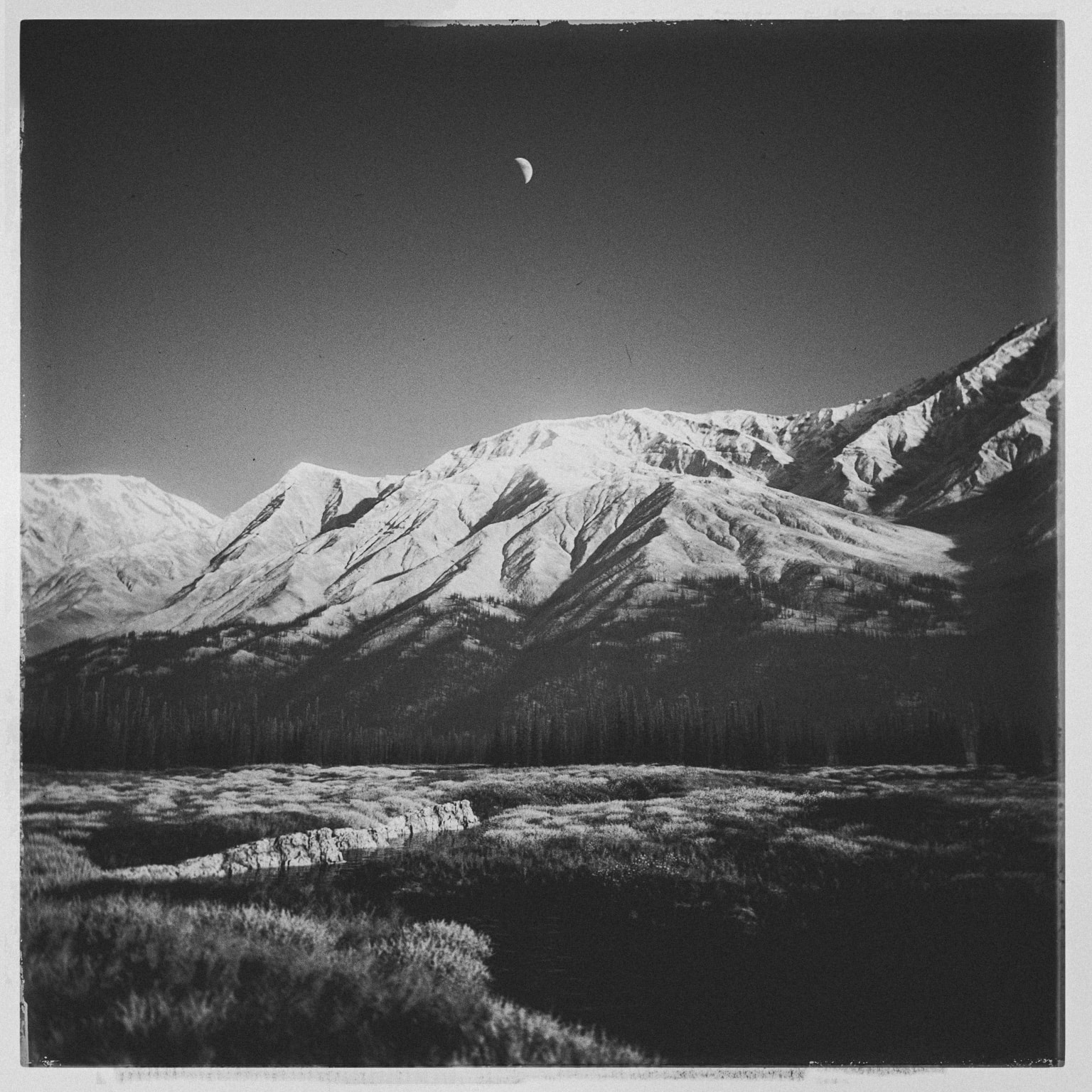
 THIS IS YOUR MOMENT!
Our internal beta tests say 2.3 is almost ready. We’re fixing a few remaining bugs and ensuring stability. We plan to release 2.3 in the next couple of weeks unless any major showstopper bugs are reported.
Feel free to post your comments below, or in Feedback > Bugs
If you encounter an error, please make sure you provide a Diagnostics Log Code.
Thank you in advance for your help!
Gaea 2.3.0.0 (BLEEDING EDGE)
 Bleeding Edge Builds are for testing and may not be fully production ready. Do not use in production and be sure to back up your work before opening it in a Bleeding Edge Build.
Download from QuadSpinner Redirect to 23be1
Install Instructions
- Create a new folder and extract the 7zip file’s contents there.
- Run Gaea.exe to create the local data folder there, so it won’t affect your normal installation.
- Load your license, if you like (it will use up 1 of your install slots - you can always reset in your User Account)
- Or keep it as Community Edition.
What’s new
See the Macro Documentation for more details on the macro system, including how to create your own macros.
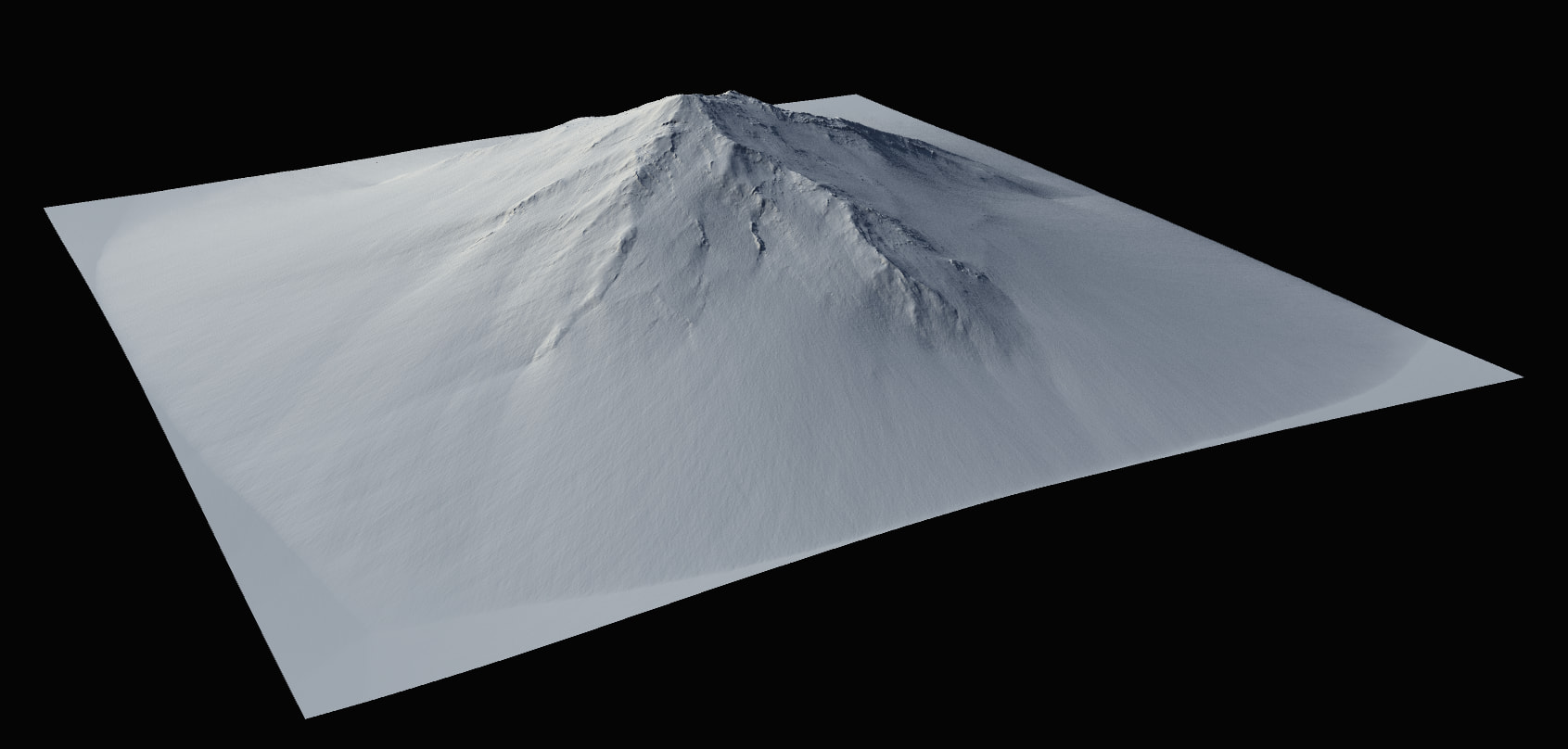
New Extra Deposition settings in Erosion2.
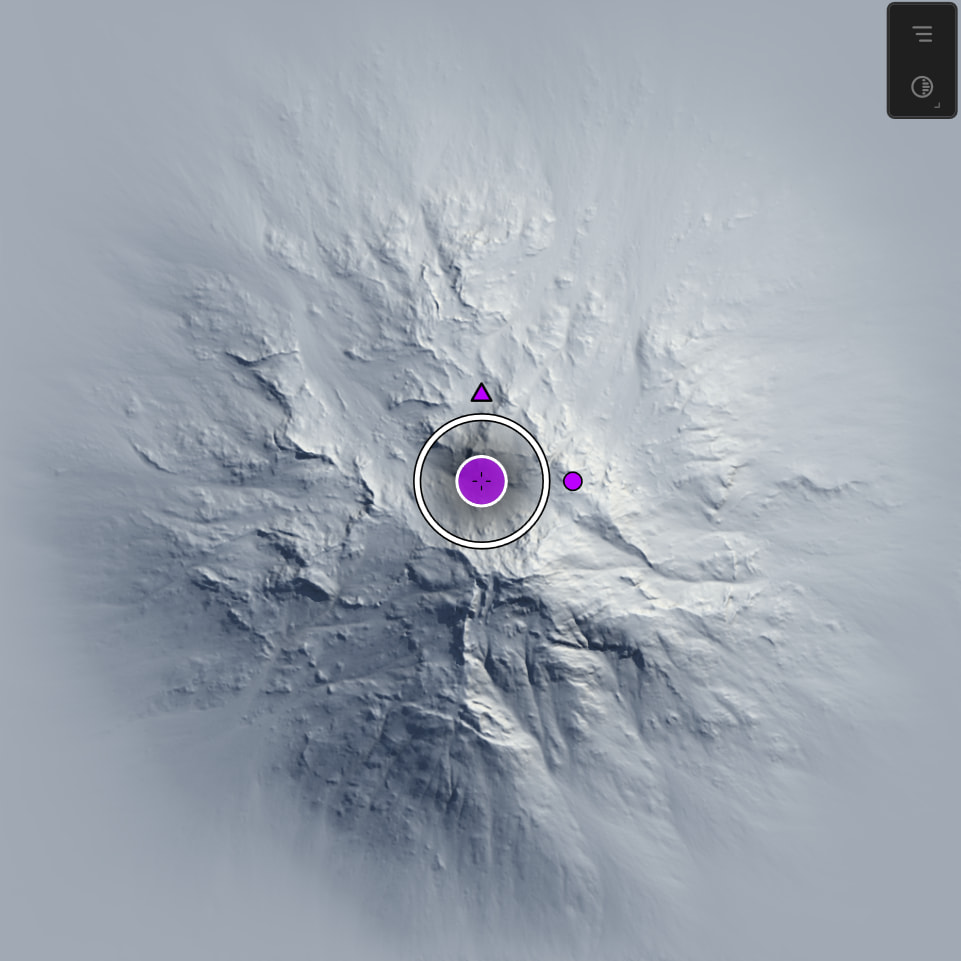
New 2D Viewport gizmos for higher precision.
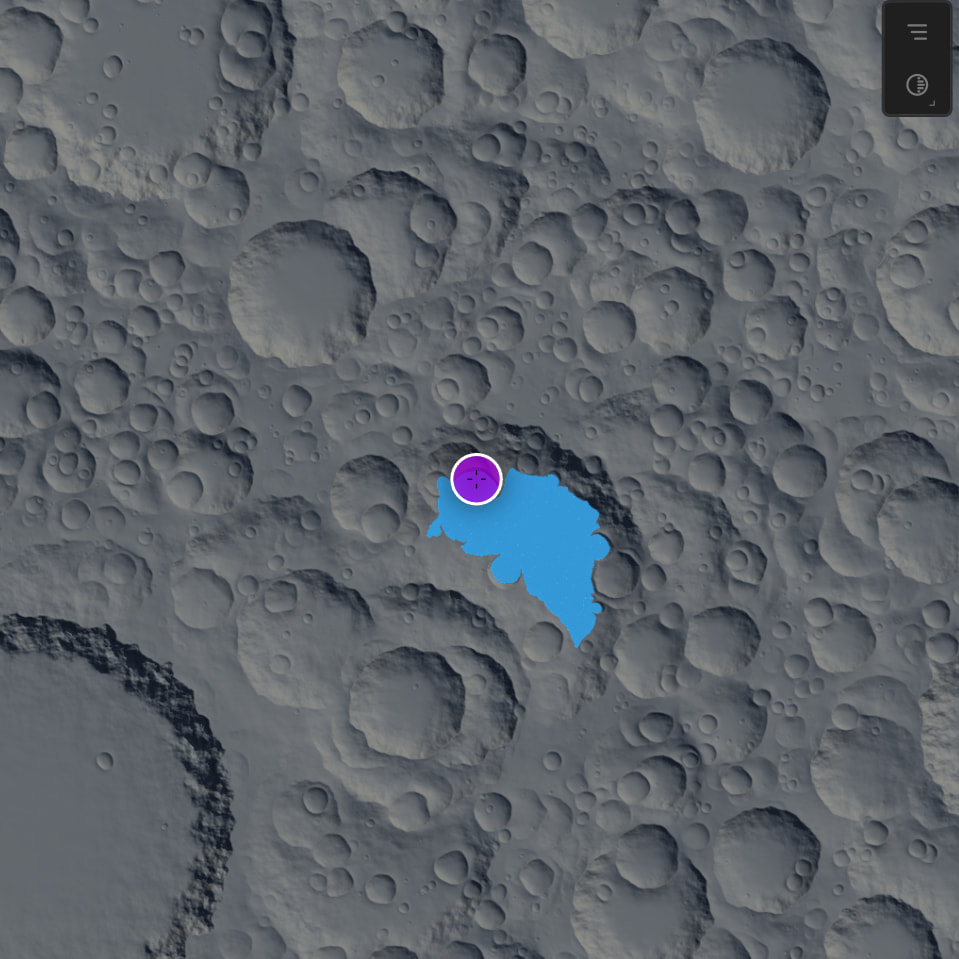
Movable Lakes with Simple Mode in Lake node.
New features
- Macros. Create and reuse graphs using your own Macros.
- New Lake node mode: “Simple”, with fast lake generation.
- New 2D Viewport Gizmos for added precision and usability.
- Swap added to Compare.
- New node: ColorThreshold, for generating masks from color values.
- 16K baking is now supported.
- New progress dialog for long operations such as Bake, Export, and Cache.
- You can now filter for bypassed nodes.
- Added warning when Region builds are under 4K.
Node improvements
- Lake: improved colorization.
- Lake: improved preview colors with a focus on depth perception.
- Median: revamped with new “Advanced 2” mode.
- Erosion2: adds “Extra Deposits”.
- Debris: now supports removal control via a dedicated input.
- Snowfield: includes experimental Taper options.
Viewport and gizmo improvements
- Faster viewport rendering during interactive operations, including Draw, Transform, and more.
- Improved visual feedback when using double-click to connect nodes.
Build, region, cache, and export improvements
- Build dialog now shows region and region resolution if a region is being built.
- Build Settings window: region reference image is now shown only when the Region Manager is shown.
- Region text updated from “remaining standard” to “Whole terrain”.
- Caching behavior reworked for better stability, especially around baked data.
- Tiled build handling received multiple fixes, including leading-zero naming and better behavior in edge cases.
- Export and bake-related crash points were addressed.
- Disabling nodes under “Nodes to Export” now properly excludes them from build/export.
- Build Open now correctly opens the actual build folder.
UI and workflow improvements
- Improved orphan variable warning with a non-intrusive message.
- Random Seed input improved: click for new seed, right-click to edit as text.
- Compute tab now shows more detailed error information.
- Added an option to suppress the “Delete orphan variables” dialog.
- Group icons now display correctly in headers and the data view.
- Interface scaling and floating mode behavior were improved.
- Some VRAM usage and preview/update behavior were improved.
- Improved startup resilience in some edge cases.
- Better handling for older files and graph import edge cases.
Platform and backend updates
- CUDA updated to 12.8.
- HIP updated to 6.4.
- Includes a security fix for IM, GHSA-6hjr-v6g4-3fm8.
Fixes
Graph, nodes, and editing
- Mouse wheel zoom did not work when hovering Notes.
- Pasting a node after Cut did not retain connection, and connecting an existing node to a pasted node could crash.
- After moving a selected node to another graph, it was not removed from the group.
- When switching between graphs, collapsed group children could become visible.
- SoftClip did not honor Ratio.
- Canyon Eroded2 mode was not working.
- Wizard2 had an unnecessary extra UI group.
- Mixer did not preserve properties when duplicating or copying.
- Mixer via MultiMix did not create different layer colors.
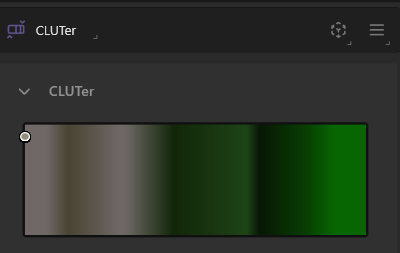
- CLUTer kept invalidating children on select.
- DotNoise could fail if Size was too low.
- Replacing a node with a macro could crash Gaea.
- Combine did not blend with black when secondary ports were unconnected.
- Heightfield nodes that accept Color input could incorrectly be allowed as Underlay.
- Duplication did not carry over some properties.
- Plates could go into an infinite loop at extreme scale.
- Handle out-of-range scales and values in several Generators.
- Potential data conversion error when copy/pasting complex nodes.
- Bookmarks did not update after node rename.
- Remove primary port name not working for Unreal and Unity.
- Corrected unexportable logic.
- Curve node did not update when Fit Curve command was used.
- Draw node data was wiped when unbaking or baking Draw node.
- Search preset could not be created.
- Out-to-Out connections did not update preview.
- Searching for portals could cause a crash.
- Gaea could crash if Mesher was bypassed.
- Gaea could become unstable if Output nodes were baked.
- Rare Mesher crash fixed.
- Gizmo did not work in old-style Crater.
- Duplicated nodes did not contain original portals or connections.
- SatMap Clipping slider behaved incorrectly.
- Dropping a node on another node now connects them correctly.
- Dropping nodes could create extra copies in some cases.
- Some old Gaea 1 Halftone maps were broken and were removed.
Region, build, cache, and export
- Region build reliability fixed.
- Tiled Export crashed when Flip Y axis was enabled.
- Dragging Region could cause a crash in some situations.
- Running a build with a baked Export node could cause a crash.
- Region build would not work.
- Build result was not set correctly at the end of standard build.
- Progress would clear after some nodes were finished.
UI, windowing, and viewport
- Maximized window could bleed into nearby monitors.
- LazyMenu could crash if the 2D viewport was open and selected from LazyMenu.
- Viewport area element icon checked state was not set initially.
- Dragging misalignment in rare cases fixed.
- High-precision numbers could appear visually truncated.
- Re-embedding viewport after changing interface scale could cause a crash.
- Interface scale was not preserved when choosing Floating mode.
- Minor VRAM improvement in UI.
- Viewport AO and Shadows checkboxes were broken.
- Crash when creating excessive tabs.
Files, loading, saving, and startup
- Do not warn about autosave if file was recently saved.
- Autosave warning interval is now remembered across sessions.
- Node help did not go to the correct URLs.
- GRAW could crash if Meta sidecar file was missing.
- Open/Save dialog could fail if last path became unavailable.
- Gaea could crash on startup if an MRU file on a network path was unavailable.
- Older files without Macros would not load.
- Updates were stored in the root folder instead of Updates.
Commands, shortcuts, and edition restrictions
- DotNoise (“dot”), Filter (“fi”), Math (“mth”), Meshify (“msf”), MeshWarp (“mw”), and SuperColor (“spc”) shortcuts changed to avoid conflict.
- Bind Variable option was visible to Indie users.
- Duplicate shortcut entry in Help.
- Unnecessary “Validation Failed” message when using the Build tab.
Stability
- Better startup resilience in edge cases.
- Draw node stability improved.
- Crash when Underlay is unbuilt or outdated fixed.
- Several crash cases around viewport embedding, baking, portals, underlays, and file loading were addressed.
KNOWN ISSUES
- Undo may make Macro unstable. We’re working on fixing that, and improving Undo overall.