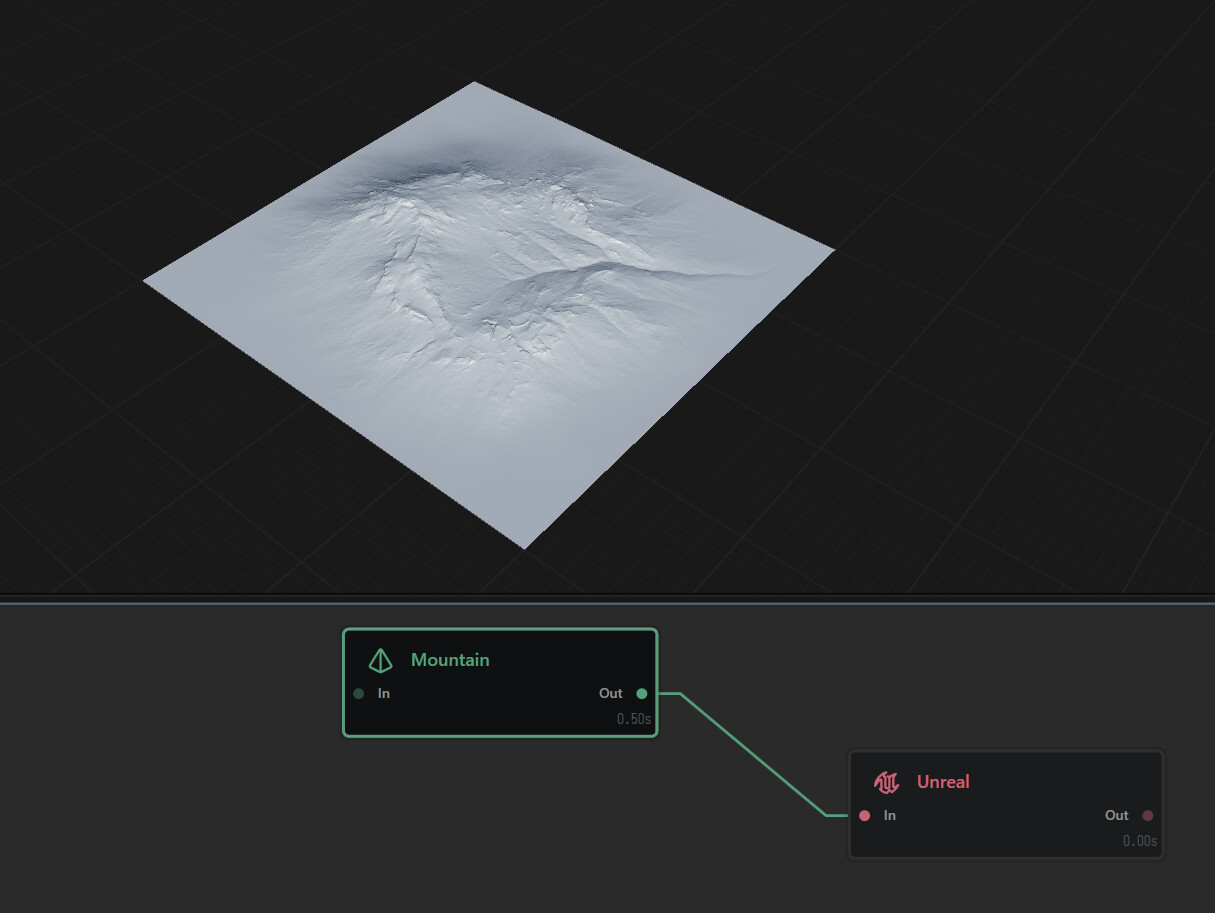
I’m currently using Gaea 2.3.0.1 Professional with Unreal Engine 5.7.4. Following a tutorial I found online, I’ve successfully installed the plugin in Unreal and successfully exported out a build I made in Gaea 2.
In the Unreal Editor, the plugin has been enabled in my project and Unreal has been restarted.
The issue I’m facing is that when I click on the Gaea plugin icon in the Unreal editor and point the dialog to where the exported heightmap can be found, the import process seems to hang indefinitely at 10% Has anyone else come across this issue? Am I doing something wrong?
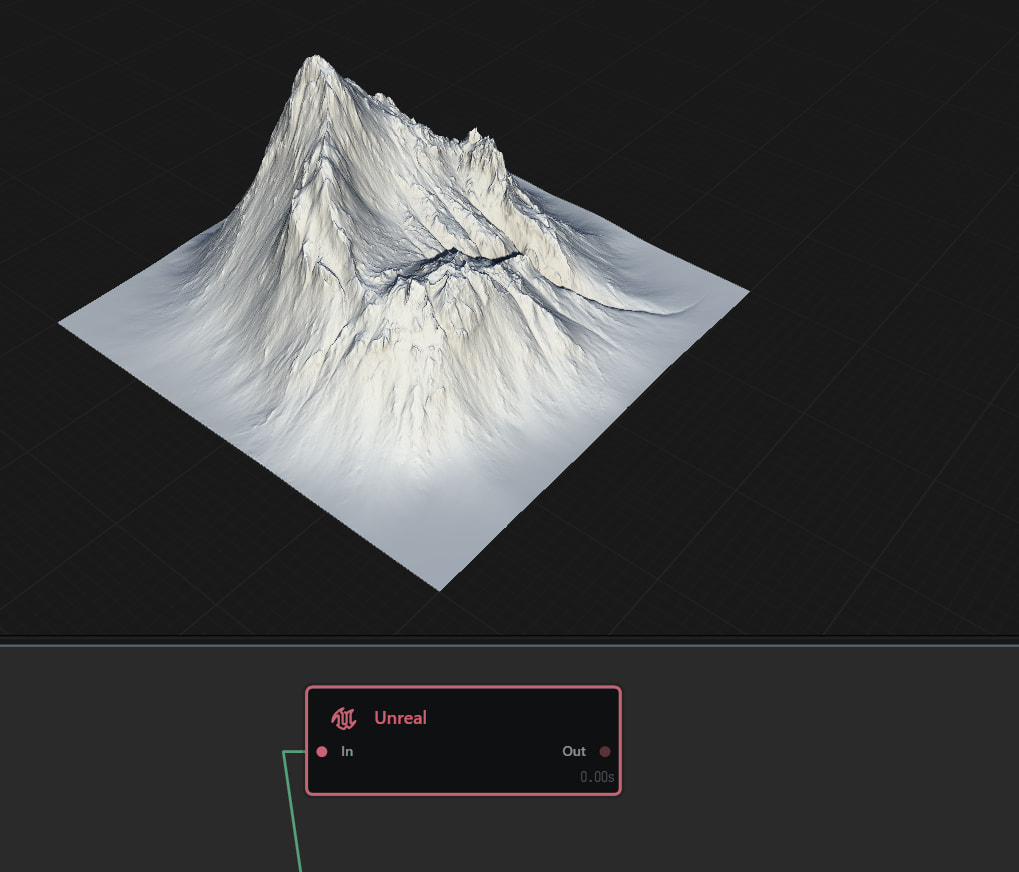
That was it! It’s much faster now. However, is there a reason that the Unreal node in Gaea 2 seems to multiply/increase the height of the node connected to it’s input?
Unreal wants a 16bit depth with -256 - 256 data range
Gaea works in a 32bit depth with the option to normalise data 0-1.
You can otherwise use normalised values or units when entering values
For example the constant nodes default height is 0.5 in a normalised range, but you could also put 500m or 757m etcetc and it’ll write the normalised value for you ( this is calculated through the terrain definition)
For the 32bit data to smoothly transition into 16bit with the least data loss the unreal node auto levels the incoming data this also normalises it which then also makes it translate cleanly and more accurately into the format and calculations that unreal wants ( if you were to manually import rather than use the Gaea2Unreal tool that does the calculation for you)
It does indeed! Thank you for explaining that. So with that in mind, is there a node I should use before the Unreal node? I’m really hoping to get a 1:1 parity between what I see in Gaea 2 and what Unreal generates when I use the Gaea2Unreal plugin.
Just your nominatedheightfield that you choose as the input in the Unreal node, this would be at 1:1 parity, visually.
The data is still different between Gaea and Unreal, but it’s visually the same.
What you should see in UE ( nominated heightfield to IN in node)