Hi, the regions are split in a 8X8 grid. If I render out a ‘region a’ and want to place that in the Whole Terrain I can scale it using the number displayed in the region window. But moving it to the original place with a transform node takes a -1 to 1 input. And it takes the center of the rendered out ‘region 1’ file input. It there a way to make the file node compatible with Region 8X8 grid?
This is where custom Variables and Expressions should help, if your license level supports them.
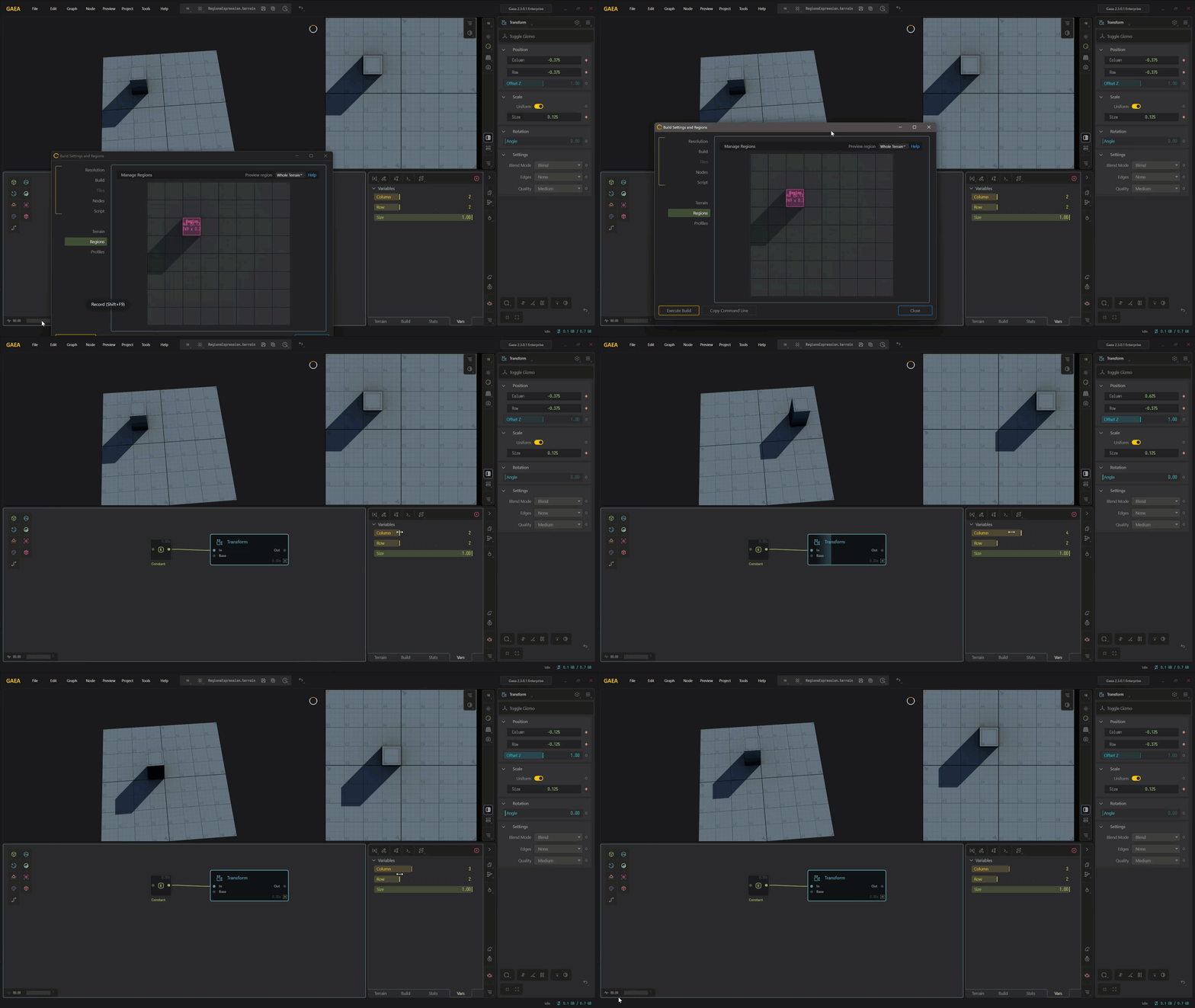
The File node does not directly understand the 8x8 Region grid, but you can use the region cell as variables, then drive the Transform node from that.
For an 8×8 grid:
Scale = 1 / 8
Offset step = 2 / 8
So a cell like C3 in my case:
X = -0.375
Y = -0.375
Scale = 0.125
So the workflow would be: region cell > variables >expression > Transform offset/scale.
1 Like
thanks Ty, i haven’t looked at the variables and expressions. What kind of did u use? And i guess you need to connect them to the transform node.. hmmmm i think i need to read the manual.
No problem, I do recommend looking at the docs for it; there is a video on QS YouTube as well.
Here’s what I used in the above-mentioned, once you’re a little more familiar.
| Variable | Type | Min | Max | Expression |
|---|---|---|---|---|
| Column | Int | 0 | 7 | -1 + ((x + 0.5) * 0.25) |
| Row | Int | 0 | 7 | -1 + ((x + 0.5) * 0.25) |
| Size | Float | 0 | 1 | x / 8 |
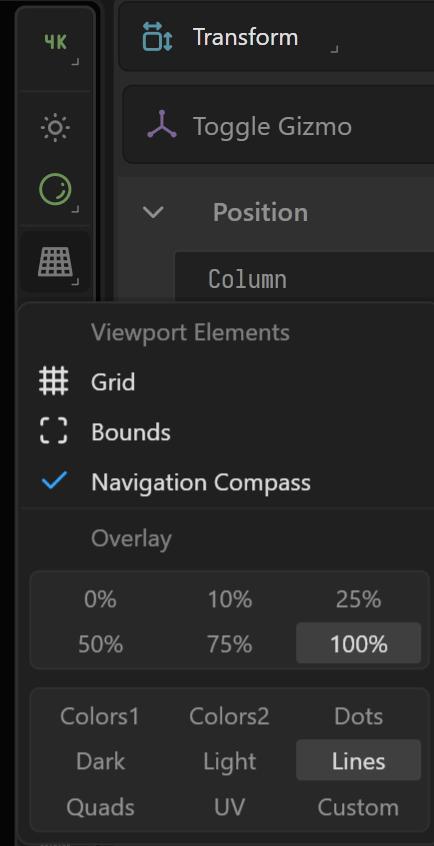
For the overlay i just used the lines one since it met your 8x8 gride style
Thanks a lot Ty!
1 Like