Hey @TyXanders,
Apologies for not pinging you on my last message, I’m not sure if you got the notification about my reply
1 Like
Ah thank you! @ath0rus checking it out now, and will raise this again to the team just in case.
couple of things came back to me reading through this.
- there was discussion about the pixel difference being minor
- the low presences of very low error margins.
- different terrains different error margins
led me to think that that as tiny an error margin is the scale and size coule potentiallt exacerbate errors
i noticed you’re already working in a 0-1 scale anyway, and i tested true scale already came to the same results.
the only thing left would be to overlap the error and blend it.
for this case i had some really good initial results with the following build set up for a tiled build type:
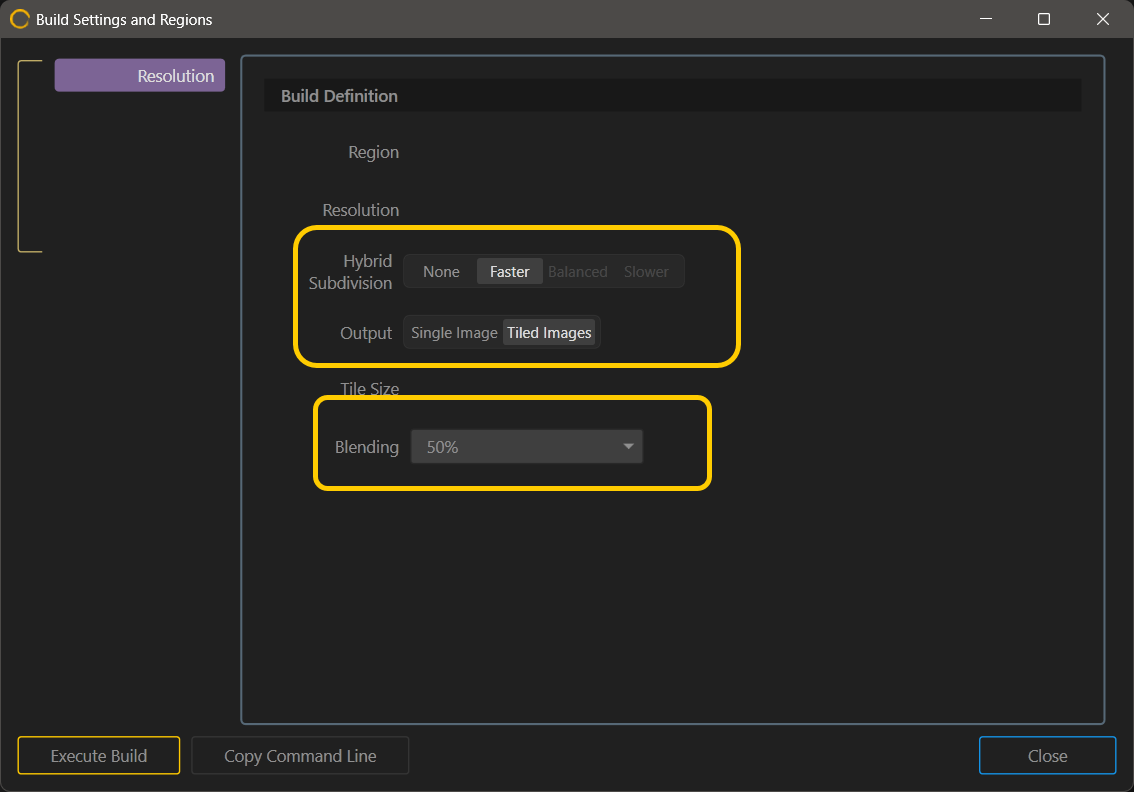
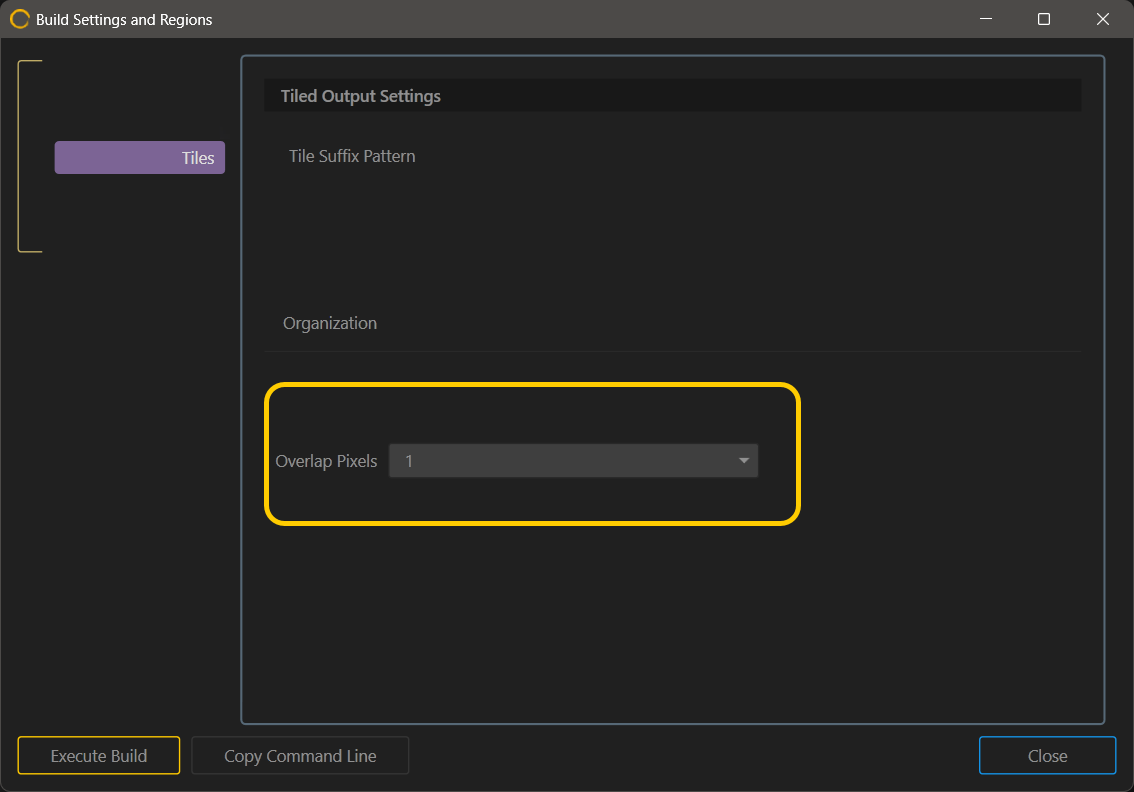
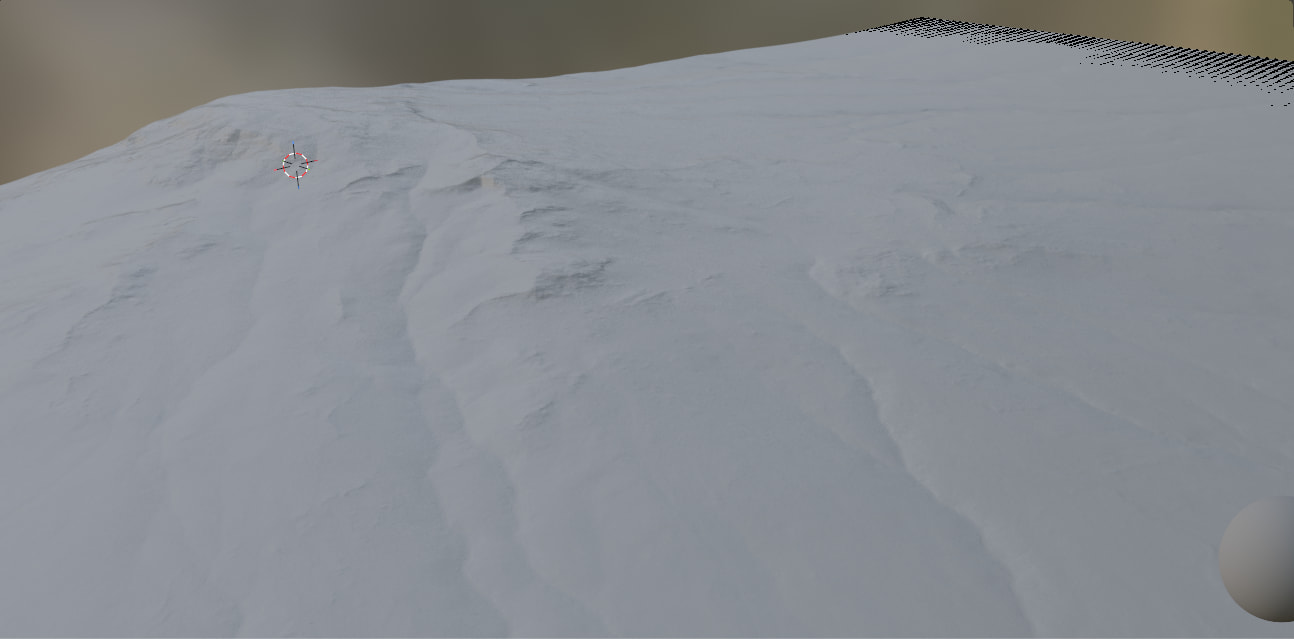
I really hope this solves it for you.
Hey @TyXanders,
Sorry for the late reply, Been a busy few nights on several other projects.
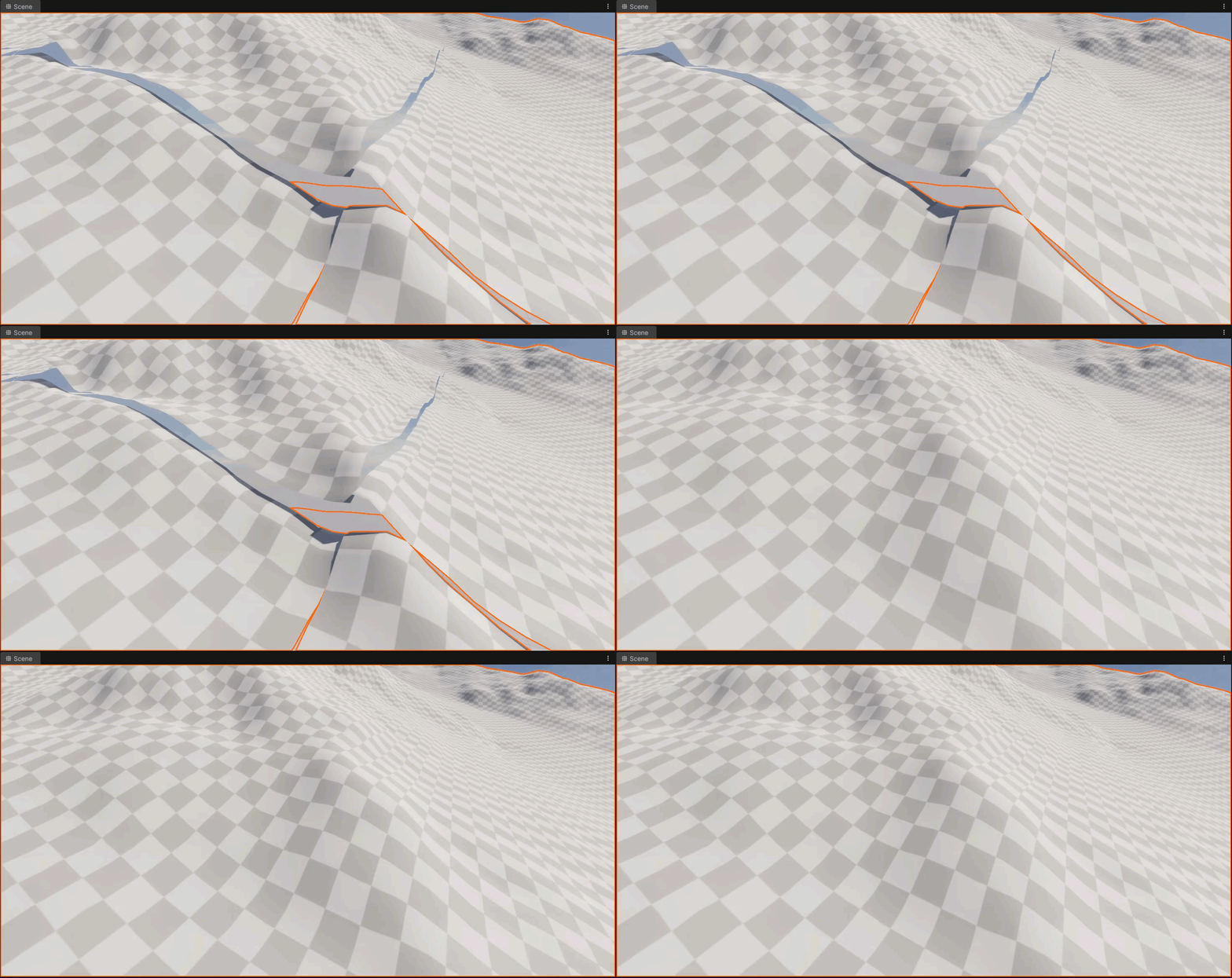
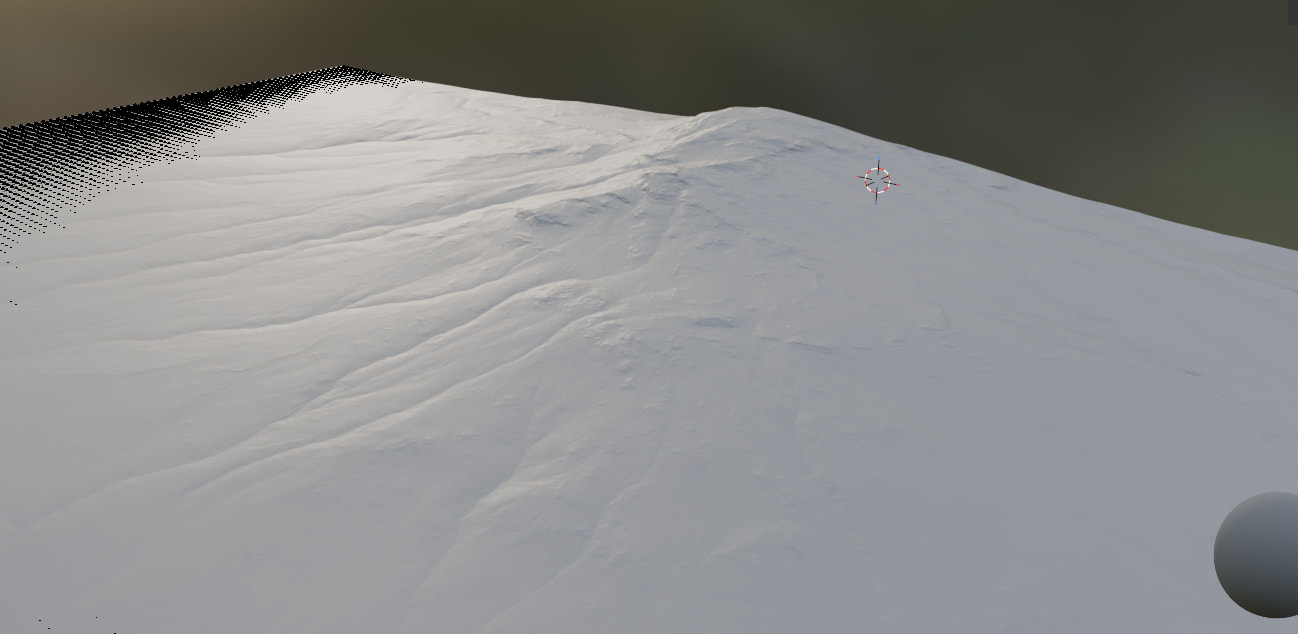
Did some testing with the settings you suggested (1 pixel overlap) and that gets it alot closer and removes the big gaps, While there are no big gaps there is for some reason still a seam (see the pic below with an excessive amount of arrows), It’s think the geo is refusing to coordinate.
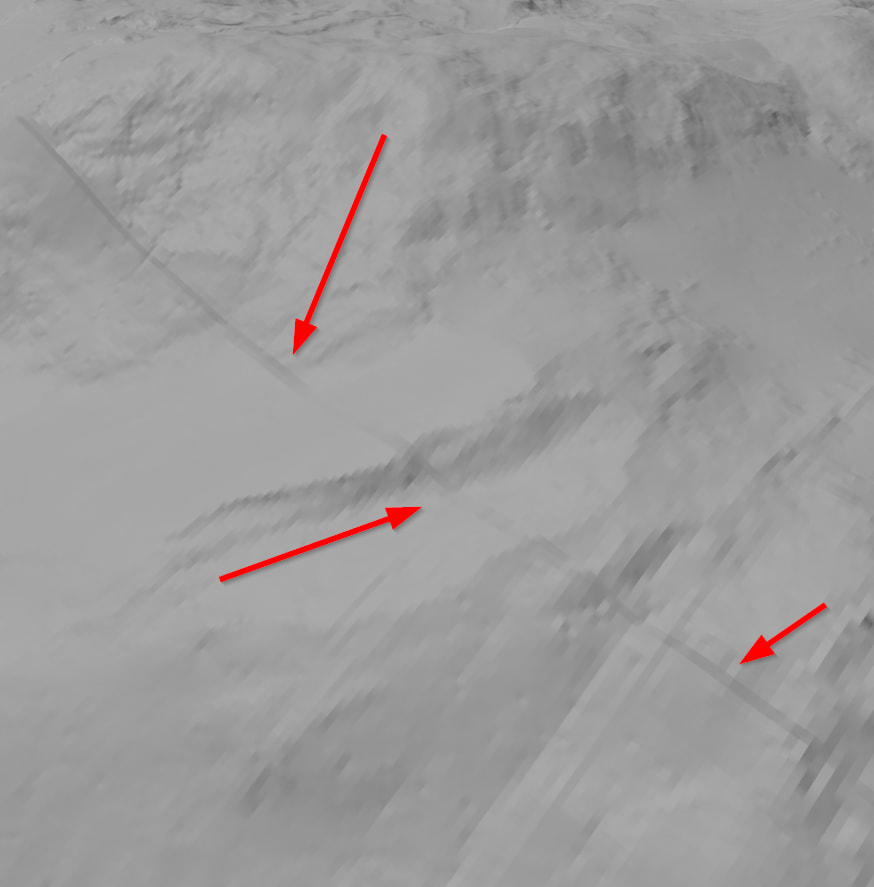
Since I think this is now at the point where It’s a blender issue not Gaea I will probably submit an issue report to blender themselves and see what they have to say. I also tested with a stupidly high subdivision and that changed nothing, Still both types of seams.
Is there anything I should test before I report the issue to Blender to see what they have to say?
1 Like
@ath0rus no pressure on time,
Alrighty, this could show us how Blender interpolates data and perhaps even auto stitches ( or lack of)
It may be blender-specific, terrain-specific ( or both)
What looks to be happening is that Blender blends the overlap cleanly using the two data sets it might be a default smooth lerp or something else; in my case, I may have just had the best pixel overlap/blending set up for the terrain size I had, incidentally, yours could be different.
In my team’s pipeline, we created a separate tool that blends the overlap for us because the engine doesn’t. Even at extreme angles and multiple points, it does end up clean.
IMO Gaea does create the right data it’s the interpolating data on a renderer that needs to ingest something.
In Blender’s case, it looks like the right combo of pixel overlap and blending from Gaea.
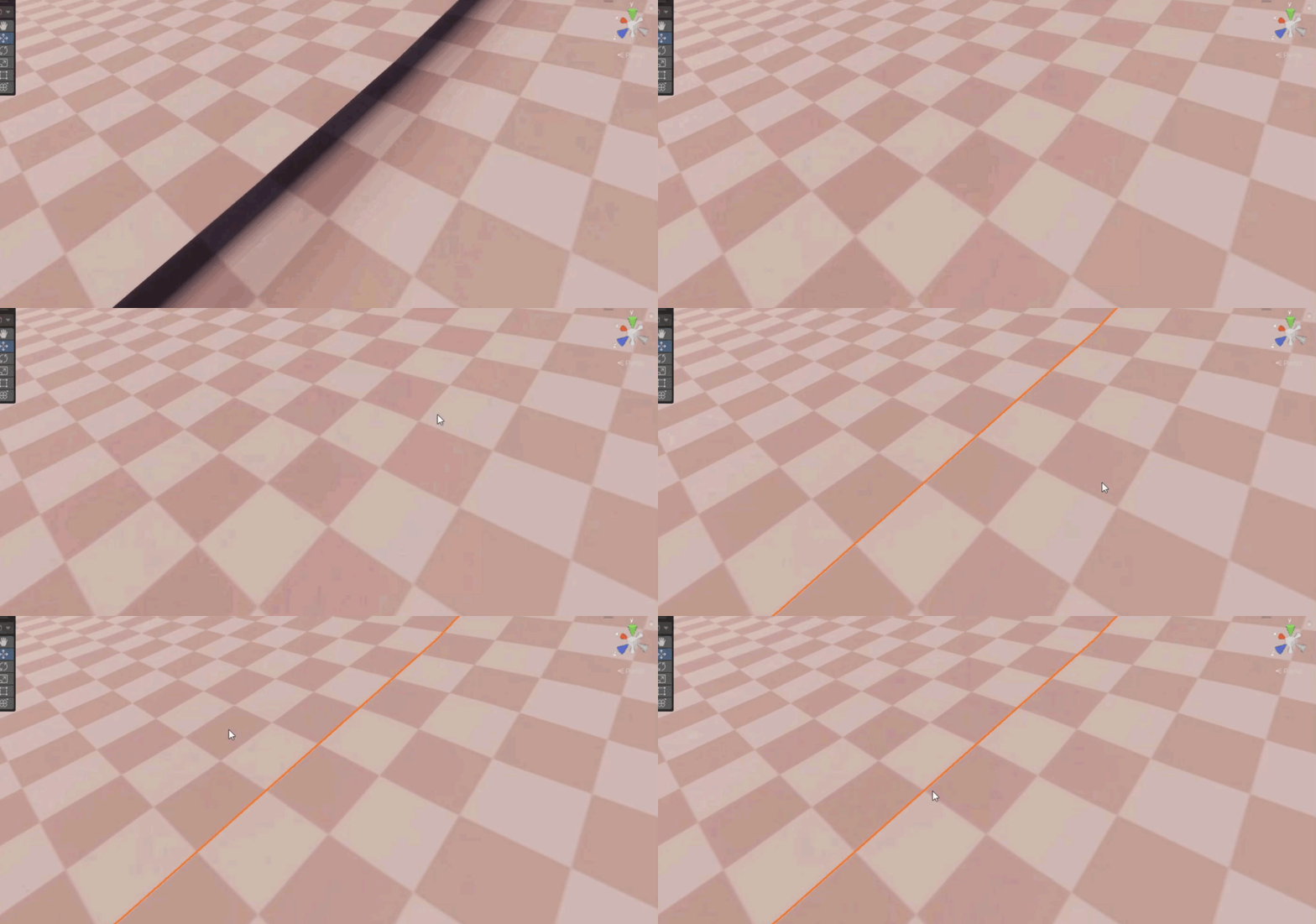
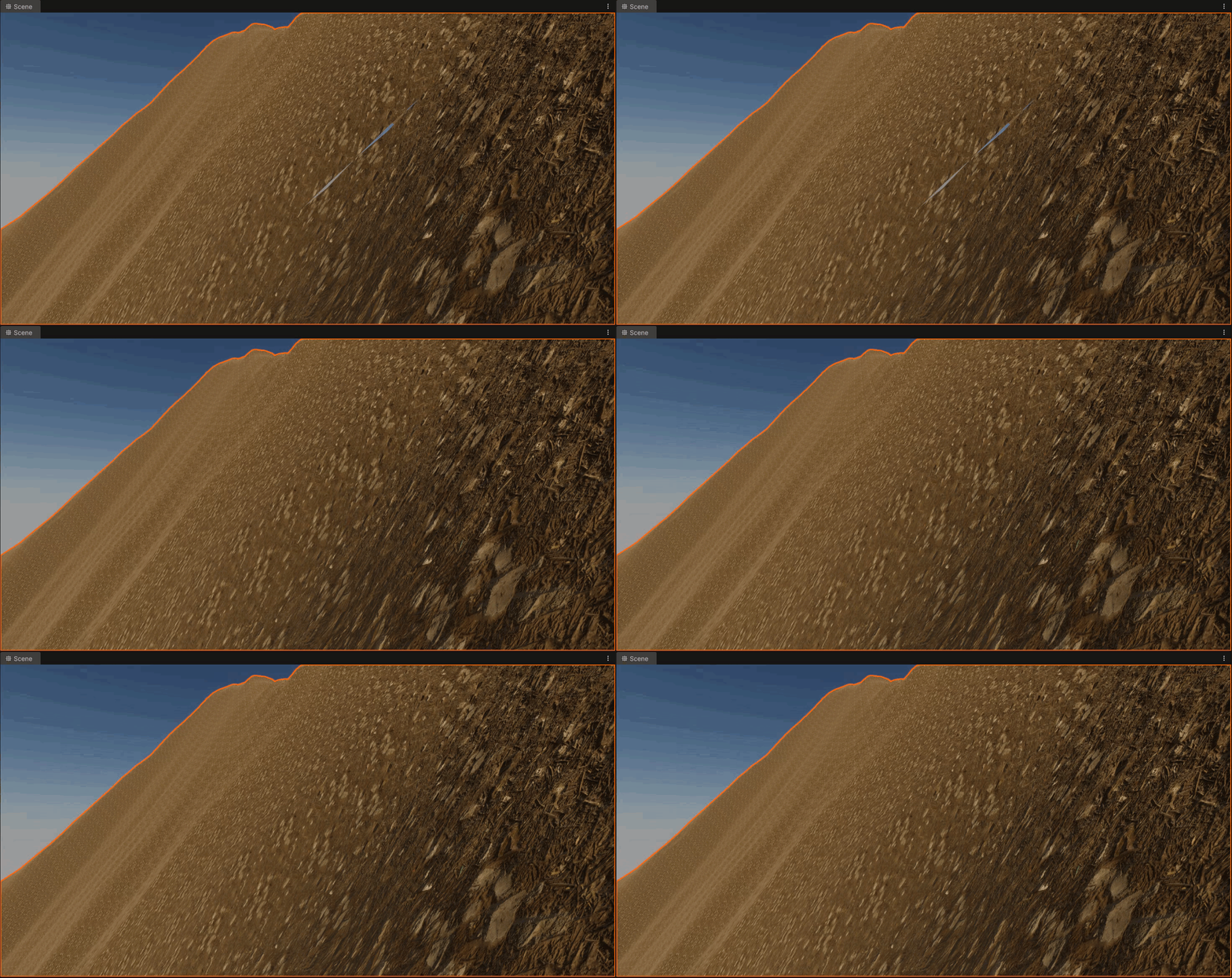
The two things I would check are
- different pixel overlaps
- blending %
Compare the best results
Also, check with a texture to ensure it’s receiving well at the untextured seam. The view may be normal when untextured.
You may already be exactly where you need to be; it’s just finding the right combo.
Hey @TyXanders,
Did some a few days ago with different pixel overlaps
I am 99% sure these are 50% overlap
1 Pixel overlap
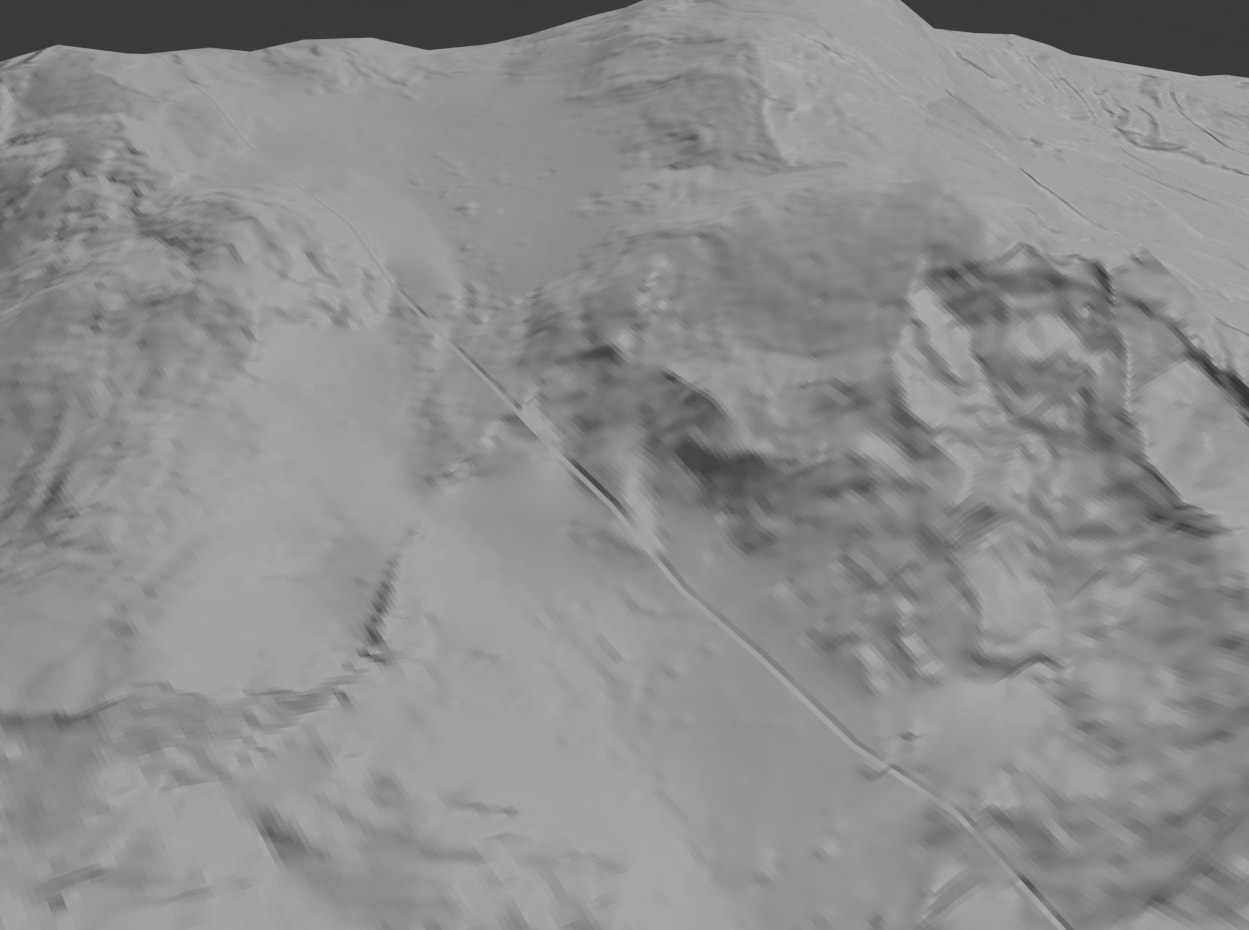
2 Pixel overlap (causes a seam)
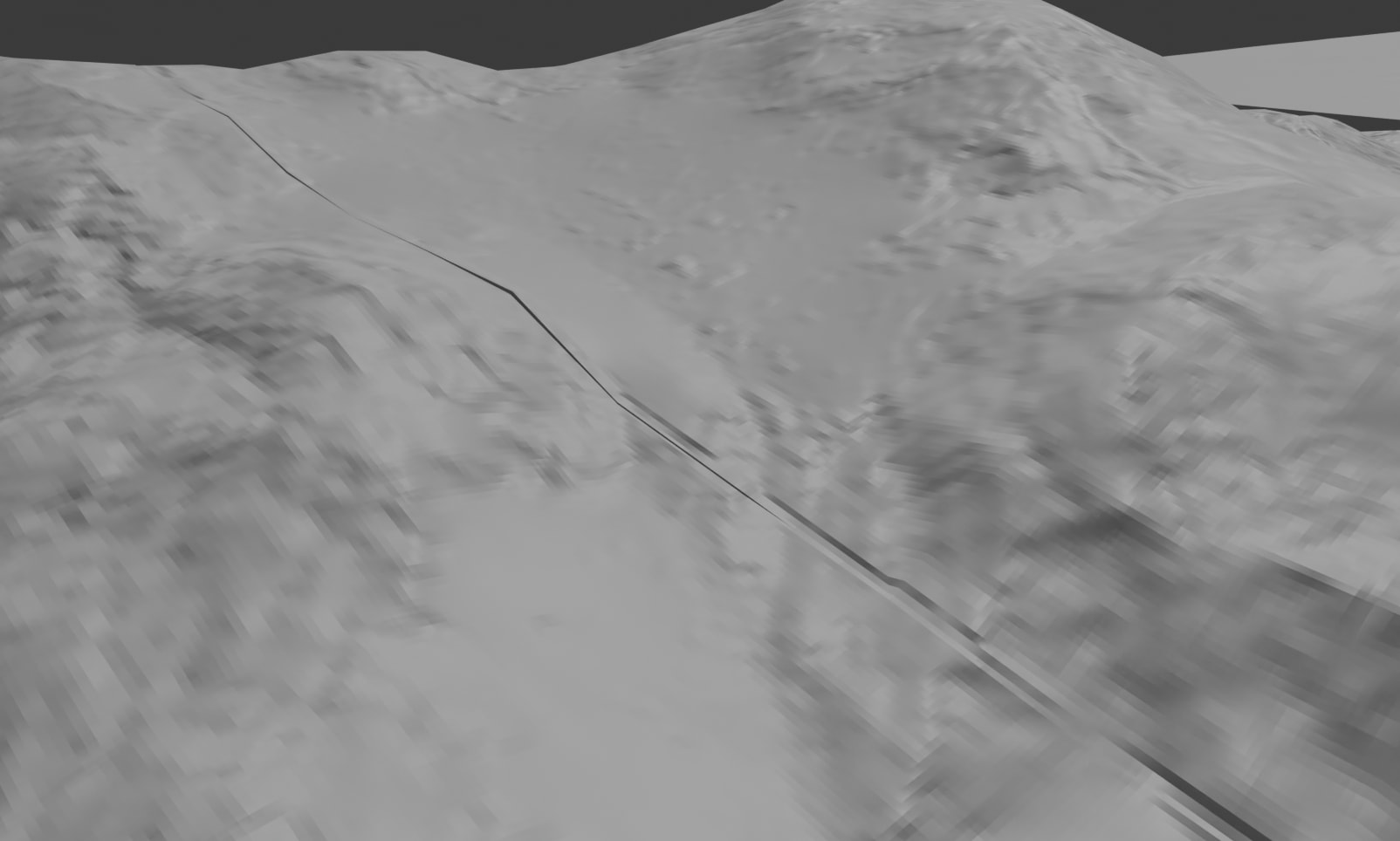
4 Pixel overlap (broken)
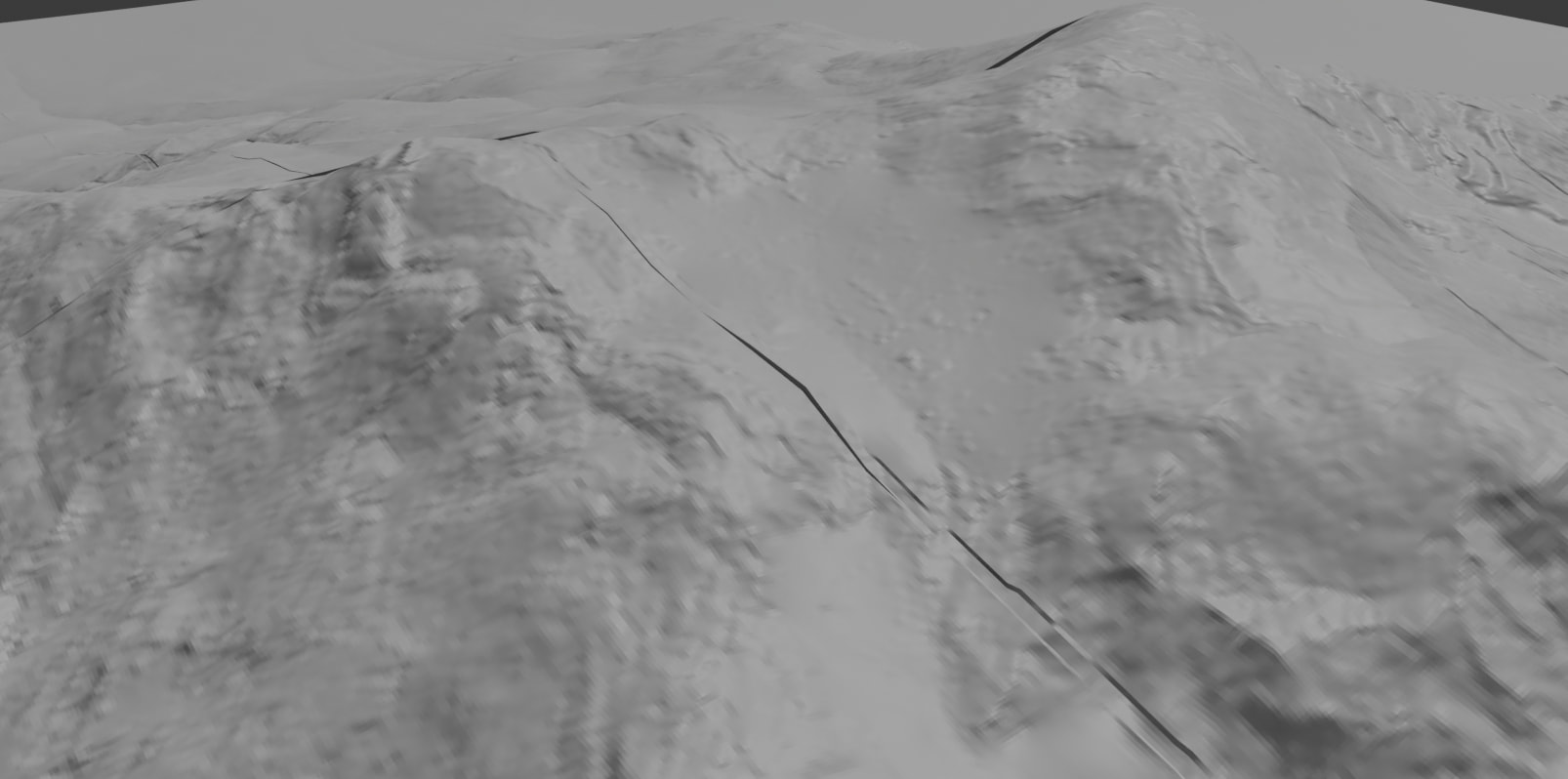
25% overlap 1 Pixel overlap (looks near identical to 50% 1 pixel)
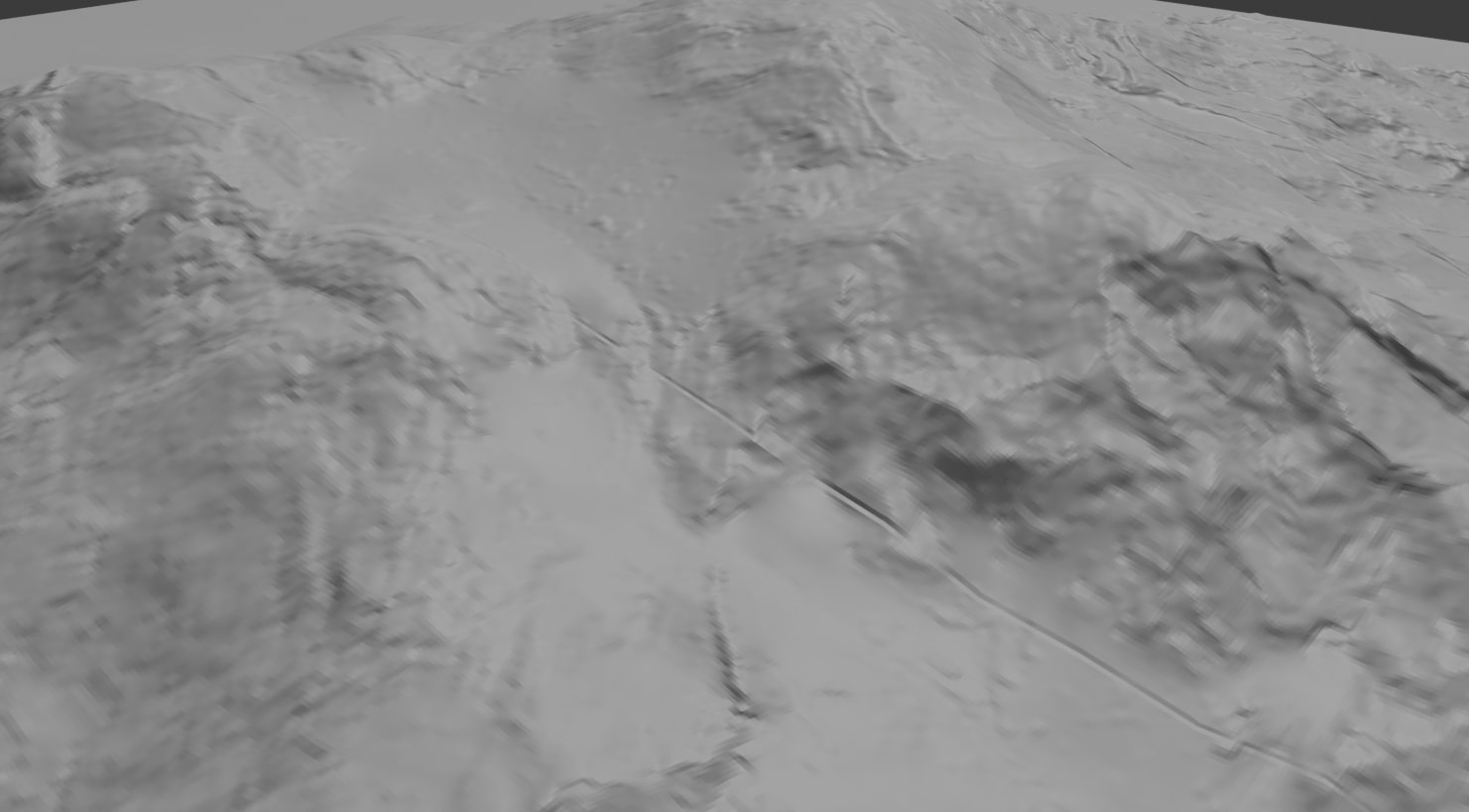
For validation 50% Blending 1 pixel overlap
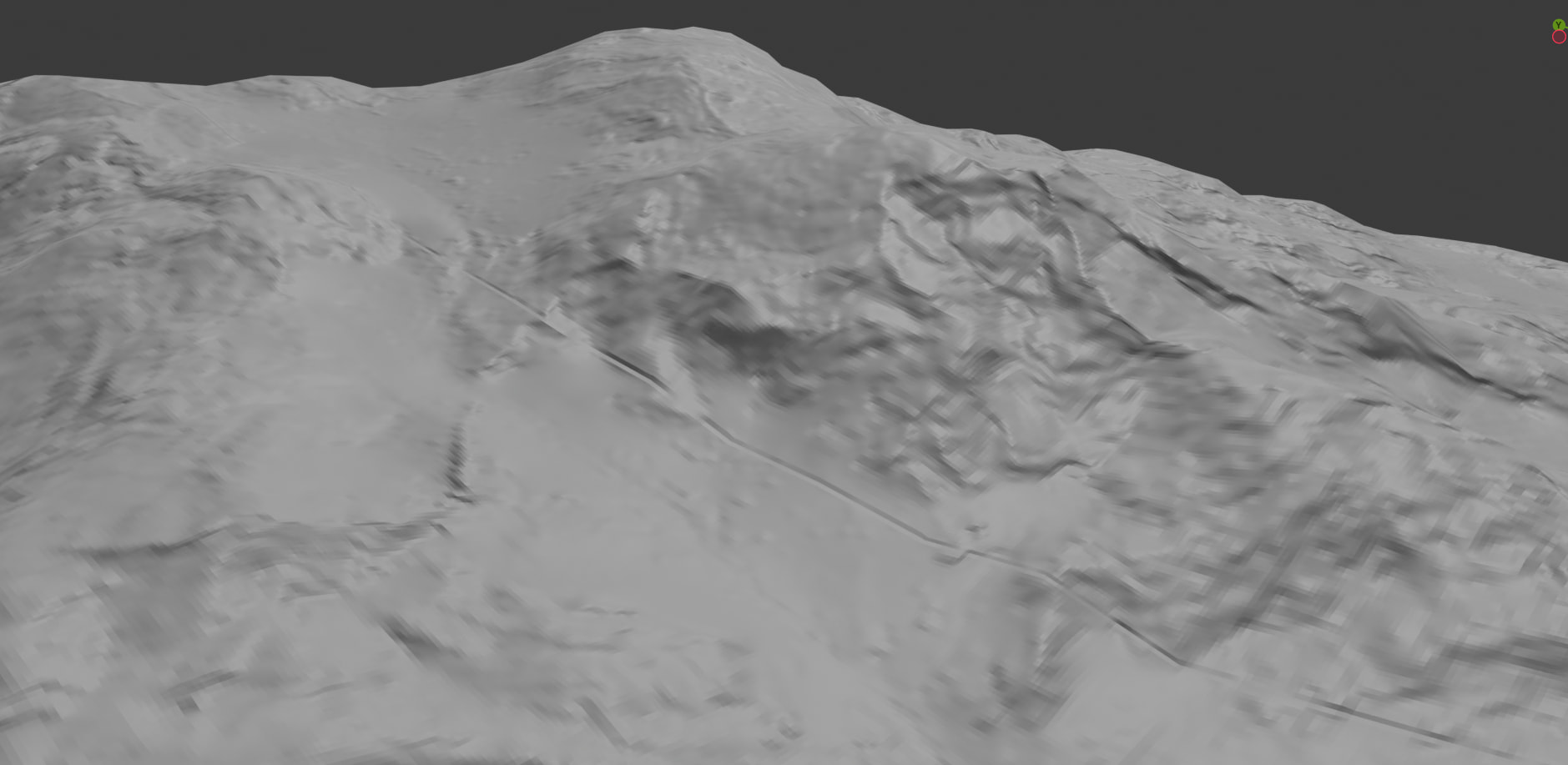
100% Blending 1 pixel overlap
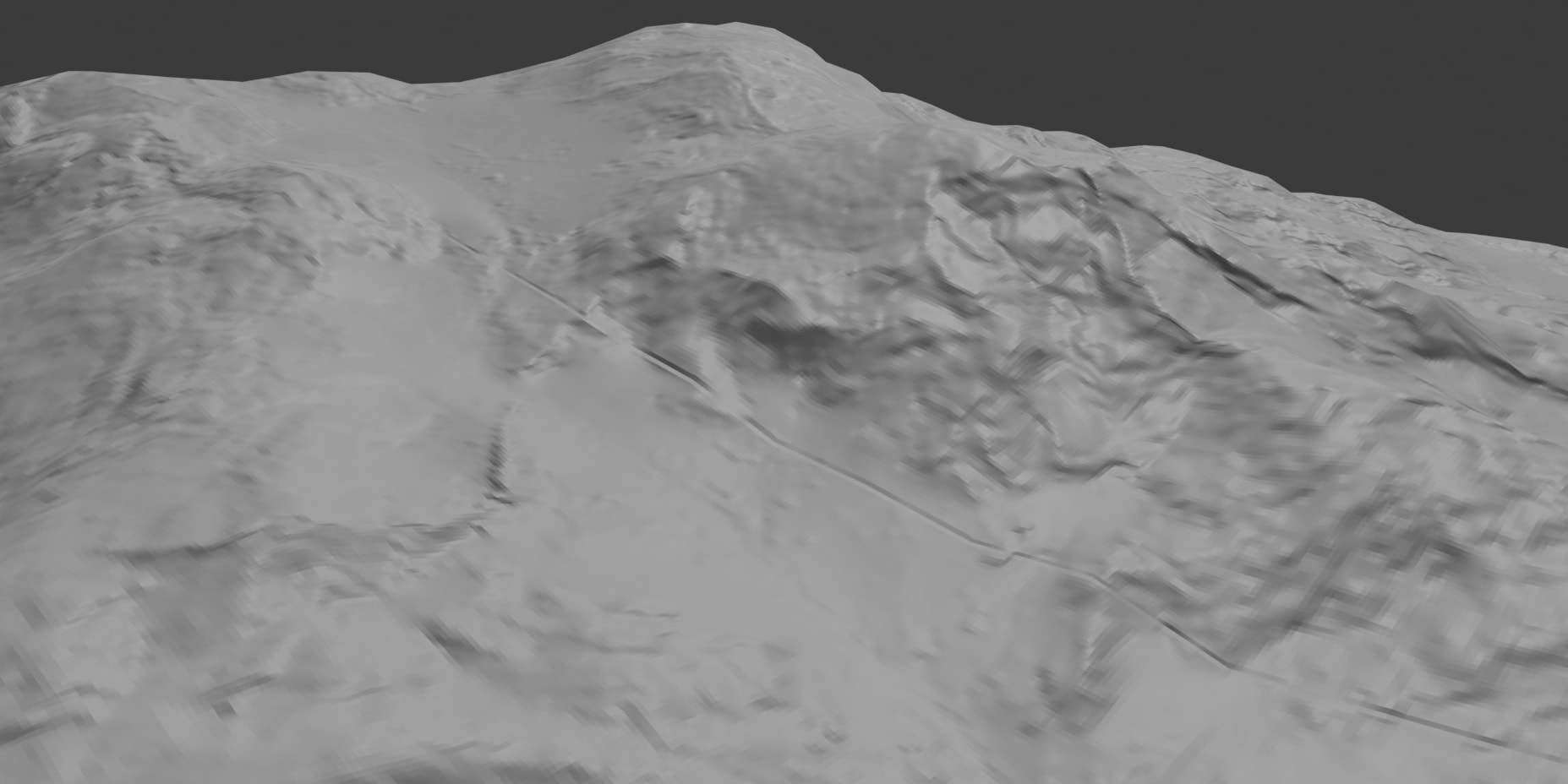
0% Blending 1 pixel overlap
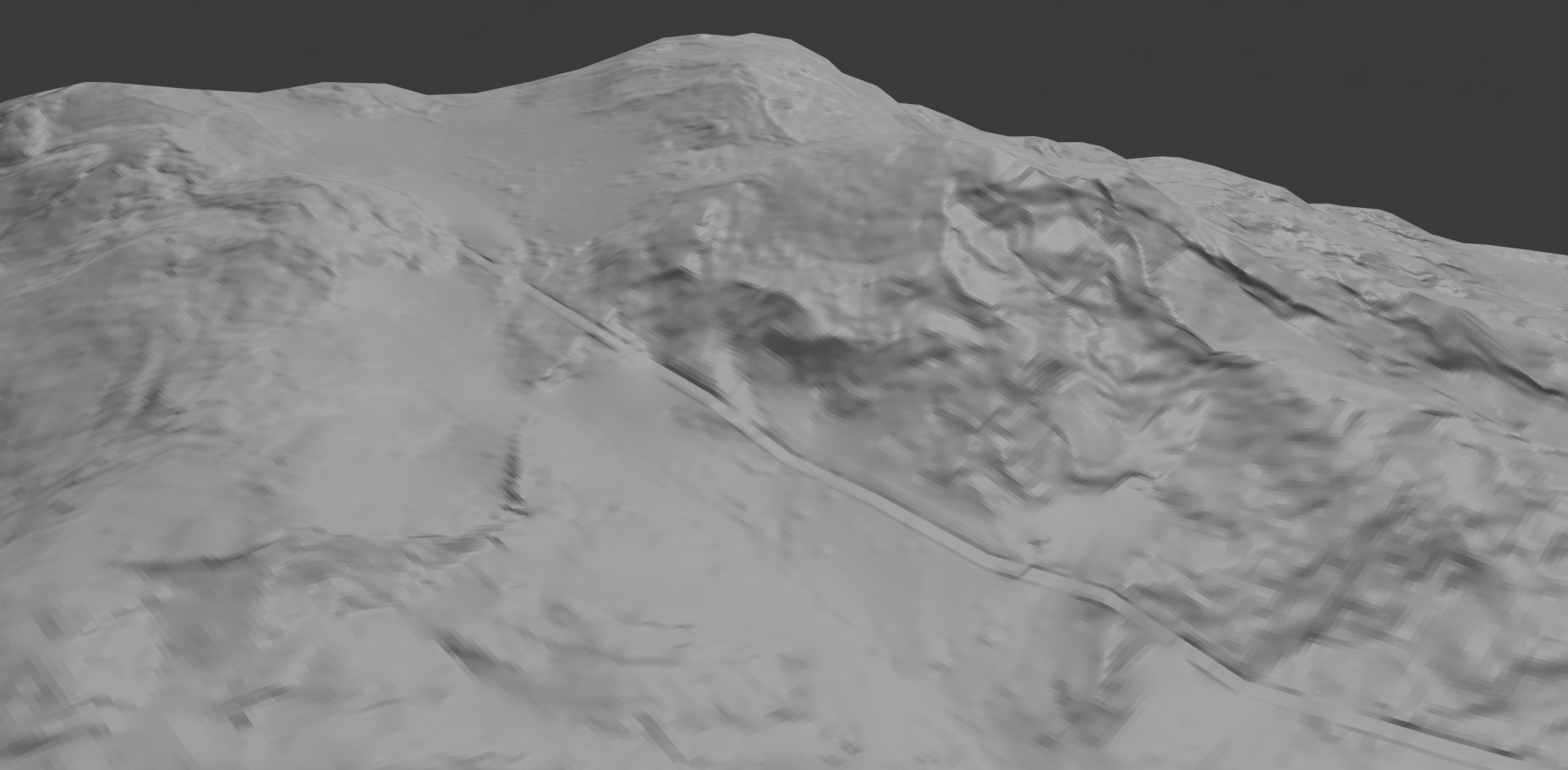
Looks like at 1 pixel overlap 25/50/100% has no change. Looks like the best so far. Though still not sure what to do to get rid of the extra edge….
Hey @TyXanders,
Finally got around to submitting a Blender bug report to see what they have to say, Here is the link if you want to follow it.
https://projects.blender.org/blender/blender/issues/160551
1 Like
Hey @TyXanders,
Back again with some more testing, I am now getting seams in Gaea from the tiles I exported (same images from my last post). Same way as Blender was having
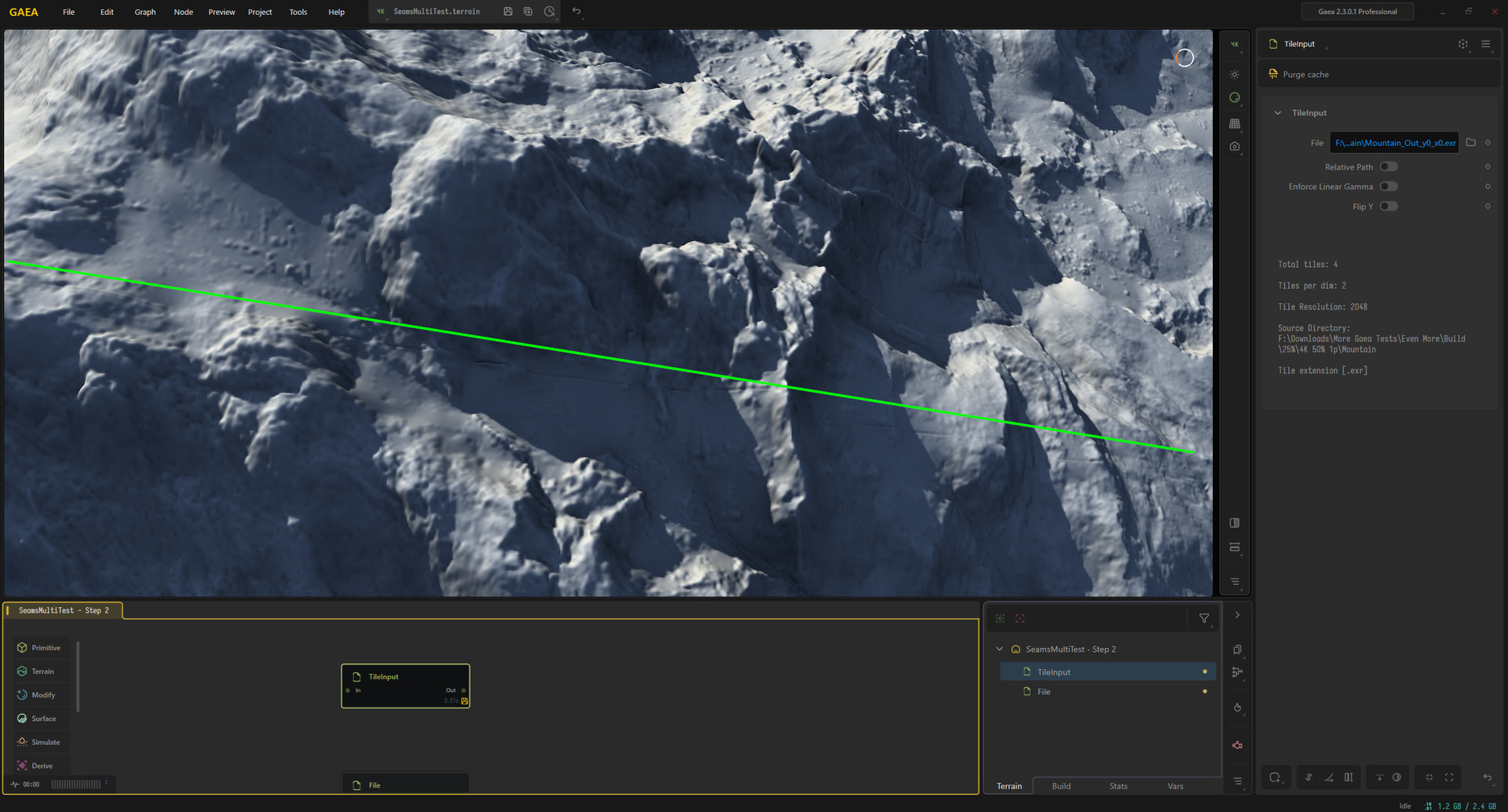
Same issue present regardless of the blending percentage, This was with 1 pixel overlap.
Just to note these were very subtle and I had to zoom pretty far in to see it. Sharing as seems to be export issue
Did you test 0 pixel overlap?
Hey @ATom,
yes, see my first images, Right up until Ty told me about the 1 pixel overlap in this thread I was using 0 pixel overlap
As Tom mentioned, this is likely the 1px overlap you’re seeing on Gaea’s side.
Looking at the Blender thread, assuming this is the same file that’s what you showed them.
The user Martijn Versteegh’s last post mentioned that the seams already existing could point to pixel overlap, or what I mentioned previously about the error margins
Min 0.000000023
Max 0.000000976
That’s hard to tell.
If you switch back to a 25% blend with 0px overlap (build defaults), that would be a cleaner file version for them to dig into, which might be good for at least another perspective.
looking further into this!
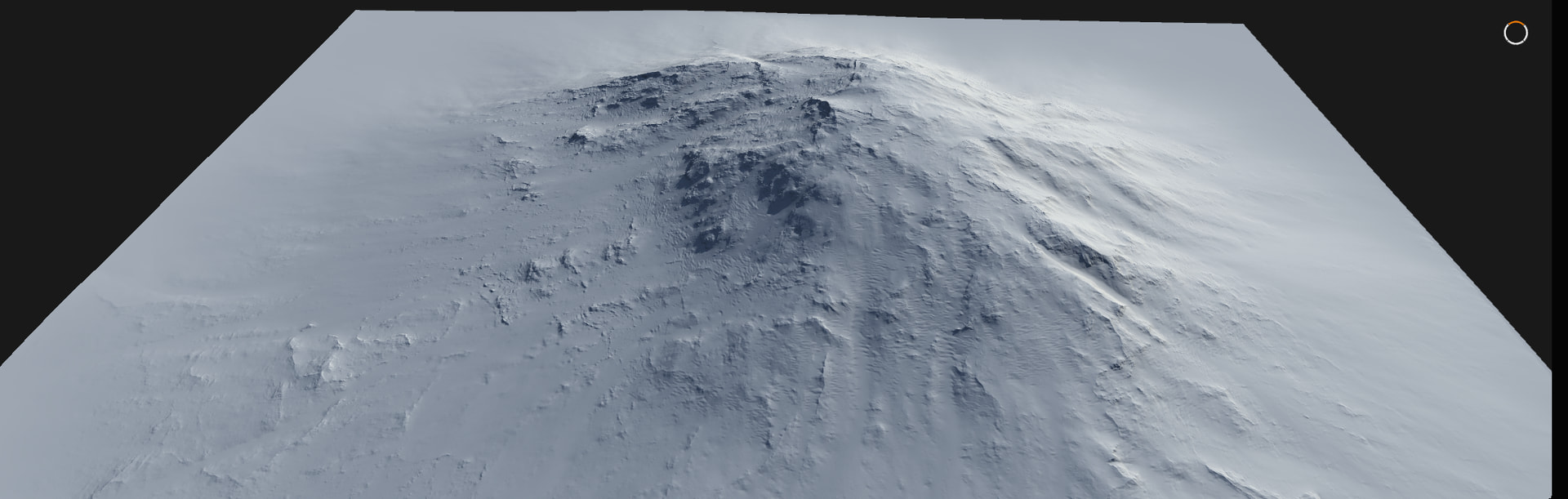
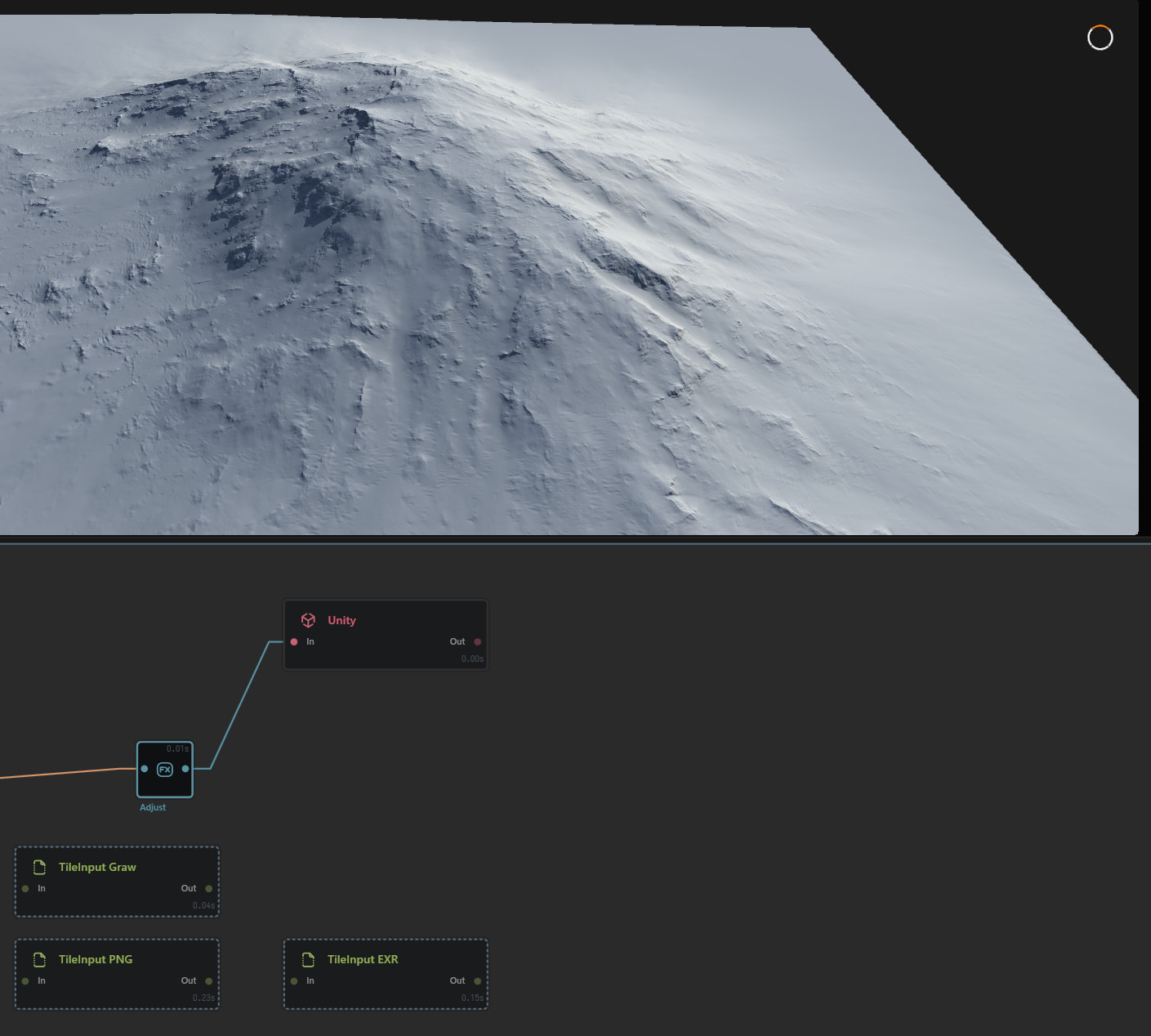
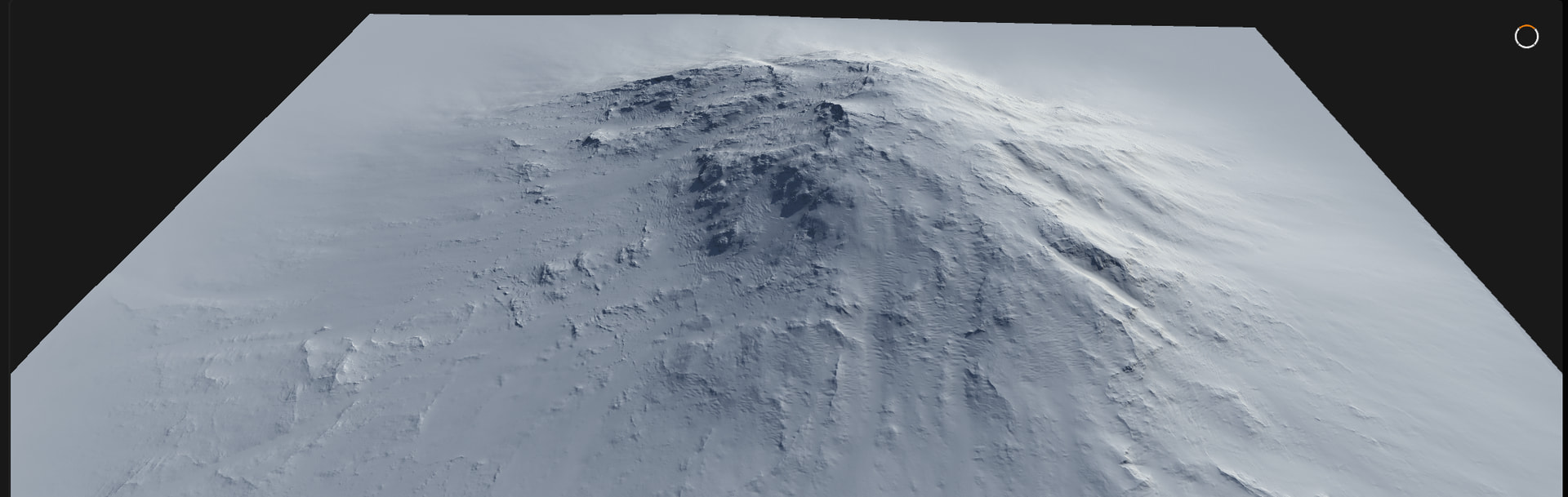
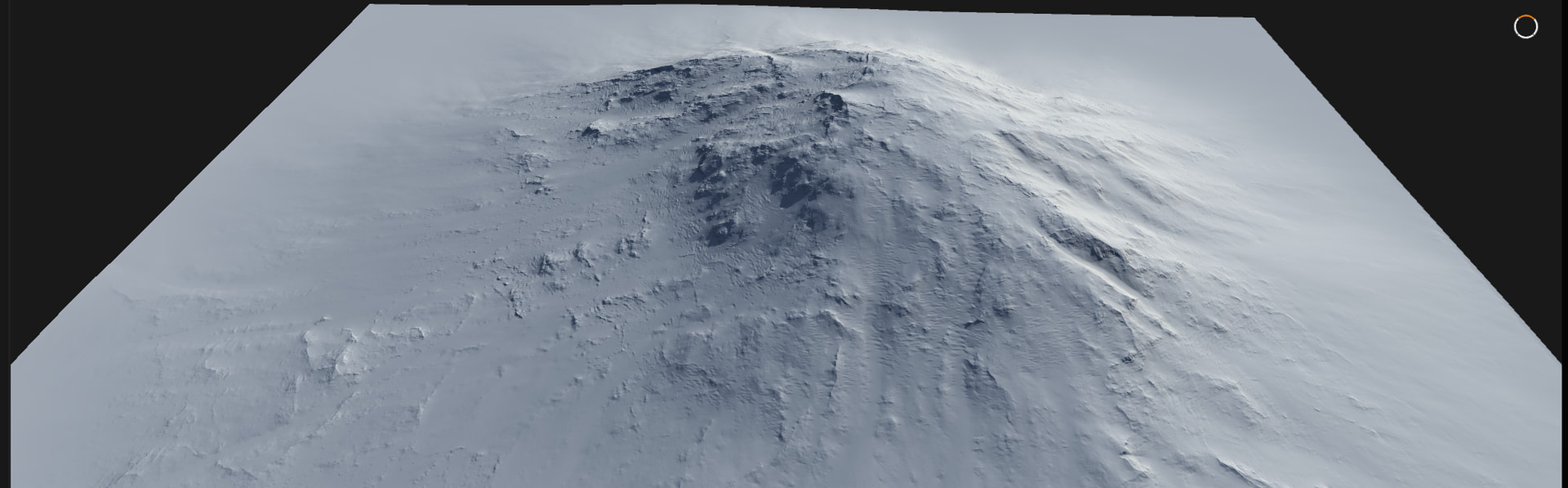
I ran this in unty too where i did have gaps and had to run our stitcher.