Alright, first and foremost, I am not a massive Blender user. I mostly use C4D and Corona. However, I have since needed to move onto less expensive methods of doing what we all love. Building and rendering landscapes. So, I picked up Blender and decided to test my limited (but good enough) pythons scripting. I have made a plugin, which I call “Groundwork”. It is designed specifically to be used with Gaea.
What it does:
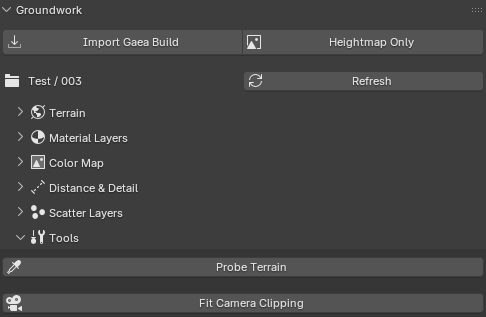
Auto imports your landscape at the right dimensions (EXR or 16bit PNG. EXR recommended) with correct metrics. Or, if a Gaea scene is not available, a heightmap instead (with manual tweaks).
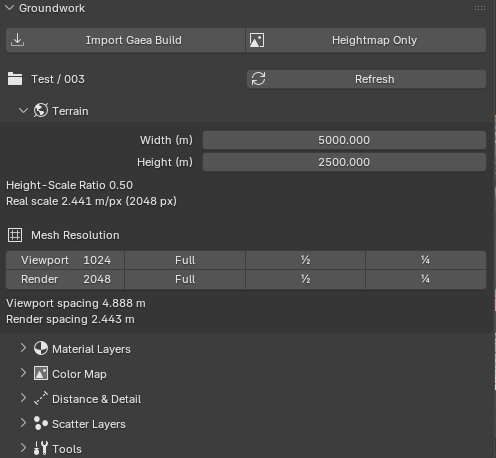
Viewport and Render resolutions. Work on a low res viewport, auto adjusts at time of render to a higher resolution. Caps at the resolution exported out of Gaea.
Iterative work. If you make a change in Gaea, build, and you have Gaea setup to make a 00X folder for each new build, a refresh button will pull from the latest build and replace your landscape and masks.
Spacing details, so you can get an idea of what your landscape size is (useful for scaling objects, materials, etc.)
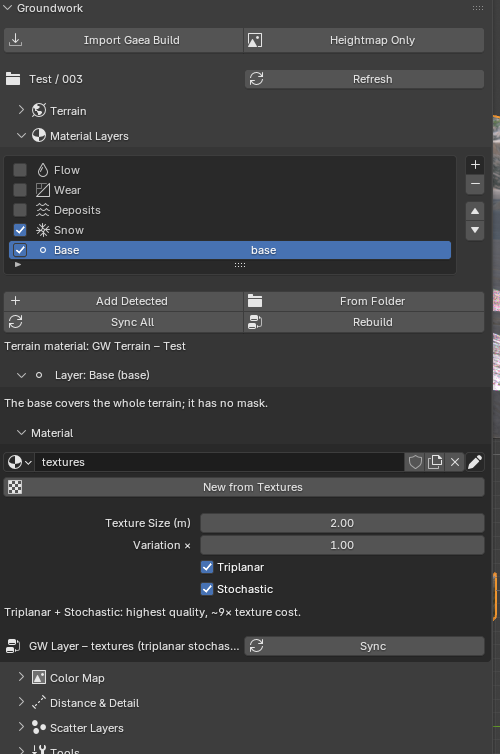
Material layers, which can be auto derived from the Gaea build folder. Flow, Deposition, Rivers, Snow, Slope, Custom are all available right now but more will be added later.
Material layers can be applied via exported masks.
Material layers have triplanar mapping available to them, which is just a simple tick box. Also, stochastic randomization of the textures in the material, to cut down on repeating texture patterns. Both can be enabled at the same time or individually, or not at all. Materials are also auto-built in the shader/node network. Just grab all of your texture files from the import (color, displacment, normal, etc.) and Groundwork will do the rest.
A color map (again, auto found via the Gaea build folder, which is applied accurately over the landscape automatically. Takes precedent in the far distances away from from the camera (or look dev, whichever you want to use it as, or don’t use it at all).
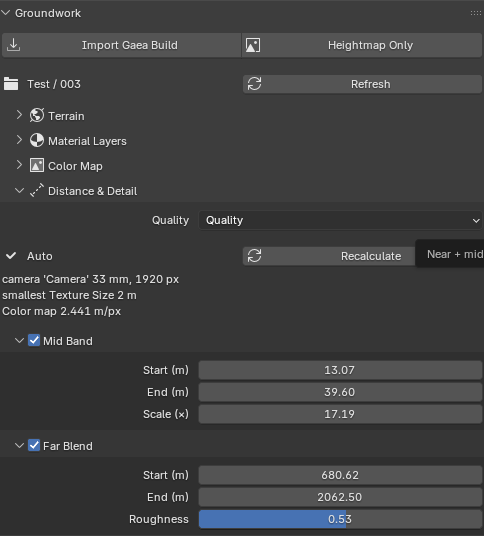
Auto calculated mid and far band material blends. Small scale textures up front, big scale textures further away. Automatically calculated based on terrain scale, camera height, and a few other factors. Or, manually derived based on your own visualfeedback.
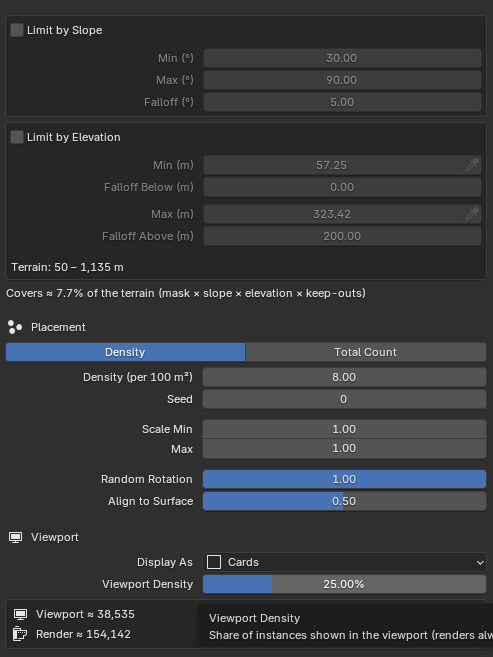
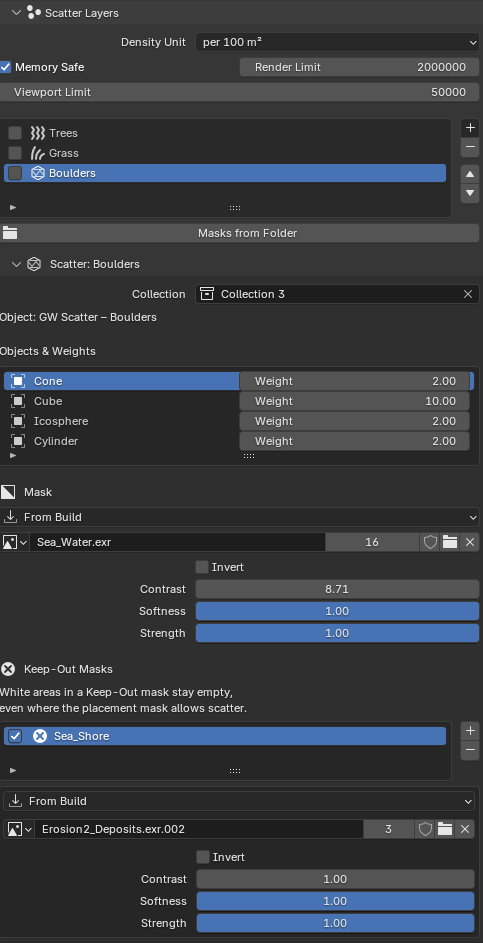
Object Scattering. Which can use slope, height, masks, and even “Keep-Out” masks (aka, don’t put things here, masks), all work in tandem. So you can use a 1 or the other or all of them at once. You can even use slope and height to scatter objects within a mask. Memory and performance optimizations, like limiting instances, setting different viewport vcs. render amounts, using lines, dots, cards, basic geo, as substitutes until render time.
Scattering is still being worked on and fleshed out. Will eventually have “stay away” from feature, where you can have objects not populate close to objects you don’t want (foreign objects, like boulders, other hand placed objects. Plus a few other things inspired by Vues scattering tools (which I love).
This is not available for public use yet but I do plan on making it free for people who want to try it (maybe eventually will ask for donations if people are willing).
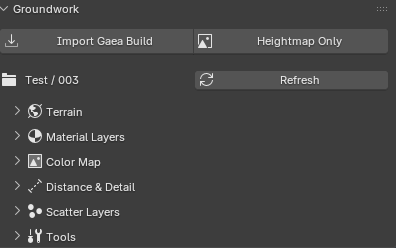
I will make a video on this show casing it but for now, here are some screen shots.
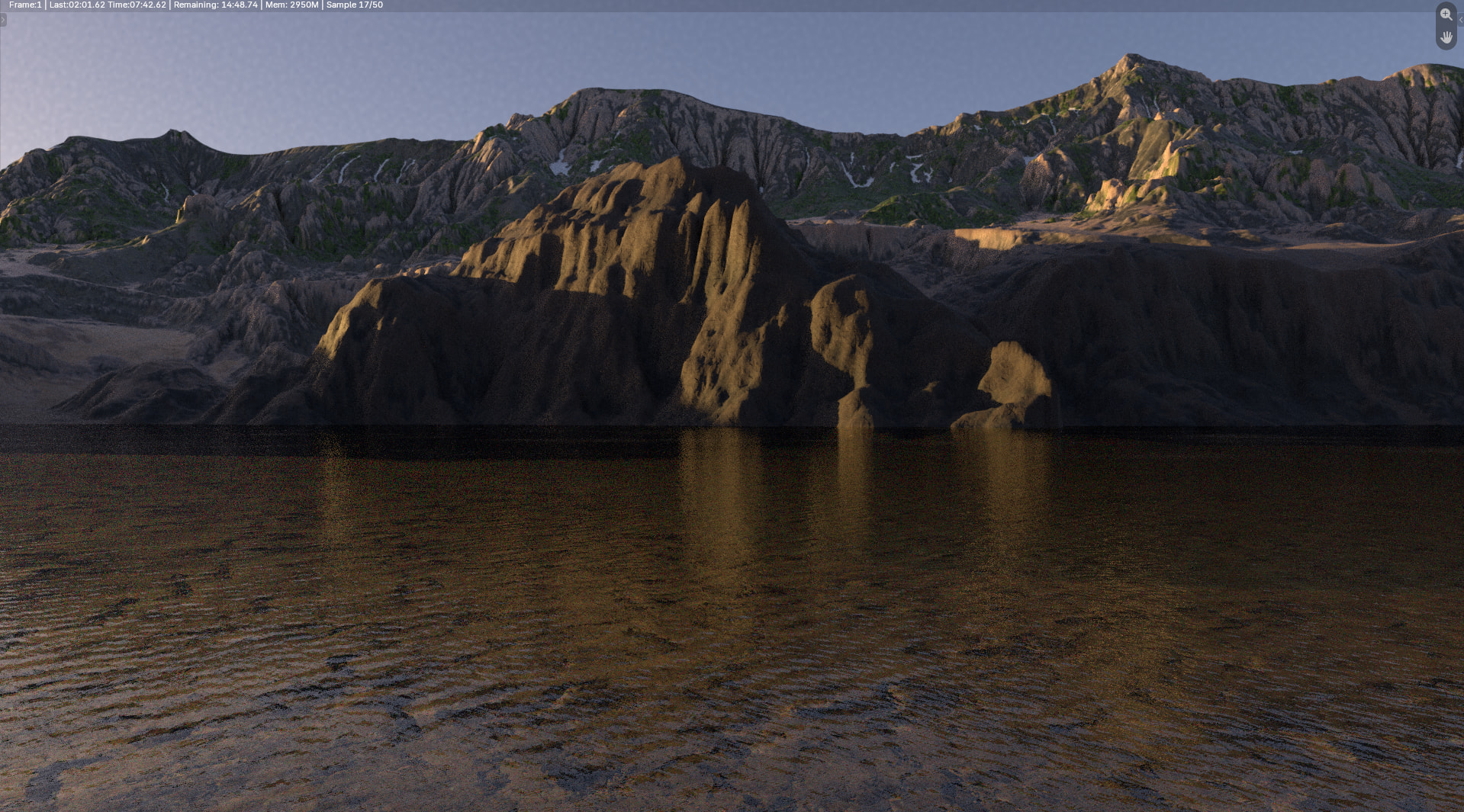
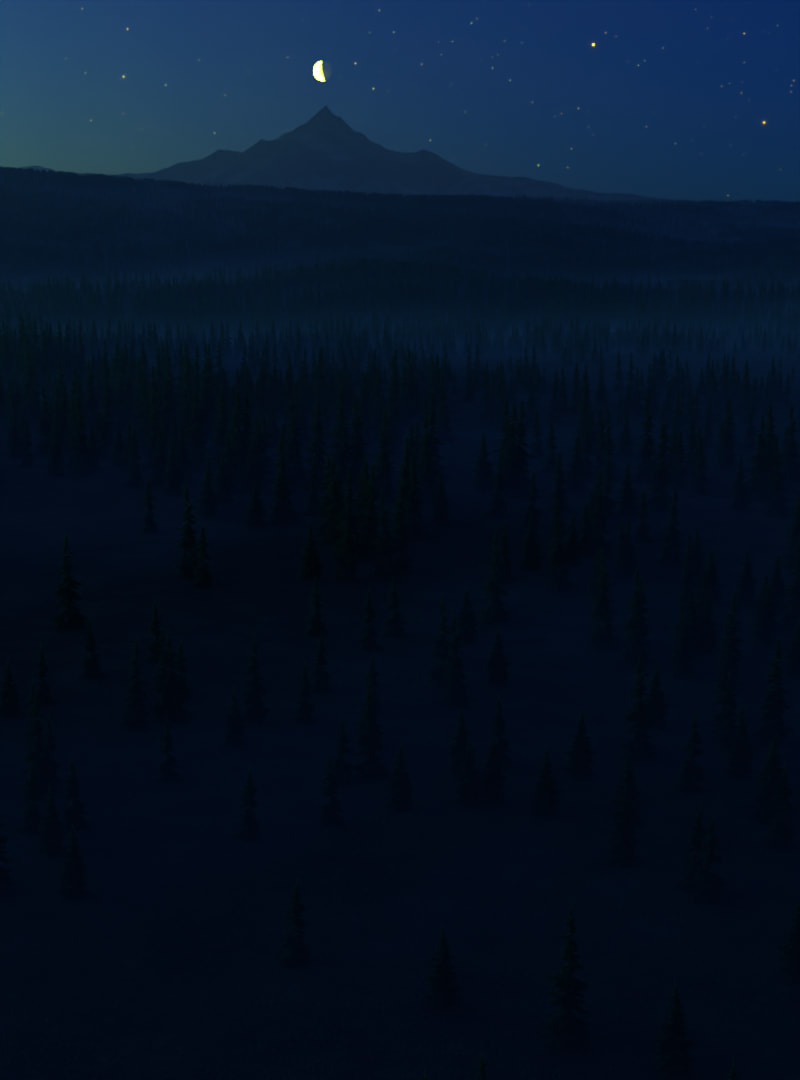
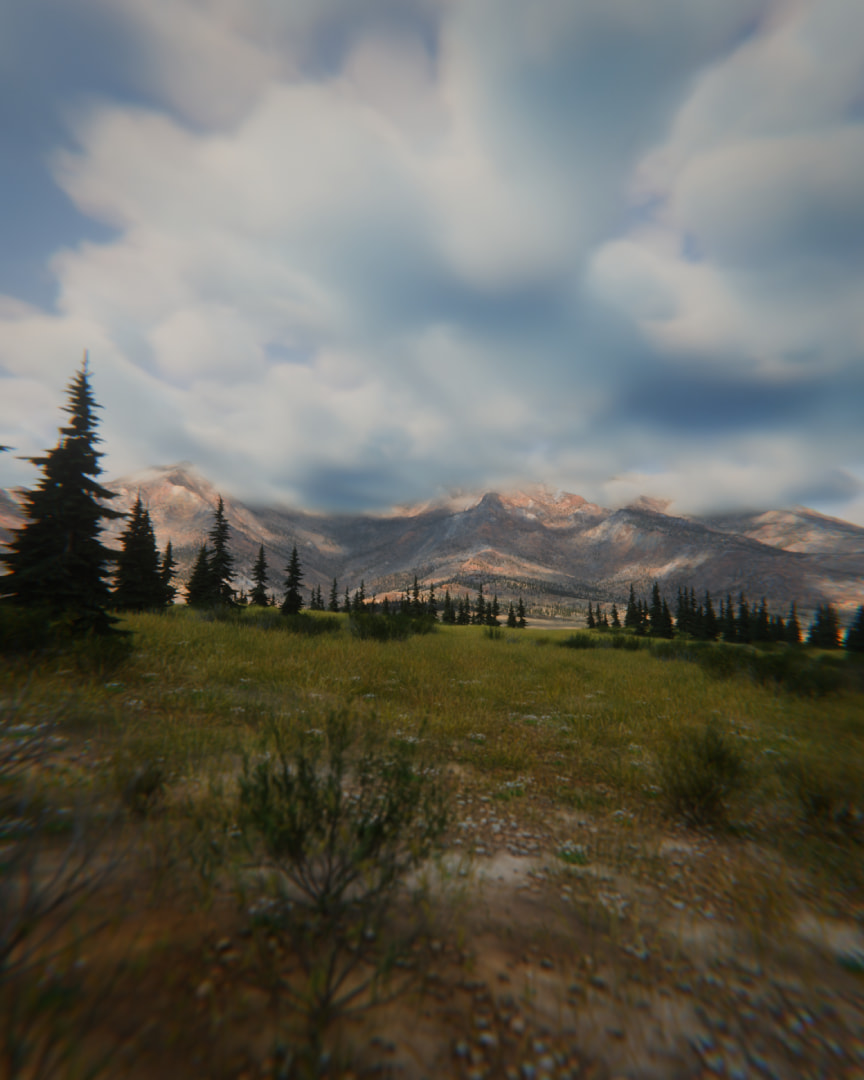
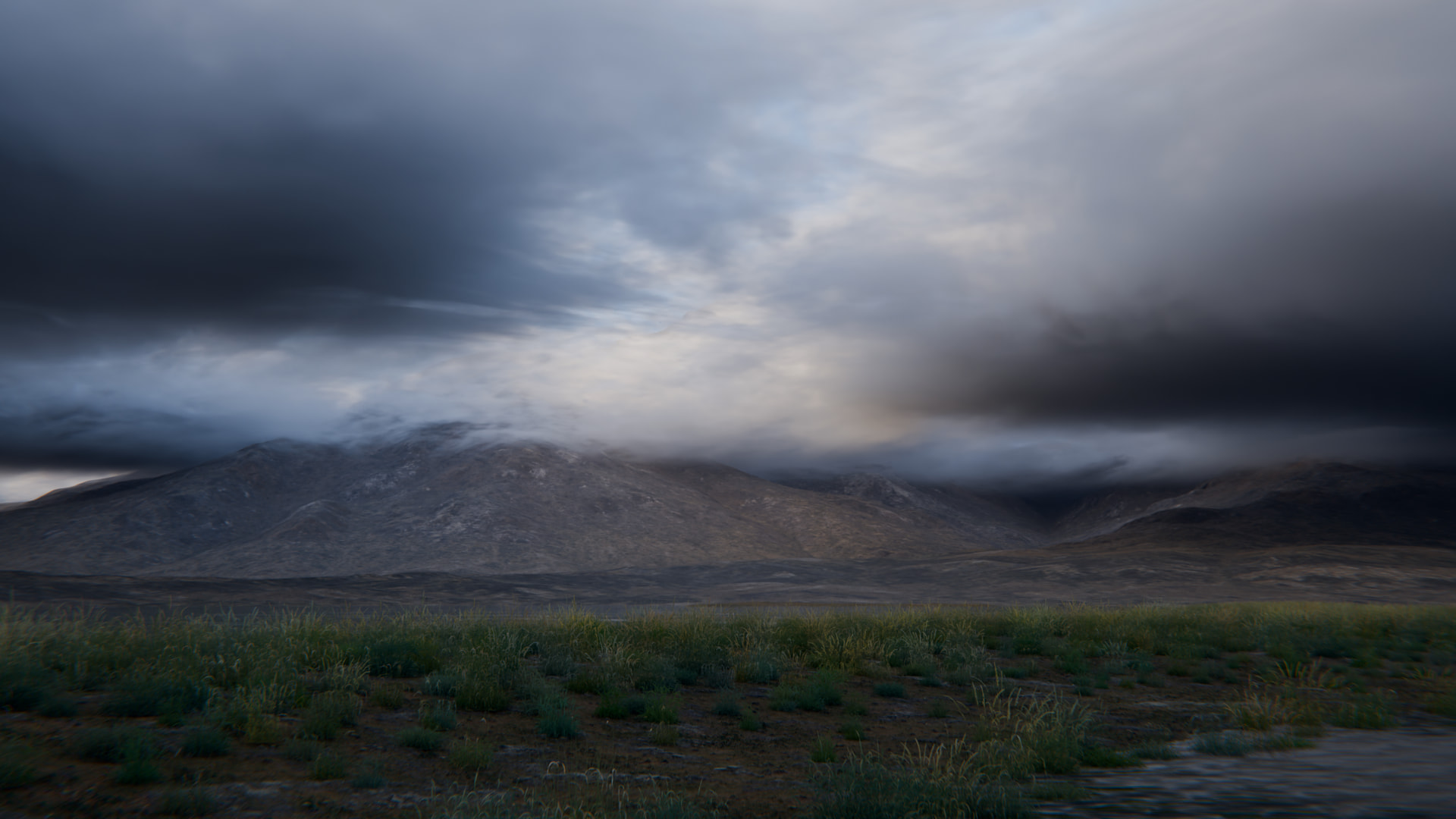
The render is my test landscape. It isn’t much and I will be making a new one to fully show things off, with a fully built/populated scene, rendered with decent atmosphere and lighting.
In any case. I call it “Groundwork” because it’s a tool that helps you kick things off. Not a means to an end. This tool is not intended to replace proper hard work. It should save you all a good amount of time
I put together a small scene to showcase some of the features which were not in the older build. I have a lot on my plate with features to add and tweak/fine tune but it’s coming together. All of Groundwork is an accumulation of things I wanted in a 3D app plugin but just could never find or was too janky to work with. Optimization, memory efficiency, simple workflows, automation and customization are the key factors that drives the plugin. After that, it is all being open about what does what and what the result would be. All tools, processes, and features have tool hints (short mouse hover), written with simple to understand instructions.
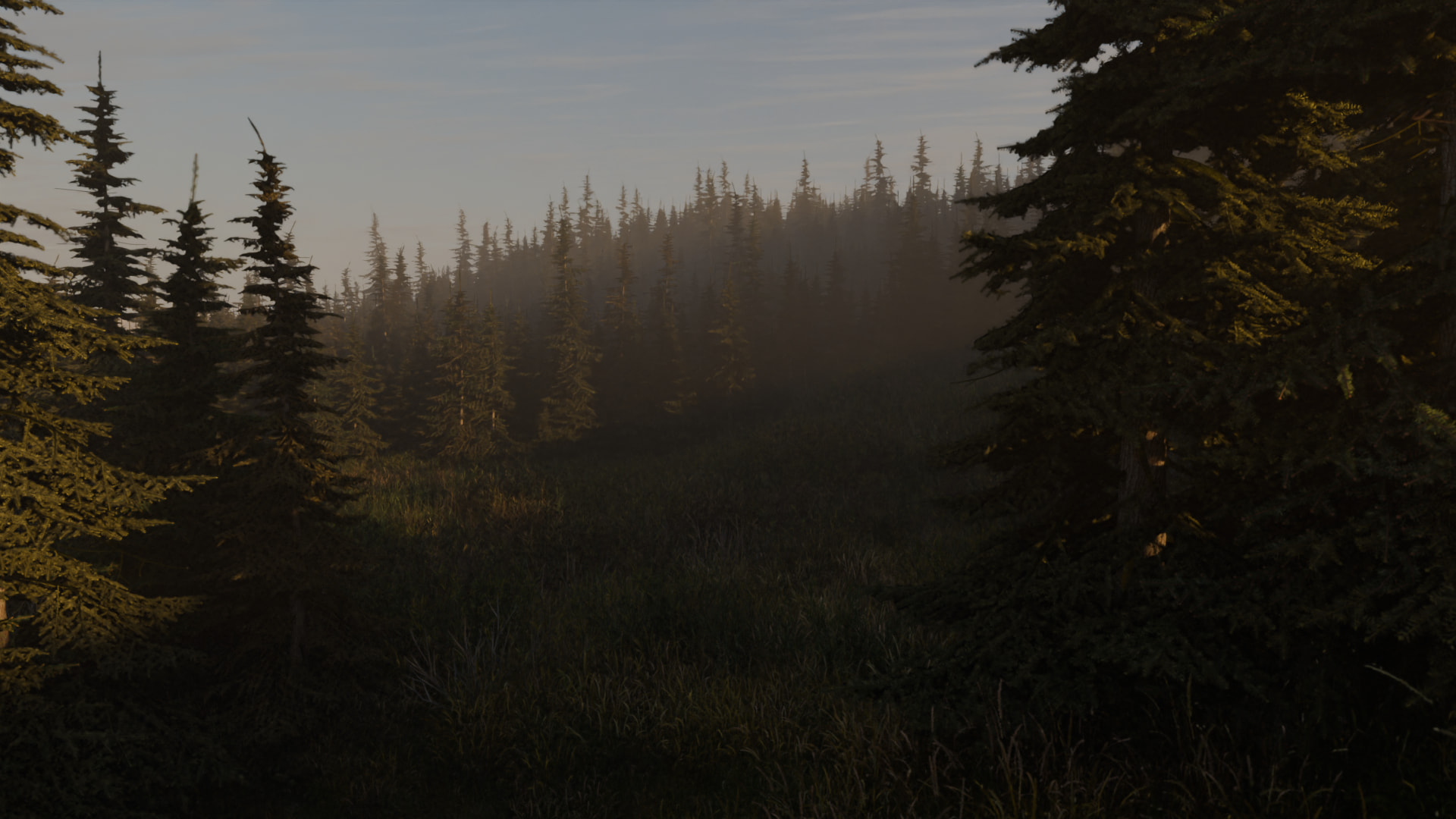
Final result from the tutorials I made. I didn’t go into depth on the material creation for this scene, partly because that can be an hour or more on getting right, so I will get something together first, then juts go over the settings.
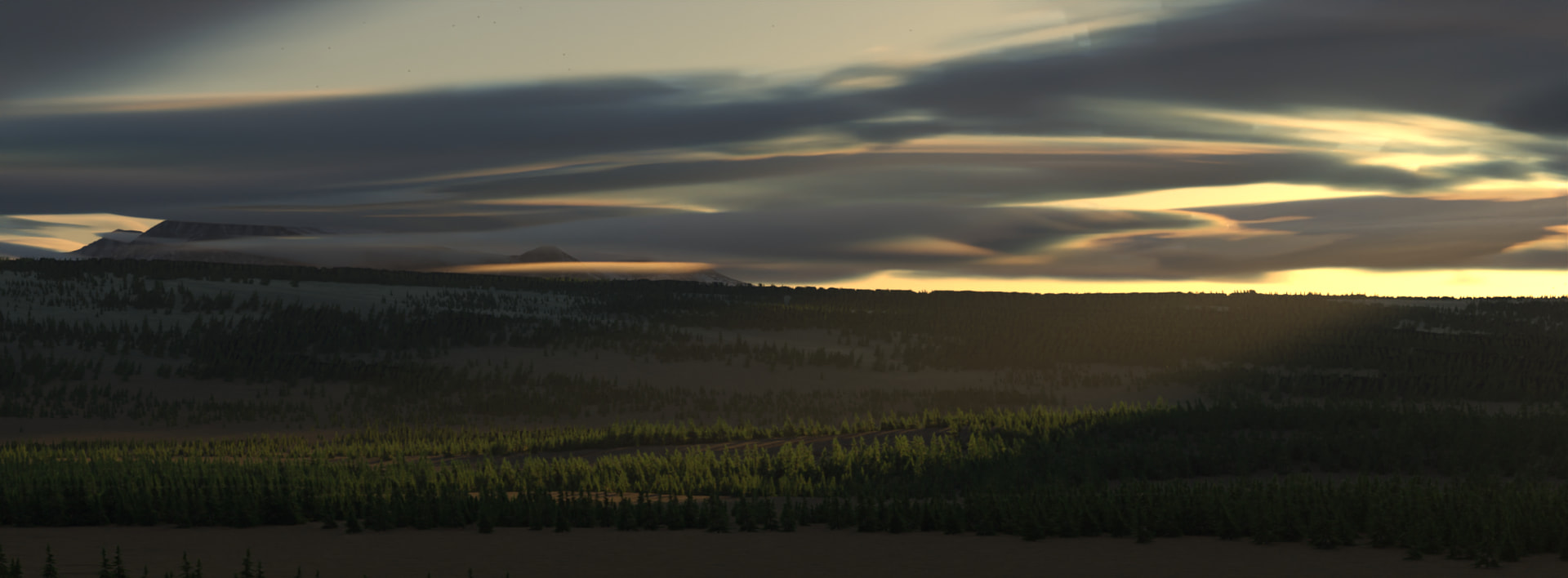
In any case, this is a Gaea Landscape, imported via the plugin, textured automatically with a color map and normal map from Gaea, some noise added to give it some detail, scattered some trees, and added some clouds. Very easy, probably a total of 15 minutes from 0 to hero on this. Minus all of the talking and explanations.
Results will vary, based on how much effort you put in and patience you have. Works completely in Cycles with both CPU and GPU. THis scene is a total of 1.4GB on memory. Without the cropping and culling tools I included in the plugin, the memory is easily around 6GB total. Making it a highly optimized plugin. Taking only about 4 minutes to render this final scene on my Laptops GPU.
Additional optimizations have been put into place with even more tools to help your workflow.
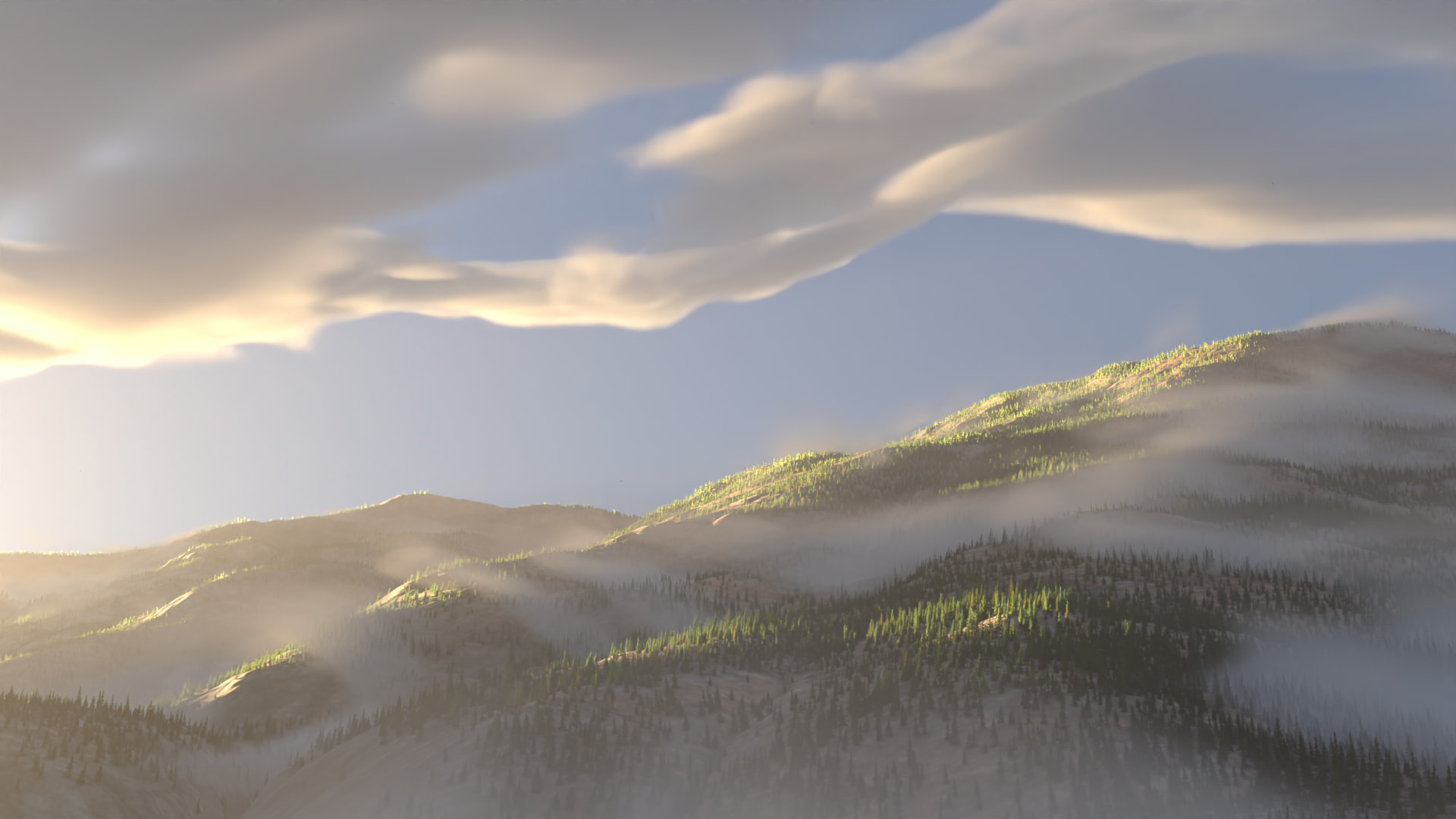
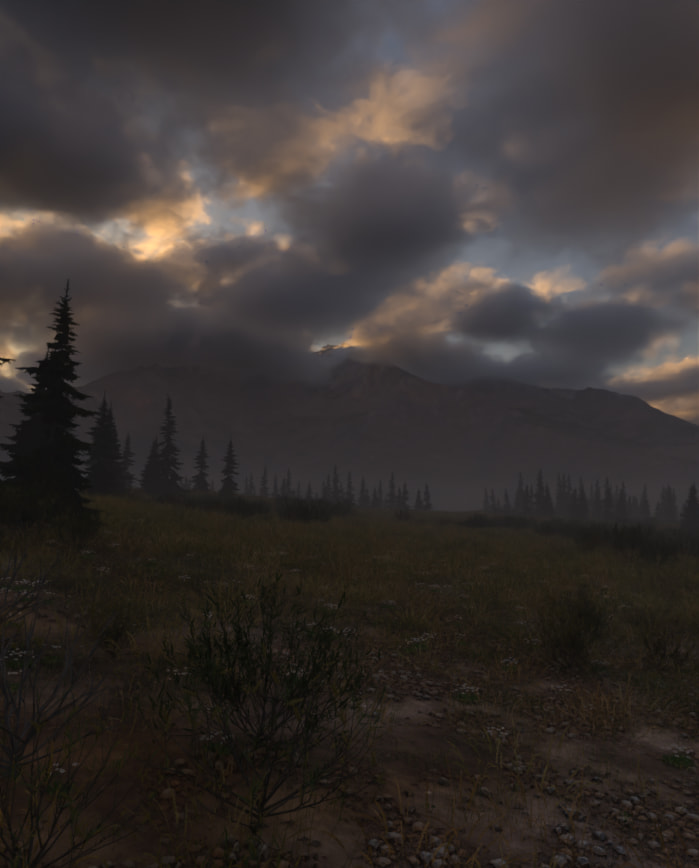
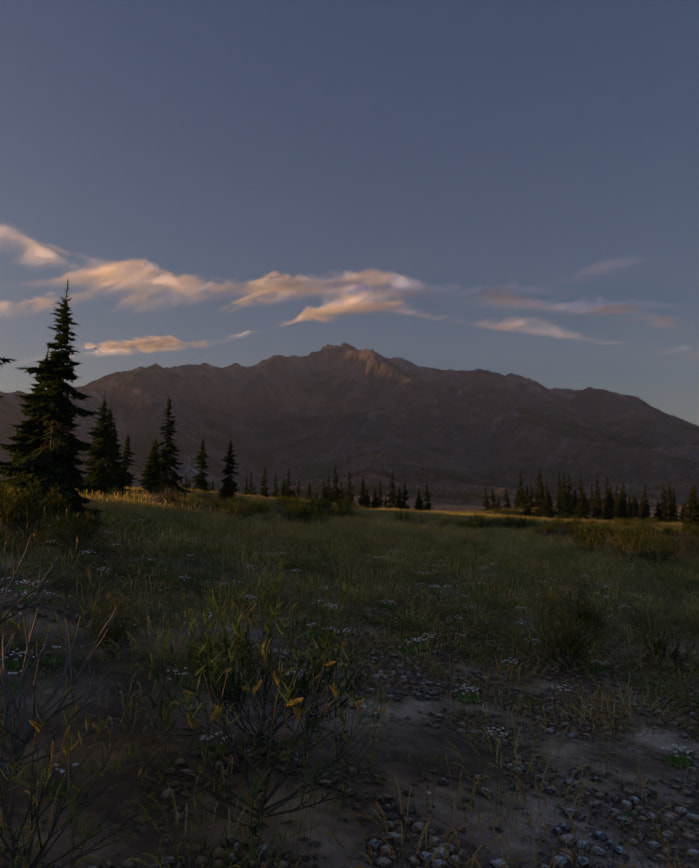
More to come. Major changes in the volumes for clouds, including a LOT of presets. I am still fine tuning them to be more accurate to their real world counterparts. However, So far, some decent changes made. I was able to make some changes to texture and landscape performance with a “performance Report” that can suggest changes to improve memory optimization. For instance, this scene was originally 8GB in memory. However, after the recommended changes, it is now down to less than 1GB with very little perceptible changes to quality. Of course, for anything that does go wrong, all changes are reversible. Texture changes are saved to a GW folder, so project directories will increase in size. But that is to assist with reverting changes.
Everything in this scene was made in Gaea and this plugin (minus the scatter objects: Trees, bushes, grass. Of course). No additional plugins required.
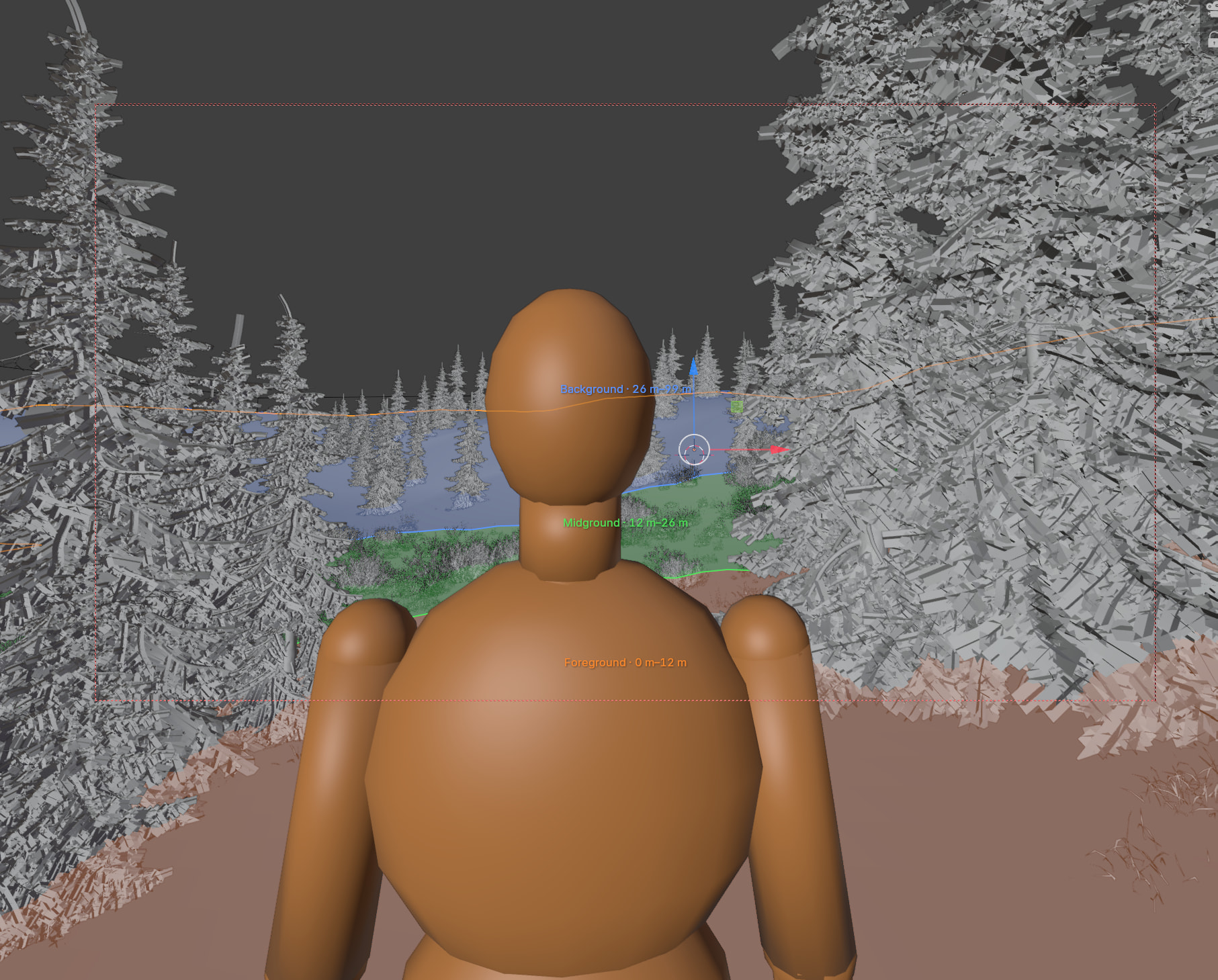
Depth Zones and a human scale reference can be used to help gauge distance from the camera and overall scene scale from an eye view. The human reference can be adjusted in feet or in meters, can follow the camera, or placed where you want. You can frame it automatically if it’s out of frame (moves the camera to it). The depth zones can be used automatically or manually. These come in handy when trying to set up your hero elements close to the terrain, or scattering objects within a specific distance from the camera (which the scatter tool already has in place). Since everything has been standardized to meters, the measurements all work out flawlessly. These guides do not render in the final image automatically and can be turned off at any time.
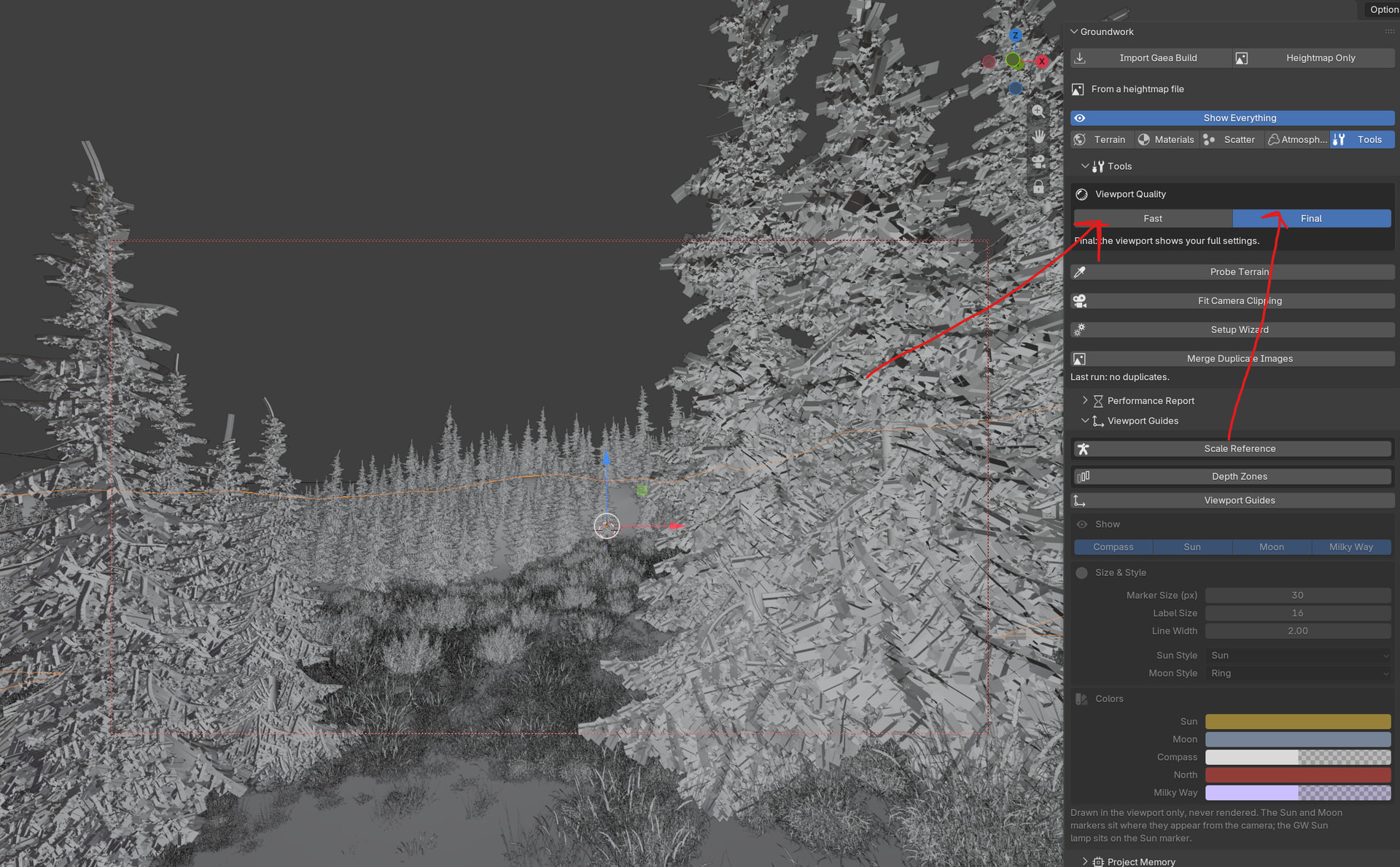
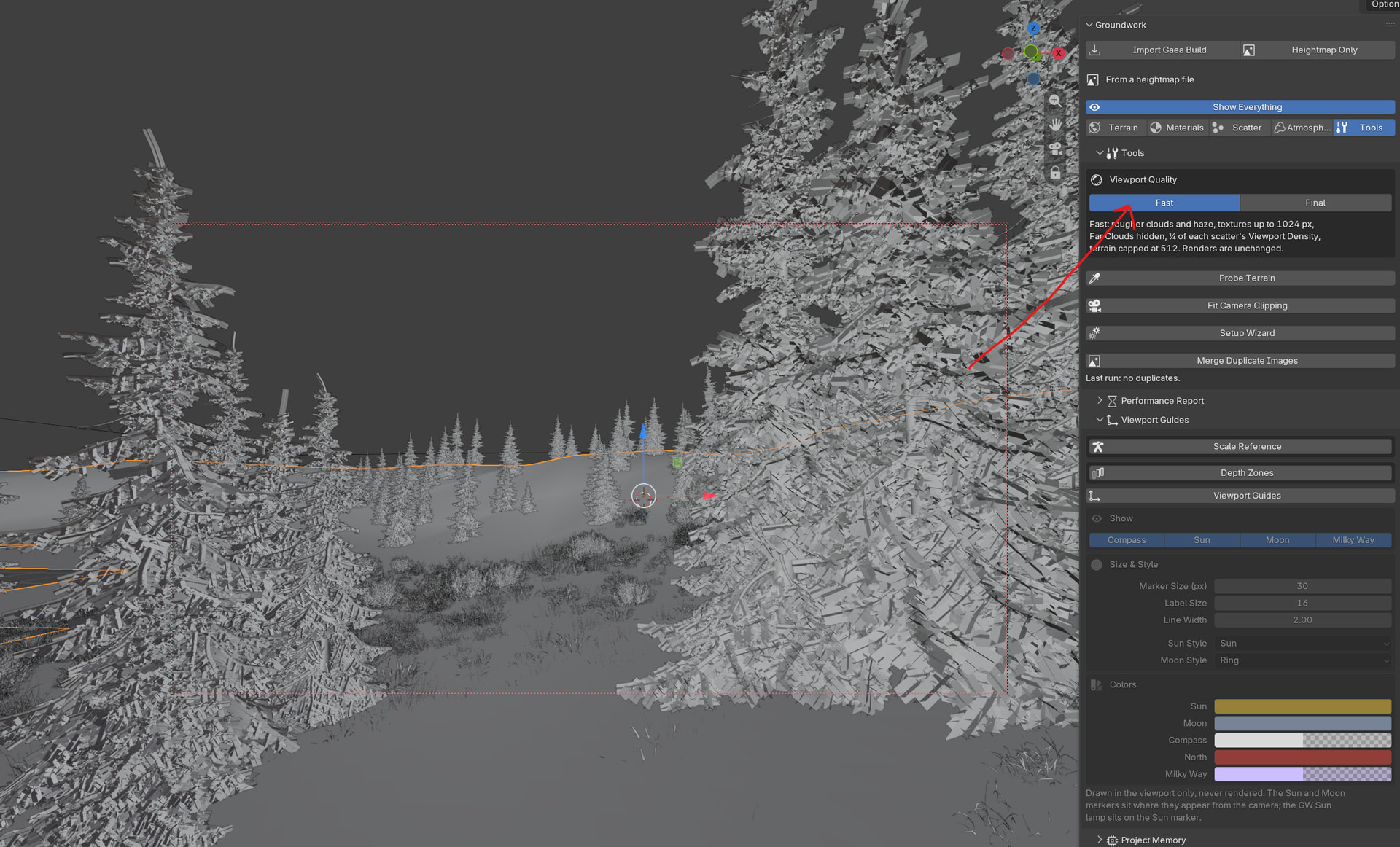
In tools, is also a viewport Quality. You will find Fast and Final.
Fast will reduce a lot of what’s happening in your scene, from viewport instances to cloud/mist/fog changes. Including texture adjustments to be lower quality. Again, Renders ALWAYS use final quality (how you actually built your scene). These tools , along with the scatters own viewport memory safe limits, make for a much faster and stable viewport experience. Even when live rendering in the viewport.
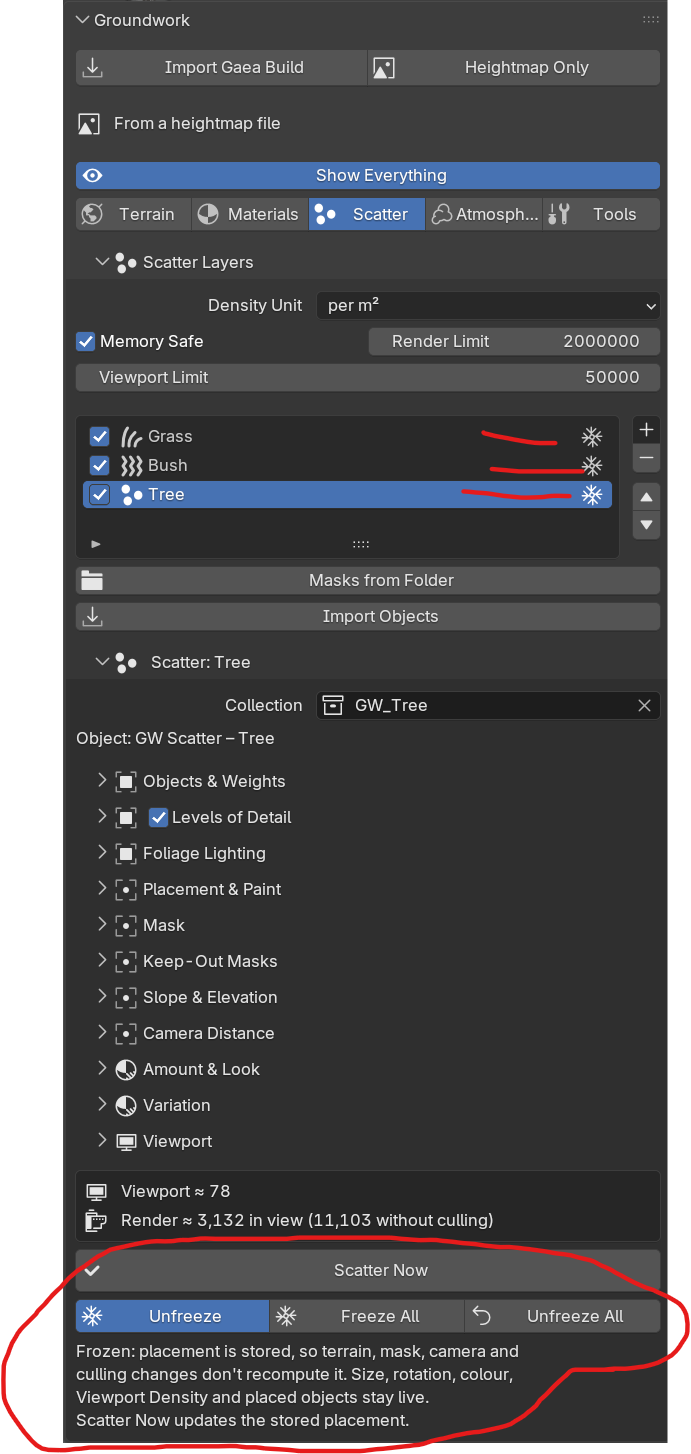
Instances can be frozen. That way they do not recompute after every change. You can freeze all or just the selected scatter layer. This helps with continued work without the constant need to recompute. Think of it as baking.
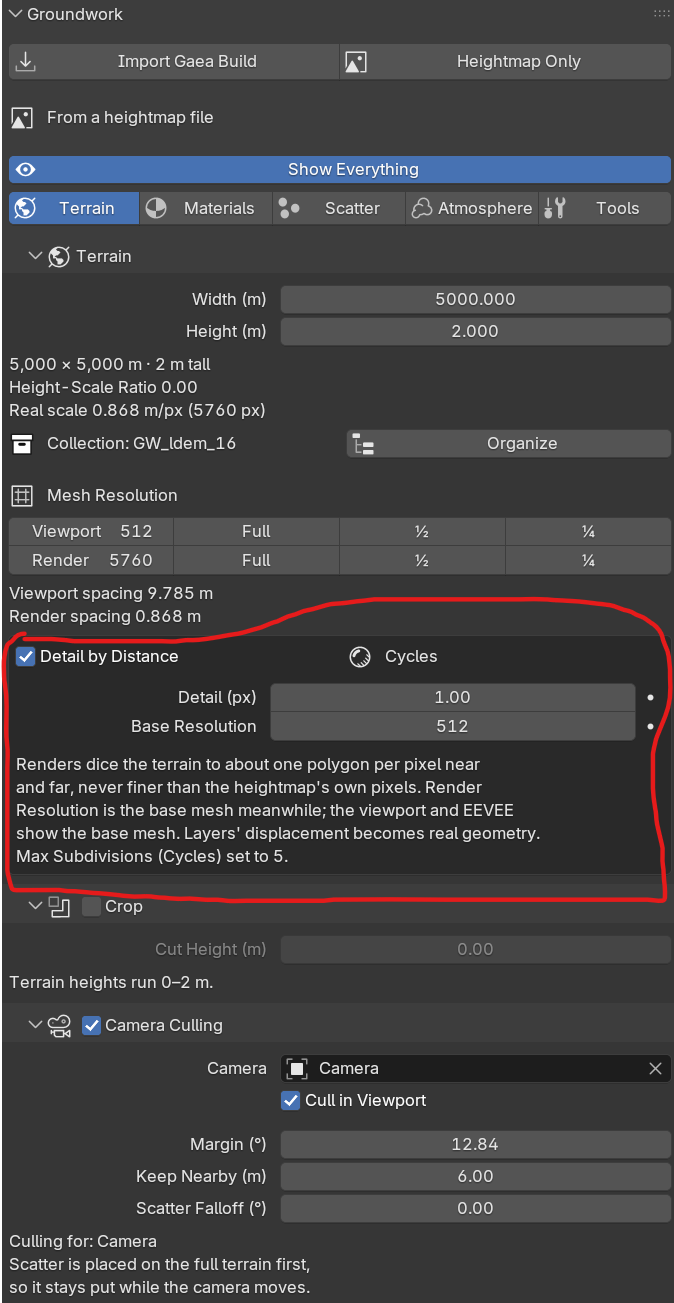
Detail by Distance is also new and very useful for additional optimization. However, all of the controls are still left to you in case anything is off.
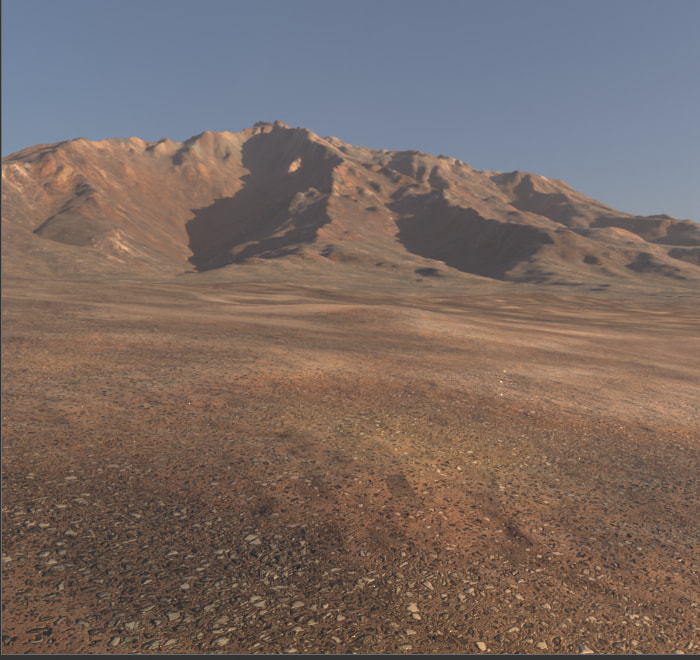
All super fast to work in and build with. I am working on a foreground dirt and rock material for this scene. Ignore the mountain. It’s not even close to being done yet.
Almost time for prime time. Just a few more bugs to sort out, some additional enhancements to include, and one more workflow to implement (has to do with hydration ;) )
Getting extremely close to release. Working out some performance issues and then maybe a little bit of time for a public test with a handful of testers.
What would it be if you pythons scripting were not limited ?
I have been lucky enough to have the opportunity to test “Groundwork”.
It is already (and from far), in its own large field, the best and most comprehensive Blender addon that I ever tried !!
Everything and more is in the box
A perfect addition to Gaea (not only Gaea btw) for Blender users !
Hats off ! impressive work and addon !

 What would it be if you pythons scripting were not limited ?