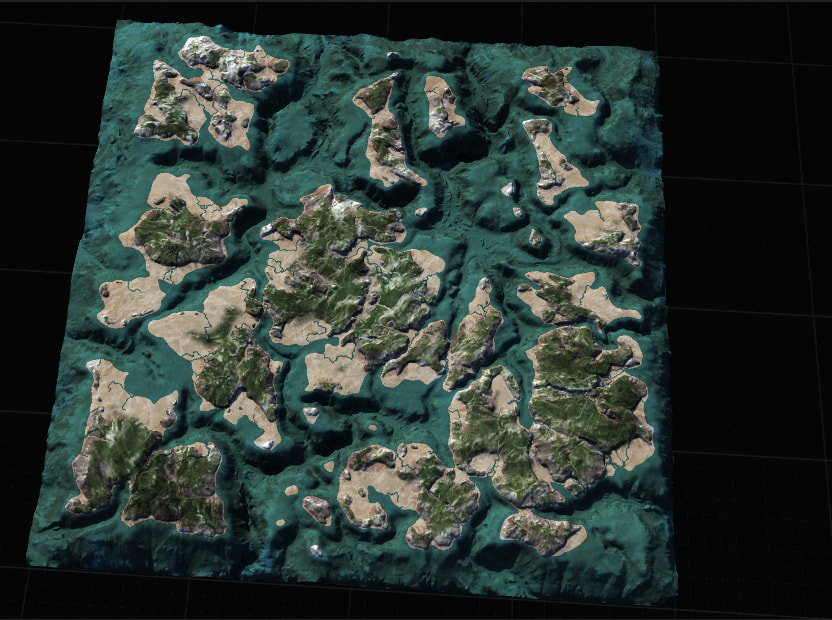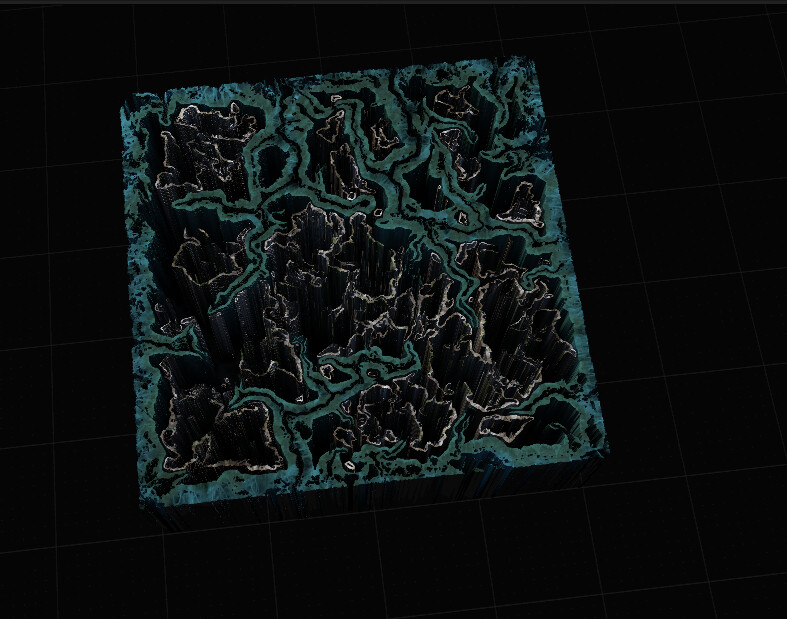
it only happend in this project and i haven’t found out what’s that. Now I have no clue how to bring back the normal view
This is part of the viewports render overrides.
T is the typical hotkey to change the vioewport between Heightfield and Mask
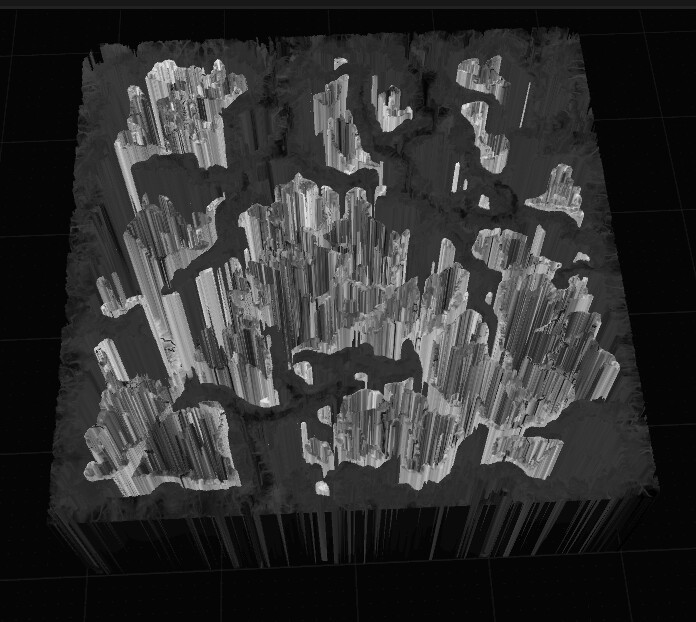
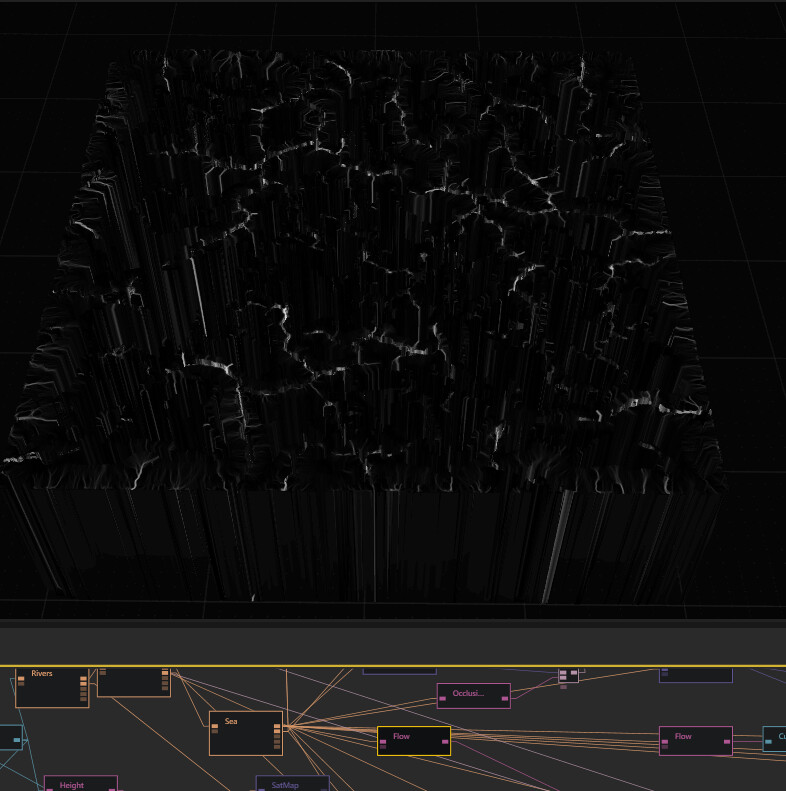
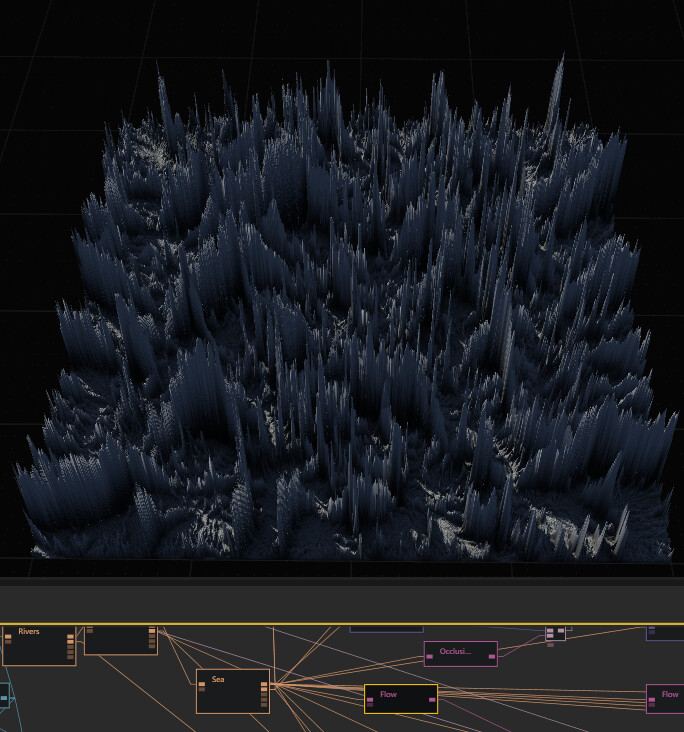
i guess this is something different. The texture just turns black and white, but the mask(flow in the example) actually changes the view to heightfield, but the mask view still remains weird
Yeah looks like you have a number of branches going on.
There’s another shortcut G
You’ll want to use this one on the final heightfield you plan to use as a terrain. This means that every node will show that height.
It’s especially important when you have branches as you may end up mixing mask, height and colour data, if Gaea doesn’t know what the height should represent.
So I’d go find that main height field first.
Mark as underlay with G then go probably a good idea to refresh the node with F5 as well.
Finally you can sweep through the nodes after flipping the rendering if you need to between mask or terrain. With T
Generally this is only a visual thing so it’s not breaking your graph or anything. It just needs some sorting.
One final note is there are some nodes that can be used for masks, colour, height fields like a /combine node.
If you input a mask into input 1 for example combine will render the output as a mask regardless or what you put in next or sometimes even replace.
In this case you can use the burger ☰ menu in the node properties to change the render intent (override).
Alternatively just remake the node and apply the node you want it to render as first.
Hope that helps some.