The erosion2 property editor gets crazy if mask by slope or height is enabled:
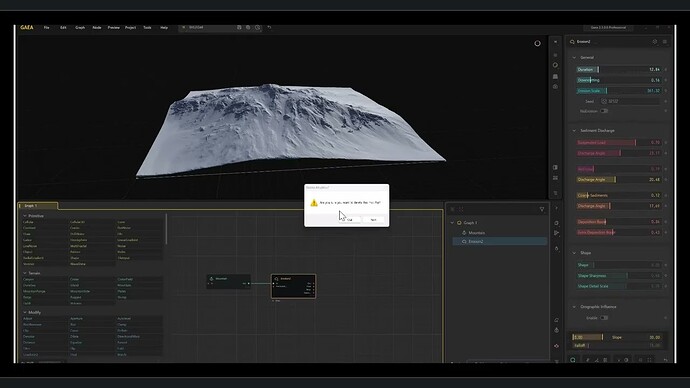
EDIT: The bug stops if Orographic influence is enabled and starts again if disabled (for both mask by slope/height) .
The erosion2 property editor gets crazy if mask by slope or height is enabled:
EDIT: The bug stops if Orographic influence is enabled and starts again if disabled (for both mask by slope/height) .
After you enable the mask by slope/height, does this property editor behavior happens automatically or does it happen by hover or any key press. Does it happen with other nodes too? We have an option called “Compact Interface” which will organize the property editor in small space efficiently. To try this option, enable “Compact Interface” option under “Experimental“ in Options dialog.
No more display bug using mask by slope/height with erosion 2 in V2.3.0 candidate. Even with “compact interface” disabled.
Glad to know that the issue is fixed now. Thank you for confirming.