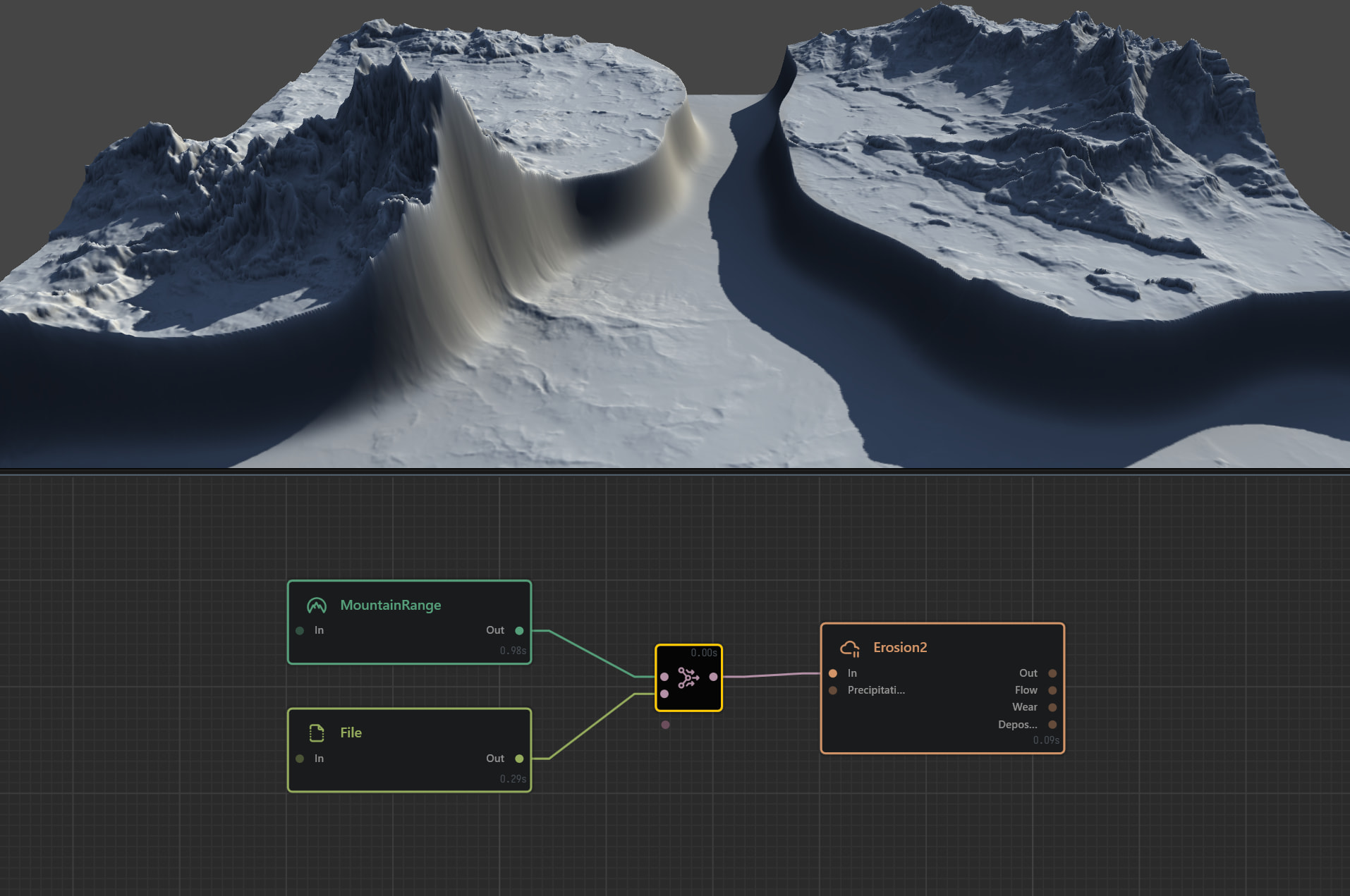
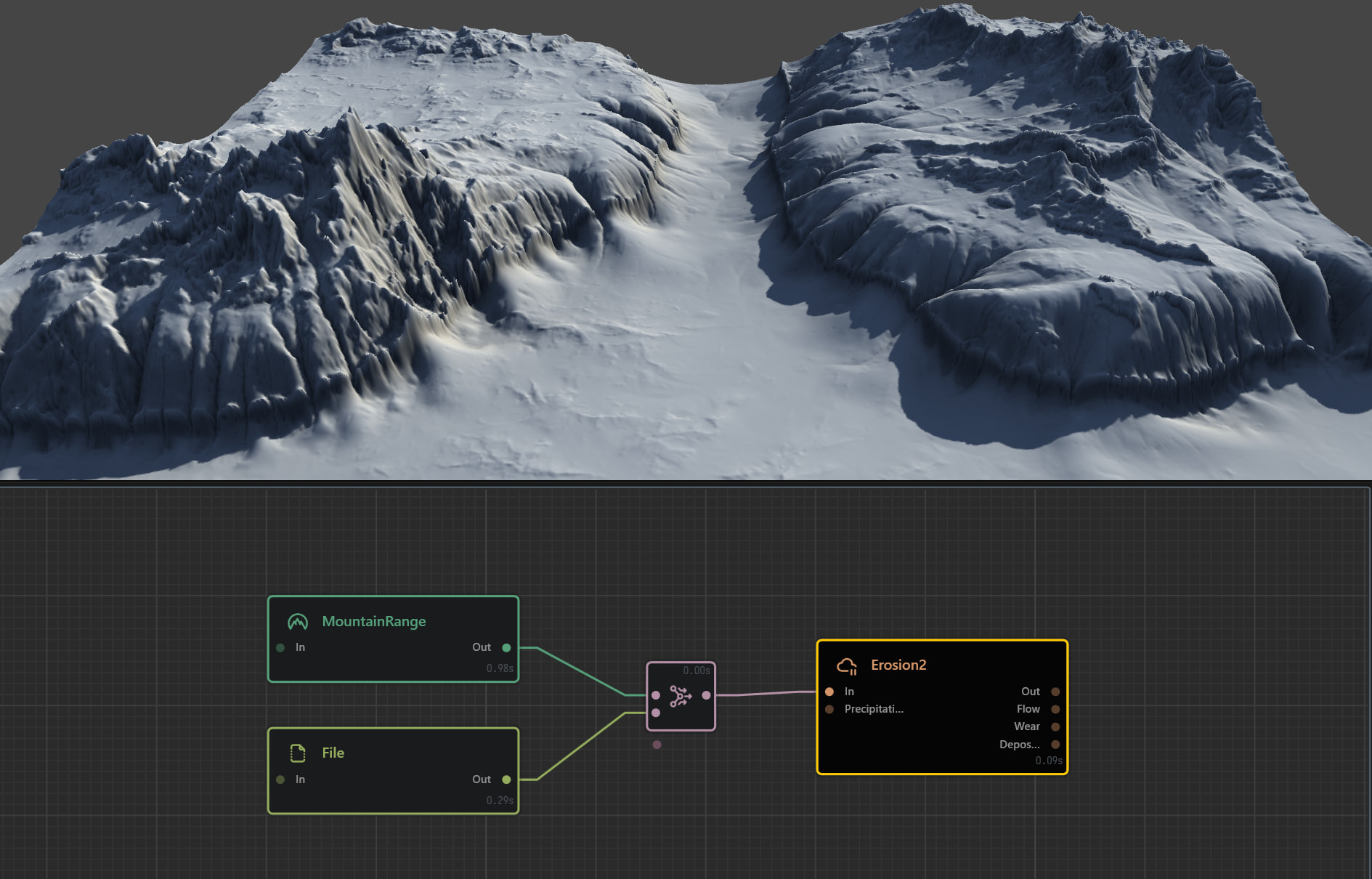
Hello everyone! I’m dealing with a small problem I’m finding confusing. I’m using a file heightmap combined with a mountain range node, assuming it creates one output. However, the erosion node only effects the mountainrange portions and not the cutout I’m creating with the file, creating a sheer edge. Hopefully my image will help clarify!
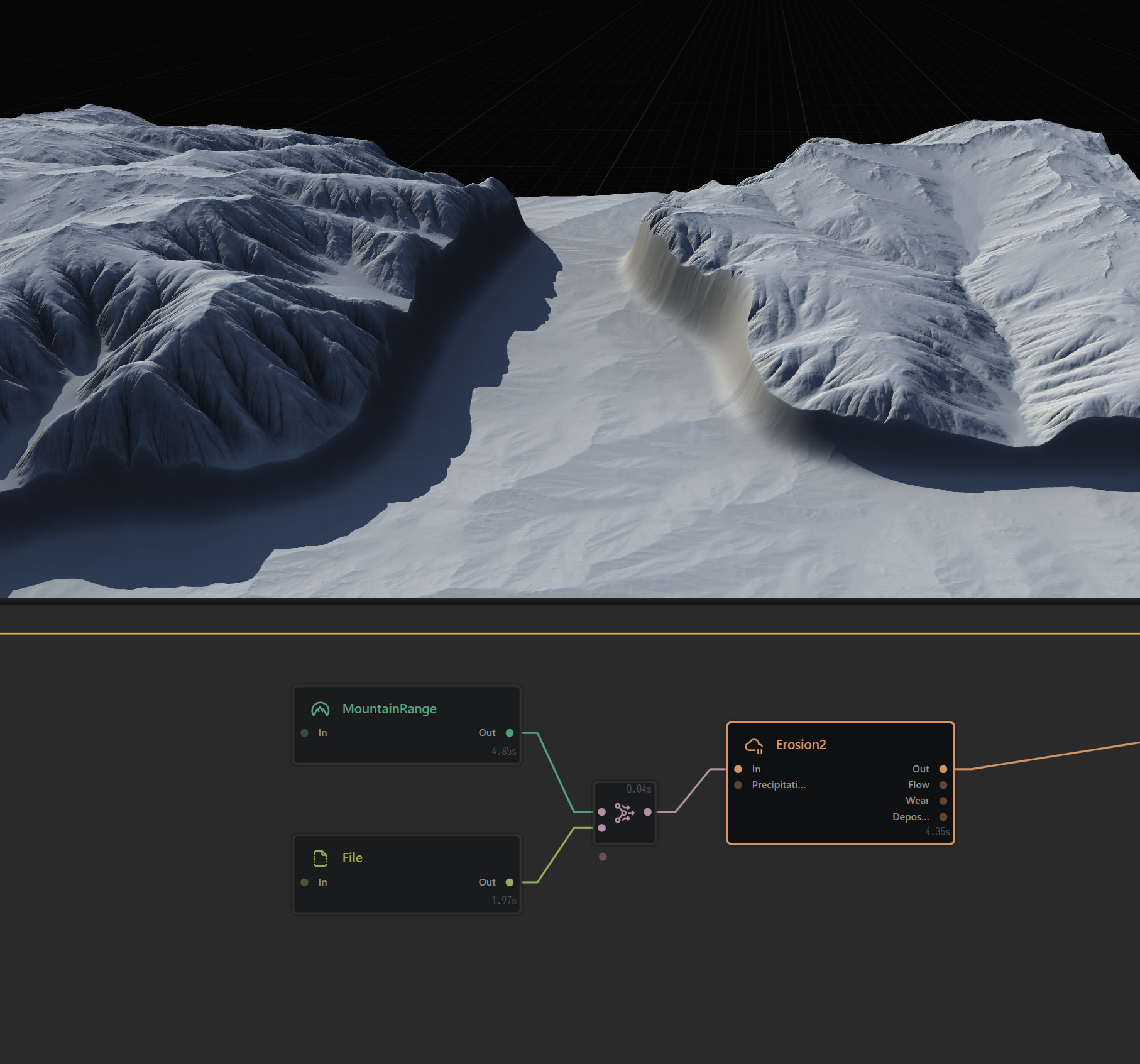
Huh, not quite sure what’s going on here. Could you upload your project file?
Raise your “File input” by combining it with a “constant” node, to match the height of the moutain range, before erosion.
Or just use HeightRemap modifier.
But it does not explain the selective erosion, while Erosion 2 there should have done its job on all the surfaces.
2 Likes
Repro steps please, I cannot reproduce the same results based on what you have stated.
Mine follows your assumptions ( which is correct),
example:
mountain
file node*
-
combine - blend - 50%
-
erosion 2

File: { add supported type + under 5mb ]
If there is anthing different default then let people know the specifics.
you can also send your file nodes file, or the whole .terrain project if you want/can.
@ATom If you look closely, there are heavy deposits on the boundary between two terrains. The reason the file input isn’t being eroded at all, is because of very low height. Not enough height data to work on.
Unfortunately without the repo or a file, we’re just guessing at words and images.
Based on what you’ve mentioned and your provided solution that’s one perspective, and the OP
Since these are conflicting statements, we’d need them to confirm something actual, otherwise we’re all just shooting in the dark looking at a screenshots and deciphering them with the texts what they wanted.
Personally I’d probably just take the higher use /match then erosion, but depends whether the user wants this height difference or not and where the end height is intentional or not, or something else they meant and we’re all missing the point 

1 Like
Hello everyone, thank you so much for your efforts. I did discover that the reason for this was because I had copied the erosion node from another project and it had the “min” modifier activated. Interestingly, as far as I can find, the min and max modifiers are two of the least explained in the user guide, which only states: ”The Min and Max modifiers are one of the most powerful tools in Gaea.”
1 Like
Correct, I’m currently massively updating the Docs so look for the next drop soon which does expand more nodes and concepts, but please do keep the updates coming for parts like this.
The main gist is that Modifiers themselves are an inline post process, this let’s then do their post but without rebuilding the node. For example you can auto level inline or autolevel node (adjust/FX node), the latter will re process.
For min/max it Follows a similar like the min max on the /combine node.
The difference is what it is comparing is the node that is processing say erosion2 and the node before like mountain side, rather than an A and B input line combine
Per pixel:
- Max = keep only the parts where this process made things higher.
- Min = keep only the parts where this process made things lower.
I will get this into the doc update.