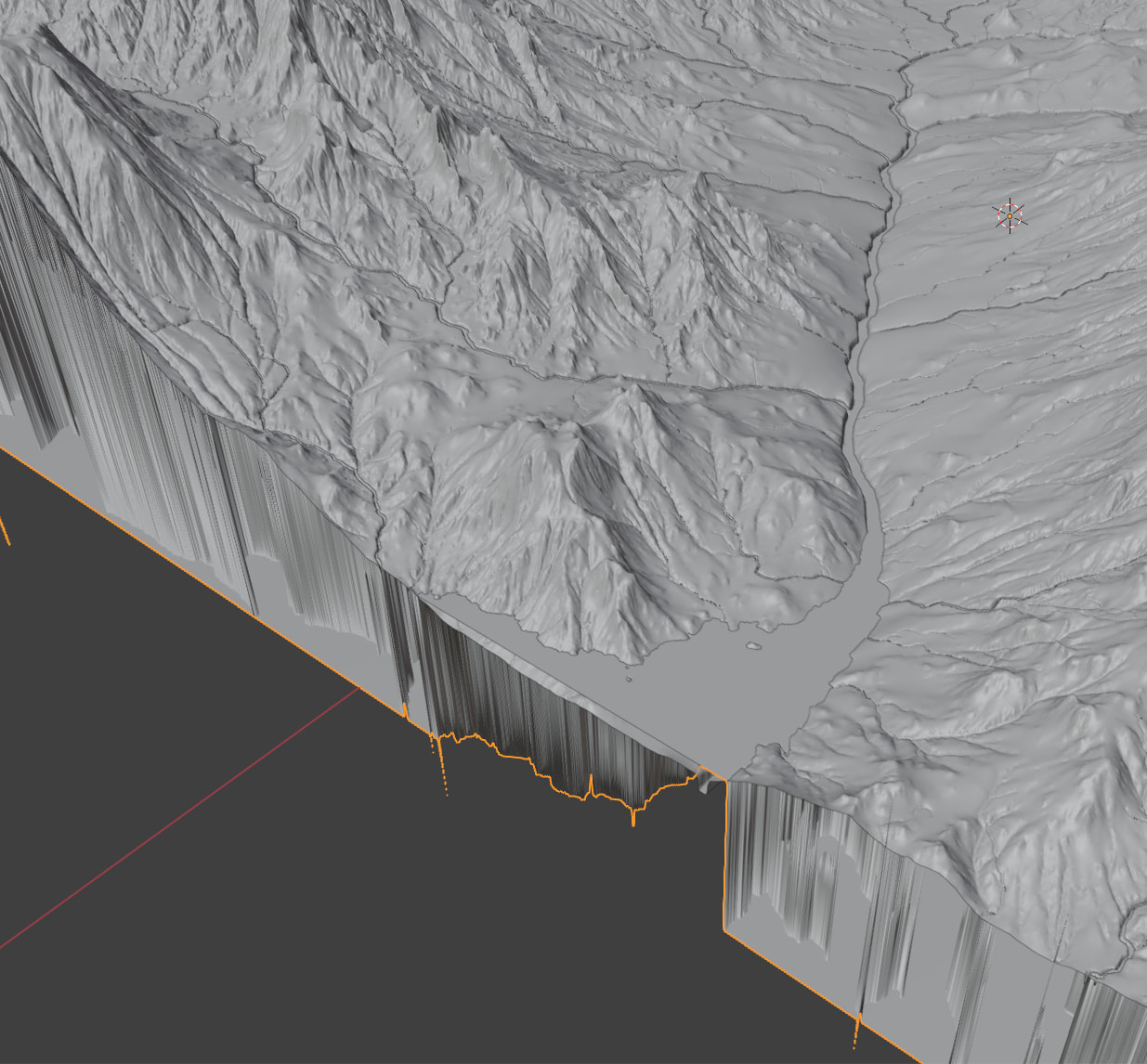
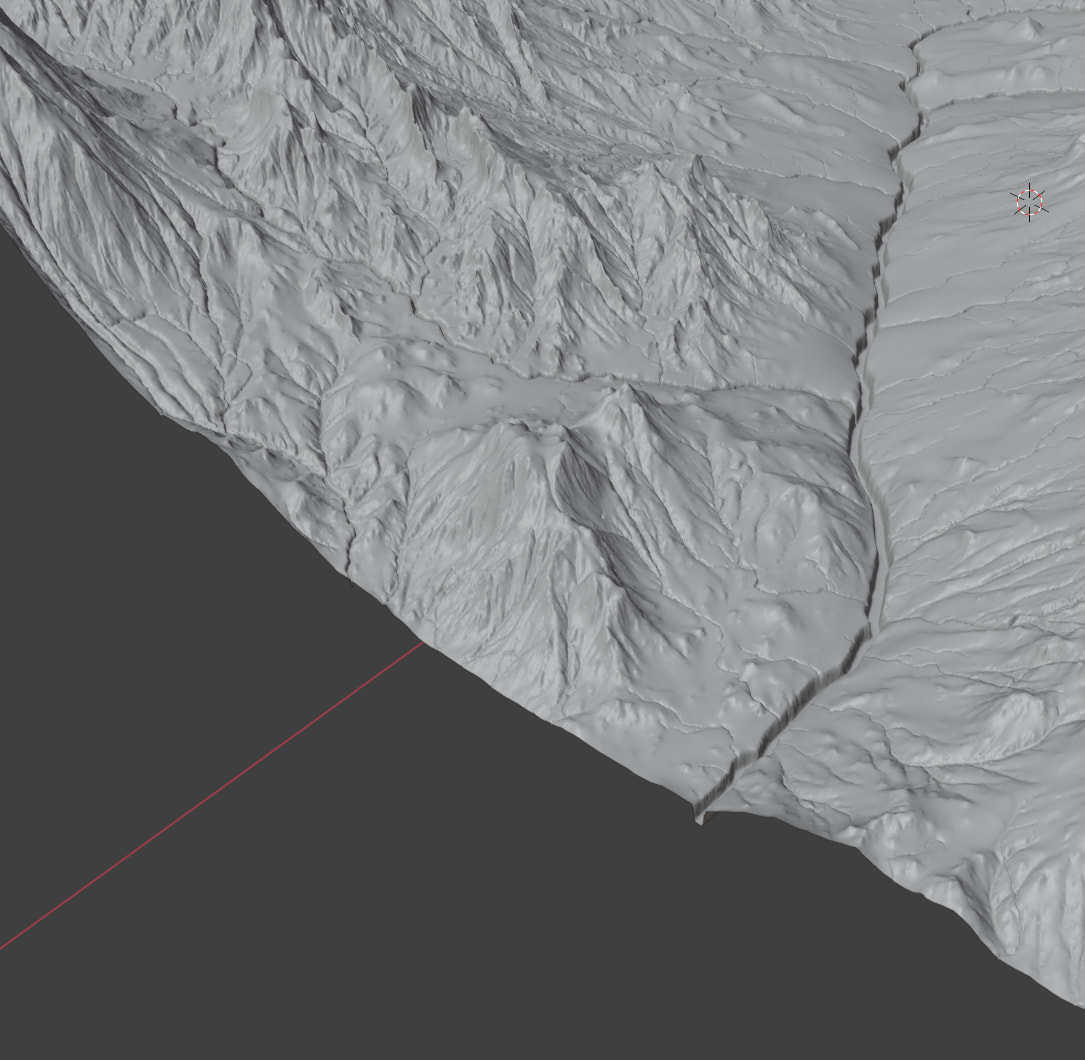
Hey folks,
I am new a beginner with a lot of questions. I pray I may get the help needed here from the esteemed community.
Please feel free to correct me on anything.
I am using Gaea 2 and working with UE 5.7.
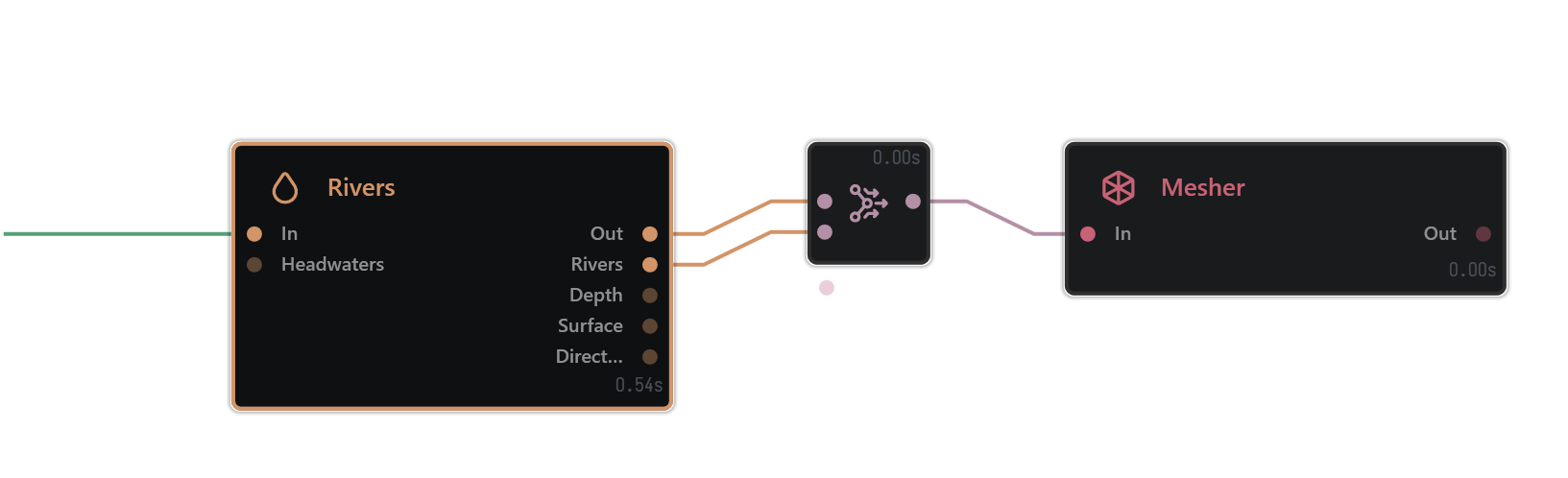
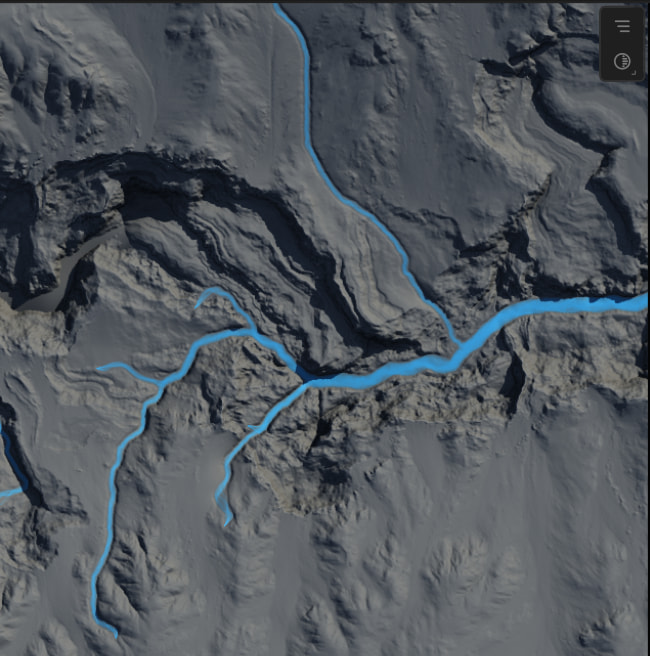
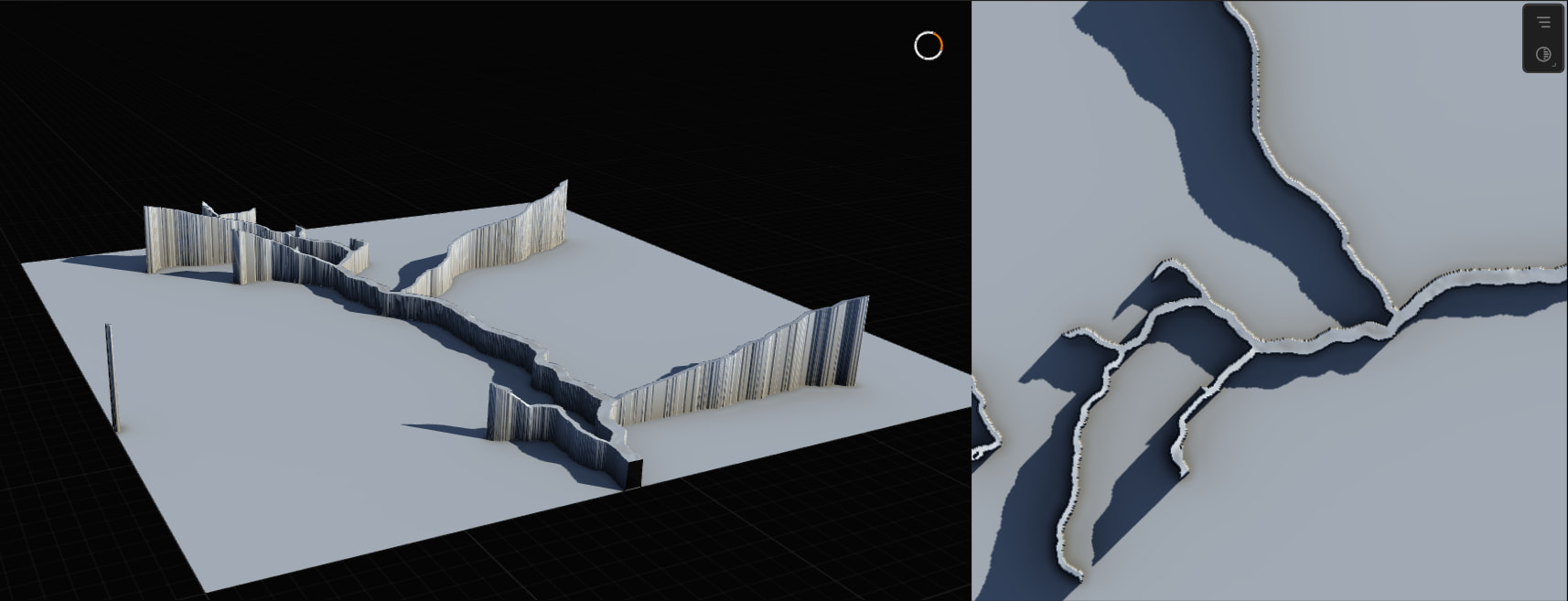
I’ve had a glance over the documentation and videos. Unfortunately, seeing a lot of Gaea 1 tutorials (easily makes a river surface mesh) but I can’t figure out how to replicate in Gaea 2.
I believe I am getting the hang of creating masks for UE 5.7. Still not sure if I’m exporting the right ones but they’re black and white and make sense/tested to drive auto material.
I would like to create a map that is considerably larger than 5km². I am understanding of computer limitations. I don’t intend to create a 256km² map and slap nanite over it. Please let me know if 32km²
is doable or ambitious. I have good PC specs but I also want the average person playing this eventual game to have an enjoyable experience. How does 48km² compare or does the processing/rendering power increase exponentially? (Thinking of this example: 1009 = Just over 1m points of height detail versus 4033 16m points).
Can someone please explain what resolution actually means? Does the meaning change at any time? Someone said UE considers “resolution” as meters and I have been confused ever since.
A 2048 resolution texture will have significantly more detail than a 1024 texture. I see the difference in Gaea. Because I am working with UE, I want the 1009, 2017, 4033 resolutions, right? Does the resolution here just concern the geometry
of the peaks (and rock detail)? My argument is the auto material (scattered PCG in the material versus the landscape itself) will be contributing to the detail as opposed to the landscape driving the detail or am I wrong?
Auto material parameters like planner projection, cell bombing, etc make this a non-issue. Cell-bombing has its own problems, but I was just giving an example. Any recommended landscape resolution and why?
The focus is gameplay, not cinematics. 2017 is a consideration should it matter.
If I upload a 1009 texture and play with the X,Y scale to get a large map/48km², I will be stretching it. Something like 32m per vert. No good.
I apply a width of 6930m (48km²) to the terrain definition, and this appears as “realistic” in both Gaea 2 and UE but looks boring. So then, I normalize the export in Gaea 2 and get a nice map but as a solid chunk. No good.
So, to build a large map, it is my understanding I will need world partitioning AND tiling. But, evidently, not by normalizing the export. Sigh.
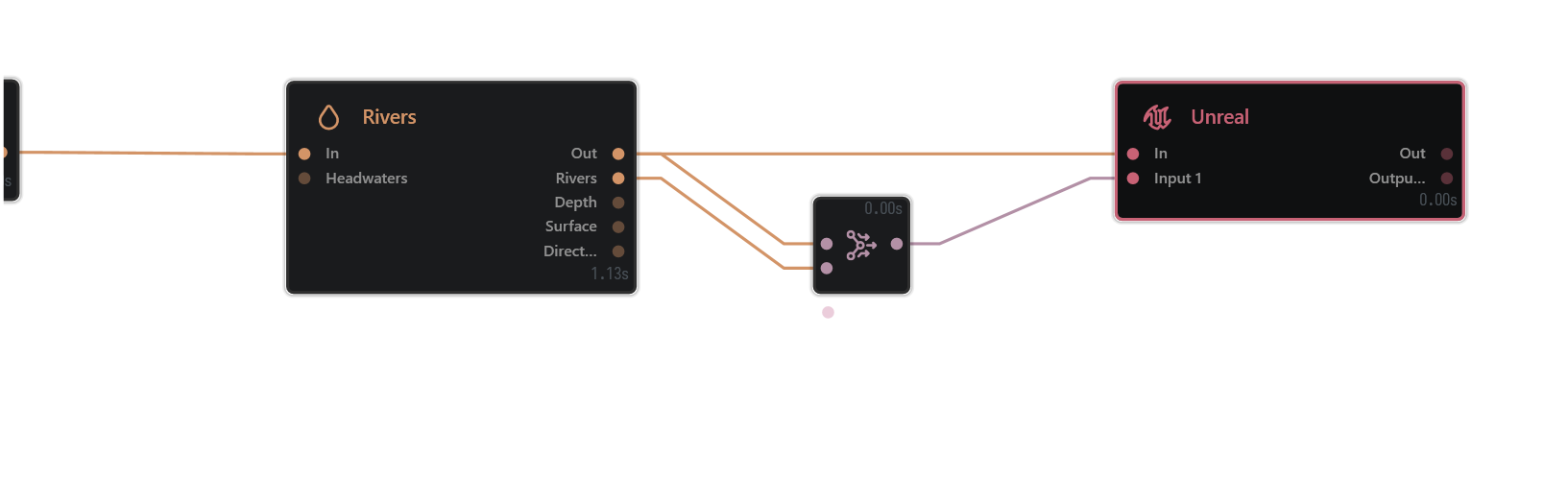
Tried two methods to importing from Gaea 2 to UE. The manual method using the Unreal node and the plugin.
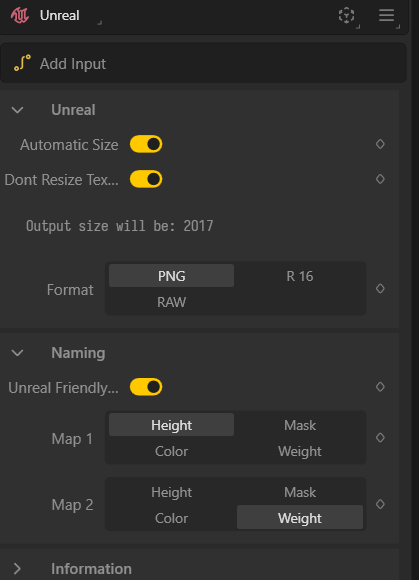
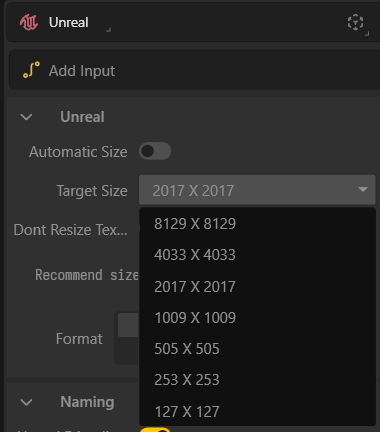
I didn’t see that I have an option to use Unreal’s 1009, 2017, etc resolutions so I select I want 2048 resolution with 1024 tile and it spits out four y0_x0, etc textures.
Error uploading so I rename to only include the “y0_x0”. Works. Notice a so-called “border issue”, stretching along the edges. Is this because I’m using a 2048 texture as opposed to a 2017 texture?
I’ve noticed some differences between exporting manually and plugin. With the plugin, I only have the option to set “World Partition Grid Size”. Are the 4 tiles assumed to be the “World Partition Region Size”? Importing 4, 1024, y0_x0, y0_x1, y1_x0 and y1_x1…
Now I only see one giant y0_x0 landscape. Noting UE only allows me to choose one tile so I choose y0_x0 and it “detects” the rest. Other times, (assuming 1 tile is 1 region), I specify 4 regions and I see y0_x0 4 times.
Having trouble understanding UE partitioning as is but I’m not sure if anyone here would be able to help with that.
Thanks for reading and your help.