I do have a couple suggestions for the forums, small but notable quality of life, this is basically a copy paste to what i’ve put in the general.
1 when we tab out when modifying account information or when creating an account, it should save what we did, and not reset the progress (minor but can be frustrating)
2 being able to modify images directly when importing images as our profile picture, like on discord where when we import images it lets us crop it and zoom it so that it fits perfect
3 being able to link extremely easily to external nodes/documents on the gaea website, and when clicking the node it redirects us directly to the node’s document (i did notice people mensionning nodes but it doesn’t redirect us to official documents)
and maybe i’ll add some more later if we can edit topics
“Suggestion” and/or “feature request” tag(s) for forum posts, maybe? I’m making a post on those and there were no matching optional tags. Also you can’t just type an arbitrary tag if it’s not on the list. So either adding some more or allowing adding user-defined tags would be nice.
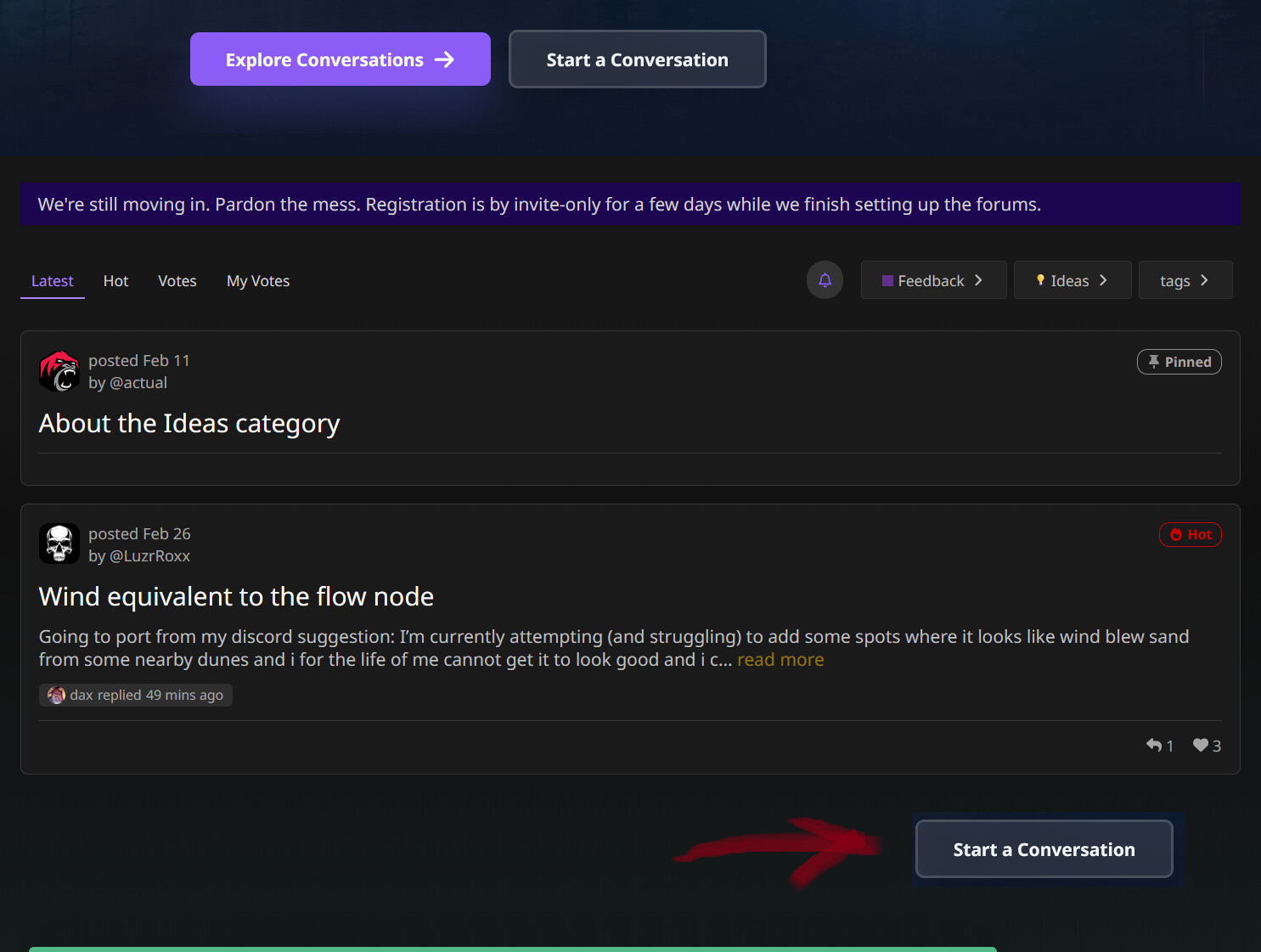
“Start a topic” button for the section you’re in. It kind of feels missing under the posts. Of course there’s a big “Start a conversation” button on top, but if you click it, it doesn’t automatically pick the category for your new post and you have to navigate to it manually. Personally, for me it would be more convenient to be able to have that context of the forum branch at hand, so to speak.
And maybe consider an option that if you’re creating a topic via the suggested “start topic” button within the category, your post would be previewed as a forum post instead of the overlay.
UPD Apparently, it accounts the context if you click “New Topic” buttn at the top of the page, though! That’s nice. But still, I think I’d like having a duplicate of it near the list of the topics itself. =)
It’s so cool that the system provides links to profiles when you mention people!
However, after submitting the post they become hidden, sadly. Maybe hyperlinks shouldn’t be concealed like regular long links?
In the preview:
After posting:
And when you click “view link”, it also doesn’t show as a hyperlink with name and surname, only shows the link itself:
Maybe it has to do with the fact I’m a new user and can’t use hyperlinks, not sure.
Please add a subcategory for free project threads in Learning =)
And allow it to preview the pictures from the posts like in Gallery so that people could see what the project is, please!
Optionally, maybe allow showing previews for regular posts, although I’m not sure how good of an idea it is, but just a consideration. Uploaded a preview for the general help questions thread and saw it wouldn’t get displayed. Although it makes sense that Gallery is the primary place for that.
@Kosvid will add thumbnails soon. Might take a couple of days. The gallery plugin is malfunctioning a bit (conflicting with the custom changes we made) and sucking up too much RAM. But it’s on the list and will be addressed soon.
Maybe add subcategories for Gallery to separate strictly Gaea projects and more global projects using assets made in Gaea? One would have in-engine screenshots with the tiles as they are presented in the terrain project, and the other would be for final art pieces with all the further treatment.