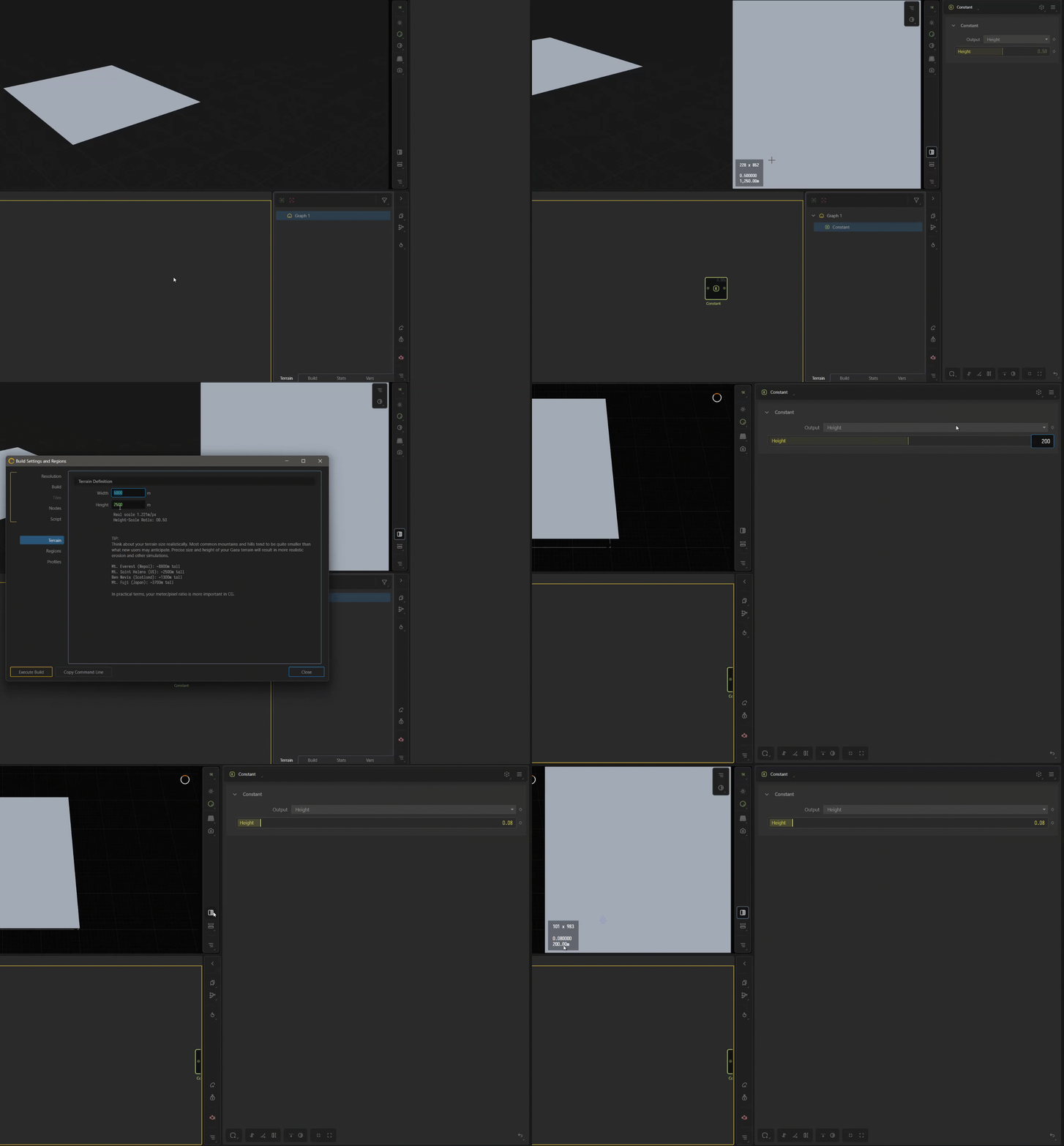
Purchased Gaea professional licence. In project/build settings changed resolution to 2k, output: tiled images and tiled size 256*256. Is this the option which is unique for Professional licence? What other options in professional gaea I should use for MMORPG game big landscape creation (32 sq km or 64 sq km)?
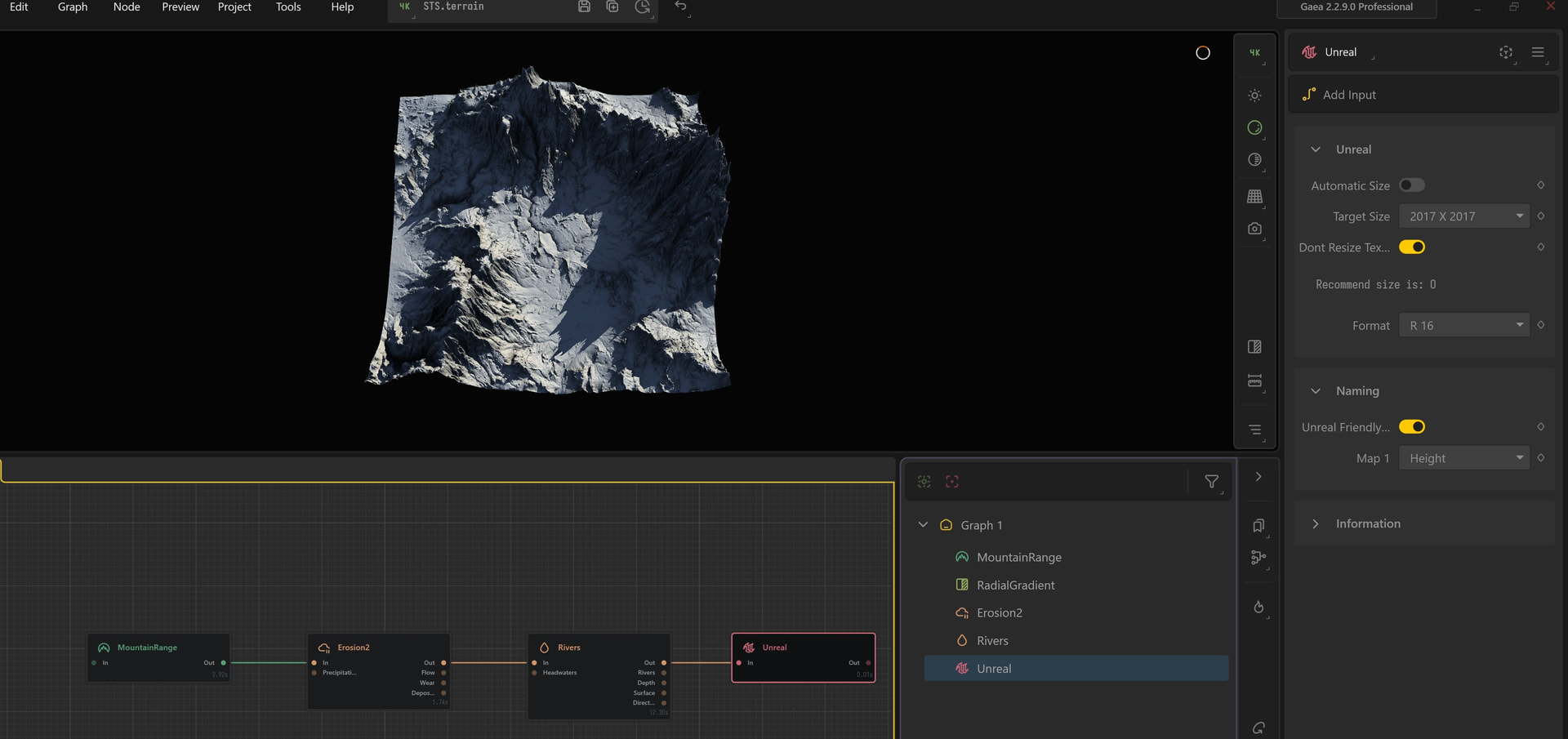
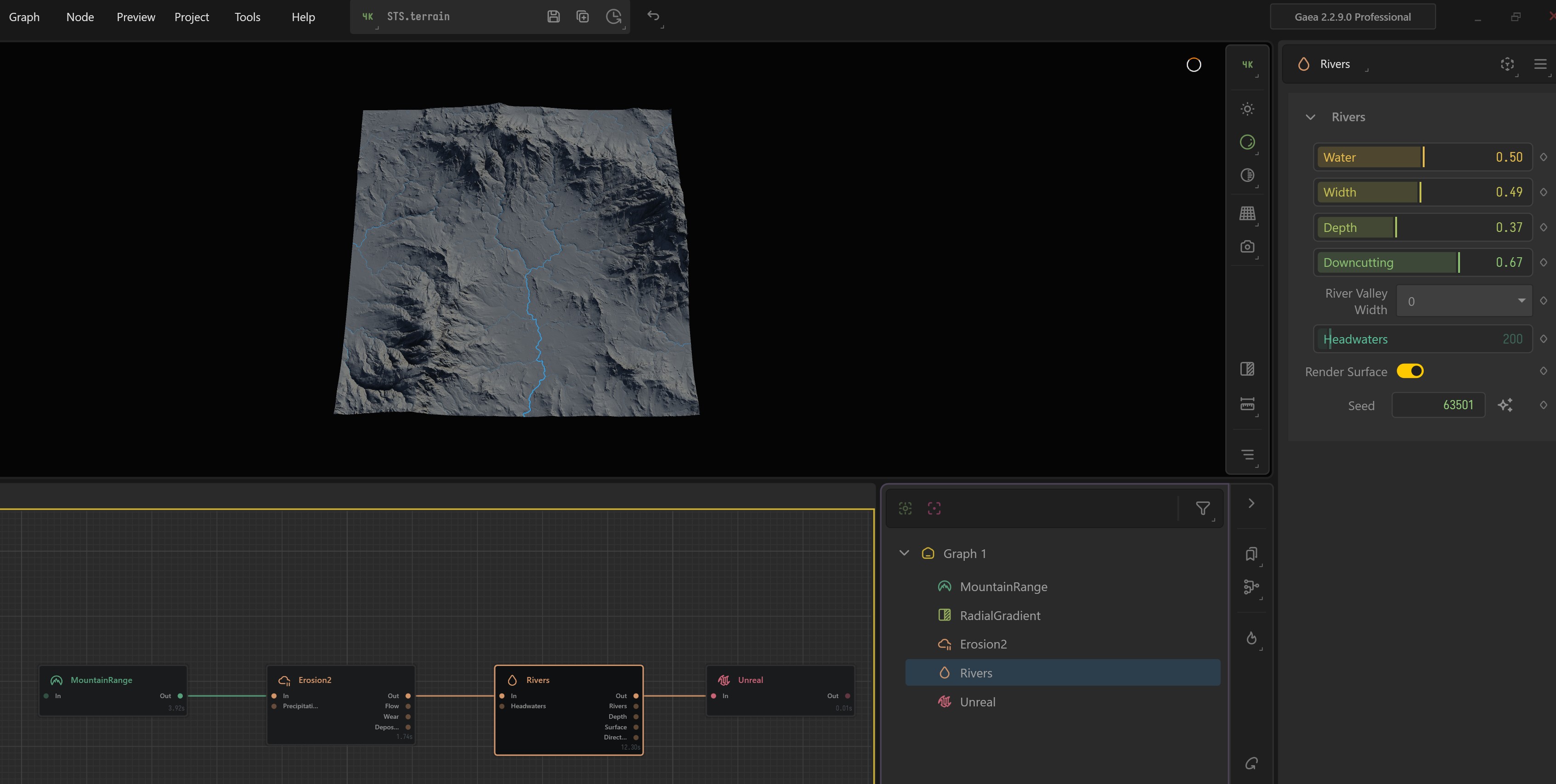
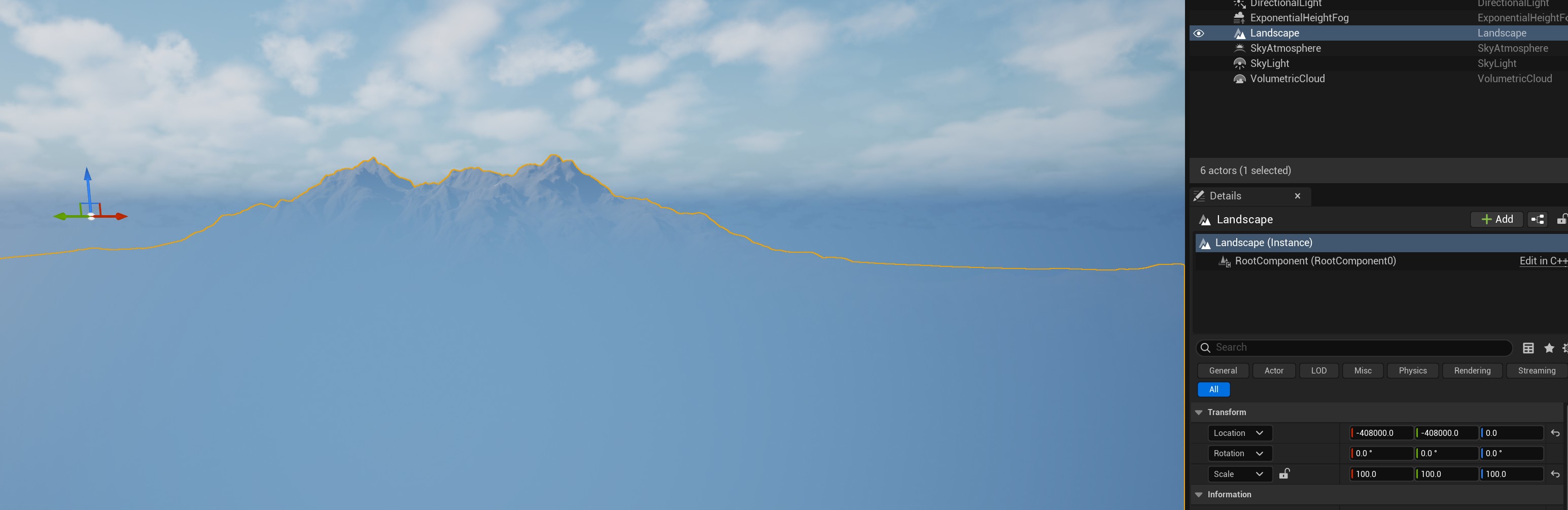
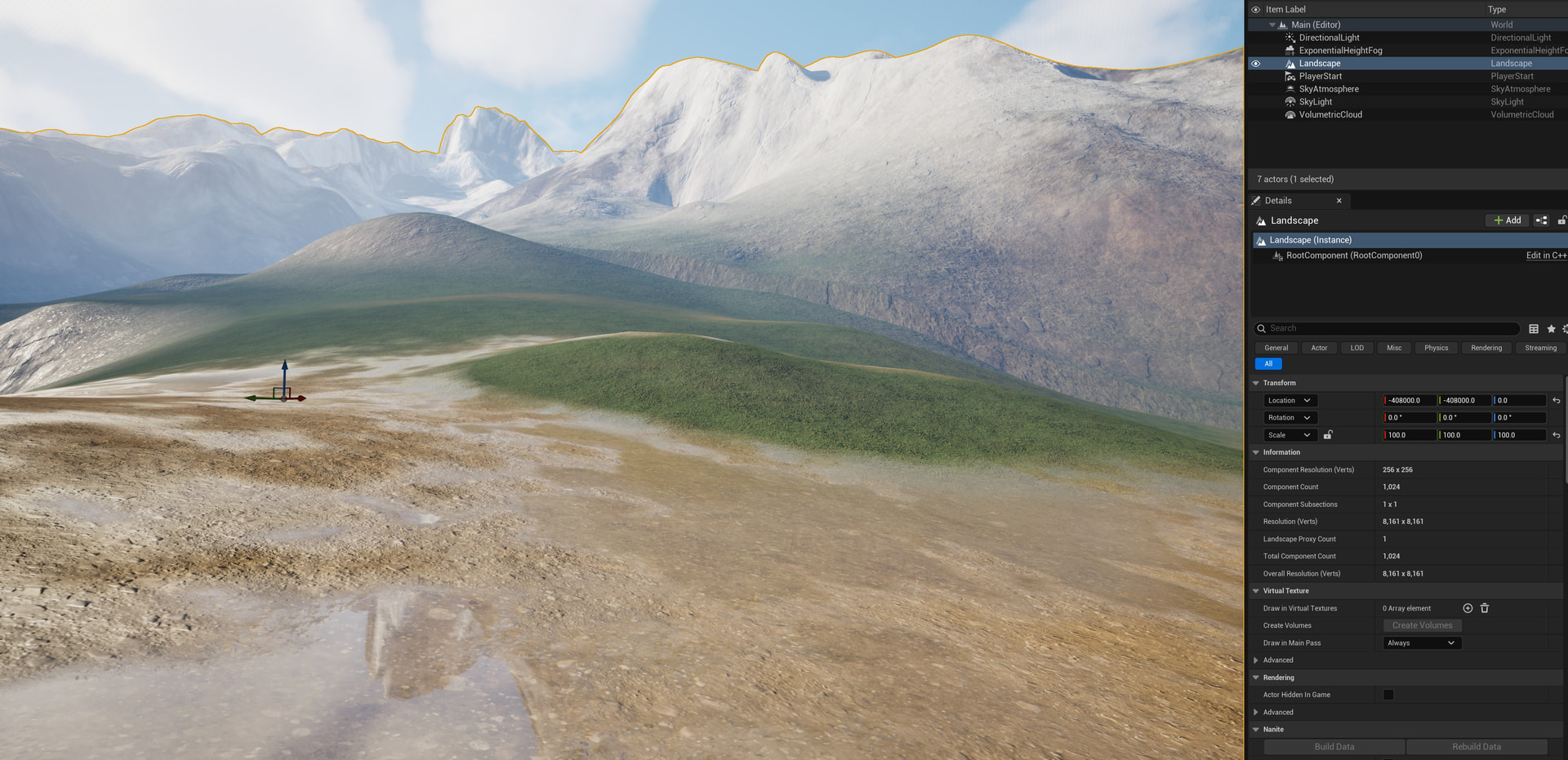
Another problem is when I connect prepared landscape node to final unreal node, landscape visual representation becomes totally different from what was expected before connection. I attached 2 screenshots: one before wire and one after unreal is wired.
Is there any way to fix that issue, so the final landscape result would match unreal node result without using gaea2unreal, for example, maybe I can use clamp node after rivers node and before unreal node, or adding blur node before unreal node?
Mmm, you might be mixing a few terms up there, let’s see if I can untangle that.
Gaea + Unreal Node
In Gaea you need the Unreal node for height fields else you can’t export in the resolution Unreal needs ie 2017.
Otherwise it’d follow the usual power of 2 (like 2048)
It’s the node itself that auto levels as a necessity for move high bit depth data down to 16 efficiently and more robust for keeping data intact.
Gaea2Unreal plug-in Vs manual
As for Gaea2Unreal plugin, if you don’t wish to use it then you just need to do the calculations in unreal manually:
First section - manual calculations
Deep dive
In some cases can match the terrain definition so when the unreal node autolevels there is
No difference see topic
[!warning]
The following isn’t generally the recommended approach
You may resample from a power of two resolution like 2048 to 2017 manually if you want to but it can complicate your workflow and speed morethan the plugin or manual method above due to data retention and increasing errors chance.
In general this would only really be a use case if you have a very unique end result goal.
Export using the normal mark for export route
Export as PNG or .r16
Ensure you’re working space is in 16bit, and linear (Heightfield data isn’t an image!)
Resample the image size from example 2048 > 2017
Use Bilinear mode
[!note]
You will end up with a softener image
ringing may occur from resampling
if your Terrain only occupies a low amount of the full 32bit range you might introduce banding and stepping.
Example 0.48–0.56 ≈ only 8% of the 16-bit range
Rather than 100 if it were auto leveled.
I started using gaea2unreal, everything is good when I choose PNG format single image. But I purchased professional version, so I changed project settings to output: tiled images, tile size 256*256. In unreal node I changed format to R16 (because by CHAT GPT it is the best option for large scale detailed MMO landscape). Then many files are generated, like H_Adjust_Out_y0_x0 and etc. By chatgpt I should choose only one of these files, and unreal via gaea2unreal will automatically import all the files to generate landscape, but nothing happens. How to properly use output: tiled?
Either method is essentially the same under 8k resoltions, 16 k or above you may start to experience deminishing returns in performance, memory cost vs quality.
Unreal only recommends up to 8k verticies for that reason
Thank you for the reply on how to import Tiled Landscape with Professional Gaea Licence.
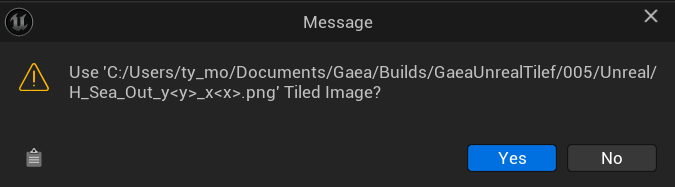
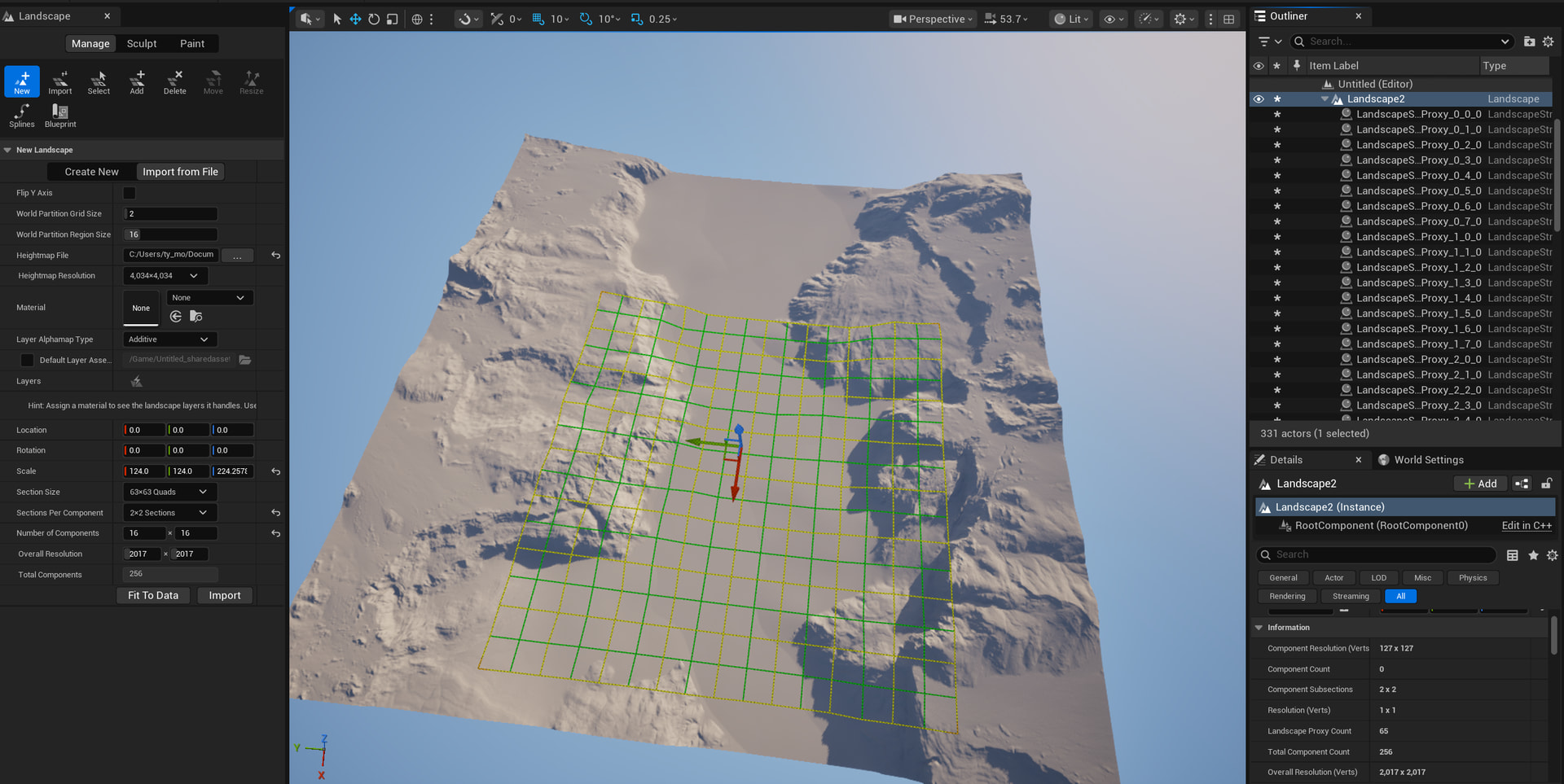
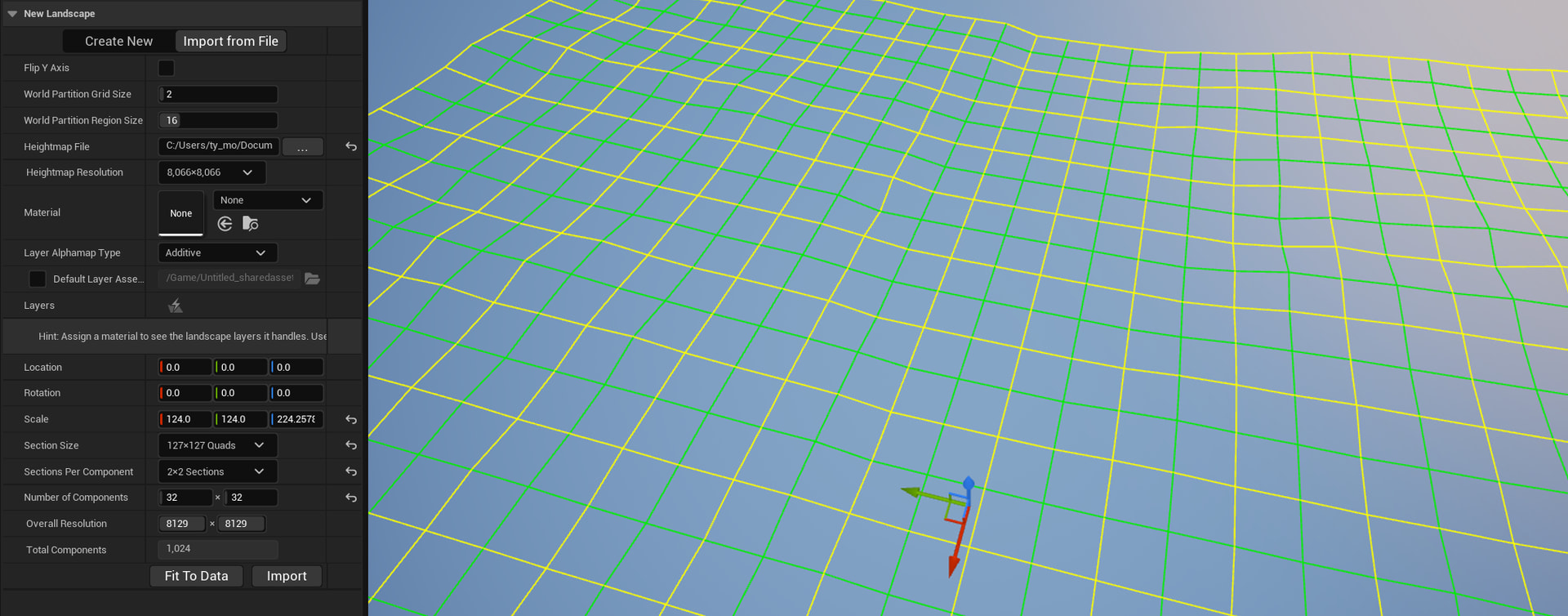
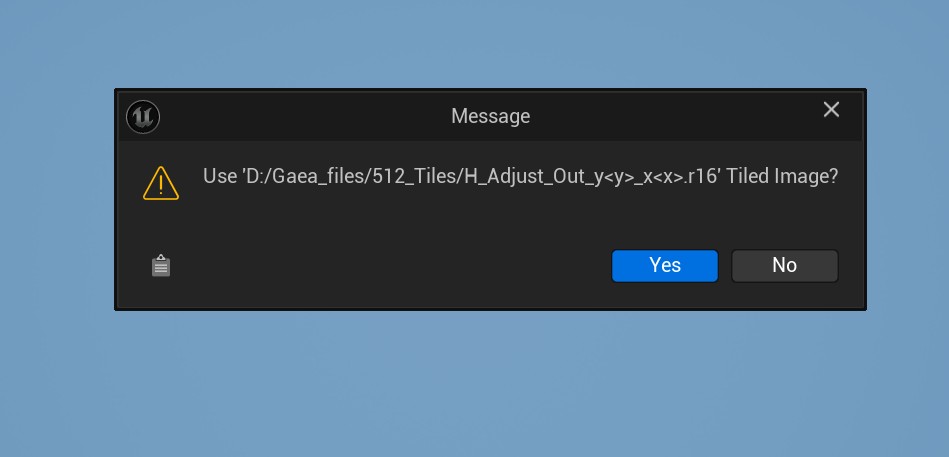
I used these settings before building and executing file: resolution 2k, tile size 512 512 (4 * 4 tiles), terrain 10000 m, 2500 m height; in unreal node inside gaea node system: target size 2017 2017, dont resize tex checked, format R16 (suggested by chatgpt). After build is done, I need to import only first baked file, so the Unreal automatically takes other files inside folder and generates landscape. Before import I got that message:
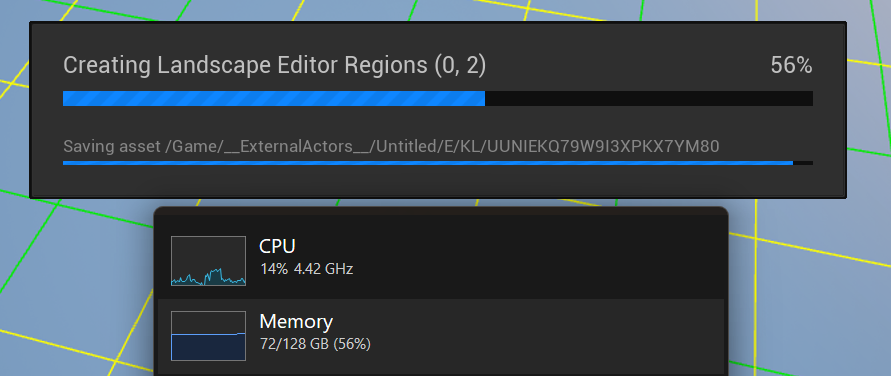
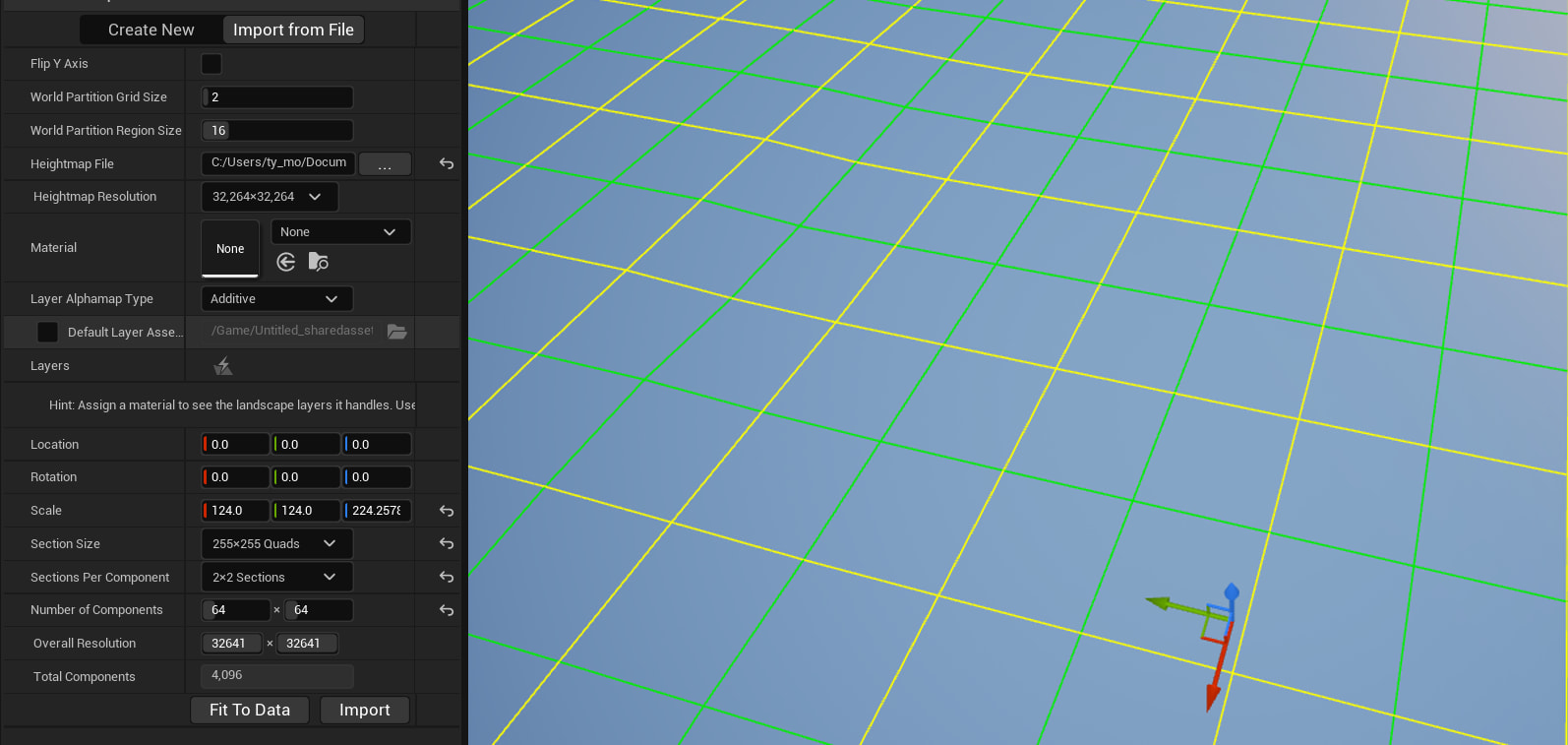
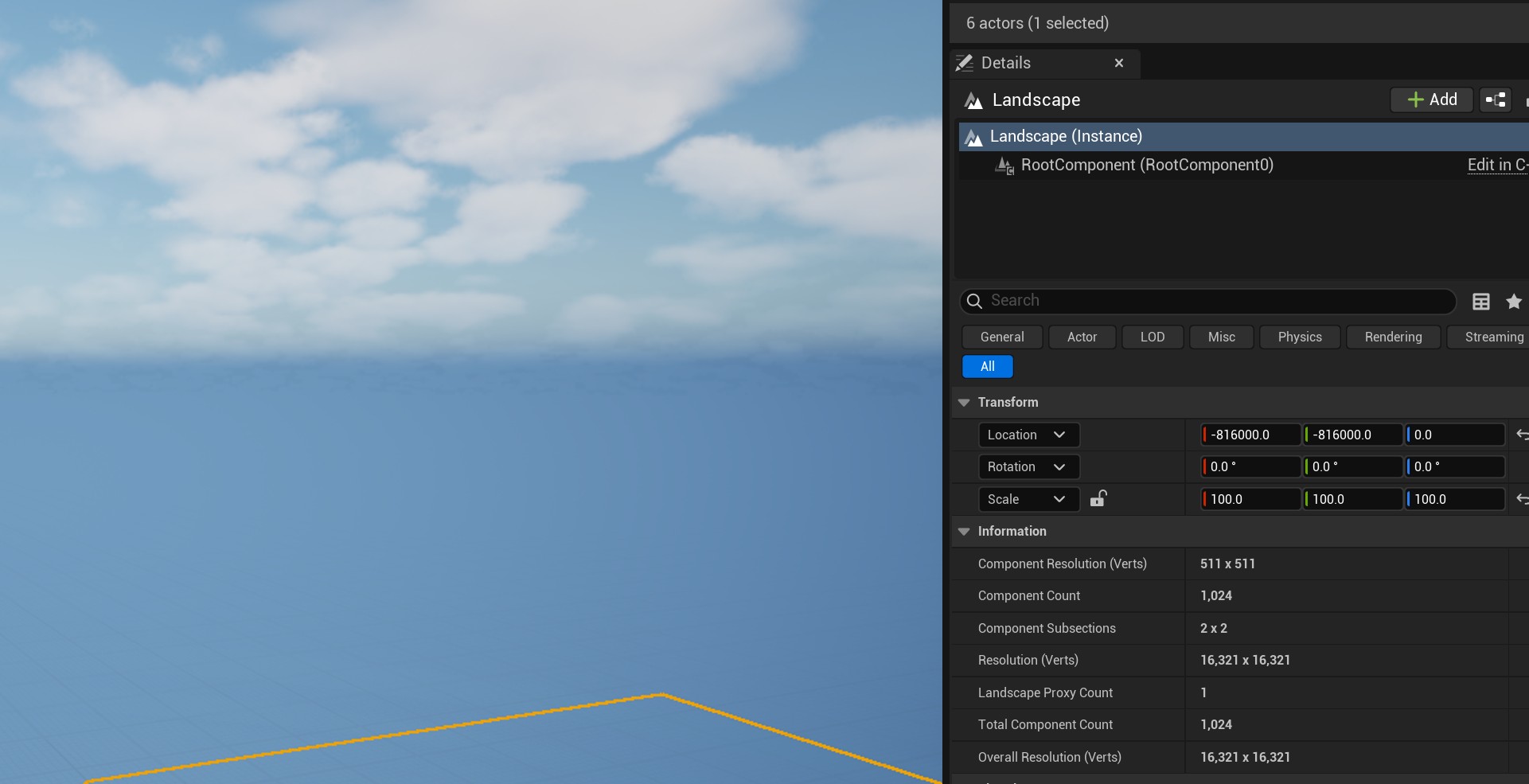
When I am trying to use 256 *256 (8 8 tiles = 64) tiled files (with 512 everything is like ok), then i got the message in the viewport: texture streaming pool over 419352 MiB budget. That would be 16k as I understood:
Which tiled version is optimal for 32 sq km or 64 sq km mmorgp landscape: 512, 1024 or higher? I already experimented with 256, my pc cannot handle it.
I use 2500 m height at the moment in gaea landscape size. I need to have 4 km high mountains and 50-100 m depth rivers - lakes. In import settings when I have chosen gaea generated heightmap, do I need to change some features inside unreal engine, like section size, sections per component, or I just need to change Z value in scale settings. If only Z, than which Z = you would recommend?
In gaea unreal node I have chosen R16 format. Why this format is better than PNG, what this format is about, and why it is recommended by AI?
I purhased professional version because it has tiles. Of course, I could generate similar landscape with a single PNG image with ordinary licence. What actually AI says is that: The REAL Difference (Indie vs Professional)
This is completely machine and project dependent, for 32/64km2 maps you can use 4/8k builds and still reach a 1m/px terrain density ( this is commonplace ) and i had mentioned this previously.
If you have authored in gaea using terrain definition, the sizes, scales and depths already, then your import should respect that
furthermore, this is where the Gaea2Unreal tool makes the calucaltions less labourous
It’s not inherentily better, Unreal states it supports both 16bit PNG and .r16.
In Gaea’s case bith are single channel 16bit files, the difference outside of this is that PNG can be mroe things like single channel greyscale, single channel R, RGB and RGBA.
Gaea’s workflow is cleaner as it respects the file types base workflows surrounding heightfileds data and colour.
If you did the same workflow in somethiing like Photoshop, you’ll have to know
The colourspace you’re in ( PS default is gamma, you want linear)
that you’re working in 16bit mode not 8bit ( default )
that if you’re using png formats that it’s greyscale not RGB(A)
You can likely instantly see why this can suddenly become complex and eronous if not done with care.
Gaea takes away the guess work of these things by providing you the direct pipelines that make sense. your AI however is just assuming the easiest path that is "when using many softwares .R16 takes away the guess work that png doesn’t) its not wrong, but saying R16 is just better doesn’t explain WHY it could be considered that, hence people instantly think quality over pipeline.
Points 4/5 here are laregely the same so i’ll just respond as is.
The AI has some things correct but it doesn’t appear to understand the nuance of your projects possible requirements ( maybe you only gave a high level example like MMO quality).
It also hasn’t considered performance markers like your machines capacity, that unreal can automatically create tiles and stream them and that that scopes fits within a single 4k or 8k terrain ( if the goal is 1m/px). it also hasn’t considered why you may need tiles, vs may not. for example, some users may only need tiles for pipeline control like an external entity is working on one tile and you another.
another reason is indeed computer specs, loading the whole terrain at the same time, is not always practical, and streaming in your editor mode may be a requirement in some cases.
Pro gives you a lot of future proof and flexibilty to test and optimise your pipeline.
I would still recommend you start with a simpler pipeline first and leave it flexible enough to introdue tiled builds if it geta to the performance point that you need to.
You renderer choice is also important. for example, Unity users would likely need pro to user tiledbuilds and then they create a streaming system , because Unity doesn’t have that natively, where as unreal does so Unreal user in some cases might be able to stay on indie.
Finally, its important to not that there are revenue thresholds as well.
for example, I may not need pro or tiling, but if my revenue is over the threshold then it is a requirements to have it.
Hope that helps clarify it, try to be careful with AI validating something as a defnitive answer.
 The REAL Difference (Indie vs Professional)
 Gaea Indie (99€)
 NO tiled build export
 Gaea Professional
 Tiled Build (CRITICAL)
 For Your Case (MMORPG)
 This immediately means:
 Why Indie Will Block You HARD
 Why Professional Fits MMO Development
 Brutal Truth (No Sugarcoating)