Trying to create a Gaea 2.0 landscape in Blender. Unfortunately the colors outputted by the build do not seem to match what I created in Gaea. Also sometimes the Mesher node outputs a mesh and sometime it doesn’t.
Export as an 8-bit png and set your Color Space to sRGB in the Build tab of the Build Settings.
Mesher exports can fail if you go too high on the vert count. Try both .obj and .fbx.
Unfortunately that didn’t help. Here’s how they are different. (see attached)…
There is supposed to be orange sand flowing through the black parts but it grey in the output
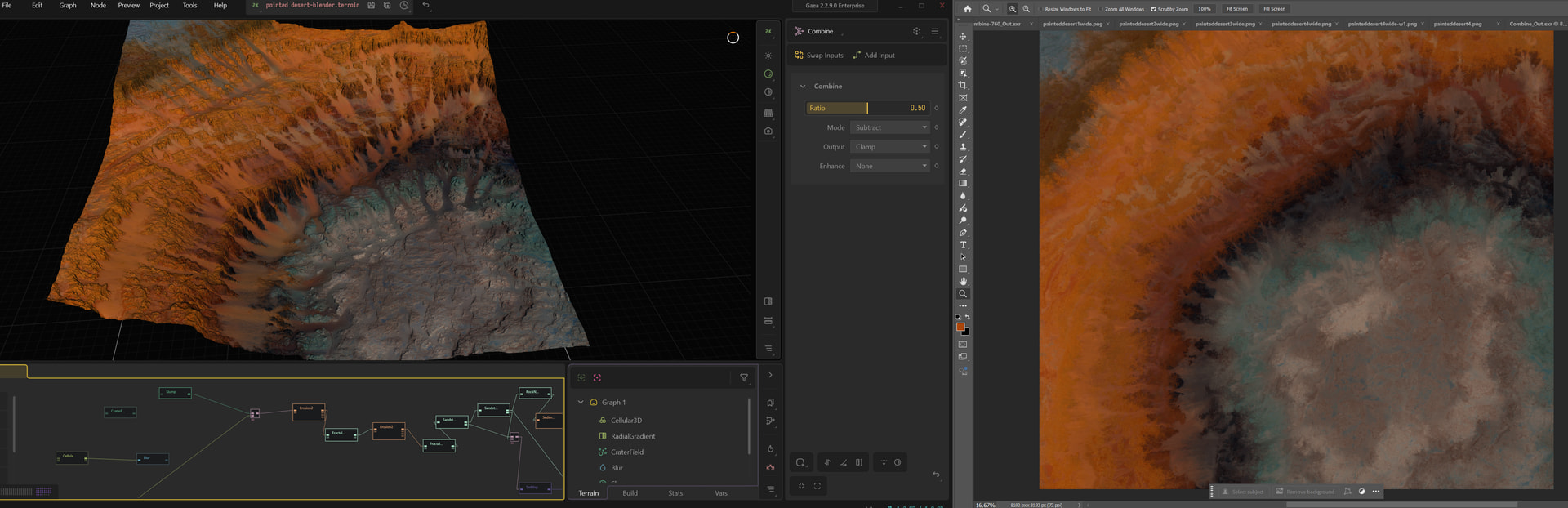
Show your /colorerosion chain and the 2D view in Gaea, and the export section for colour.
Alternatively make a simplified version that still causes the same issue that can be shared here.
The goal is to find where/how the structure starts to break down.
You can also submit technical bug reports if you think it’s related to a software issue rather than set up confirmations.
Something like this? At no point does the Gaea preview look like what’s generated by the export. Can I submit the .terrain file somewhere?
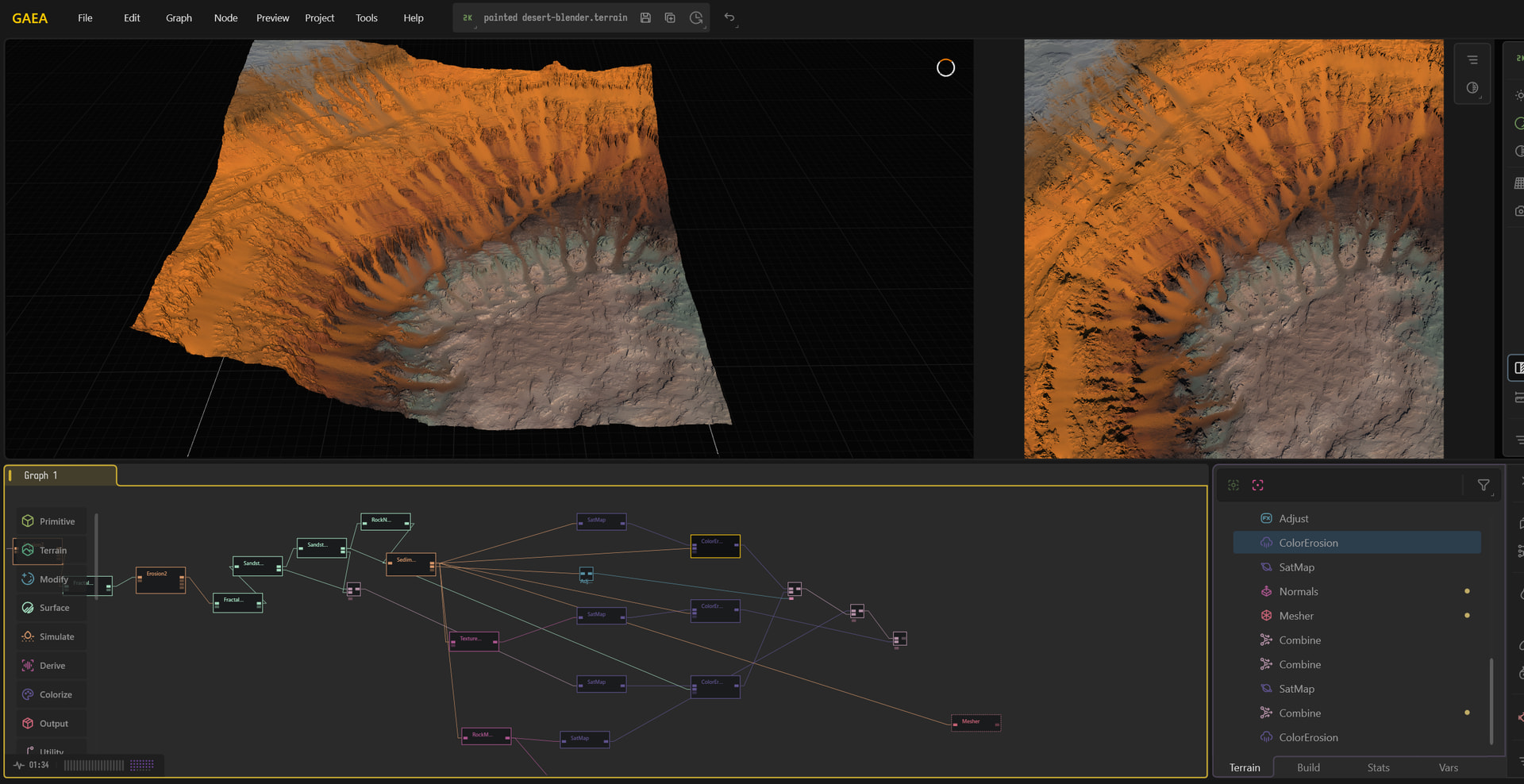
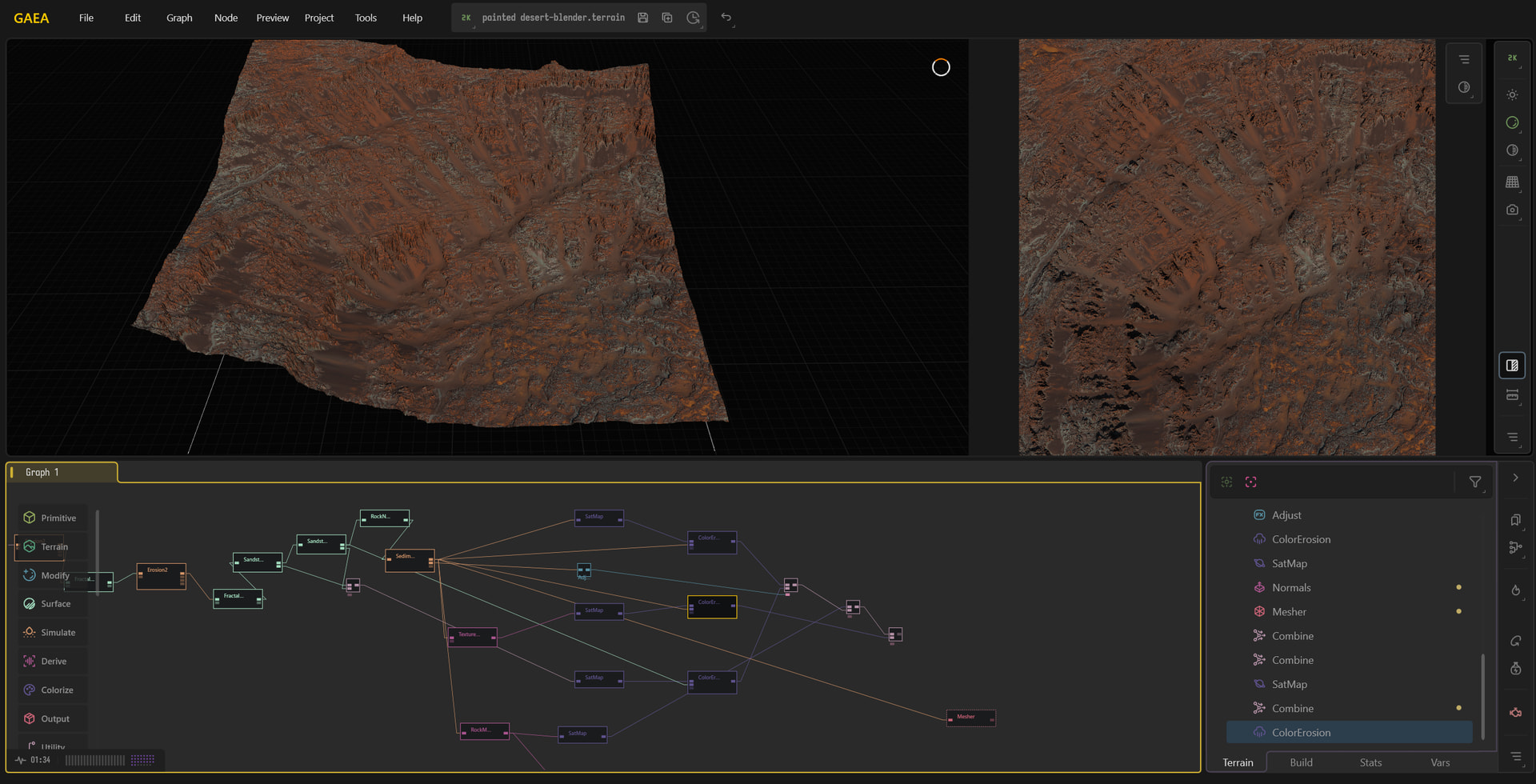
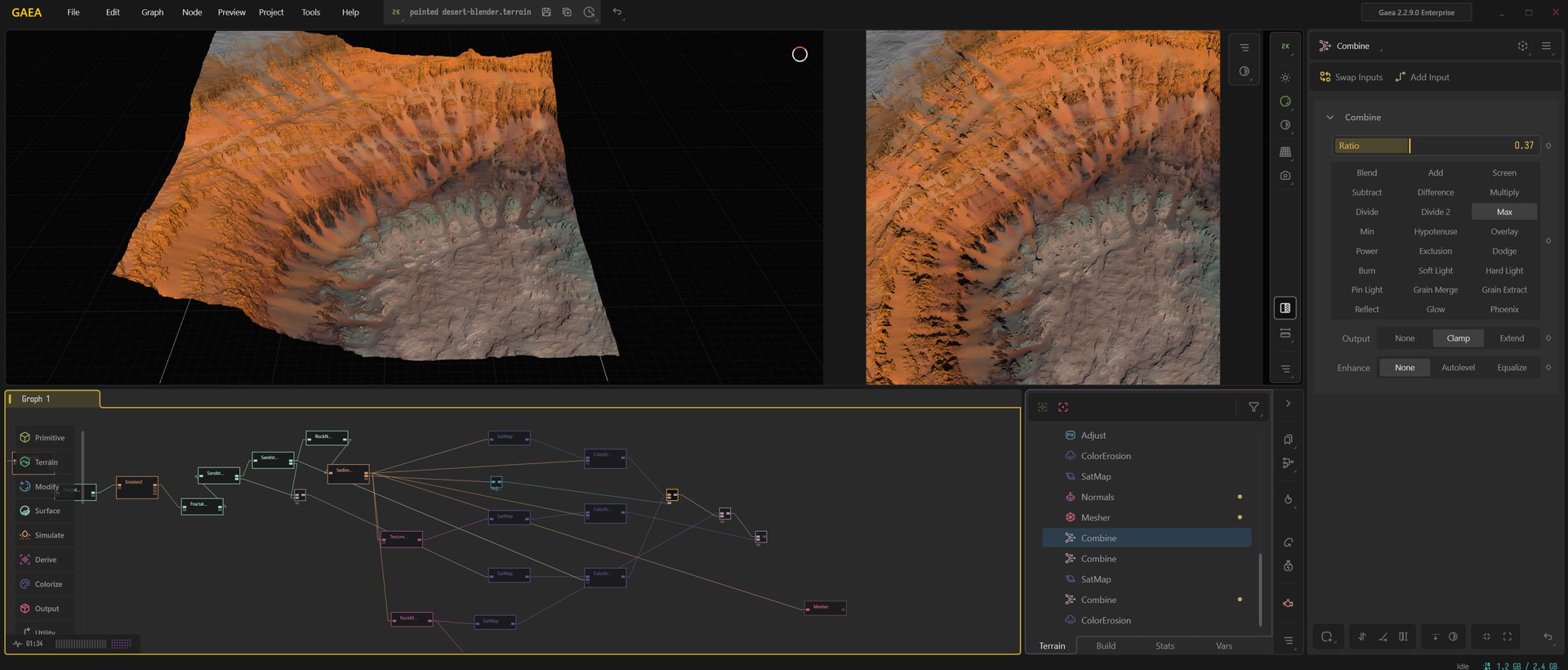
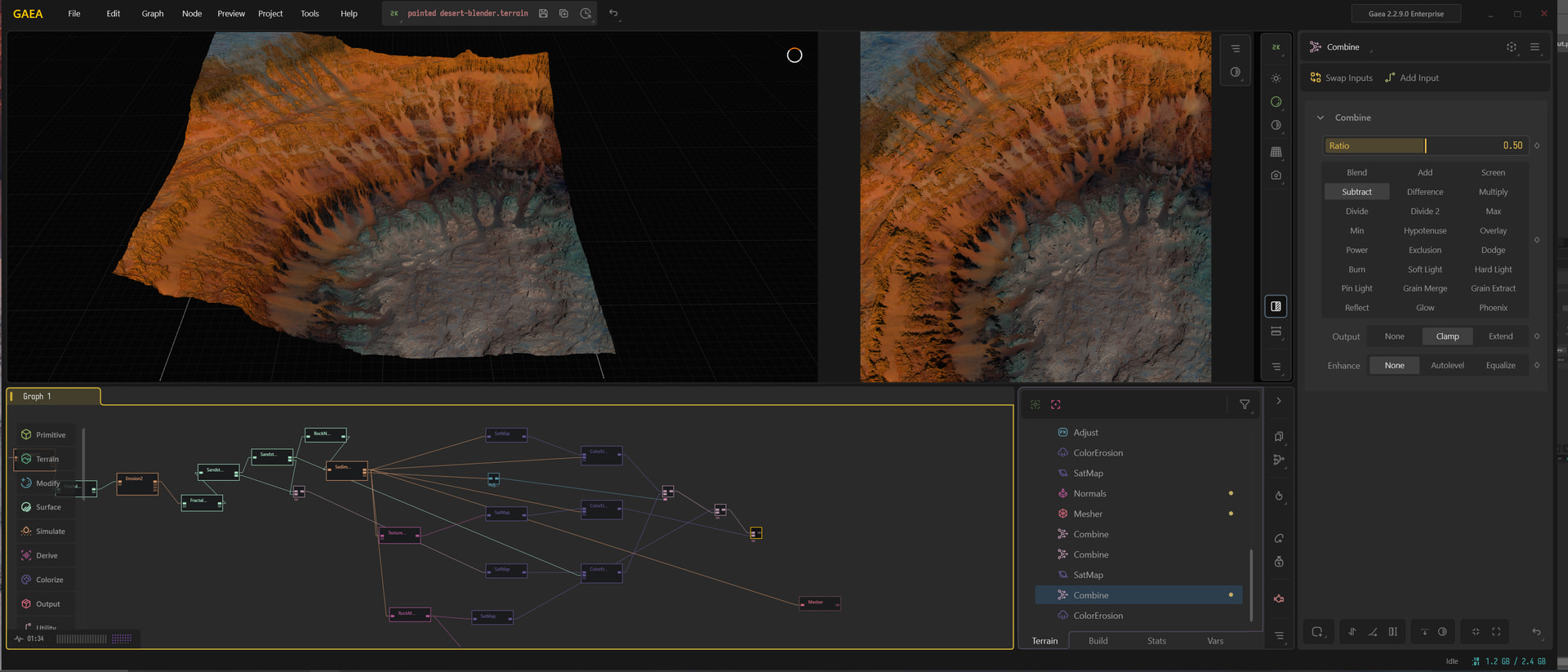
If it’s a project safe to share publicly you can share it here, if not, best to go through tech support
Another 2D compare to look at is your export image from your first post and the final of your last post you’ve sent above of just the BaseColour, this should make it more apparent if its wildly different removing any lighting and height data might skew optics.
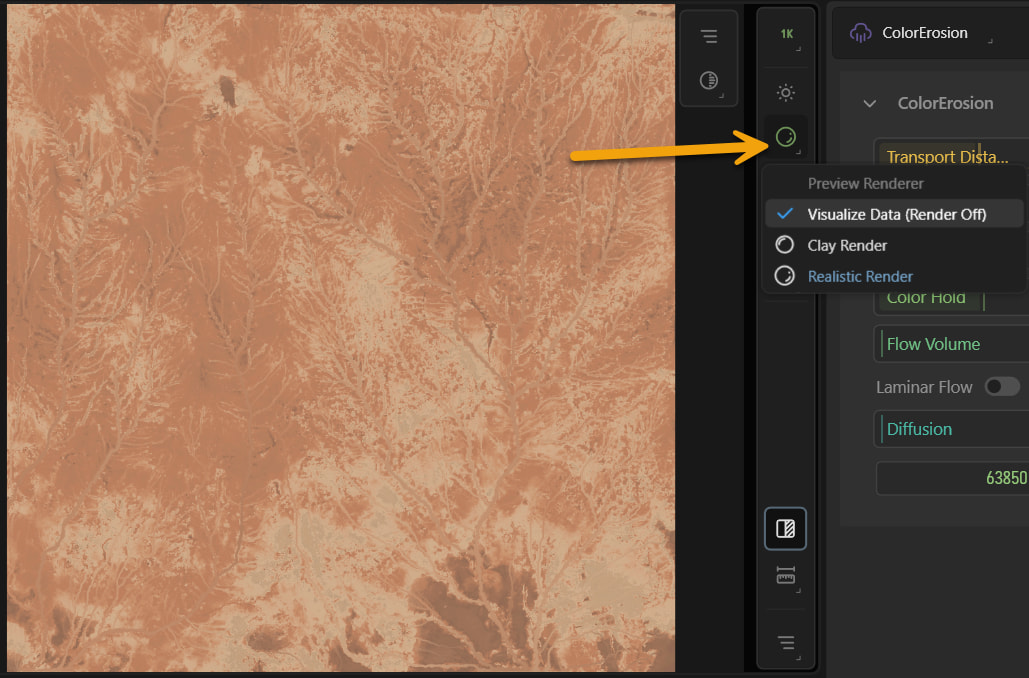
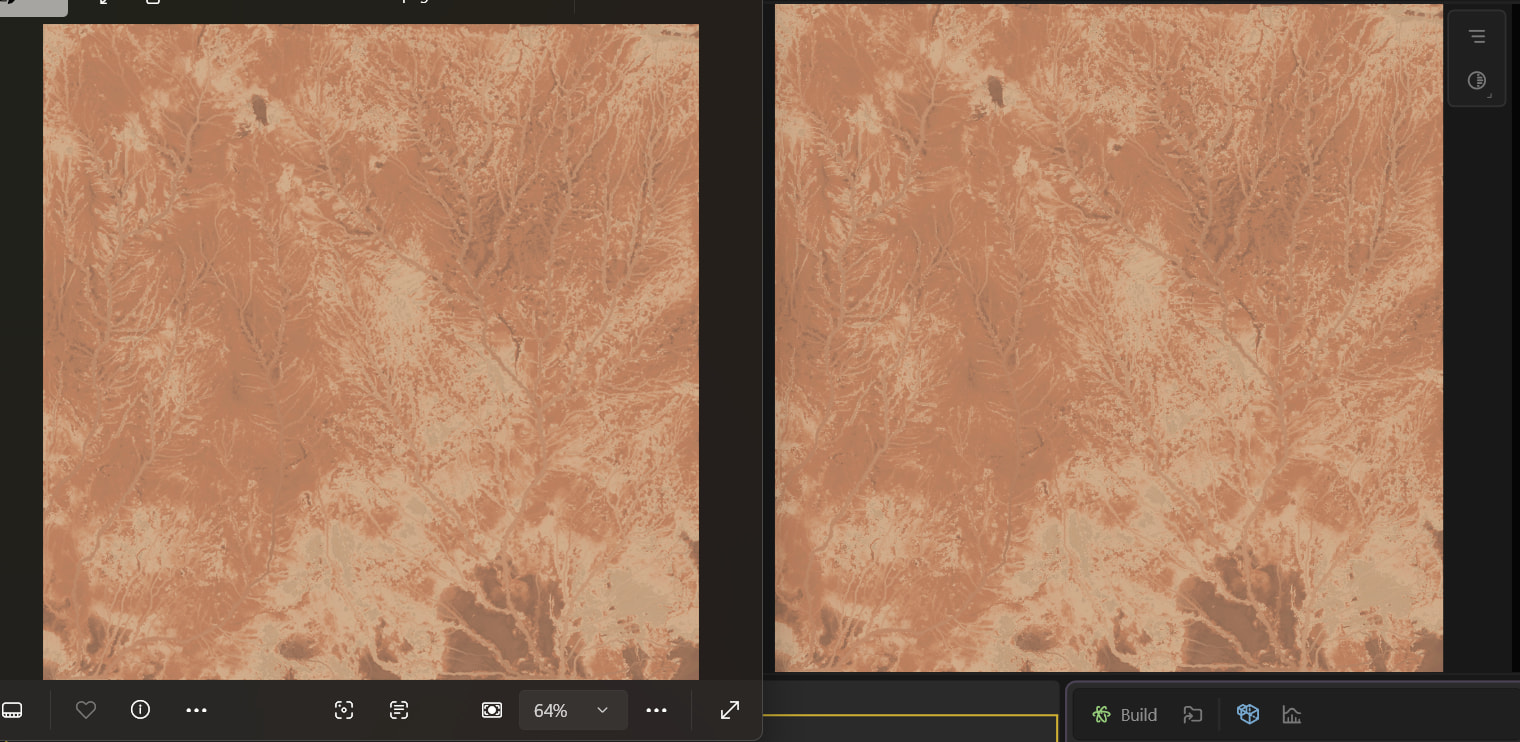
I’ve discovered the issue. When I export at 2K the colors match the GAEA preview. When I export at higher resolutions they get progressively different. There was a bit of orange in the flows at 8K but none at 16K. The colors should match no matter the exported resolution correct?? Perhaps I should upload my file to tech support.
If you’d like a more robust understanding sure!
But based on what you’ve said though it sounds more like higher sampling rates are changing forms.
Any node that processes something like erosion can scale freely with resolution in gaea. The higher the resolution the more samples it has to be able to change and create finer details.
In situations like this, if you’re previewing through the viewport and like what you see, take noye of that resolution and bake that shape to the viewport resolution you’re previewing prior to your main erosion/processing before you start adding colour.
This way, you’re baking low and medium frequency detail/shapes at your lower resolution and adding the higher details at your build resolution on top, instead of say, building every node uniformally at 4k, you’ll bake the form at say 1k then add the build the high details at 4k
High frequency detail is mostly still driven by processing nodes but you’ll have more chances of keeping a lot of that flow data from your colour erosion.
This also explains why you can have such a change between resolution samples.
Hope that helps some