Say I have a mountain, I make a rocky plain, and I want to combine them side by side with th edges blended. How can i achieve this? I tried today with a combine, but it simply stacks them.
Live solve if you’re interested
I did a quick, unedited solve for this, mainly to show the thought process rather than a polished final workflow.
[!note] tdlr
Don’t just combine the two terrains directly. If you combine them while they still occupy the same space, they will stack on top of each other. You need to position them first, soften the edges, then combine/blend them.
Video Summary
What I did in the video:
-
Created two separate terrain/object shapes:
- one representing the mountain
- one representing the rocky plain
-
Sent each one through a Transform node.
-
Used the Transform nodes to:
- scale each object down proportionally
- move them freely side by side
- control where each terrain sits in the final composition
-
Before blending, I experimented using an Edge node to soften/lerp the borders.
This helps avoid a sudden hard edge when the transformed terrains are placed next to each other, but I did end up using the edge function in the transform node instead. -
Then I combined them and tested different blend modes, such as:
- Blend around 50%
- Screen
- Max
-
Once the placement and blend felt close, I added a very light erosion pass at the end of the combine.
That final erosion helped “gel” the two shapes together so they felt more like one natural terrain instead of two separate pieces placed side by side.
So the rough workflow is:
|Mountain > Transform > Edge soften    |
                                         > |Combine / Blend > Light final erosion|
|Rocky Plain > Transform > Edge soften |
Scaling for more “real estate”
The basic gist is this:
I’m not changing the scale of the project, I’m changing the scale of the objects and increasing the resolution of the render to showcase the “effect” of this
Under the hood, what I’ve done is:
- taken an object(s) at 100% scale and height and reduced them by 0.5
- then increased the resolution to restore that 100% resolution and ‘in scale’
- giving myself more workspace.
- from a resolution PoV, each object went from 512 (512 /2)*2 = 512 and workspace 512 > 1k
[!error]
The video shows a mistake by setting the viewport resolution as 2k, but it should have been 1k. The theory is still the same regardless.
Blending
Towards the end, I started to play with the edge blending ideas, whether the /transform - edge mode was best or the /edge node itself, followed by a final light erosion pass to blend them after resting on a suitable blend mode.
Gaea Docs
There is also defined as a scalable workflow here: Develop Regions Separately - Gaea Documentation - QuadSpinner
Additionally, Gaea has Tabs (Torlet | .Tfrag) and also projects ( .terrain) themselves
(+ eventually god mode)
To replace the simple execution I showcased there.
Then, every asset can be scale-aware independently and imported into the final composition project.
This is Gaea’s intended method/idea with future supported tooling.
Scaling Result After Build
As a final rough comparison
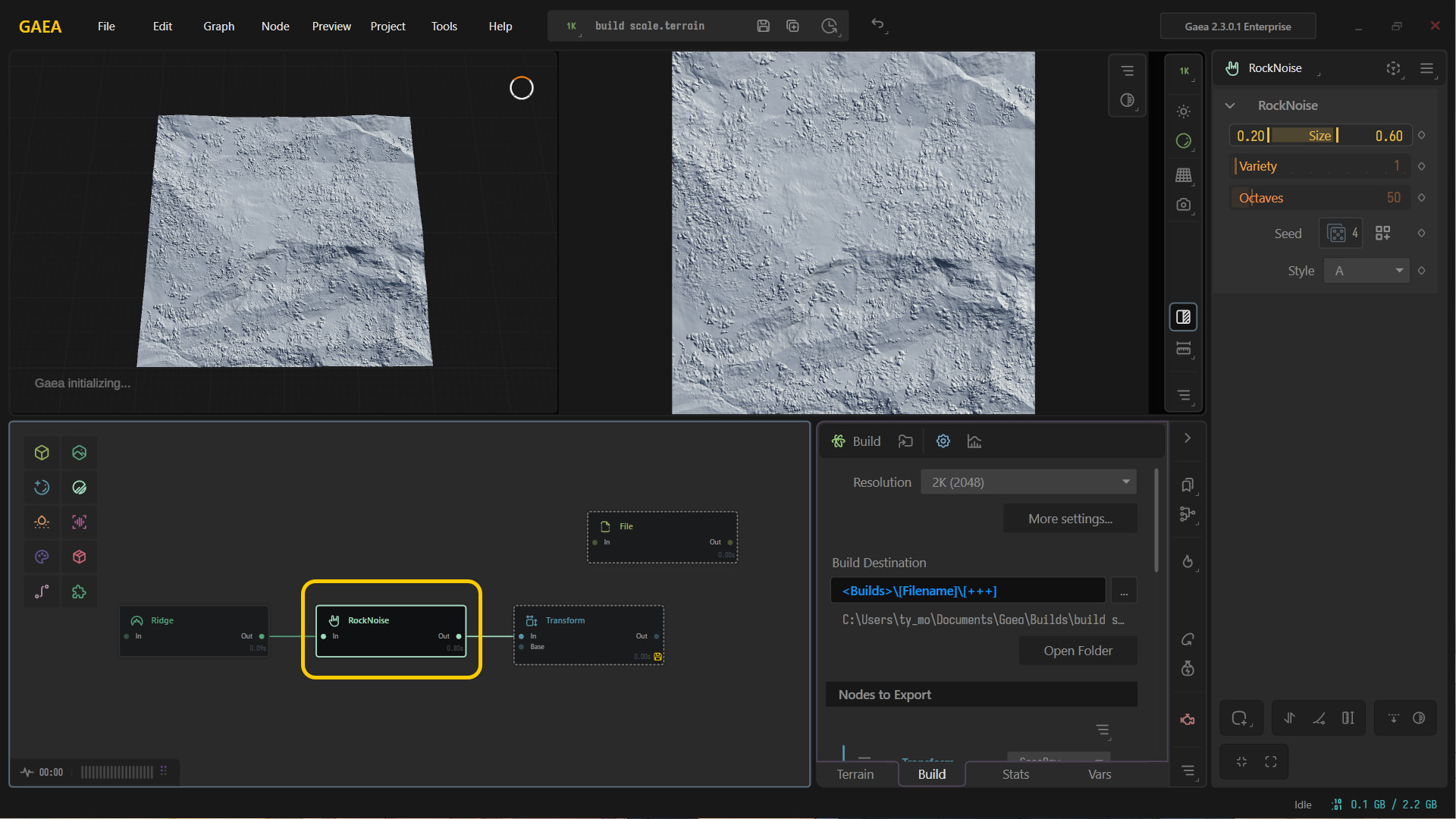
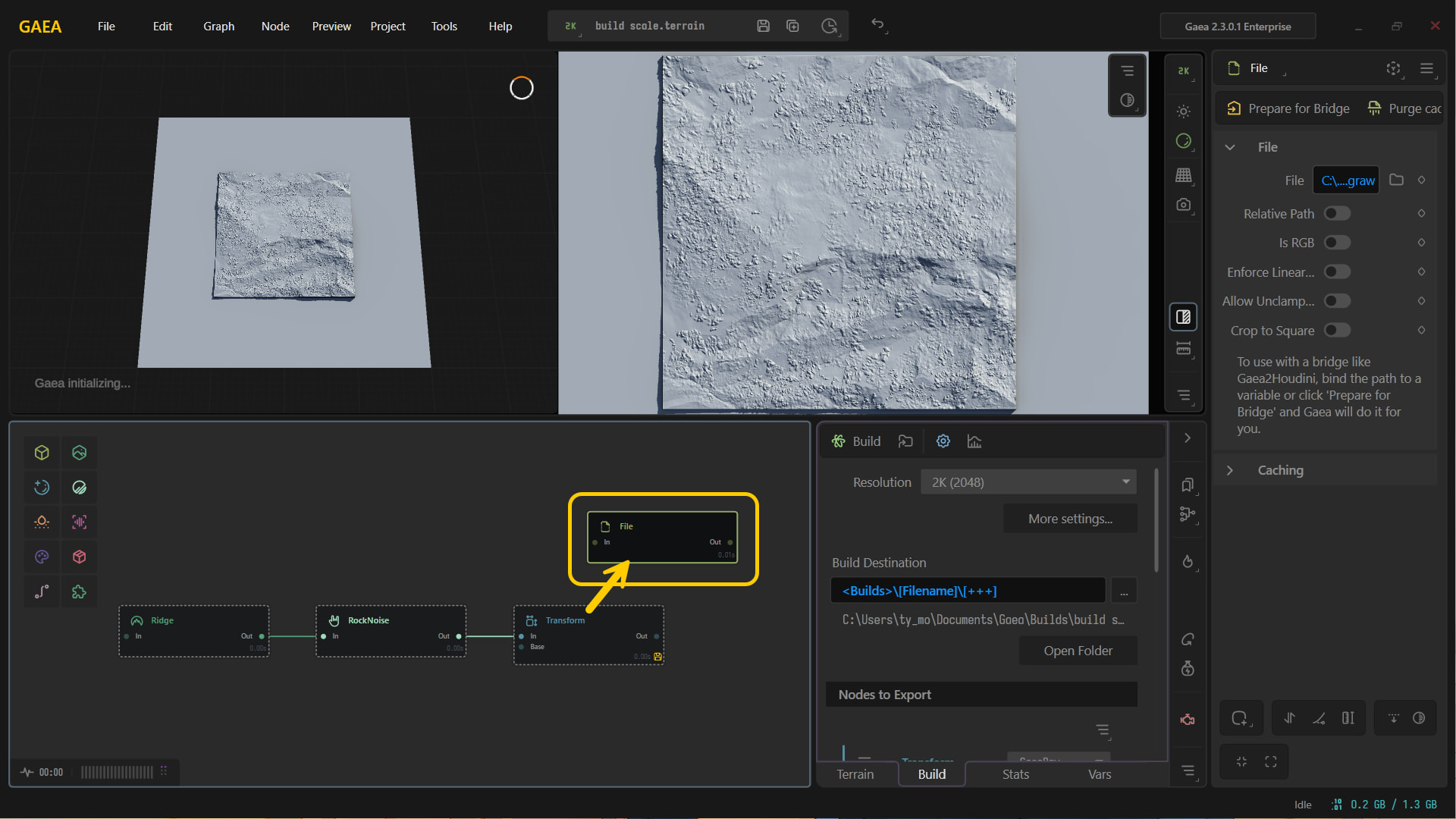
The 1k 100% scale vs the 2k 50% scale at 100% scale being identical.
1 Like