[!NOTE] Note
Don’t forget you can also submit bugs and ideas here in Feedback[1] or upvote other issues you find there.
This path is NOT Tech Support [2]
1) Create a Diagnostics log (Share Code)[3]
[!Important]
Trigger the bug first, then generate the log.
Method 1 (inside Gaea)
Help > Diagnostics
Submit the log and copy the Share Code shown at the end.
Method 2 (if Gaea won’t start)
Run Diagnostics.exe from your Gaea install folder.
How to locate it:
- Right-click Gaea on the taskbar
- Right-click “Gaea 2.0” > Properties
- Open File Location
- Search for Diag /
Diagnostics.exe - Run it, submit, and copy your Share Code
[!Important]
Keep your Share Code handy you need to paste it into your support request.
2)  Submit a support request - Website or Email
Option A: Website (recommended)
Go to: QuadSpinner.com
Bottom-right widget > Ask
Option B: Email
Email: support@quadspinner.com
Include the same details as the website form (see checklist below).
(The same Diagnostics methods above apply, you still want a Share Code.)
3) Checklist
Please include:
- What happened (actual result)
- What you expected
- Steps to reproduce (numbered, minimal)
- Diagnostics Share Code
- Transaction ID (TXN)
Easy report template
Subject:
Version:

What happened:
What you expected:

Steps to reproduce:
1)
2)
3)

- Share Code:
- Transaction ID (TXN):

Attachments (optional)
- Screenshots / video
- Project / Torlet
4) Find your Transaction ID (TXN)
You can find TXN via:
Method 1 login
Gaea Account > check the TXN column
Method 2 email search
Search your email for:
ORDER RECEIPT QuadSpinner Gaea 2.0Gaea 2support@mail.quadspinner.com
If you still can’t find it, ask via the website widget or email.
[!Warning]
Do NOT post keys or sensitive info publicly.
5) Optional: community automation helper - Post Gaea 2.8
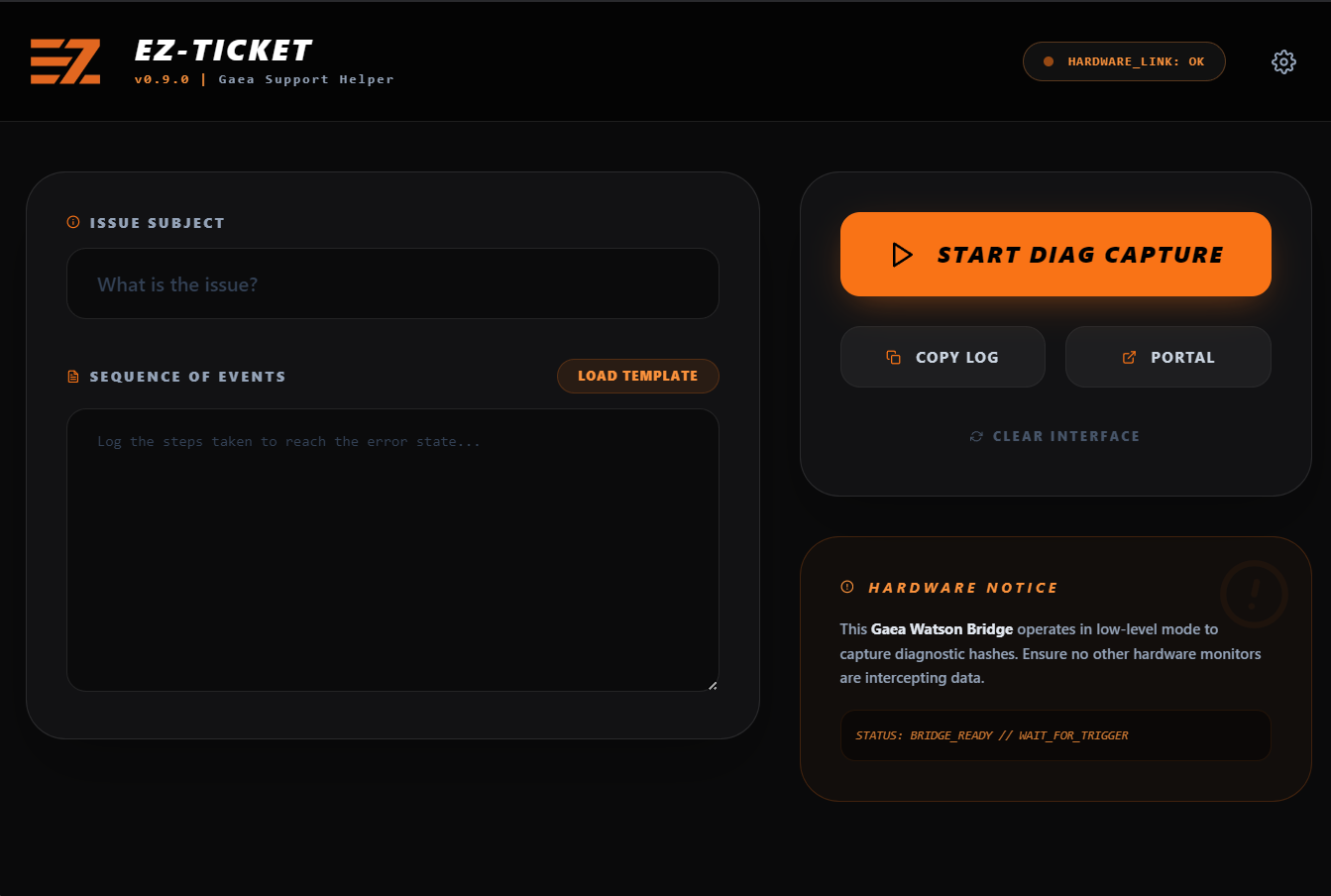
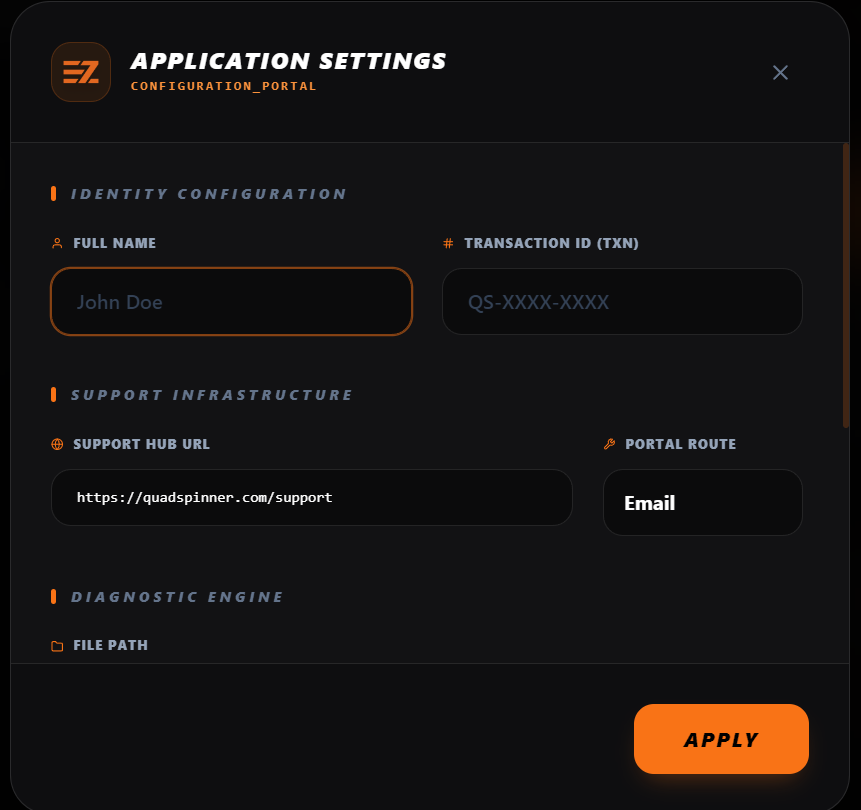
If you’re using the community automation helper it can speed up reporting by:
- Collecting Diagnostics data steps
- Pre-filling a report template ( share code, expected/actual + repro)
- Opening your preferred method
so you spend more time describing the issue clearly and not hunting around your PC.
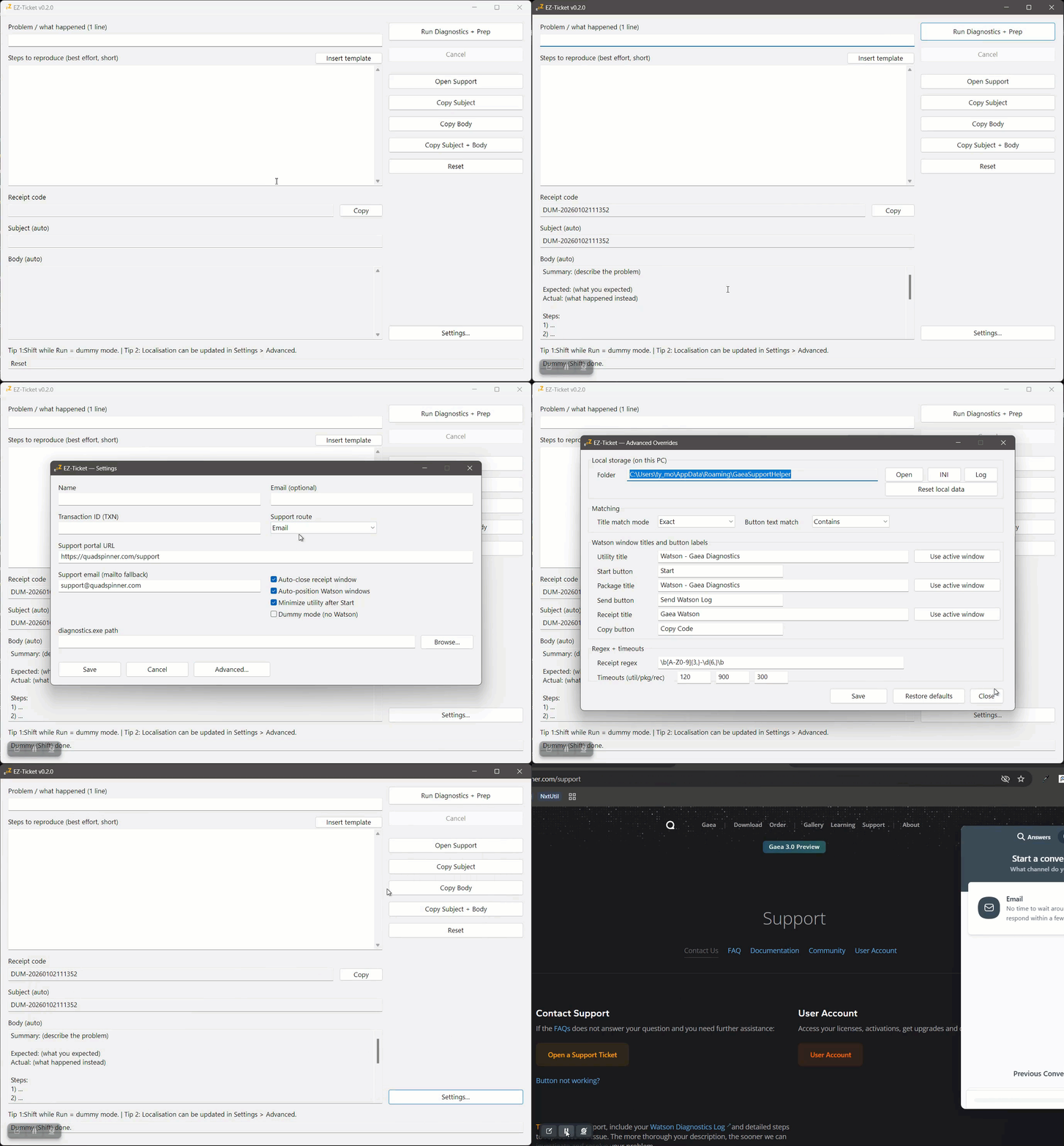
We’ll see where a GUI route takes us but CLI route in planning.
See Docs: Diagnostics & Watson ↩︎