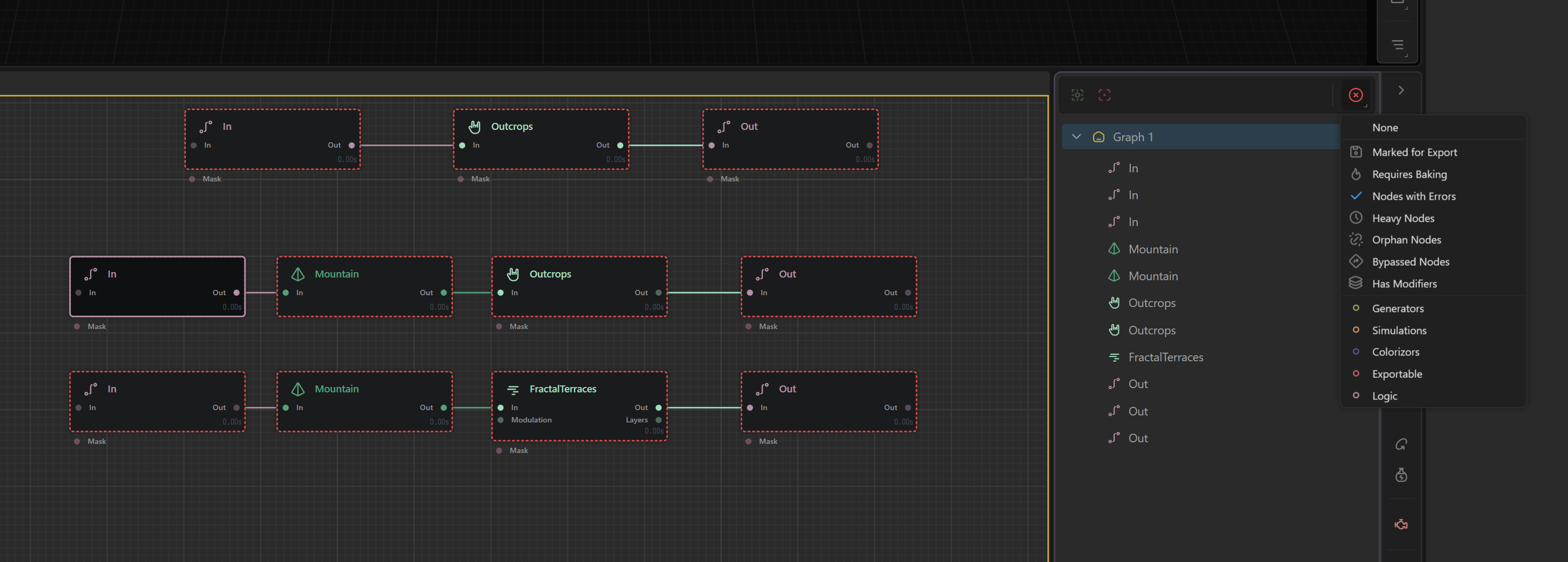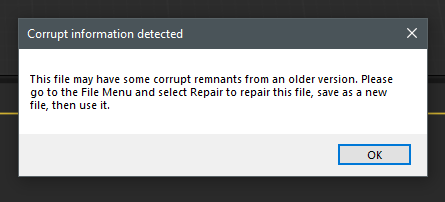
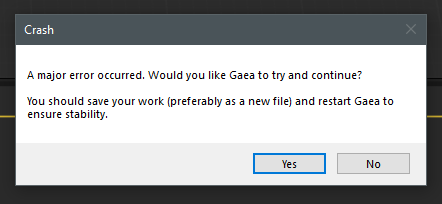
New file empty graph, drag Macro node in the graph gives me this and then
Log sent code 6C0-20260428
Got the same errors while editing a macro and hitting F to lock to a node…
Could you please try recreating the macro in the latest RC branch and test it again?
The logs suggest that the crash may be caused by older macro data being loaded after recent internal structural changes. Since this is a bleeding-edge testing build, older macros may not always remain fully compatible across RC changes.
If the issue still occurs with a newly created macro in the latest RC branch, please send us the updated diagnosis logs and we’ll look into it further.
You are in macro editing mode where you define which node will act as input and connected to input Macroport, the input node/port is not connected to any data, so you get the error. When you export this macro and use it in a project and connect it to an input, it will process normally and not give error.
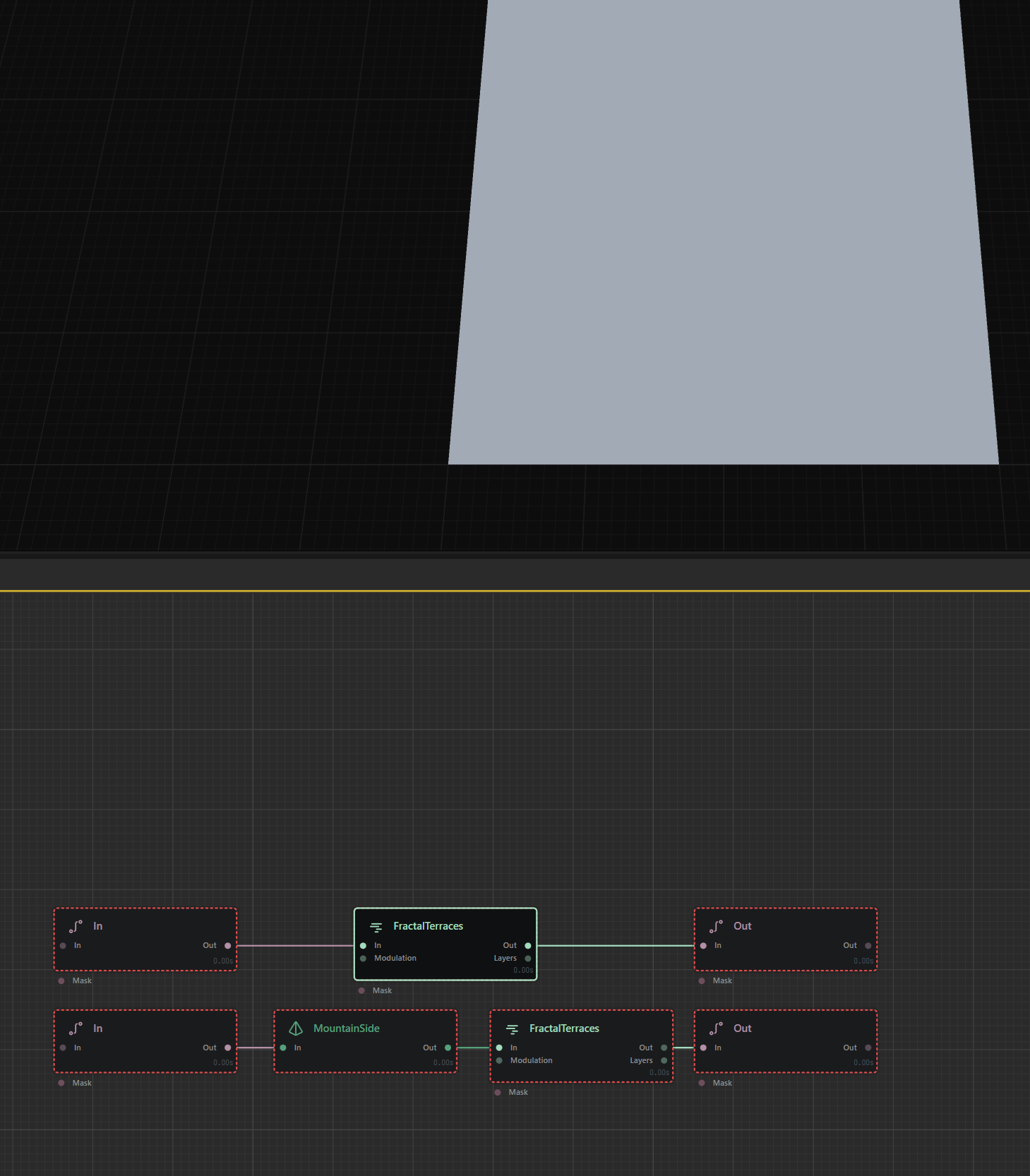
Today, I couldn’t reproduce the bug occurring with fractal terraces in between macro in and macro out, which led to the “corrupt information detected” and “Crash” messages. Although it happened in RC1 yesterday.
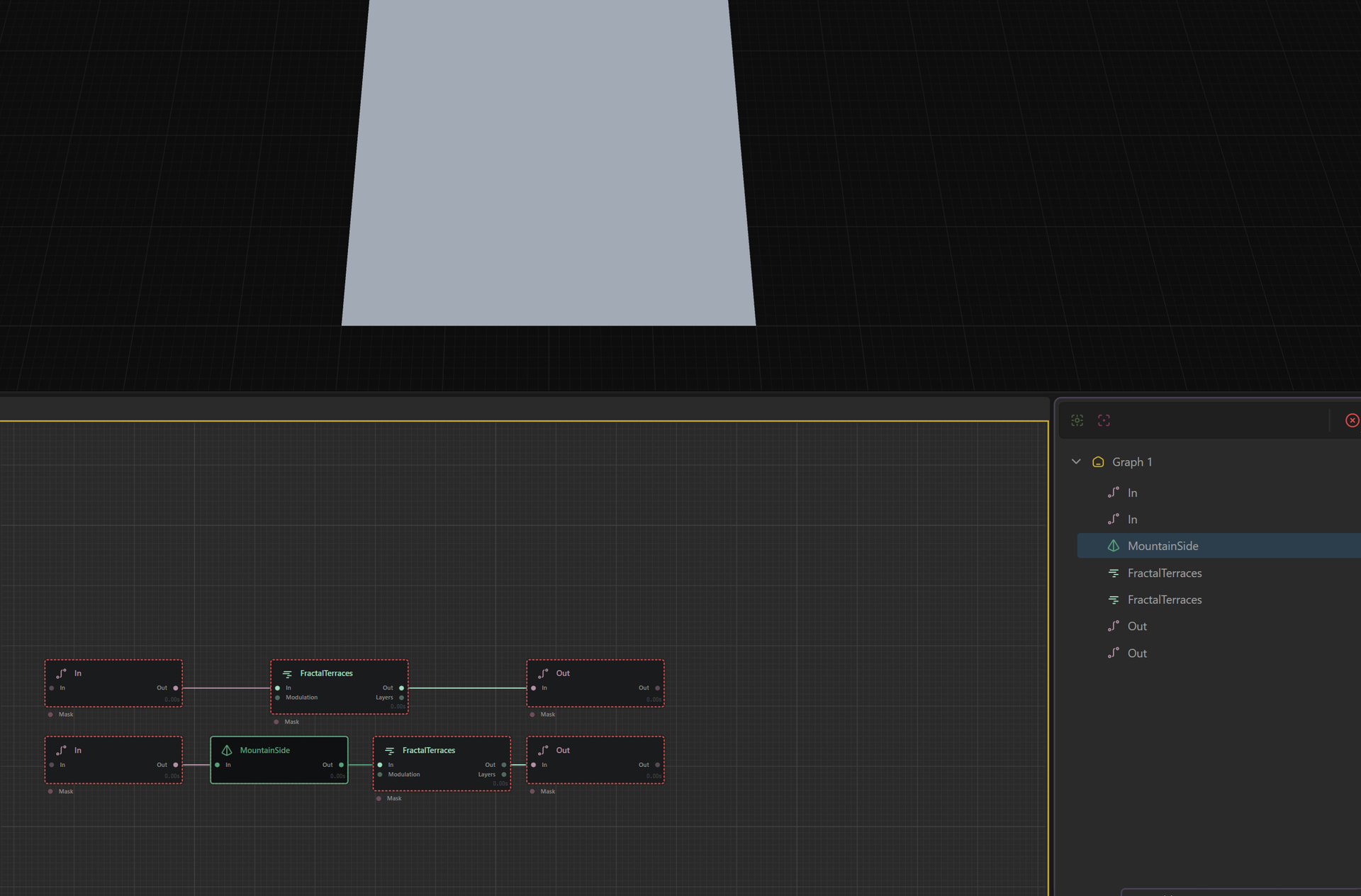
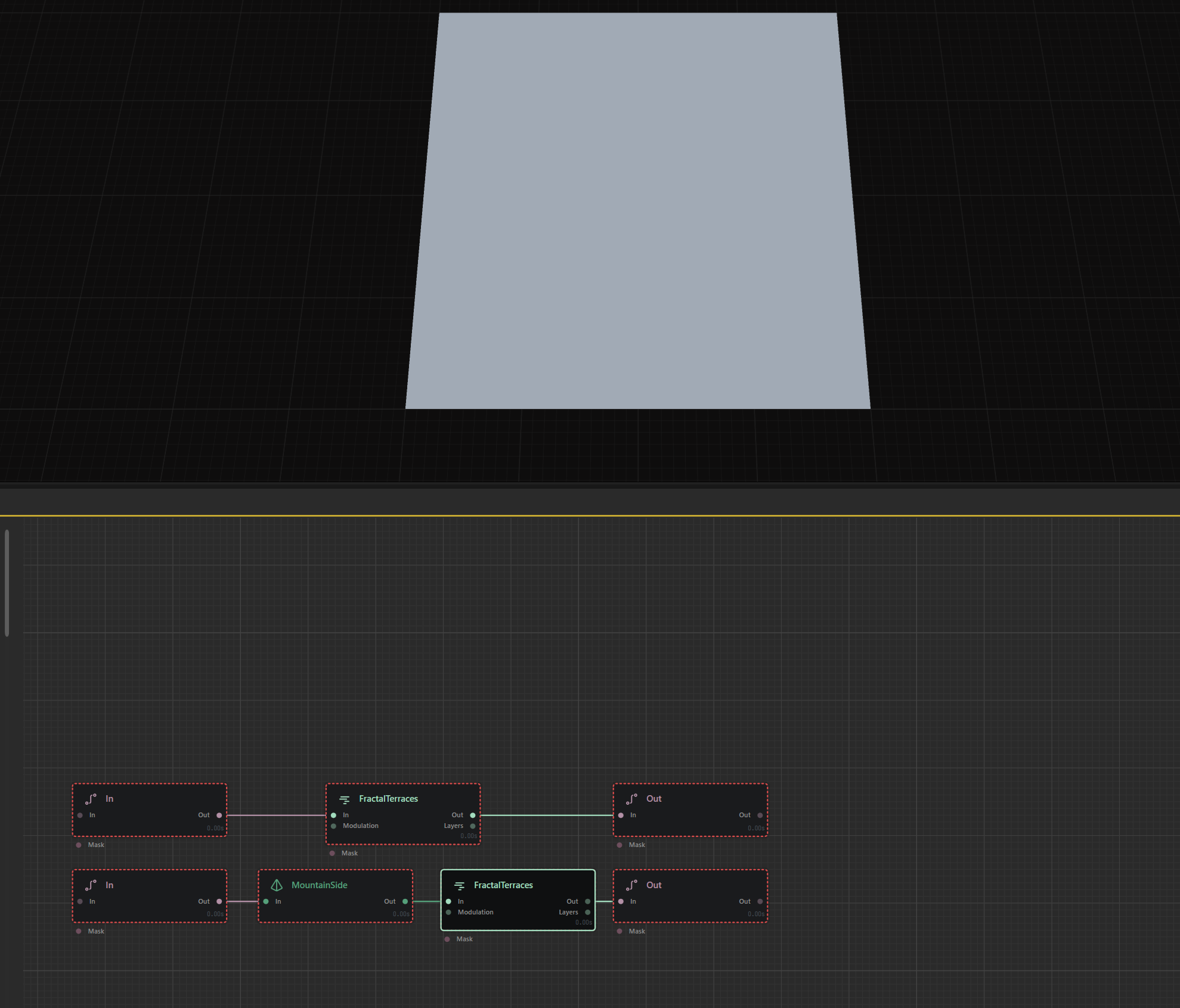
However, clicking on the terrain/surface nodes, the terrain remains a flat plane:
RC1 diagnostic: 6BD-20260429
You are in macro editing mode i.e. you are creating a macro structure. Macroport which is marked as input defines that when you use this macro after export in a project, this will take the input. When you are clicking Factralterrace in editing mode, there is actually no input data, so there is nothing to process hence it shows flat.When you export this macro and use it in a project and select the macro you will see the data.
For testing purposes, In the macro editing mode, you can connect a generator node for e.g. Perlin to the Macroport in node and then you can click and check fractal terrance, because then you would have input from node you connected. Before exporting this macro delete this node which you connected for testing purposes.
Works very well with a constant node, height at 1=> terrain not affected.
Also in this instance of you rebuild the macro from the core file back into a macro using RC1 does it work then?
I see Parvez already noted this
Hi! Are these issues known to be ongoing, should I raise a fresh ticket?
G2.3.0.1P/Win10, tried a In-Outcrop-Out macro as above with all controls at defaults to extent possible after crashes with other more complicated macros.
If I ‘lock preview to node’ via hotkey f, I get “corruption”–>“major error” dialogs and crash after maybe 1-3 pin changes. Feels like a crash is slightly more likely when I switch pin from the macro to it’s upstream input.
Cheers!
You can open a ticket and share the ticket code here ( both are fine)
Though your issue may be slightly different, we can branch the topic if needed. Private support can then be handled by the ticket, and public support here, with private connection handled by your support ticket code.
Gaea 2 (install location)\Data\Logs May also be useful. You can look at your own logs for events and crashes, which sometimes may give you hints that you can self-solve as well.