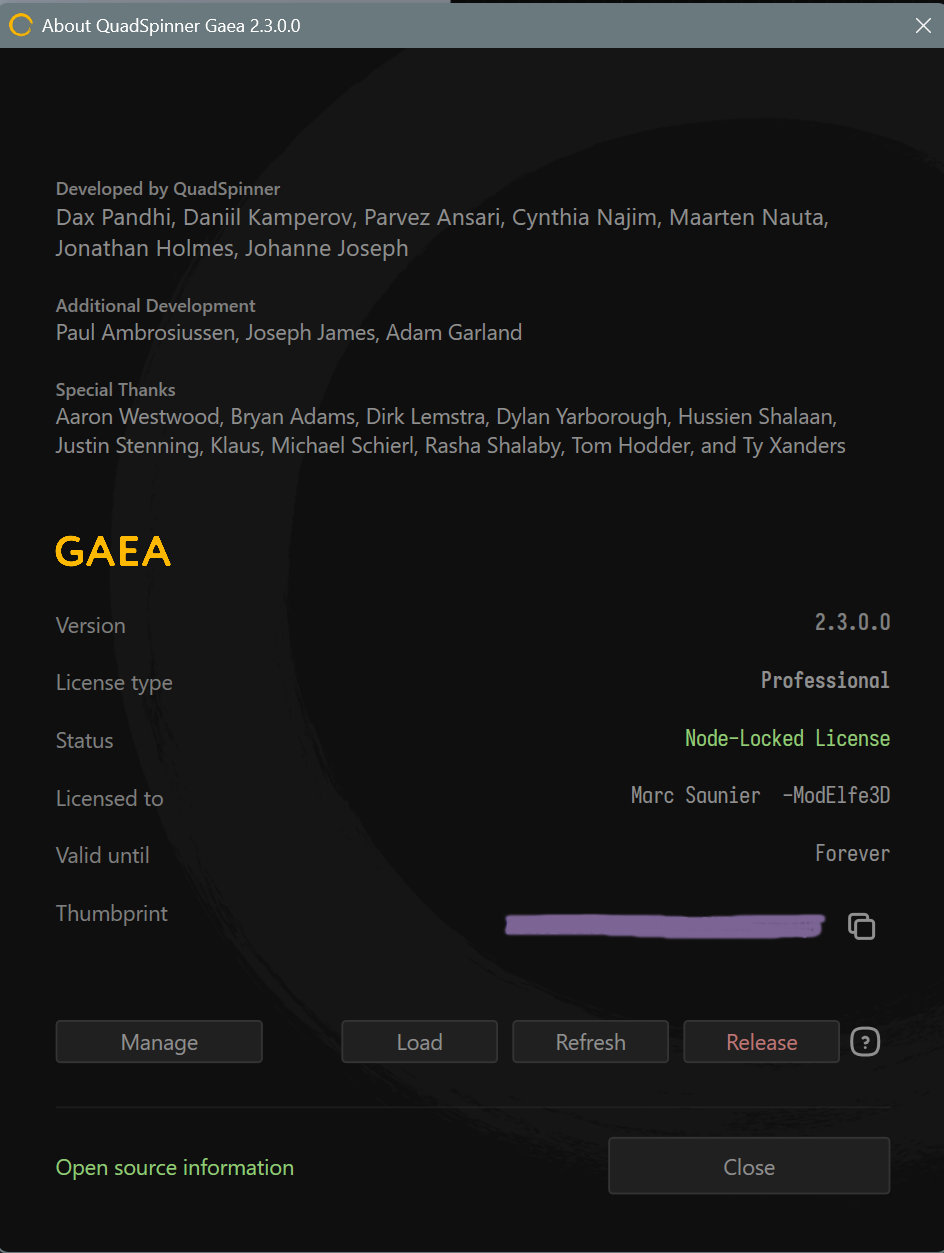
Macros: Is there a way to uninstall them?

In order to clean things, I deleted all my .macros test files and . terrain related to them.
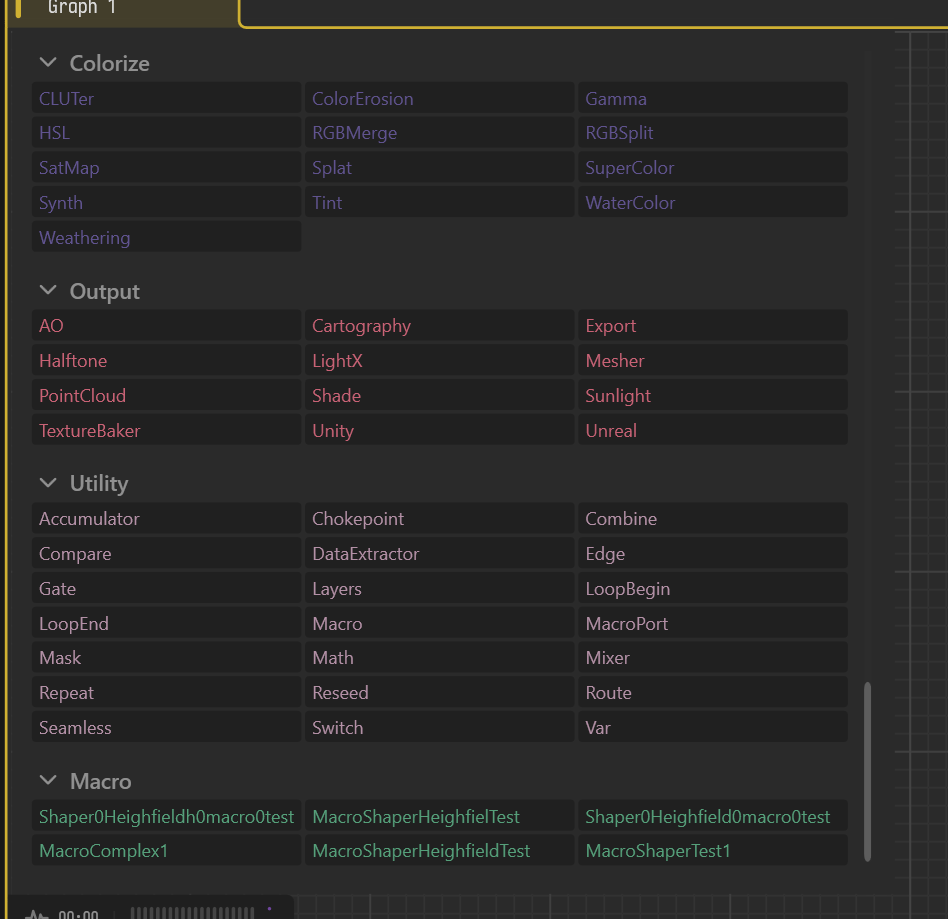
However, they still show up in Gaea => I guess that’s because they have been previously installed.

Is there a way to uninstall them for good ?

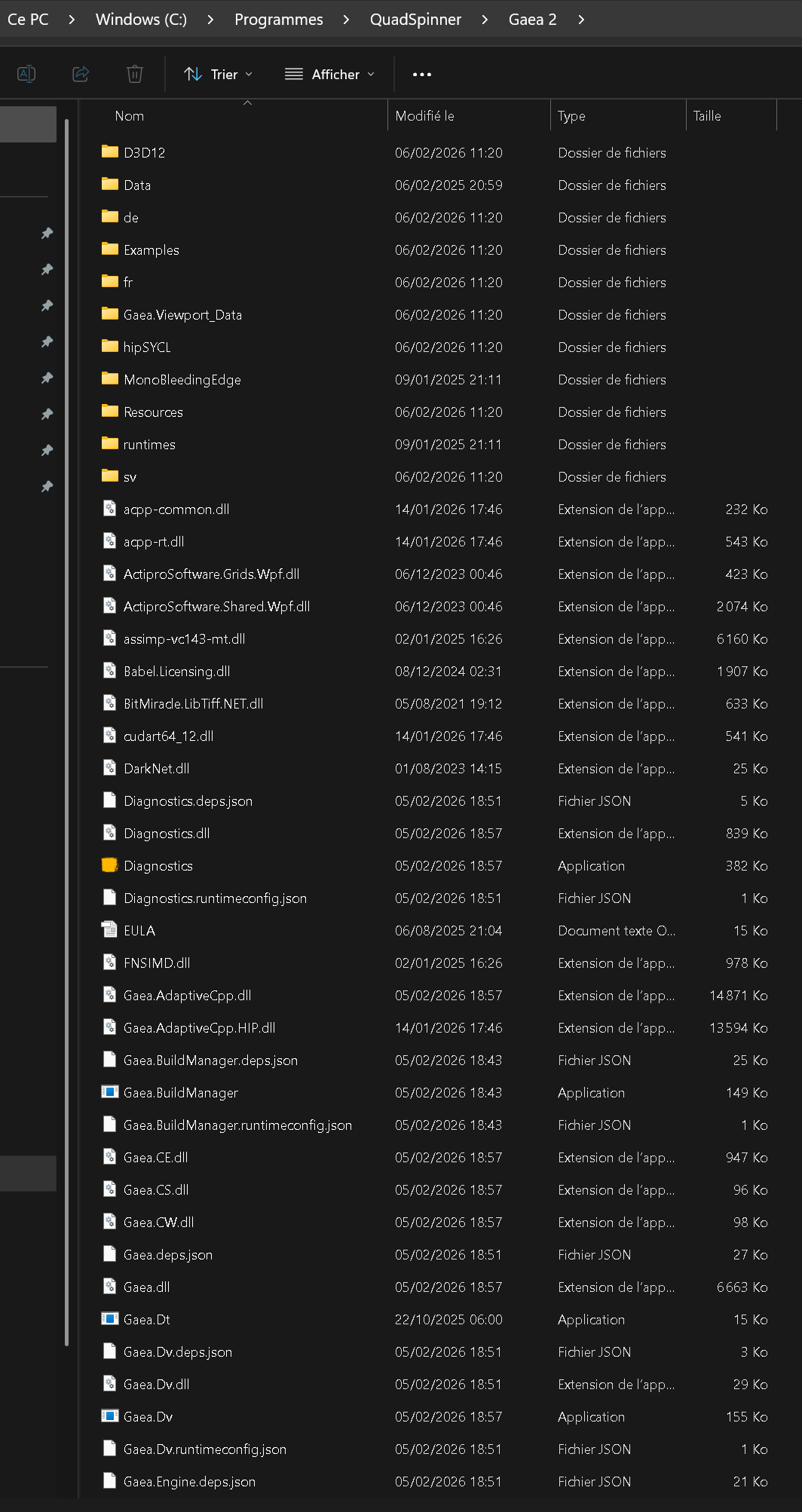
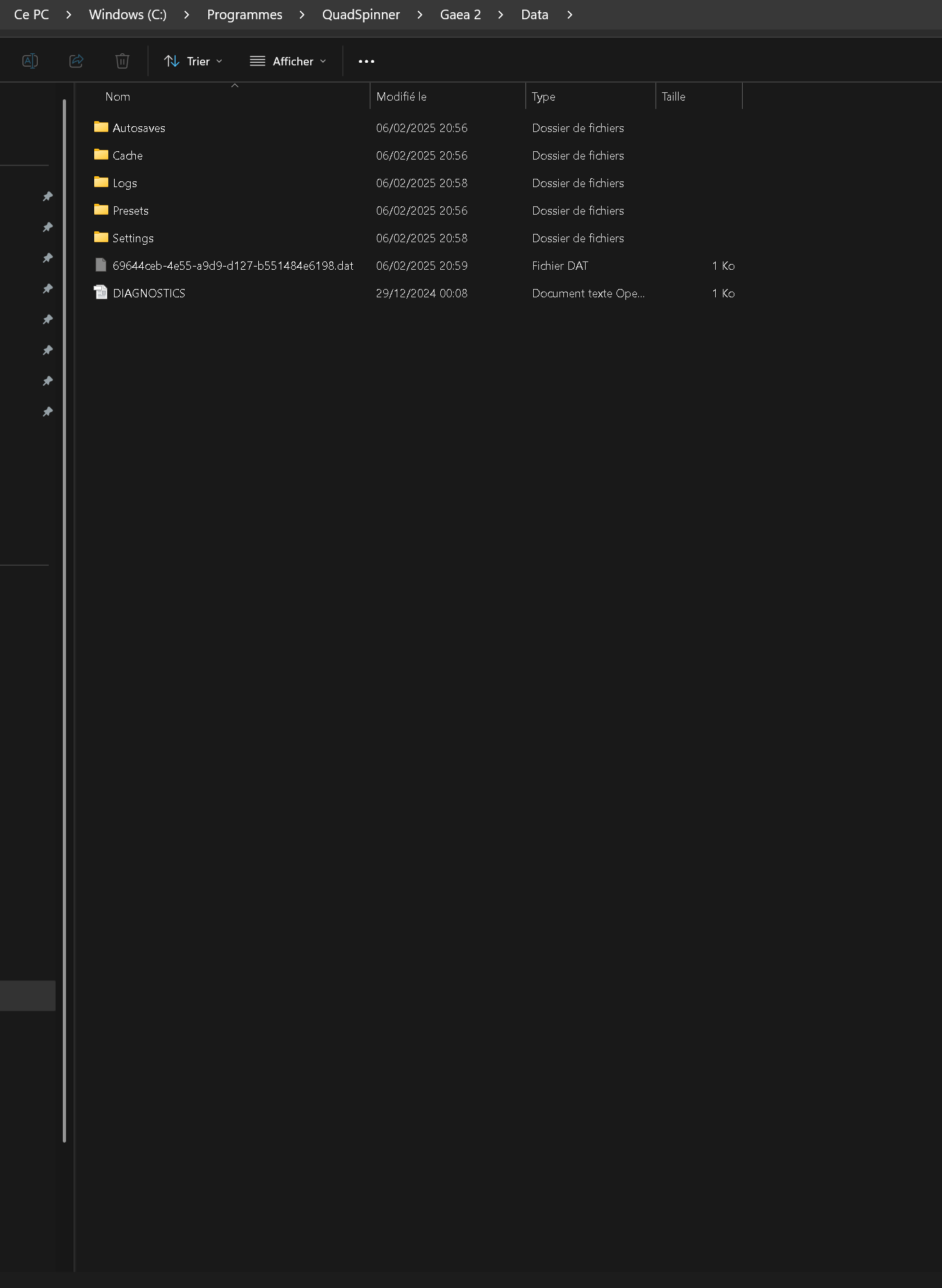
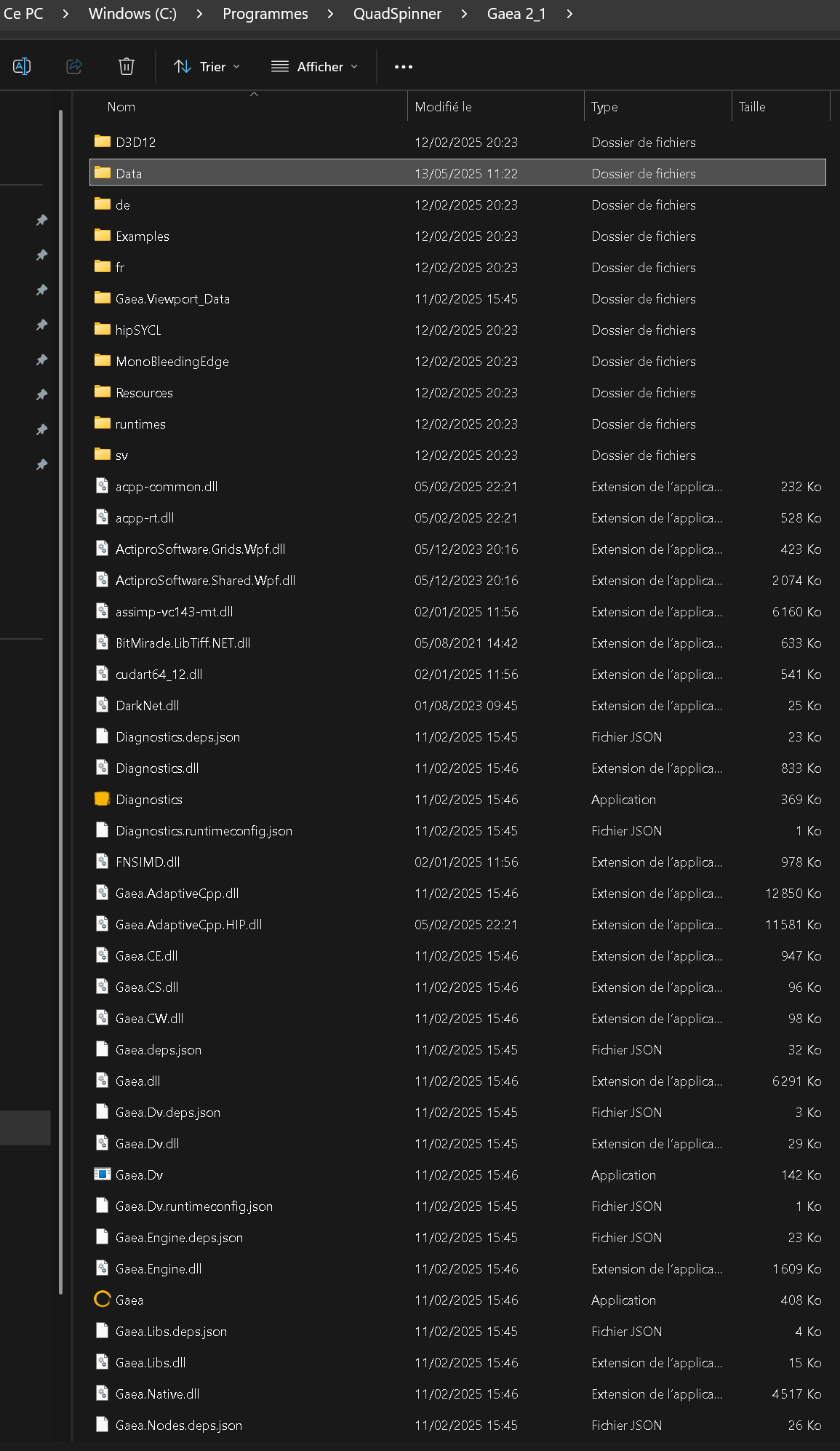
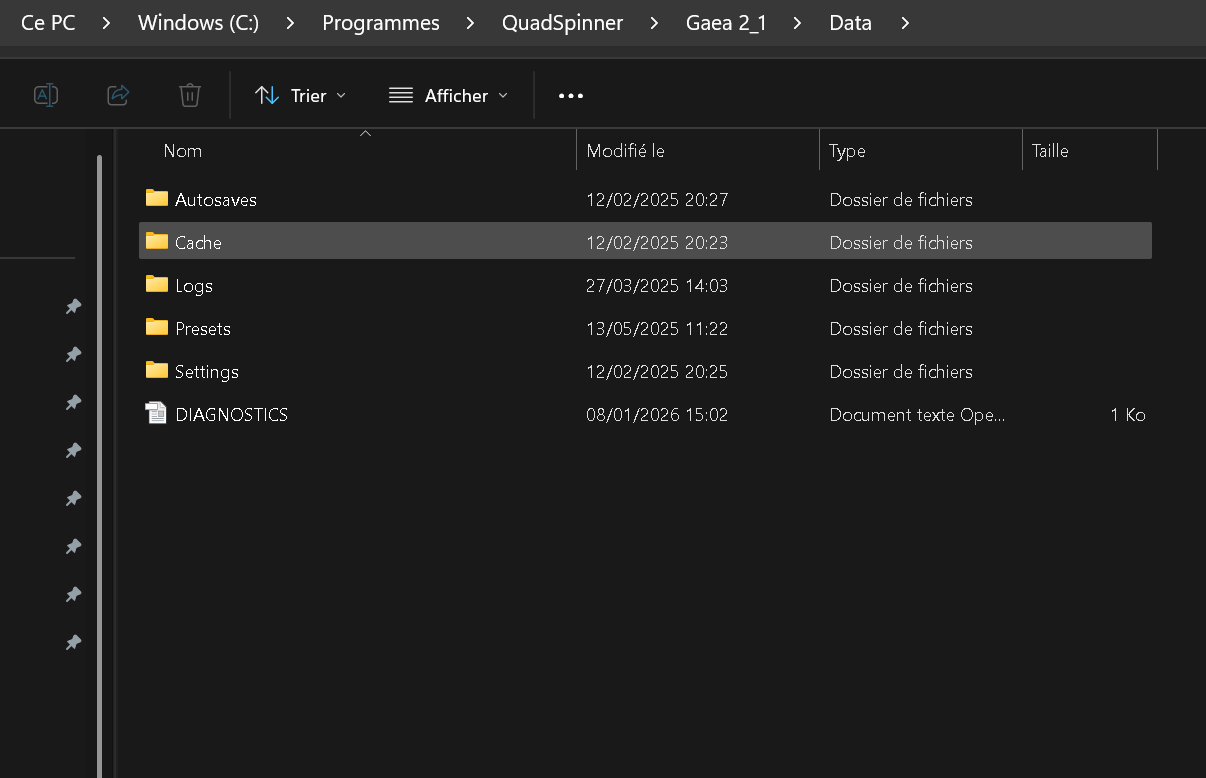
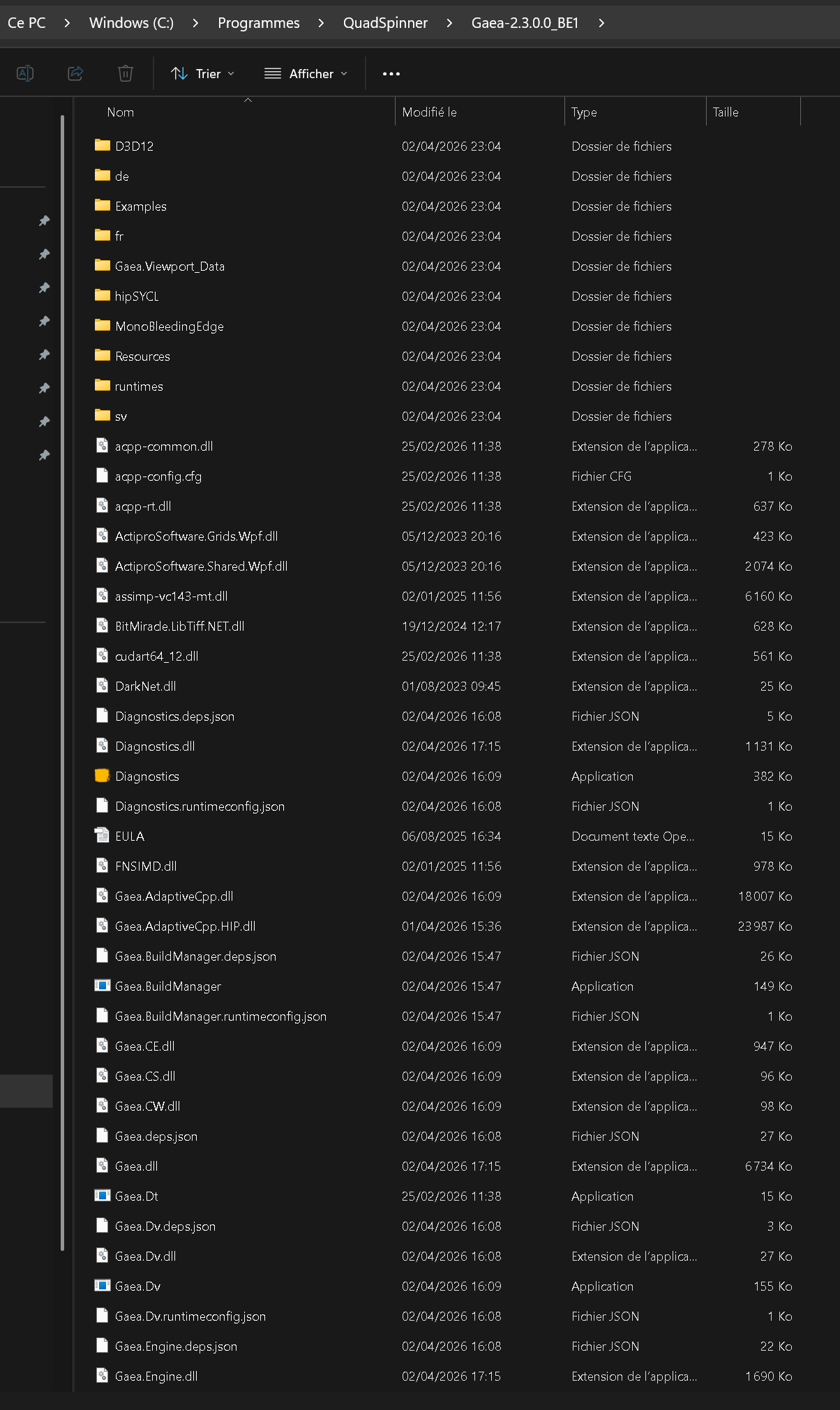
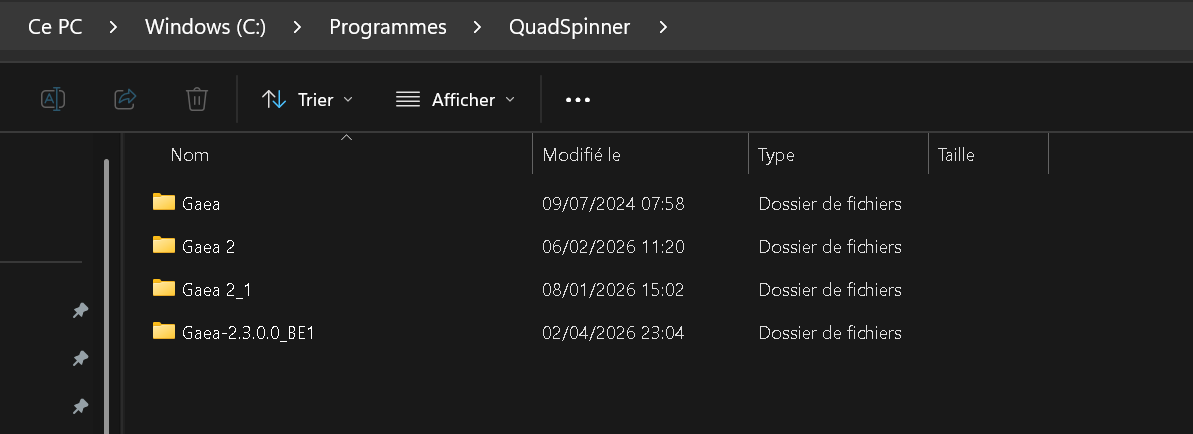
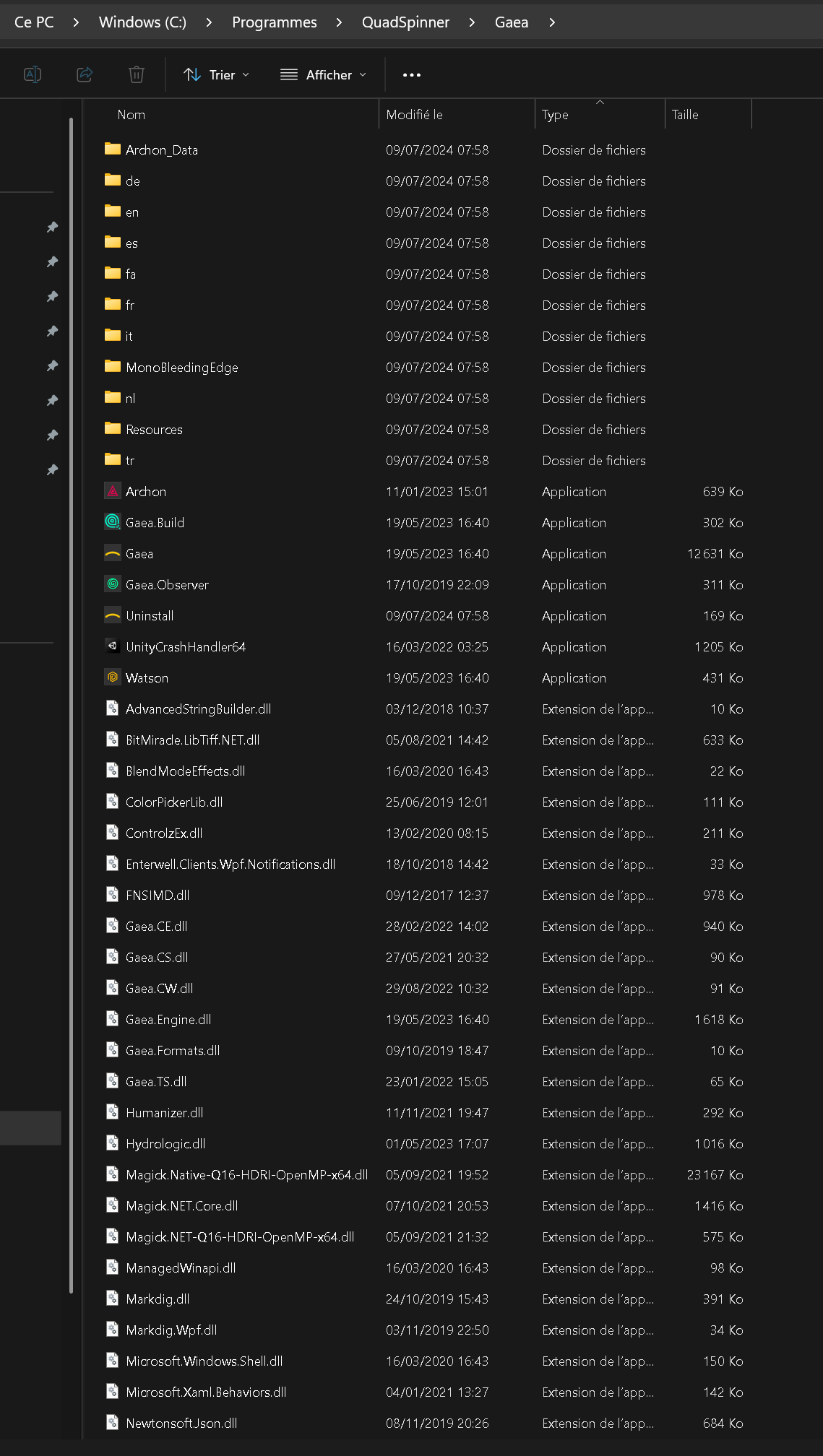
I can find only 2 “data” folders (in Gaea2 and in Gaea 2.1) at C:\Program Files\QuadSpinner. Not in Gaea or Gaea 2.3.0.0_EB1.
None of these data folders has macros inside= > Nothing to delete from there.
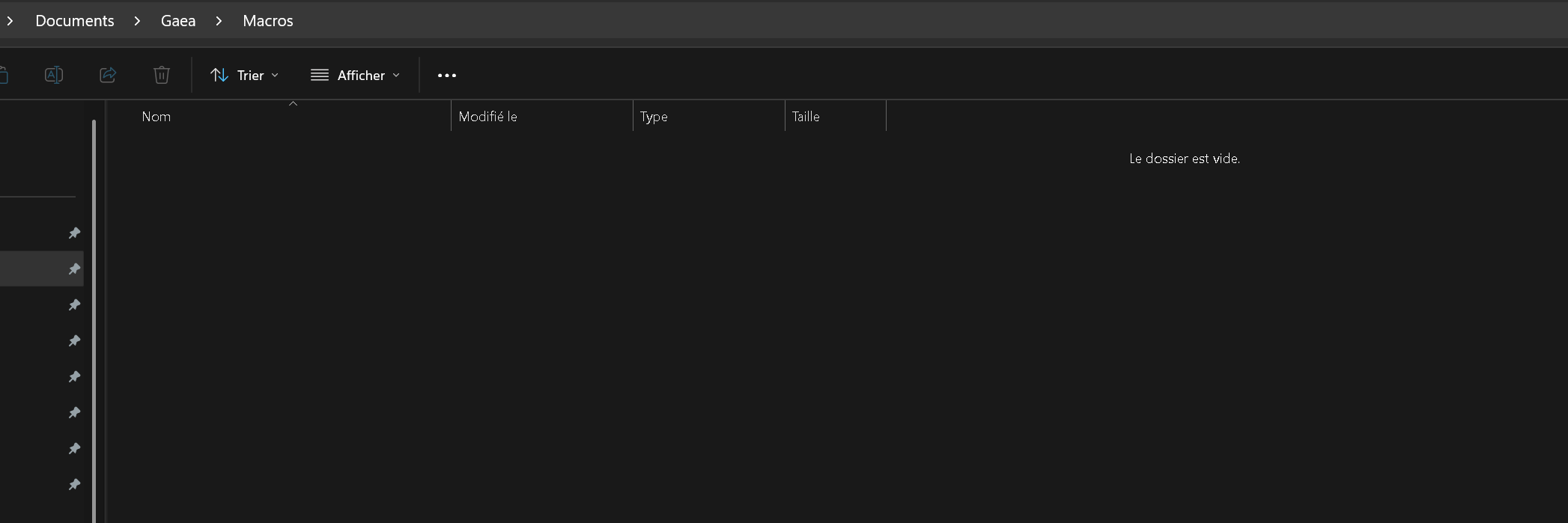
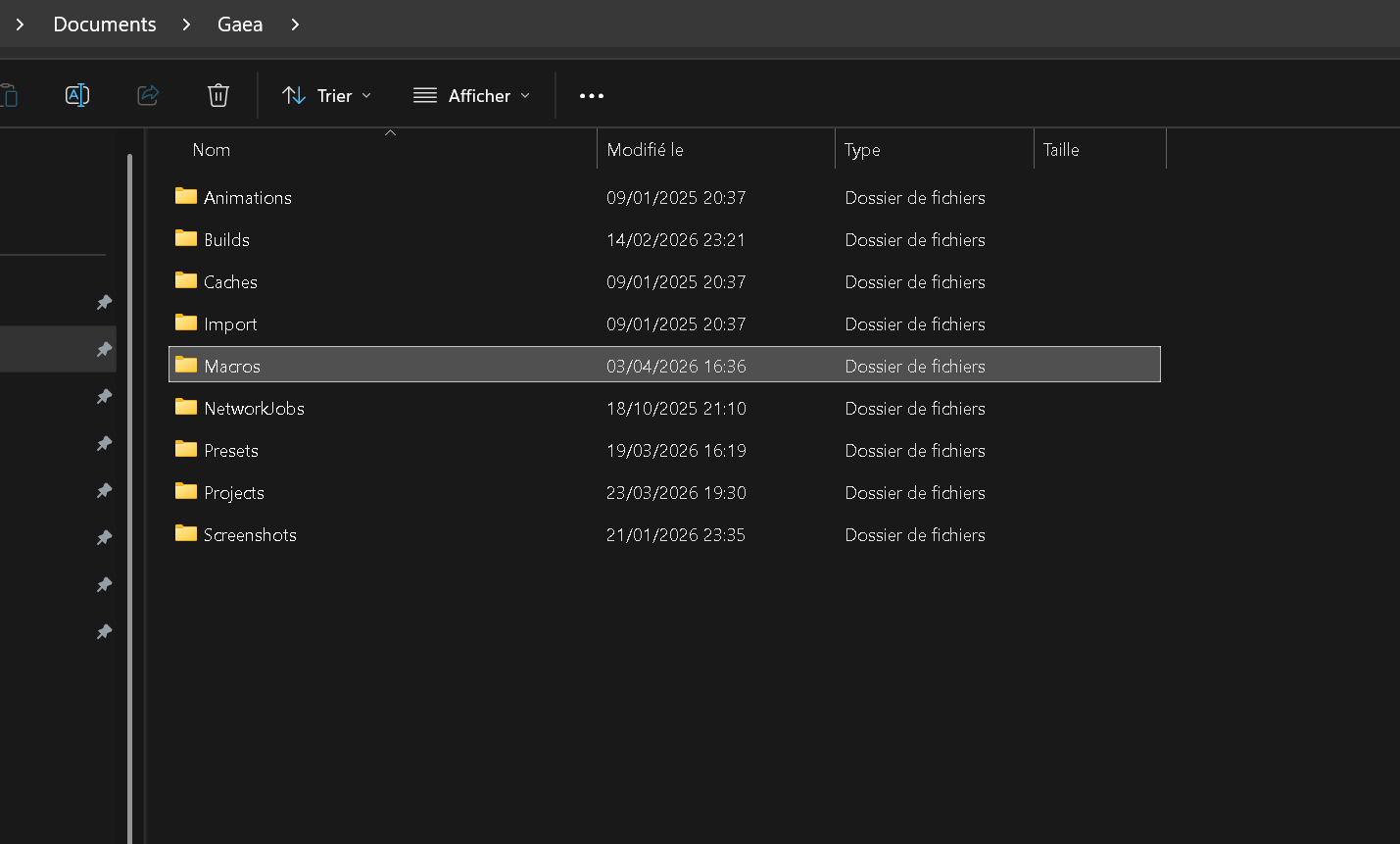
And my manually created Macros folder at C:\Users\Elfe2023\Documents\Gaea\Macros is empty.


In this bleeding edge you can access the installed macros in the \Data\Macros of your extracted bleeding edge.

-Here is how I installed bleeding edge:

Extracted “Gaea-2.3.0.0” into my downloads and copied/pasted the “Gaea-2.3.0.0_BE1” folder into “C:\Program Files\QuadSpinner”

Then started Gaea using the Gaea.exe icon inside of this folder.
Everything works fine and my under my pro license

-No Data folder had/has been created inside the “Gaea-2.3.0.0_BE1” folder at “C:\Program Files\QuadSpinner”.

My only Data folders are located at “C:\Program Files\QuadSpinner\Gaea 2 and Gaea 2.1” (and no Macros folder inside of them).

I manually created a Macros folder at “C:\Users\me\Documents\Gaea and this is where I saved my macros test and .terrain related to the tests.

After deleting the macros and.terrain saved there, they are still available and usable in 2.3.0.0.

Did you check your appdata roaming? my macros are also in there

youruser\AppData\Roaming\QuadSpinner\Gaea\2.0\Macros\…

1 Like

:index_pointing_at_the_viewer: :ok_hand:
I found my macros there ! Deleted them and they are no more visible in Gaea. Perfect.

And so, it looks like the “\Data\Macros of my extracted bleeding edge” hasn’t been created (No data folder at all) where it should have been created: my ..Extracted bleeding edge folder.
1 Like

IIRC there was discussion about Macros resting place, so this might be refined more next update.