Macros: Mask by slope / Mask by height

Hi,
Am I right assuming that mask by slope/height are only available using the “Add modifier” icon at the bottom of each node panel ?
And that their parameters can’t be bound to a “New variable” (no diamond icon to edit parameters)?
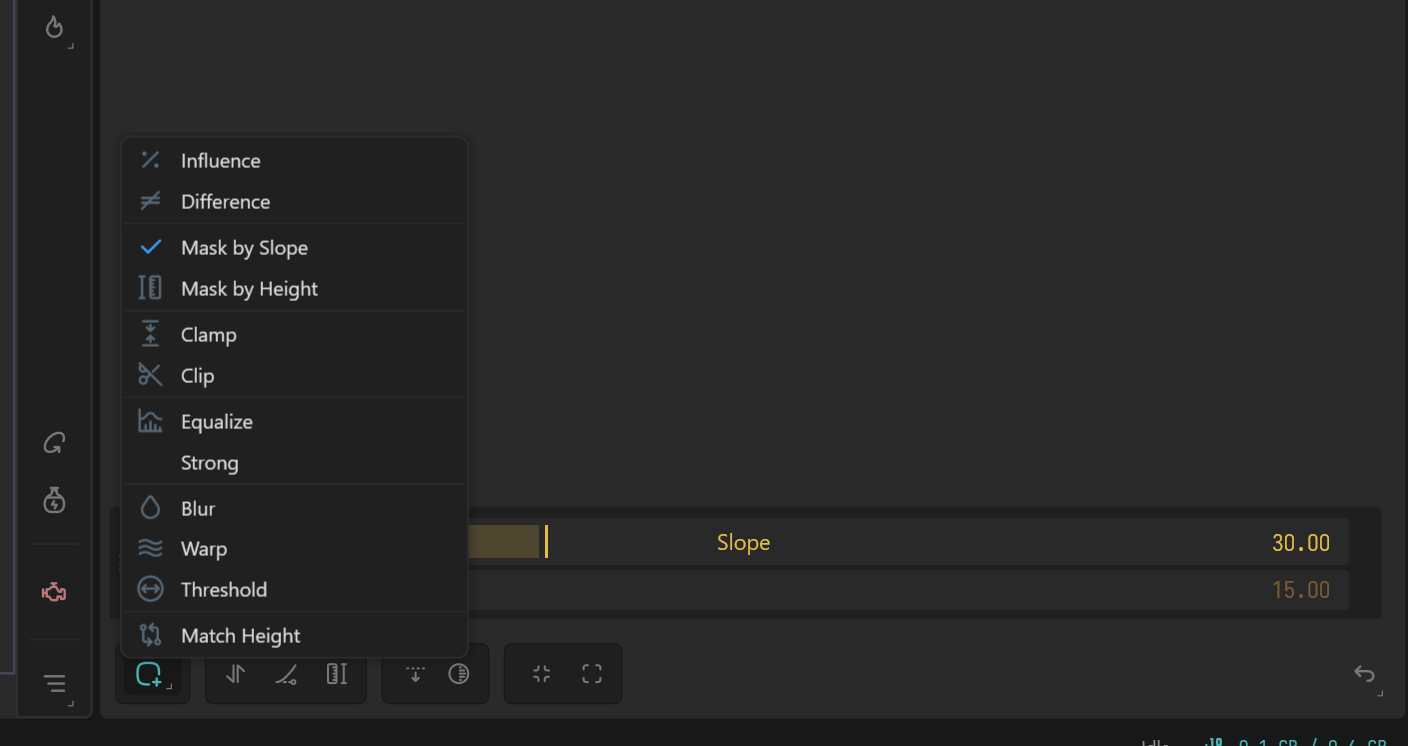
I’m trying to find a way to use them in macros ( to create different base terrains where they are very very useful to control where other nodes affect the terrain and build its final shape/details)

Is there already a turnaround in order to do this ?

Are there plans in the future to make the modifiers only available using the “Add modifier” icon also available as nodes in the “Modify” category ? And usable with their parameters in macros ?

Modifiers are a post process within the node stack ( typically faster than their node counter parts)

They’re both /Height and /Slope nodes respectively, those are the node you will want to chain together and expose the parameters for Marco use.

1 Like

Thx Ty !
I’m so used to the post process modifiers to shape the terrain and the to height and slope nodes to create masks for texturing (+ ok, aging brain) that I forgot that I could use these masks to shape terrain too. My bad.

It’s all good. Generally modifiers can be faster than node to node, but if you’re building out for macros and wants exposed controls you have to node by node ( or get creative)