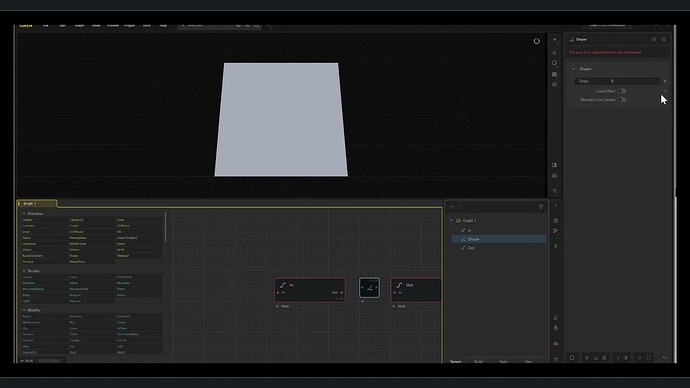
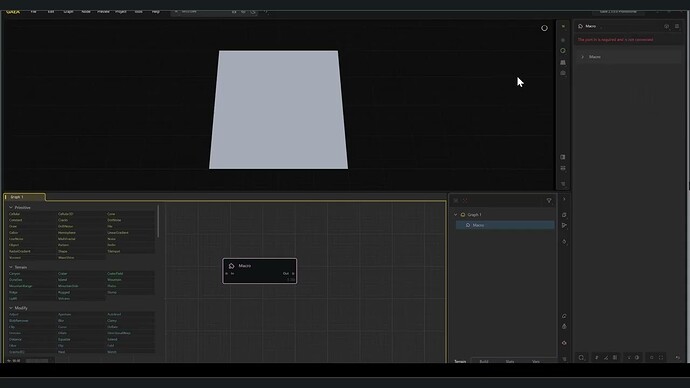
Testing the new Macro system in yesterday’s version.
No pb to create and export a “Test” Macro (At least that’s what I believe) but I’m unable to import it whether using the import menu or dragging it into the graph tab (with or without adding a macro node). Am I missing something ?
Hey @MarcSaunier happy to see you’re egar to jump in.
For import and drag and drop functions they’re just to install the Macro rather than drop it into the graph.
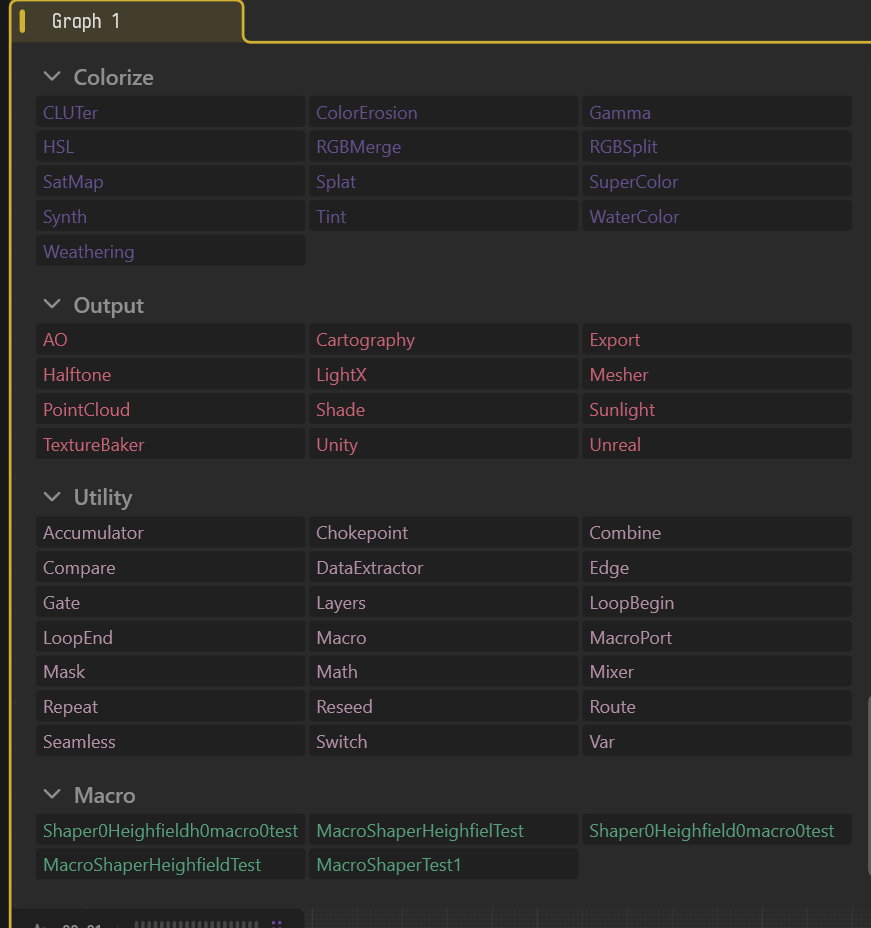
You can use you can use the node search with node name to find your Macro.
I have updated a bunch of docs online, it’s just waiting through tests and checks to merge into the public site.
Let me know if you’re still having use case issues and thanks for the feedback too, it’s really valuable for me to see and hear how people are using/getting stuck.
Thx Ty !
It works as expected now that I understood that “file/import” or “drag and drop” installs the macro but don’t drop it into the graph !
I st feedback ( understanding that the present “Macro” version isn’t the final one):
It might be a lot more user friendly to be able to choose the required for use macro(s) from a drop down menu listing all of them (so, listing the Macros folder if I understand well) directly in the software rather than copying its/their name(s) from the Macros folder on the pc drive and then copying it in to the node search name field in Gaea.
Maybe it’s not compatible with the fact that you have to install macro(s) before “calling”/using them in Gaea => Perhaps they all could be installed by default (unless their weight is too high for complex ones) ?
I’m now going to try more complex macros but as for now, the macro stuff looks working great and is very useful !