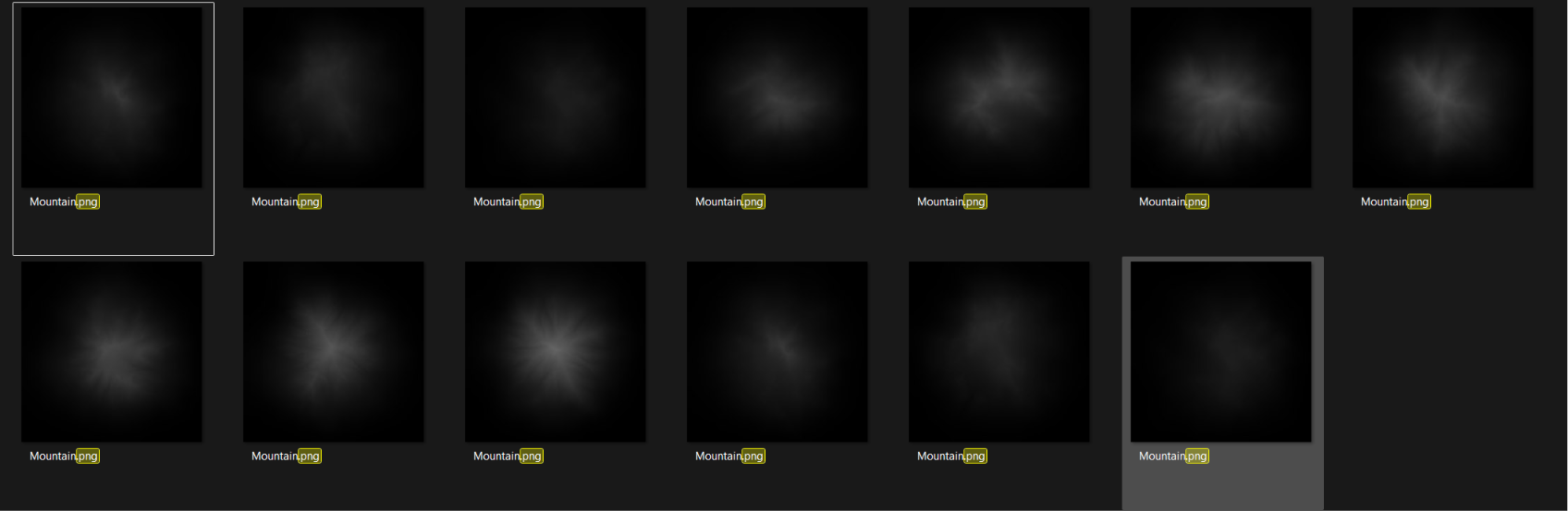
I wanted to know where I could create mutation builds for 2.3.0.1, just like in Gaea 1.0
I’ve tried to use the command line but it only created 1 build and the Documentation isnt really helping me.
Thank you
I wanted to know where I could create mutation builds for 2.3.0.1, just like in Gaea 1.0
I’ve tried to use the command line but it only created 1 build and the Documentation isnt really helping me.
Thank you
Hey @Dylan_Gunawan,
For mutations, you can use the method in the Gaea 2 docs, which is to add --Seed <int> to each batch command.
You can also add [Mutation] to the Build Destination so each mutation is saved to a separate path instead of overwriting the previous build. (By default, you will get numerical build folders rather than overwriting)
There is also a typical CLI workflow here, along with a CLI arguments list in case you need more information.
For a quick GUI method that gives you the base setup:
Project > Execute Batch Build... > Add Mutations > Start Batch Build
You can save the batch as a .bat file and expand it for a pure CLI workflow, for example, by adding other supported arguments or using a batch loop to generate more mutation runs, depending on how familiar you are with the CLI.
Hope that helps
If you’re using a straightforward build with only mutations, this could be a good template you could use:
@echo off
setlocal

REM =====================
REM EDIT THESE SETTINGS
REM =====================

set "GAEA=C:\PathTo\Gaea.Swarm.exe"
set "TERRAIN=C:\PathTo\YourProject.terrain"

REM Start seed, step amount, and final seed
set "START_SEED=1"
set "SEED_STEP=1"
set "END_SEED=5"

REM ====================
REM BUILD MUTATIONS
REM ====================

for /L %%S in (%START_SEED%,%SEED_STEP%,%END_SEED%) do (
    echo.
    echo Building mutation with seed %%S...

    "%GAEA%" -f "%TERRAIN%" --Seed %%S --silent

    if errorlevel 1 (
        echo Build with seed %%S failed.
        pause
        exit /b 1
    )
)

echo.
echo All mutation builds finished.
pause
change your parameters:
set "GAEA=C:\PathTo\Gaea.Swarm.exe"
set "TERRAIN=C:\PathTo\YourProject.terrain"

set "START_SEED=1"
set "SEED_STEP=1"
set "END_SEED=5"
This way, you could define your outputs and the seed number that will run deterministically and silently, which should remove the need for a continue key between each mutation.
You could expand this further with random INTs as well or a random start seed. However you need it really, it’s quite flexible.
Okay, Thank you very much!