Greetings.
Since the time I first tried out the tool months ago, my major chunk of negative experience with it has been UI and its rigidity and stiffness. I would like to propose some quality of life changes to the workflow with nodes in Gaea 2 and 3 that would allow much more fluidity and precious speed.
I will be using another piece of software for demonstrational purposes, it has great set of features that I find would be extremely beneficial for the users to see in Gaea. =)
Here’s a video of the features demonstrated with textual commentaries.
Contents, very briefly:
-
quick connect at any distance
-
quick connect for specific sockets at any distance
-
quick connection cut
-
quick mix without pixel hunting
-
quick rerouting (chokepoint insertions in one motion)
-
quick connection clumping
-
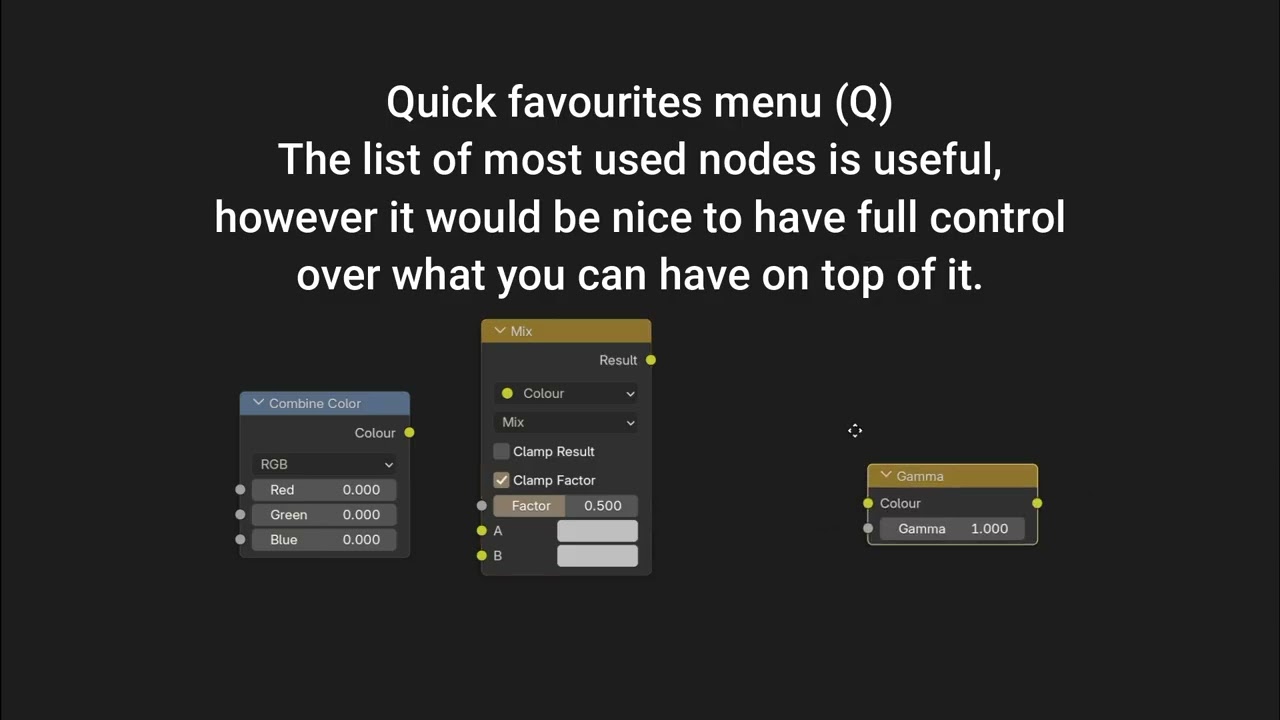
quick favourites configurable menu
-
font size control for groups and notes
-
double click on portal input to send to the output
-
alt-drag to take a node out
-
auto insert (hold alt to avoid)
You’ve already implemented preservation of inputs while duplicating nodes and branches, thanks a lot for that, it’s already saved me a lot of time! :3
Additional, beyond the video:
-
Duplicated nodes and trees have to be fully rebuilt from scratch. It can be quite an issue with high-res previews. It would be very nice if they used the same cache (or a copy of it) so you could work with them instantly. I believe creating a copy of cache in RAM would be dozens of times faster than recalculating everything.
-
Add a shortcut to “Combine as /Transpose”! I use that node pretty much as often as Combine while building the height, yet it refuses to appear in my most used list for some reason. It’s one of the most used ones. Also, consider adding a “swap inputs” button to it like Combine has, I find myself experimenting with swapping the sockets very often, too. Also, before we get remappable hotkeys, kindly consider switching its default shortcut for quick combine from Ctrl+8 (you have to use both hands for it) to something like Ctrl+3, so it could be within reach of the left hand resting on the left side area. =)
The quick menu was mentioned in the other post, but I left it here because it was still in the video, same as duplication with connections.
 but I can promise that I and the dev team will be here as often during the week as we can, and do our best to reply to all conversations.