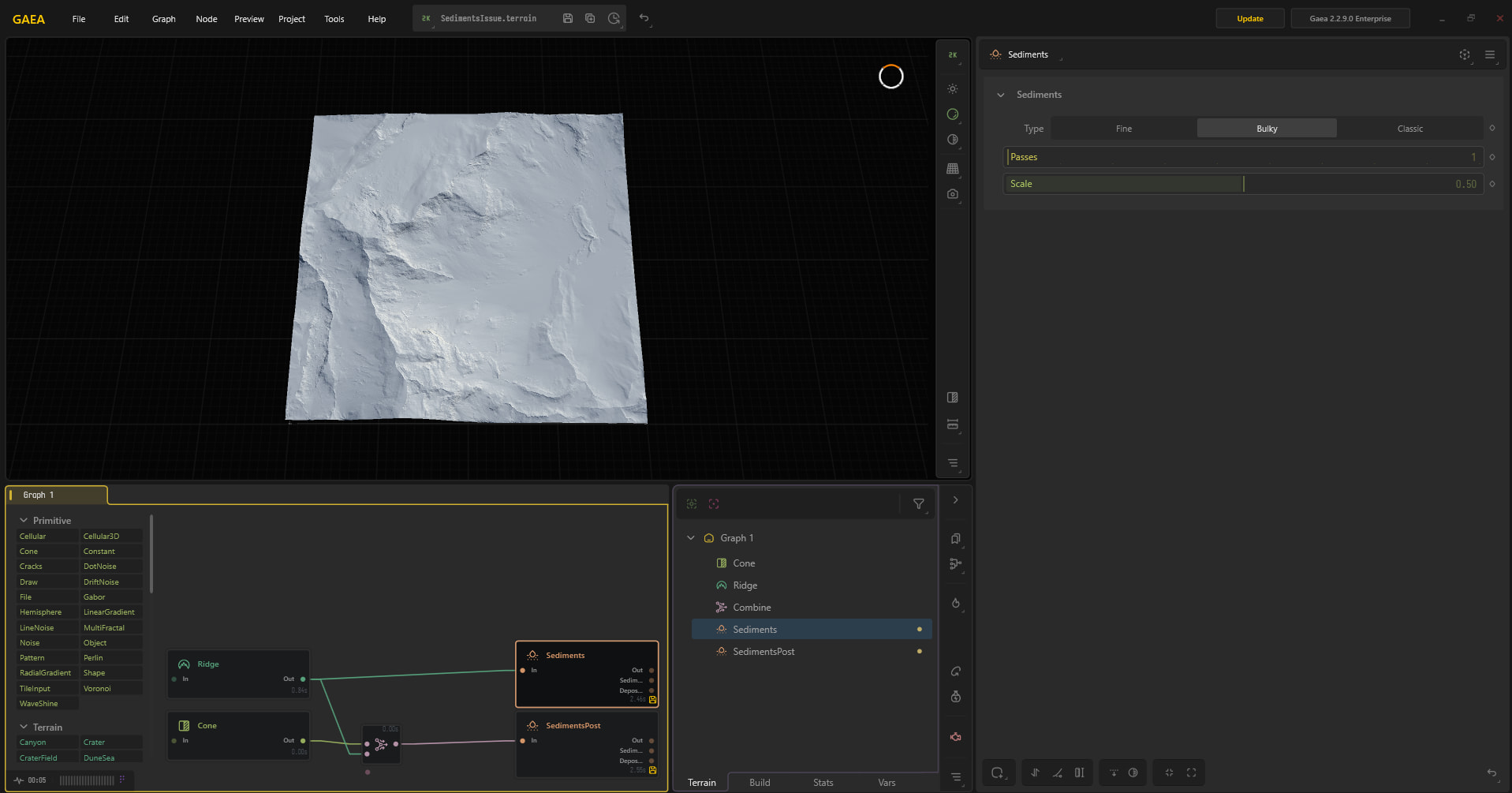
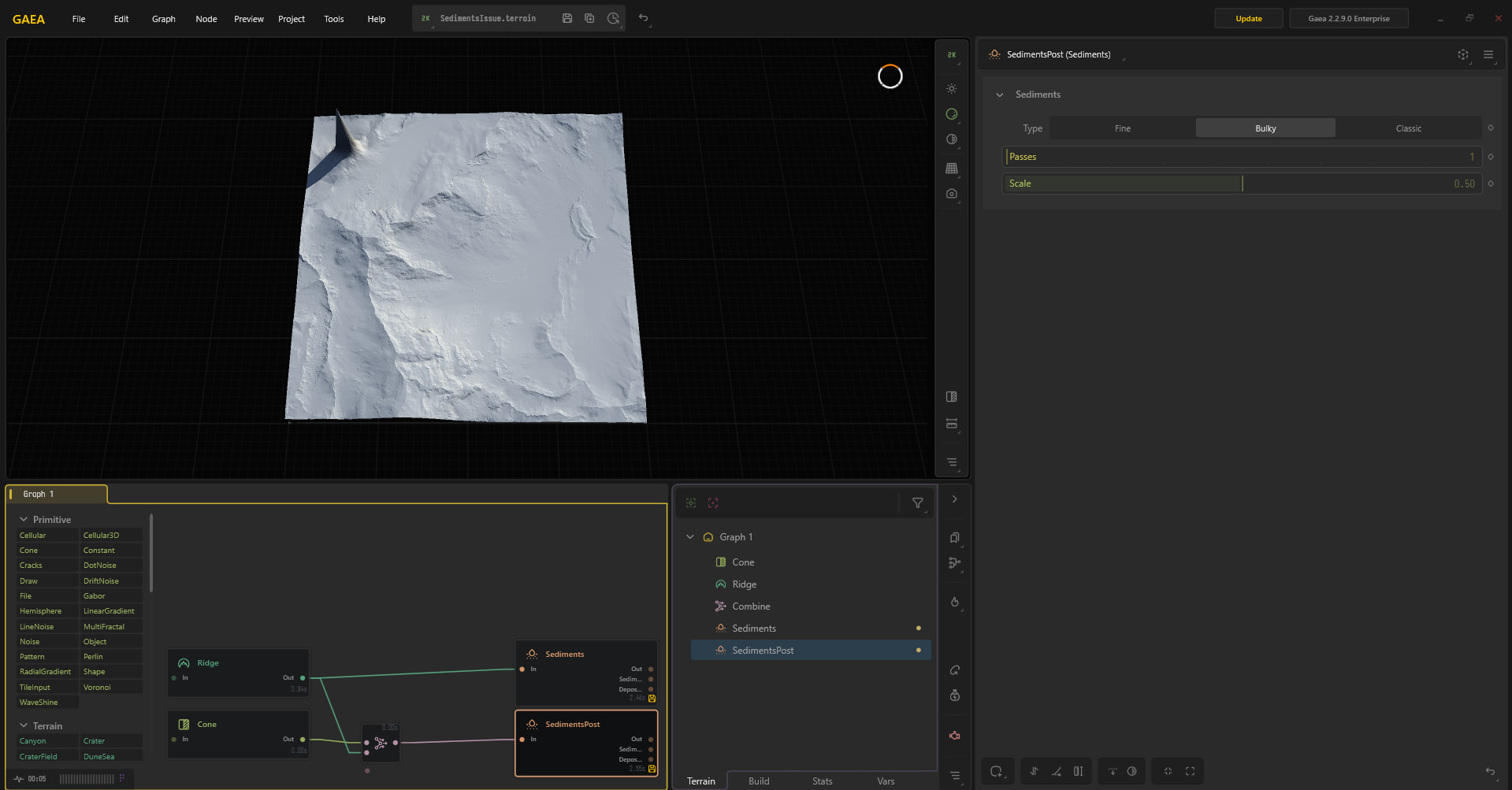
I have been working on our round robin between UE and Gaea, and since we are working with a rather large map, we are using world partition in UE and we would need to perform the Gaea pass on individual UE regions for iteration.
We are exporting equal Regions to be imported in Gaea as individual HF’s, not tiles.
Obviously having the edges match up is a concern when you are processing a region at a time, so I am exporting an oversized region from UE to process, so that Gaea has the data from surrounding regions.
I have pushed it so far as 50% oversized, so rather than the 4081 that UE outputs for a given region, I’m writing out the surrounding tiles for a total of 6121.
In Gaea I am transforming those heightfields to the appropriate areas of the landscape (in case we do need to load more than 1 region at some point and to insure a consistent scale for Gaea simulations) and then I am creating Gaea regions that should match up 1:1 with the original UE regions and rendering those Gaea regions, as a way to crop the HF to the desired resolution.
Regardless, I continue to get seems along the border that do not match up between the 2 regions.
If there is a different recommended workflow here can you please point me in that direction.
Often the answer you’re looking for even when using regions. /Unreal node is your global normaliser, so scrubbing back or testing very small scale to confirm with just a simple height field, that node and the region workflow, should clarify whether it work or you needed to
I’m not using the /unreal node to export. I dont believe that I have any nodes doing a normalization or auto level.
Its a file read/erosion/sediments/transform and then exporting from an adjust node
Is there some place within those nodes that is normalizing my data?
is there any normalization that happens with the default nodes that I have listed?
I dont believe that Unreal is doing it when it writes out the map, but I will test it
This would definitely mean that processing neighboring tiles would leave seems, even if you process them both oversized so that you are grabbing overlapping pixels