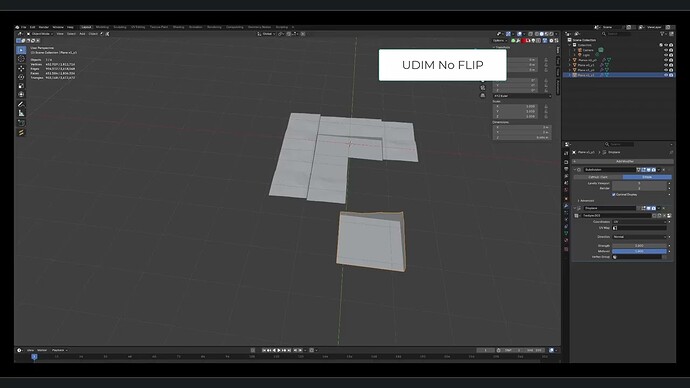
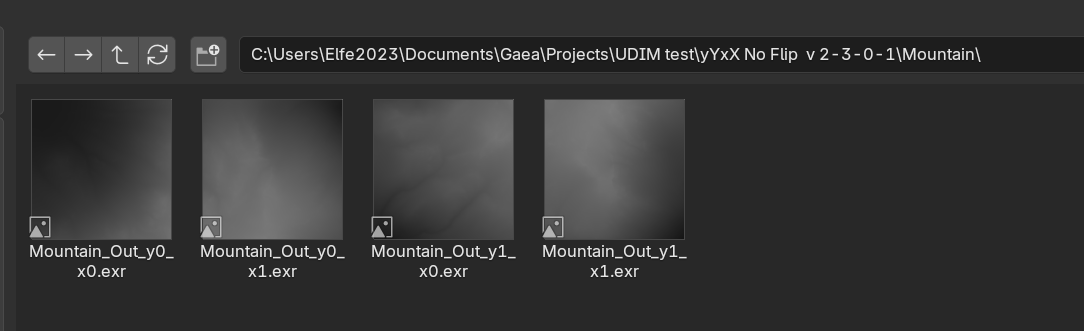
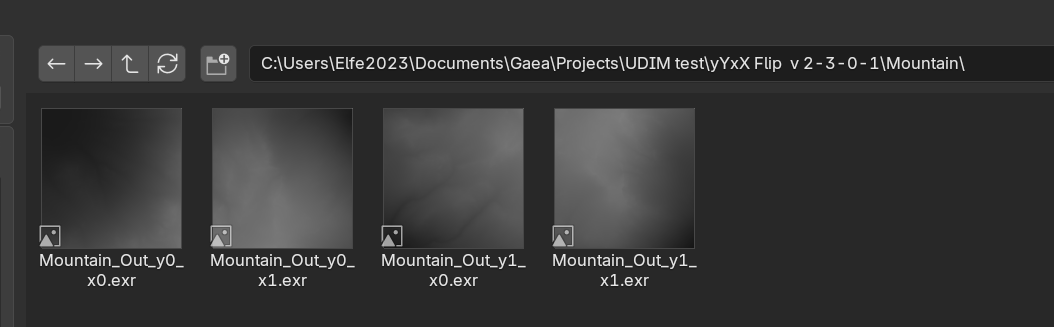
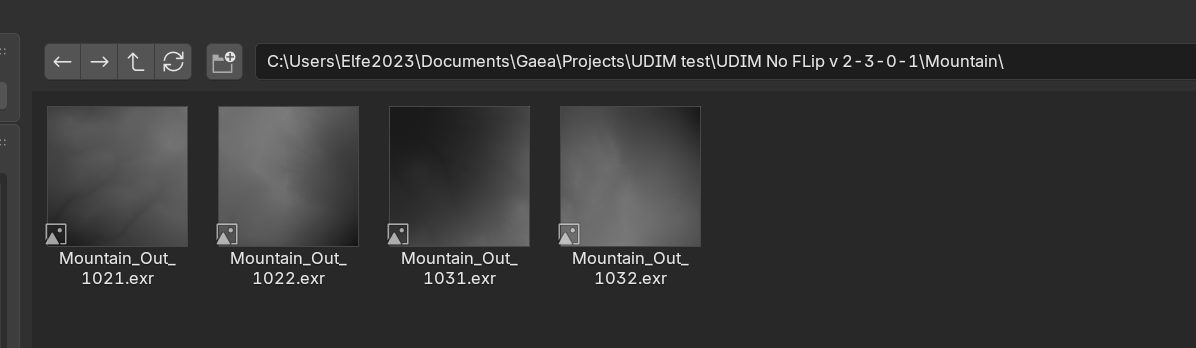
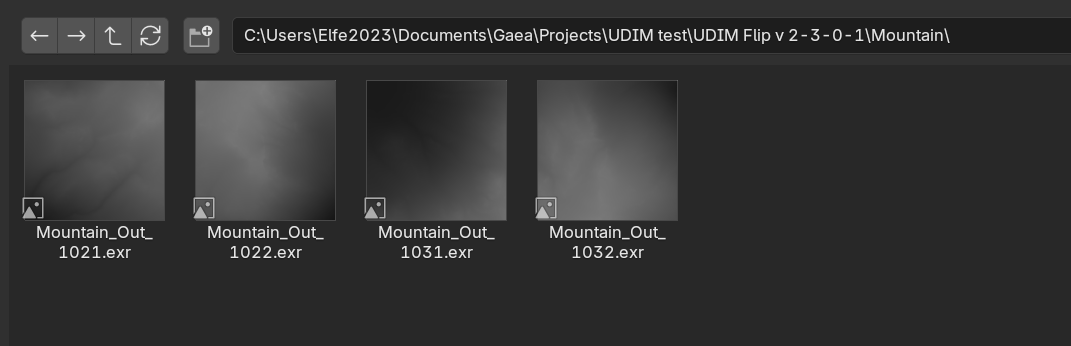
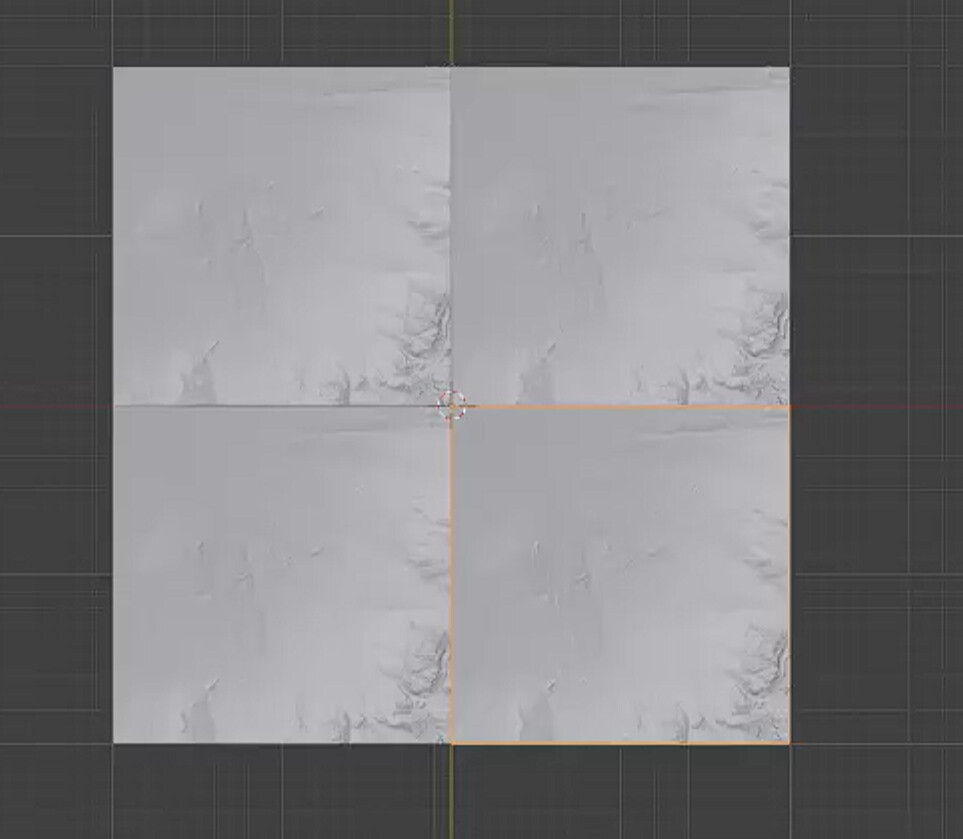
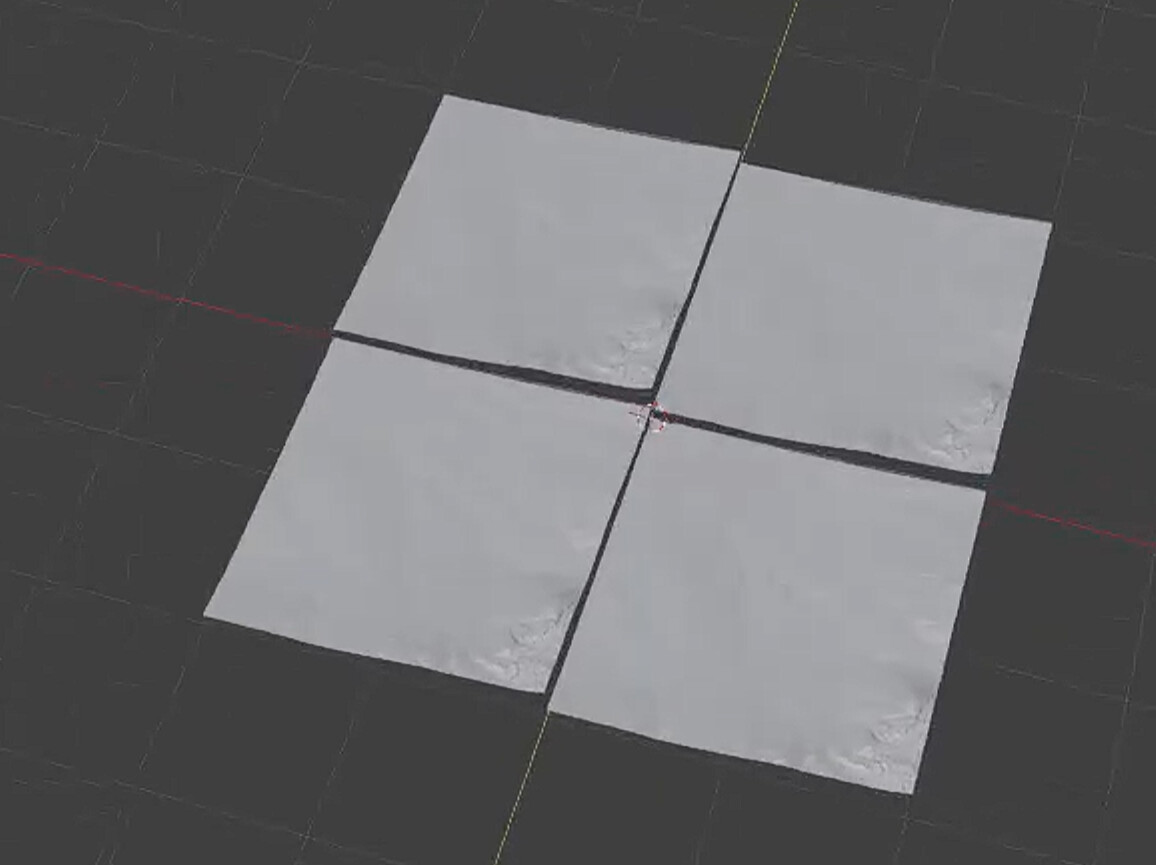
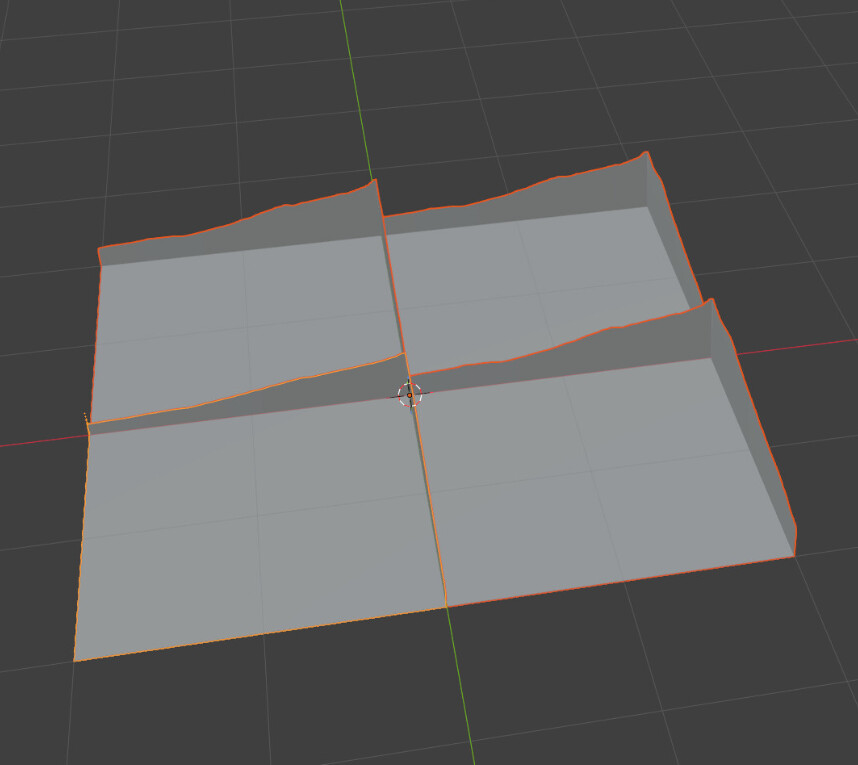
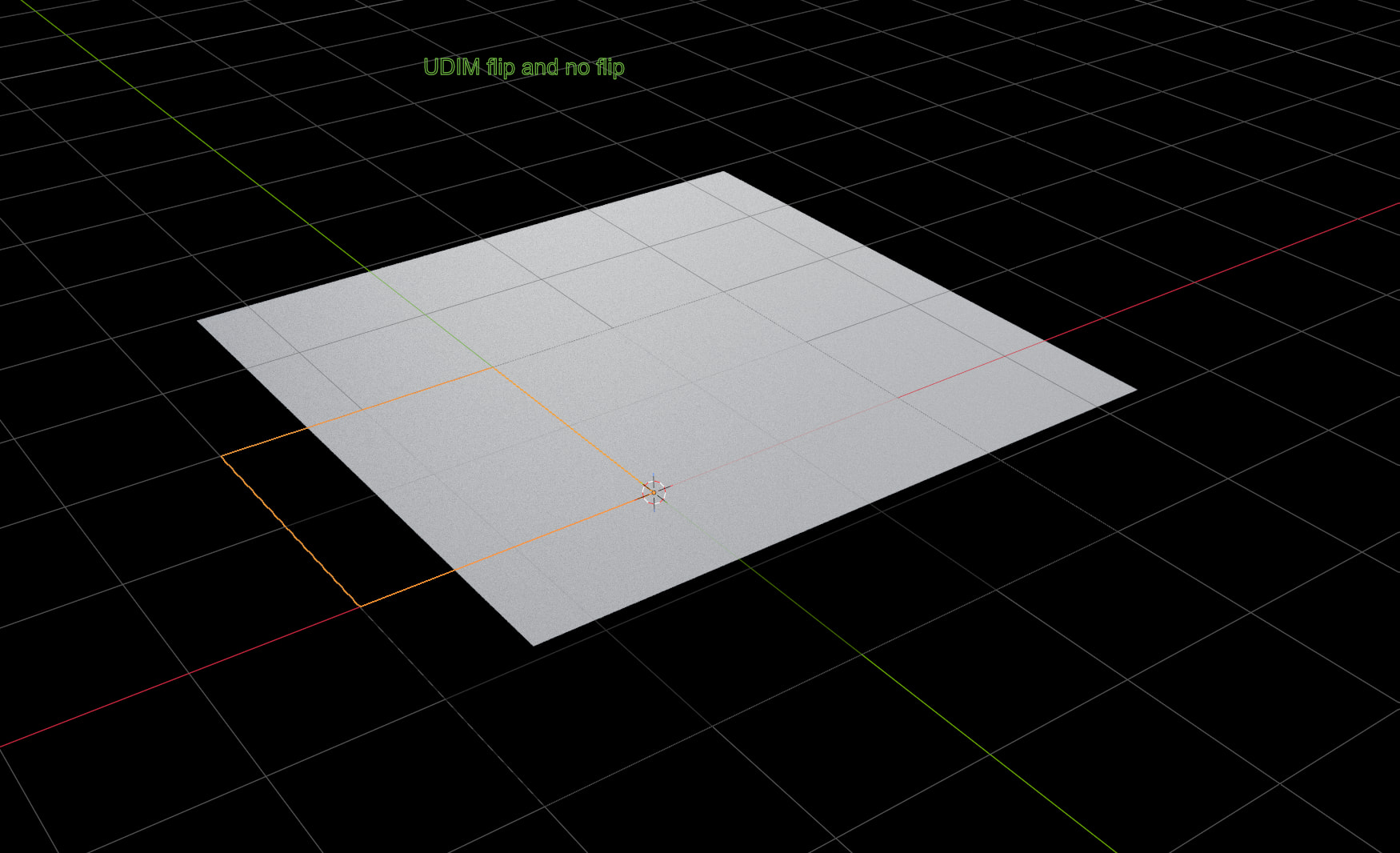
I made the same test but in V 2.3.0.1 (last version).
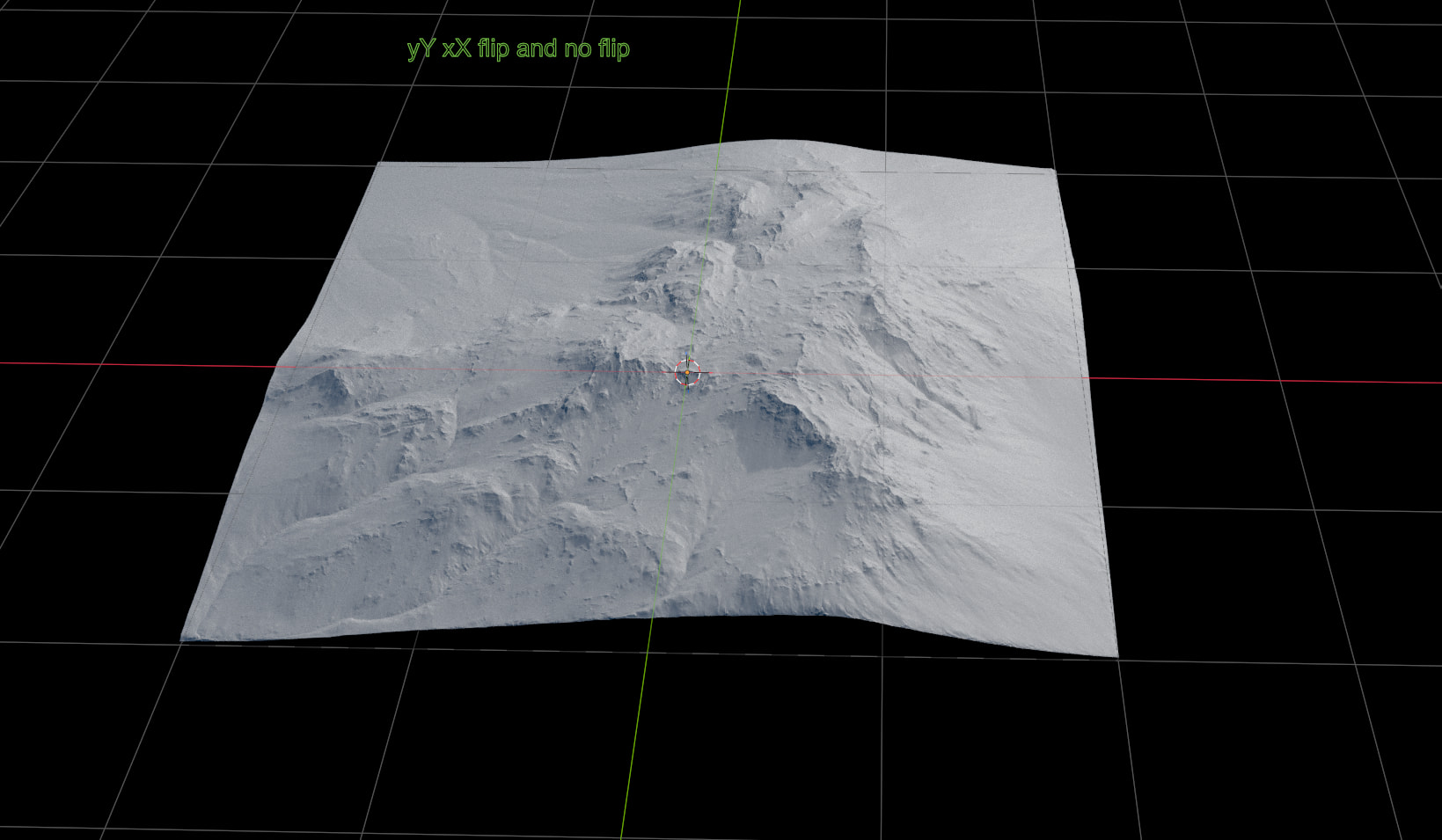
Everything is ok using yYxX Flip or no Flip.
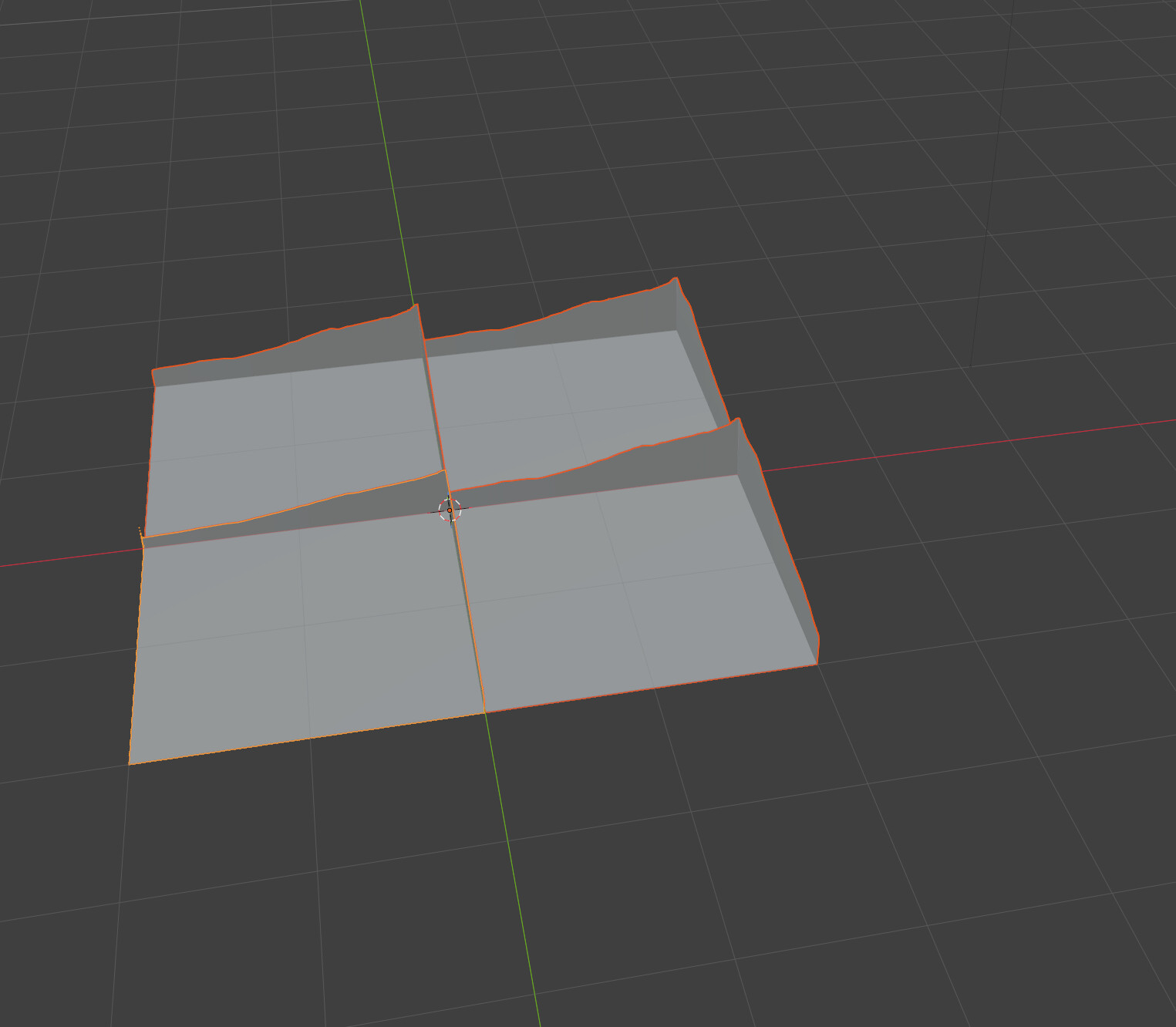
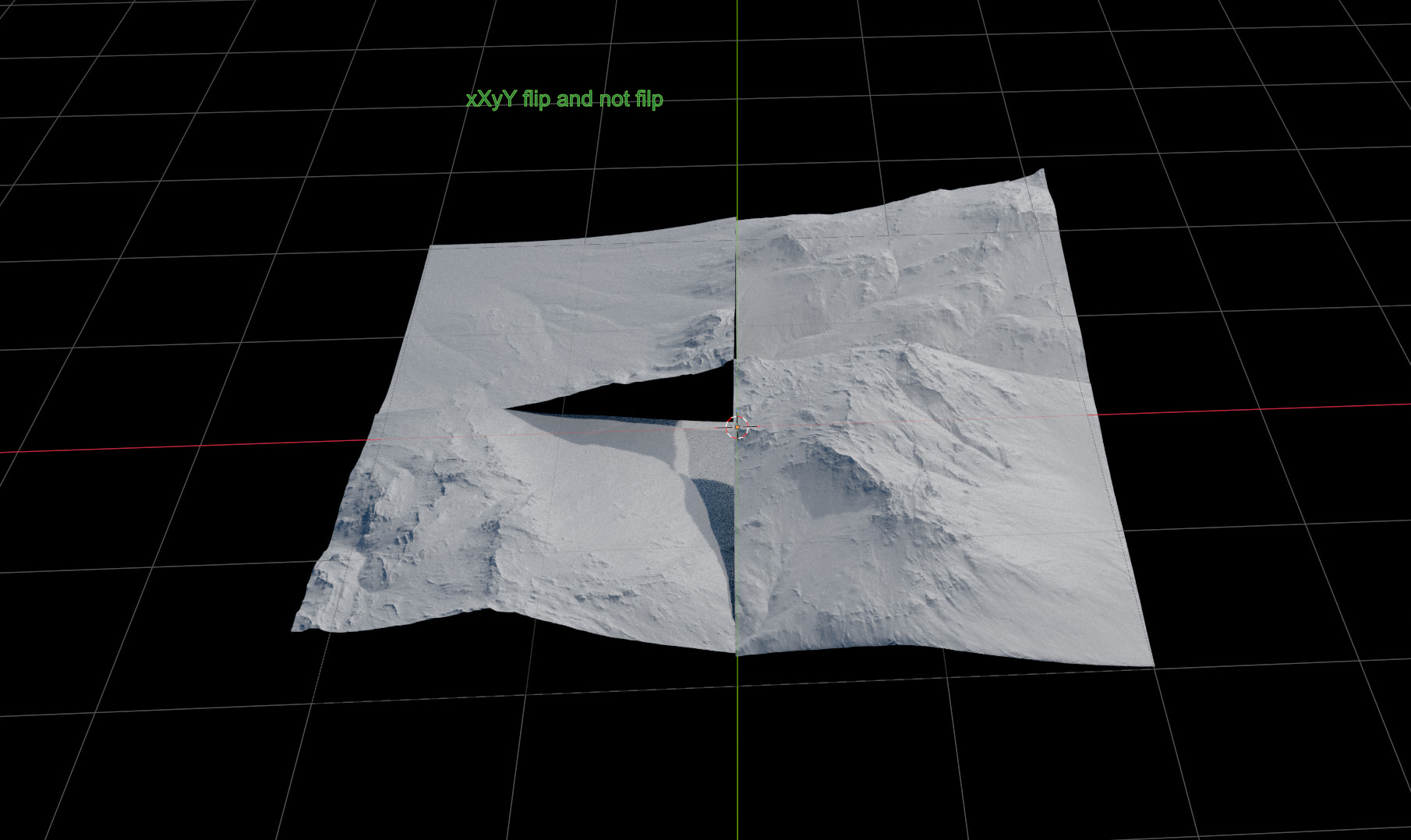
Same tiles inversion than before using xXyY Flip or noFlip
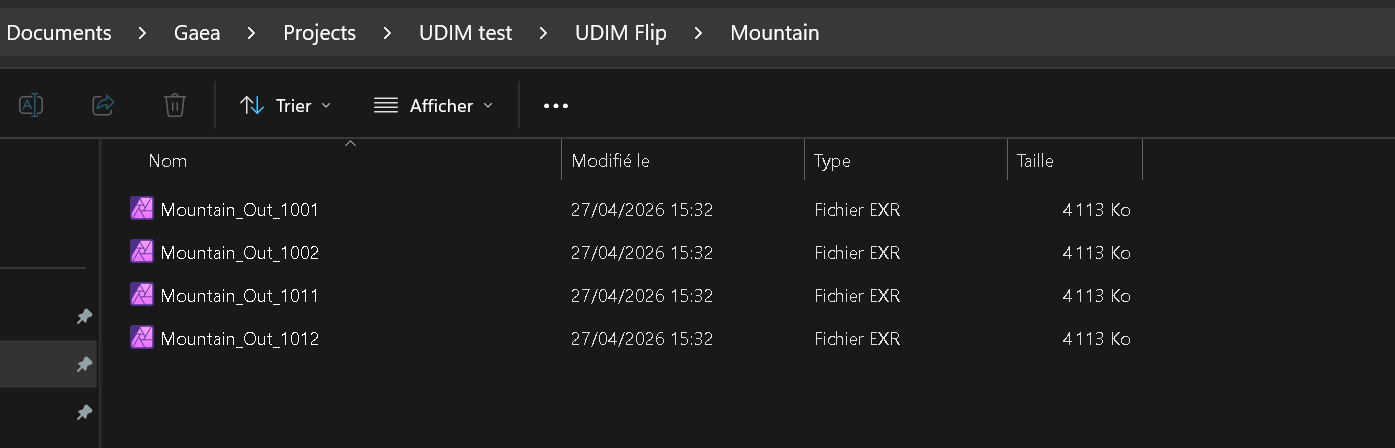
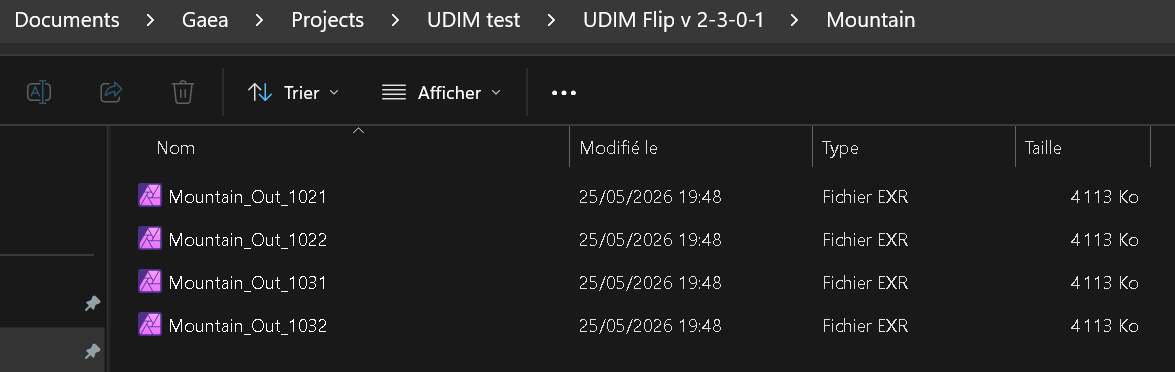
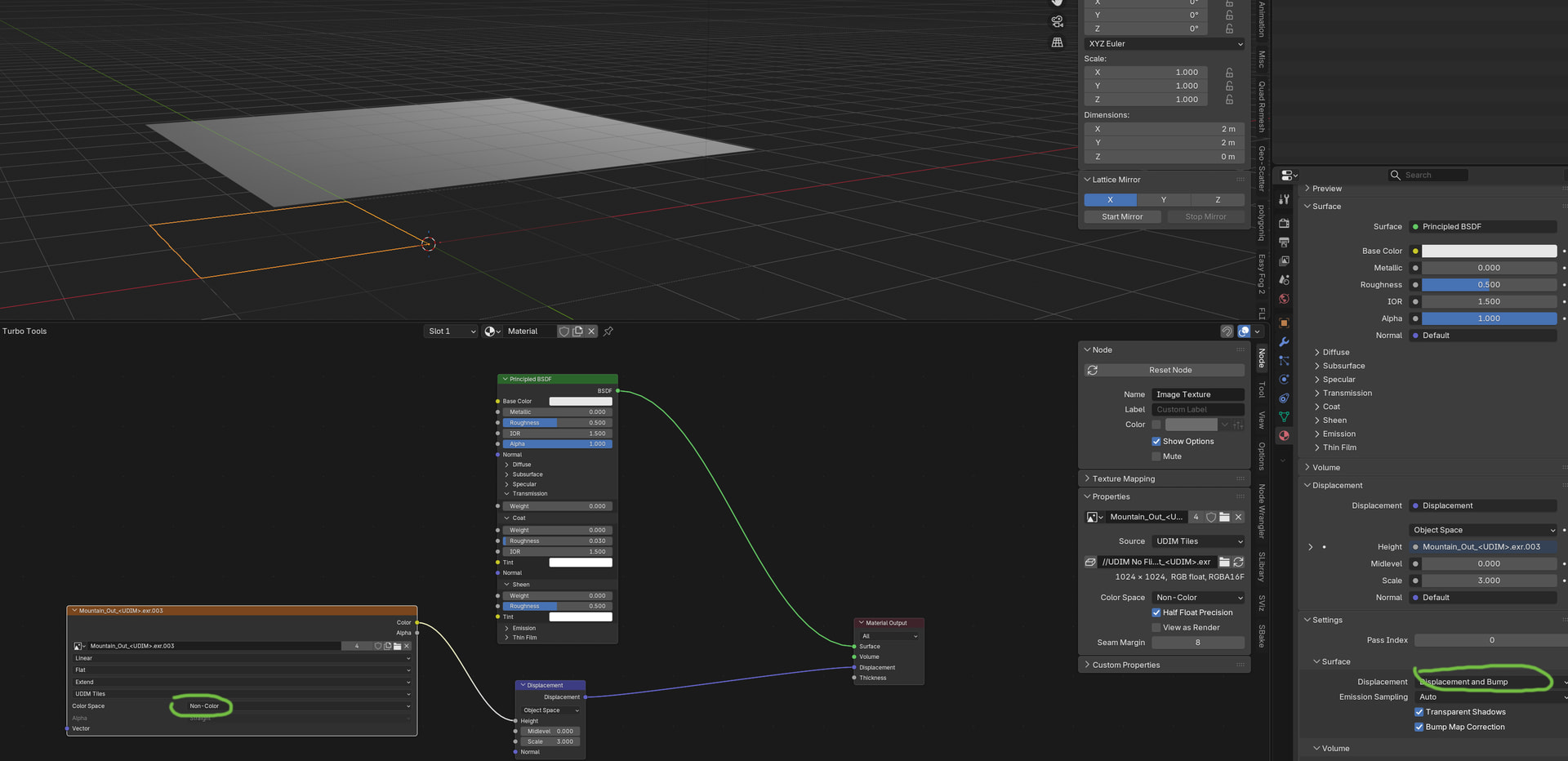
A different tiles naming for UDIM ( 1021, 1022, 1031, 1032 instead of 1001, 1002, 1011, 1012) and a still not ok result (but different than before), Flip or no Flip.
Here is the shorter video (Whole process for “UDIM no Flip” and only the result for other cases).
Previous report is closed mentioning “solved in 2.3+” but I see nothing fixed and this is the reason why I made this new one.
While reviewing the video, I noticed that the UDIM tiles appear to have been added in a top-to-bottom order. UDIM tiles are typically indexed from the bottom row upwards, so I was wondering whether the tile ordering could be contributing to the result you’re seeing.
I’m not very familiar with Blender’s UDIM workflow, so I may be misunderstanding what is being shown in the video. Could you try loading the same tiles into a Tile Input node in Gaea and verify whether the tile arrangement matches what you expect there?
If the layout appears correct in Gaea as well, then we can likely rule out tile ordering and continue investigating other possible causes.
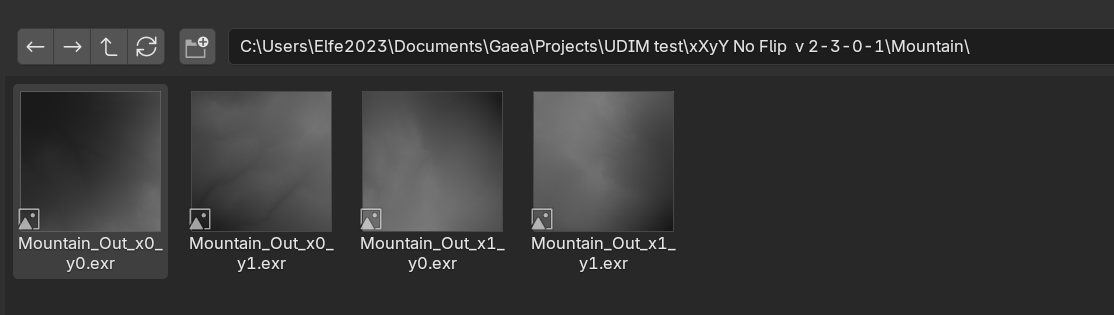
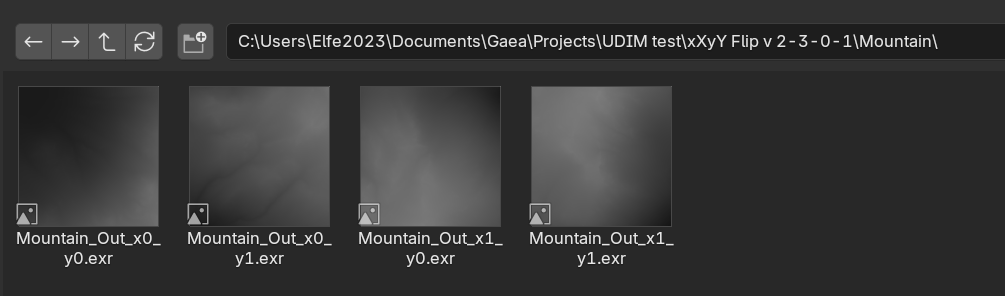
You are right, as for the 1st test, whether would it for xXYy/yYxX or UDIM, tiles have been imported top left, top right, bottom left, bottom right.
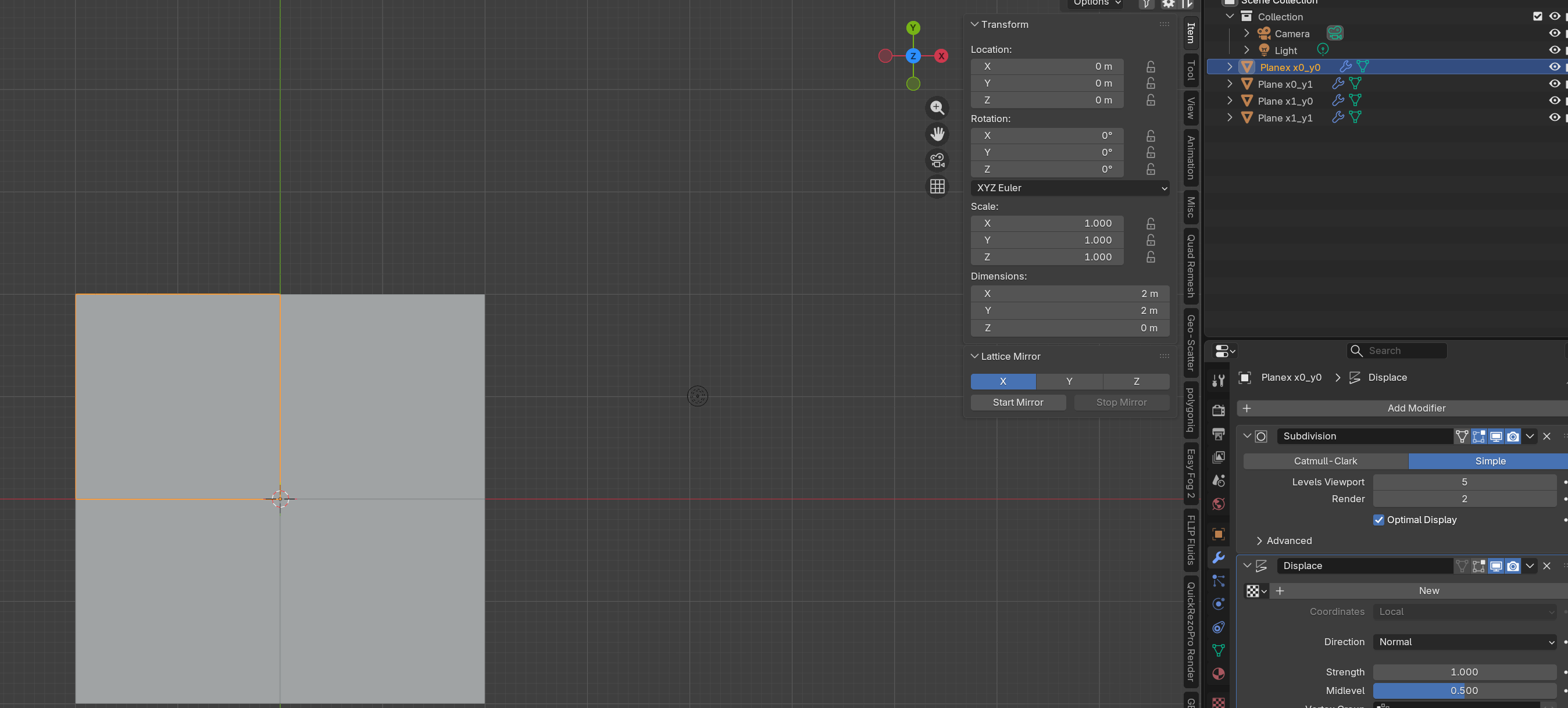
In blender, Plane x0-y0 is top left, x0-y1 is top right, x1-y0 is bottom left and x1-y1 is bottom right:
“Mountain_out_y0_x0” has been imported in to blender plane “x0-y0”, “Mountain_out_y0_x1” in to blender plane “x0-y1”, “Mountain_out_y1_x0” in to blender plane “x1-y0” and “Mountain_out_y1_x1” in to blender plane “x1-y1”
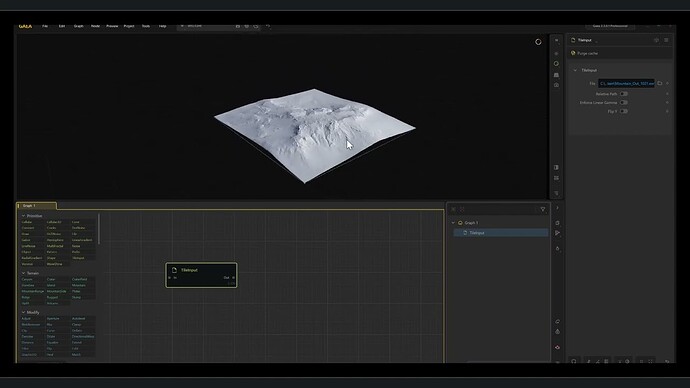
If I load Udim tiles in Gaea 2.3.0.1 using the Tileinput node, everything’s allright:
Compared to previous test in blender using Gaea 2.3.0.0 RC1 and setting things in blender (same version 5.1.1) the exact same way, nothing has changed for xXyY and yYxX flip or no flip.
@parvez
You are welcomed.
I hope that it can help.
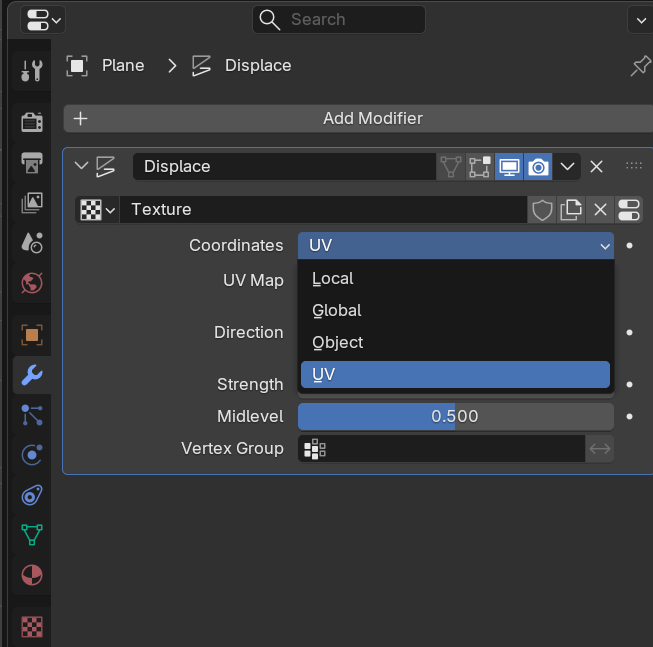
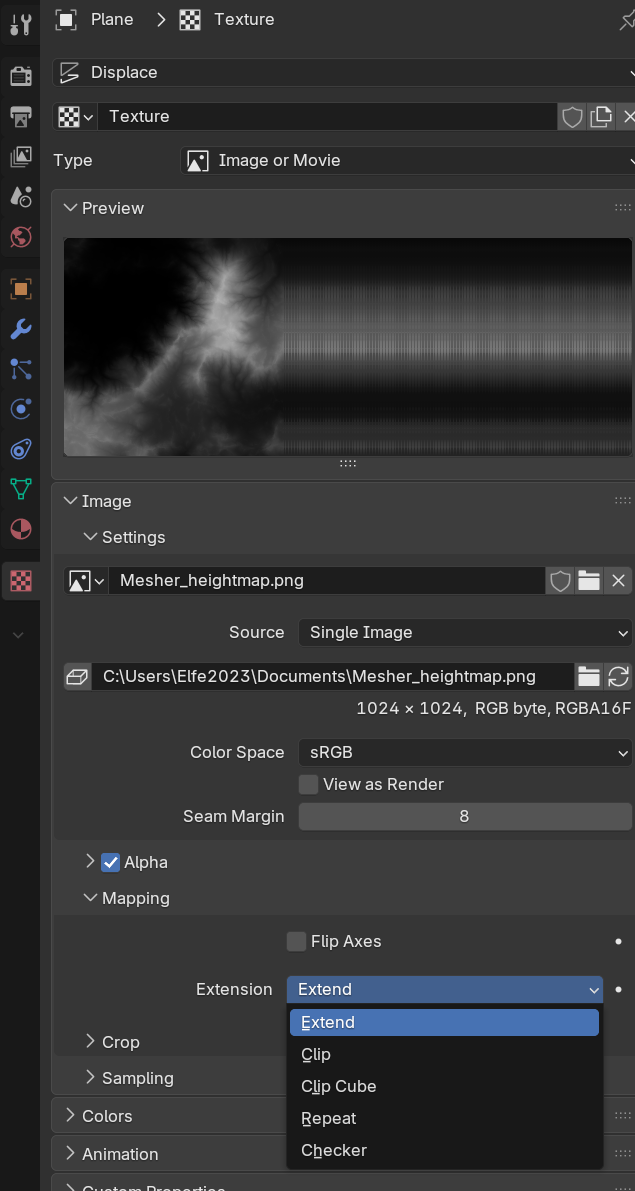
To set Gaea height maps in blender, I use a different method ( Subdivision modifier + Displace modifier with texture map coordinates set to “UV” and image mapping set to “extent”) than the one found here : Blender - Gaea Documentation - QuadSpinner .
I’ll try with the Documentation method and report if it changes anything.
Also, maybe Maarten ( QS member and Blender guru) might quickly validate (or invalidate) the “issue”.