Gaea UDIM Y-order fix
This is a small temporary workaround for cases where Gaea tiled UDIM exports appear to import in the wrong row order.
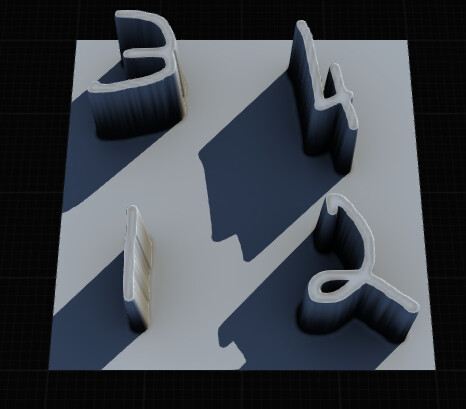
Some UDIMs logic is expected like this:
1011  1012
1001  1002
So 1001 should be the bottom-left tile.
If your Gaea export appears to number from the top-left instead:
1001  1002
1011  1012
then the UDIM filenames need a vertical row flip.
[!Warning]
There appears to be a bug where flip[ Y doesnt work / work with UDIMs
( please bug report if this effects you!)

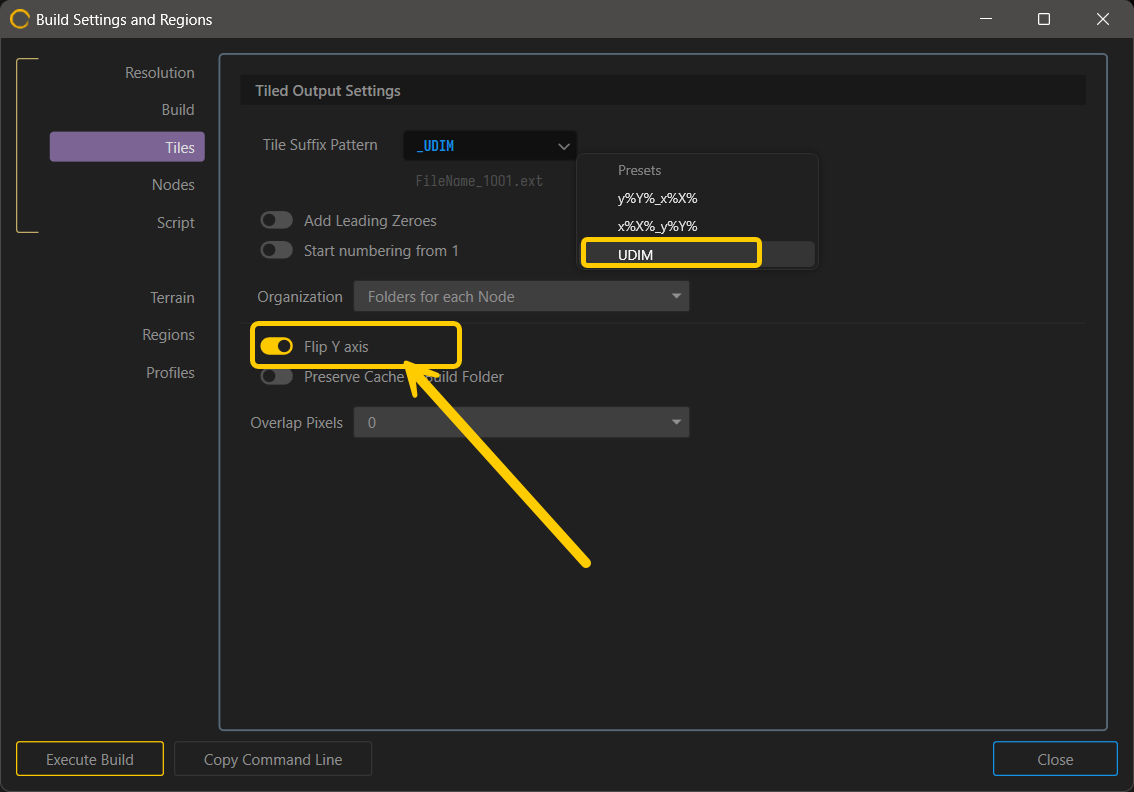
This script does not change the image data. It only renames the UDIM numbers so Tiles are read in the expected order.
[!note]
Though this is likely to be patch from reports, it makes sense to keep this here for users wishing to explore post scripting.
Fix it
1. Create a Scripts folder
Create this folder:
%USERPROFILE%\Documents\Gaea\Scripts
Example:
C:\Users\YourName\Documents\Gaea\Scripts
[!warning]
This is based on the default User File path in Gaea’s option, you can change this or write and install a custom windows environmentvariable if you’re using custom file paths.
2. Save script to tha location
Get it here:
Fix-Gaea-UDIM-YFlip.zip (2.0 KB)
Place it here:
%USERPROFILE%\Documents\Gaea\Scripts\Fix-Gaea-UDIM-YFlip.ps1
3. How to Run
From the build folder
Project > Build Settings > Scripts
paste one of these lines in and start a build
Dry Run
powershell -NoProfile -ExecutionPolicy Bypass -File "%USERPROFILE%\Documents\Gaea\Scripts\Fix-Gaea-UDIM-YFlip.ps1" -Root "." -DryRun
Real Run 
powershell -NoProfile -ExecutionPolicy Bypass -File "%USERPROFILE%\Documents\Gaea\Scripts\Fix-Gaea-UDIM-YFlip.ps1" -Root "."
The local bat file and log will be created in the build folder
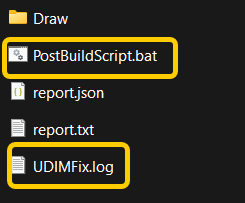
Before and after
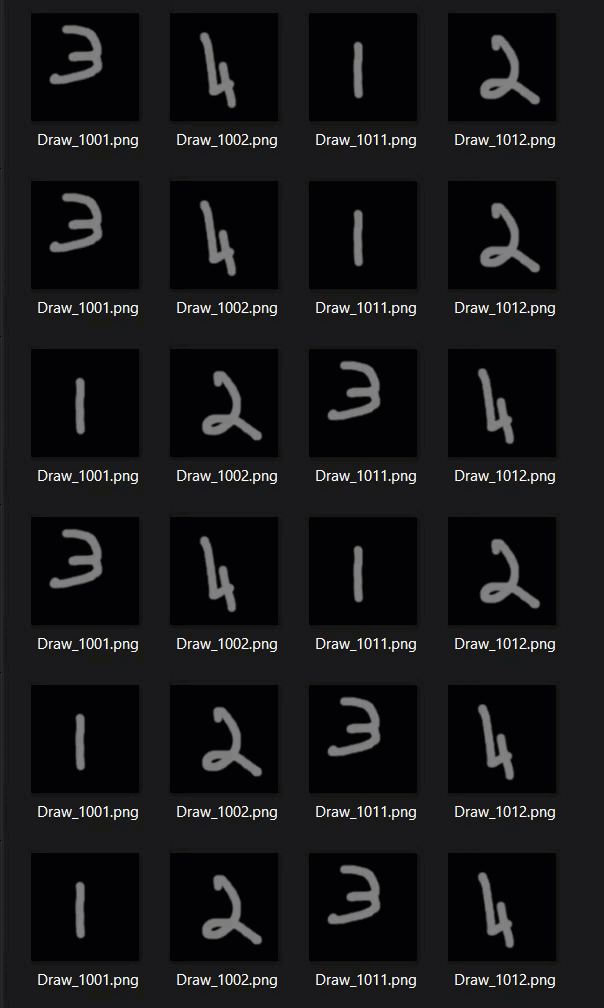
Log example
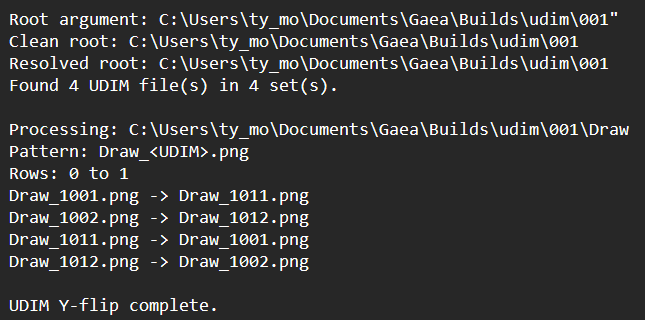
[!Notes]
This is a workaround for UDIM filename row ordering. It does not modify the textures themselves.