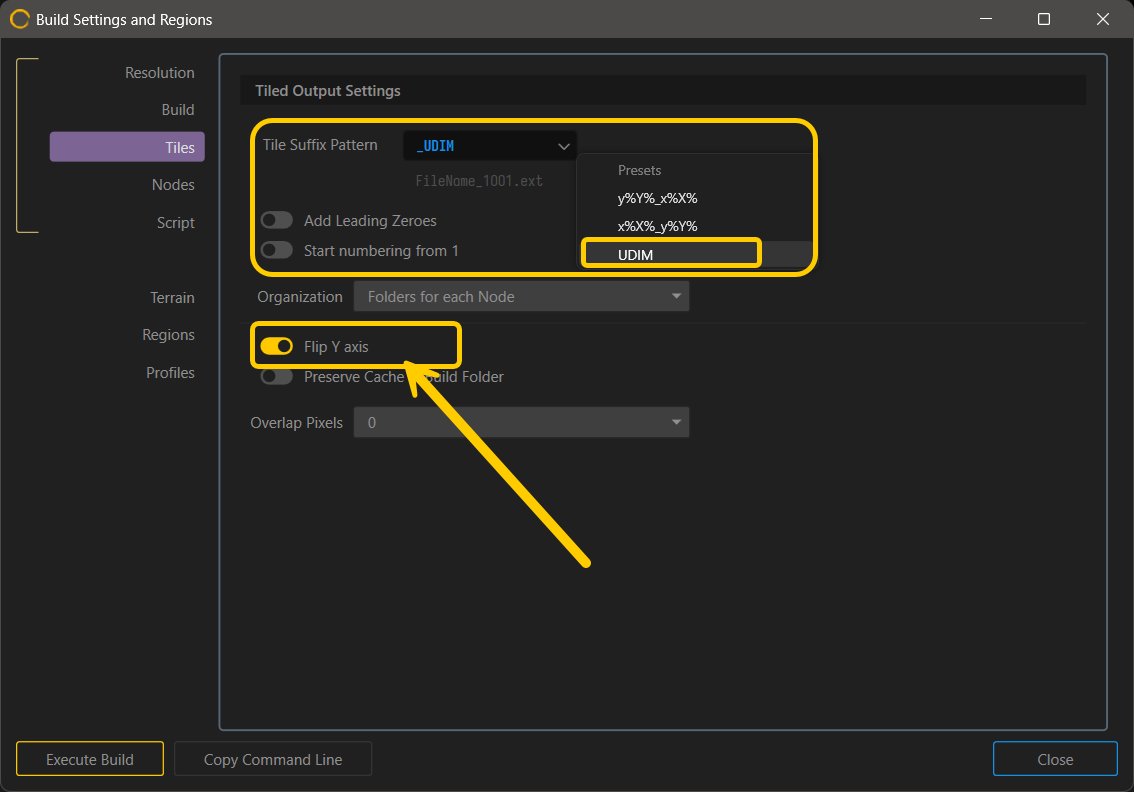
IIRC UDIM logic in Blender is usually from bottom left
1001 = bottom-left tile1002 = tile to the right1011 = tile directly above 1001
If that isn’t what’s happening you could try flipping the Y axis on build exports
I see that there may be a bug worth reporting for UDIM exports ( maybe more) tht flip Y here doesn’t work.
In that case my advice would to run a post script to configure files after it is done.
or use this method if you dont want to make your own.