I’d like to know an easy way to create landscapes around the main landscape area that blend seamlessly with the heightmap so I can create a background with minimal geometry; this will help me create a map for the Squad game
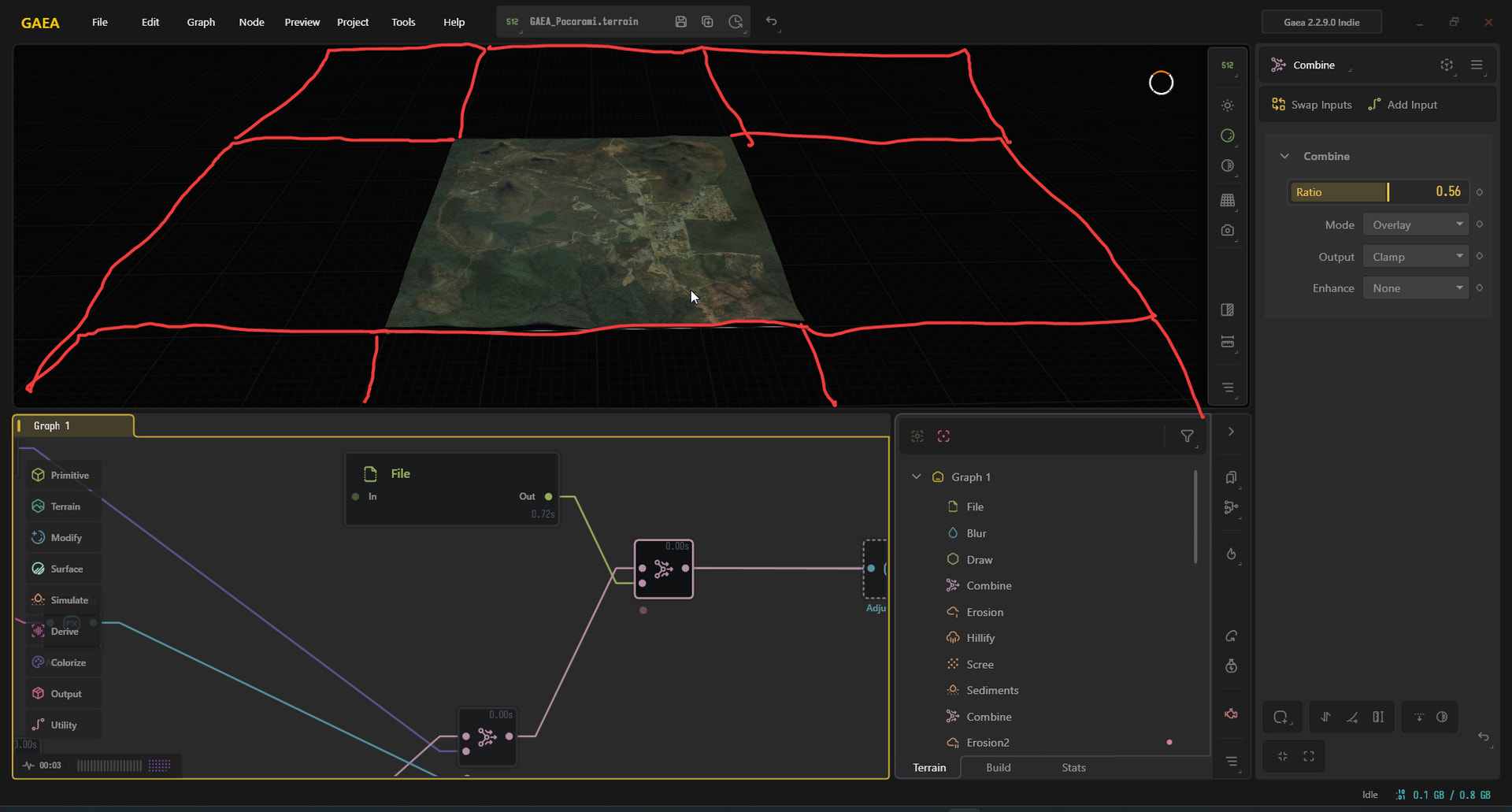
Square is square, no ability to expand visually like this.
The simplest concept to think about it is look Google maps, you phone screen is the square and you can do everything else within that space.
This will be more apparent with God mode later for now you can make each section separately and transform them together to visualise that lager section you outlined
Okay, can you send me some documentation on how to do that? I just want it to fit perfectly into this central landscape; then I’ll convert it to a static mesh and import it into Unreal Engine later as a background.
If you want those adjacent tiles to look like something specific, the best place to start is mirror your terrain on that side and blending stuff in from there. Terrain Stitching / Blending - Using Gaea / Ask for Help - Gaea Community
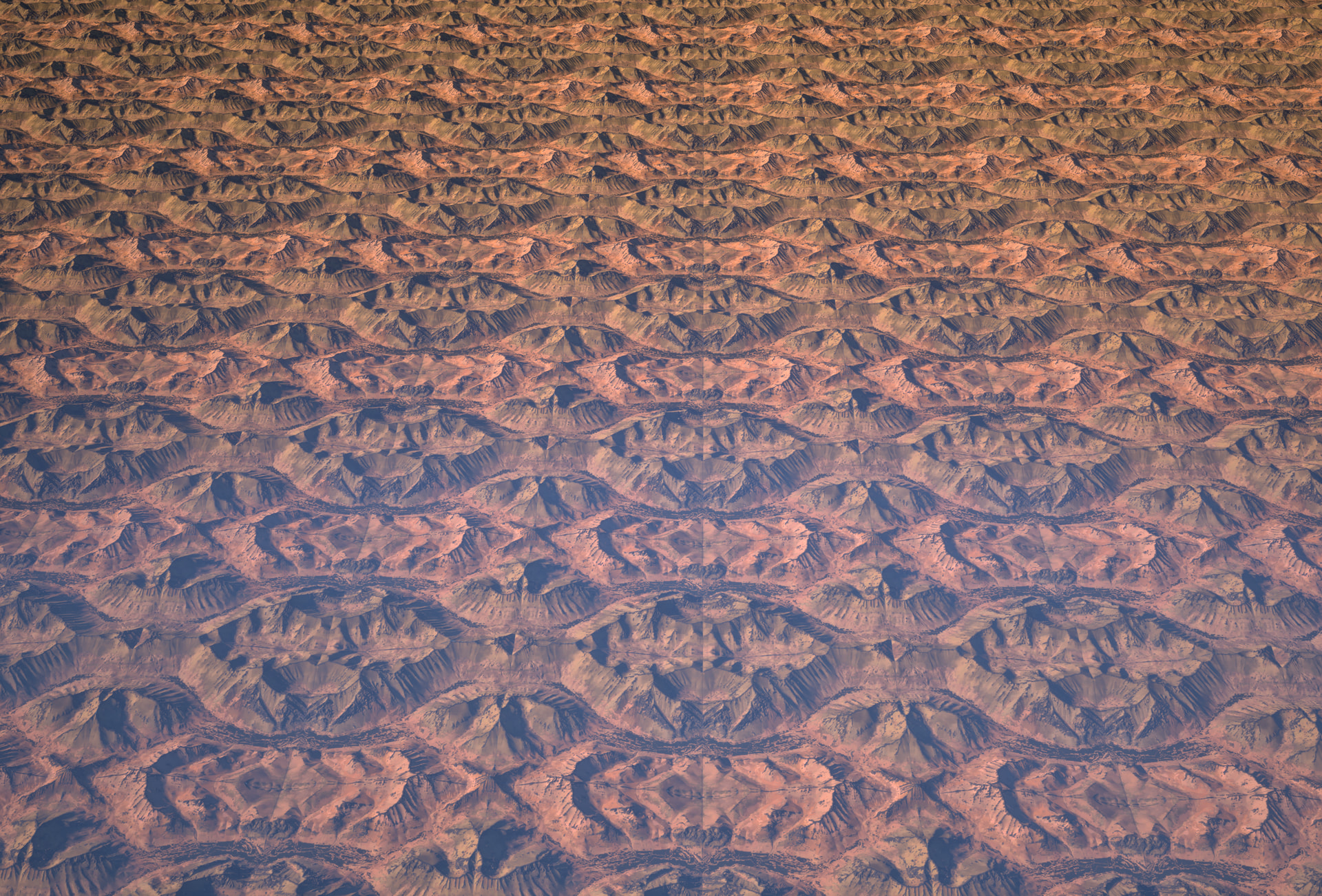
If you don’t need the edges to look like anything in particular and just need something so the map doesn’t get cutoff into the void, you can just create a mesh of your terrain and mirror that on all sides.
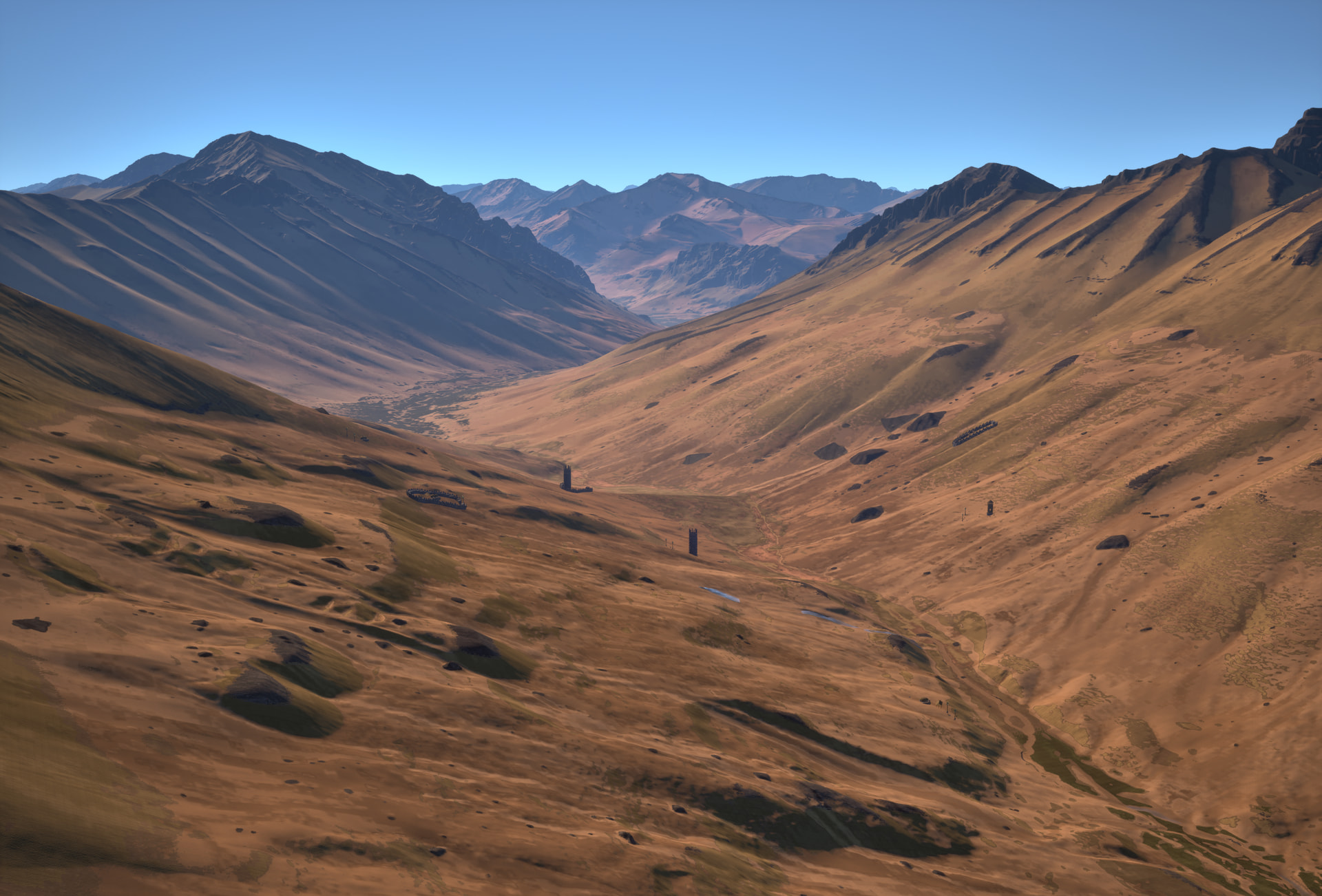
Might not be feasible for a mod, but I use an RVT from my landscape’s material on this distant terrain mesh so the colors are an exact match. Here’s a picture of the grid and the edge of the map
What exactly is RVT?
It’s a virtual texture you can read/write to from any material. If you aren’t editing the landscape material, I’d just use the color export from Gaea on the mesh instead.